How to Set Up Proxy Authentication with Username and Password
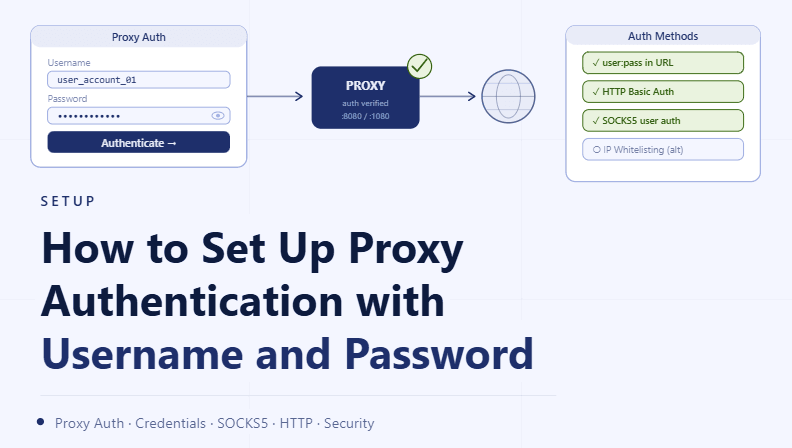
By the end of this tutorial, you will understand how to configure proxies that require authentication using a username and password. Many proxy providers use authentication to control access, and setting it up correctly is essential for maintaining secure and stable connections.
To follow along, you only need a basic understanding of how proxies work and how applications connect to them. The focus here is on structuring a reliable setup rather than writing code.
This setup typically takes less than an hour to configure, but it ensures that your proxies are used securely and consistently. If you manage multiple workflows, Appilot can help orchestrate execution while your authentication setup ensures controlled access.
You will build a system that connects to authenticated proxies, manages credentials safely, and avoids common configuration issues.
Why Proxy Authentication Is Important
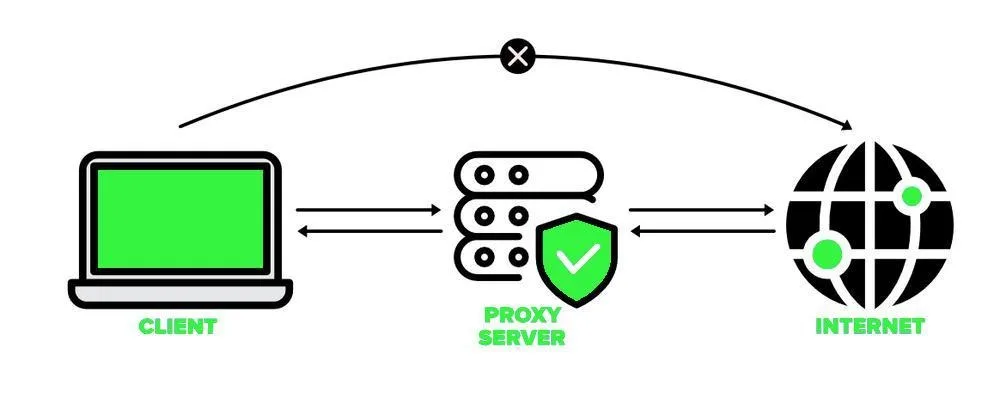
Proxy authentication ensures that only authorized users can access the proxy service. Without authentication, proxies could be misused or accessed by unintended users.
Using a username and password adds a layer of control and helps maintain security across your system.
Understanding How Authentication Works
When connecting to an authenticated proxy, the application sends credentials along with the connection request. The proxy verifies these credentials before allowing traffic to pass through.
This process ensures that only valid connections are established.
Identifying Authentication Requirements
Different proxy providers may use different formats for authentication. Some require a simple username and password, while others may include additional parameters.
Understanding the exact requirements helps ensure correct configuration.
Configuring Credentials in Applications
Most applications that support proxies also allow you to enter authentication details. This typically includes specifying the proxy address along with the username and password.
Entering these details correctly ensures that the connection is established successfully.
Keeping Credentials Secure
Credentials should be stored securely and not exposed unnecessarily. Sharing them openly can lead to unauthorized access and potential misuse.
Using secure storage methods helps protect sensitive information.
Avoiding Hardcoded Credentials
Embedding credentials directly into configurations without protection can create security risks. It is better to use secure methods for managing credentials.
This approach reduces the risk of accidental exposure.
Managing Multiple Authenticated Proxies
When working with multiple proxies, each may have its own set of credentials. Keeping these organized ensures that each proxy is used correctly.
Proper management prevents confusion and errors.
Testing Authentication Setup
After configuring authentication, it is important to verify that the proxy connection works as expected. Successful connection tests confirm that credentials are correct.
Testing helps identify issues early.
Handling Authentication Failures
If authentication fails, it may be due to incorrect credentials or configuration errors. Having a process to troubleshoot these issues ensures quick resolution.
Resolving failures promptly maintains workflow continuity.
Integrating Authentication into Workflow Systems
Proxy authentication should be part of your overall configuration system. Applications and workflows should consistently use the correct credentials without manual intervention.
Integration ensures reliability across all operations.
Scaling Authentication Management with Appilot
At this stage, your authentication setup works locally and ensures secure proxy usage. As the number of proxies and workflows increases, managing credentials manually becomes more complex.
This is where Appilot becomes useful because it helps orchestrate workflows while your authentication system ensures secure and consistent access.
FAQ
Q1: What is proxy authentication?
It is a method of securing proxy access using credentials such as a username and password.
Q2: Why do proxies require authentication?
To control access and prevent unauthorized usage.
Q3: Where do I enter proxy credentials?
In the proxy settings of the application you are using.
Q4: What happens if credentials are incorrect?
The connection will fail until the correct details are provided.
Q5: Do I need Appilot for authentication setup?
No, you can configure it locally. Appilot becomes useful when scaling workflows.
Conclusion
Setting up proxy authentication with a username and password is essential for secure and controlled access to proxy services. By configuring credentials correctly, storing them safely, and testing connections, you can ensure reliable operation.
Start by understanding your provider’s requirements, apply the correct configuration, and integrate authentication into your workflow. Once this system is in place, your proxy setup becomes more secure and manageable.