How to Sync Mobile and Desktop Automation Workflows (Without Breaking Everything)
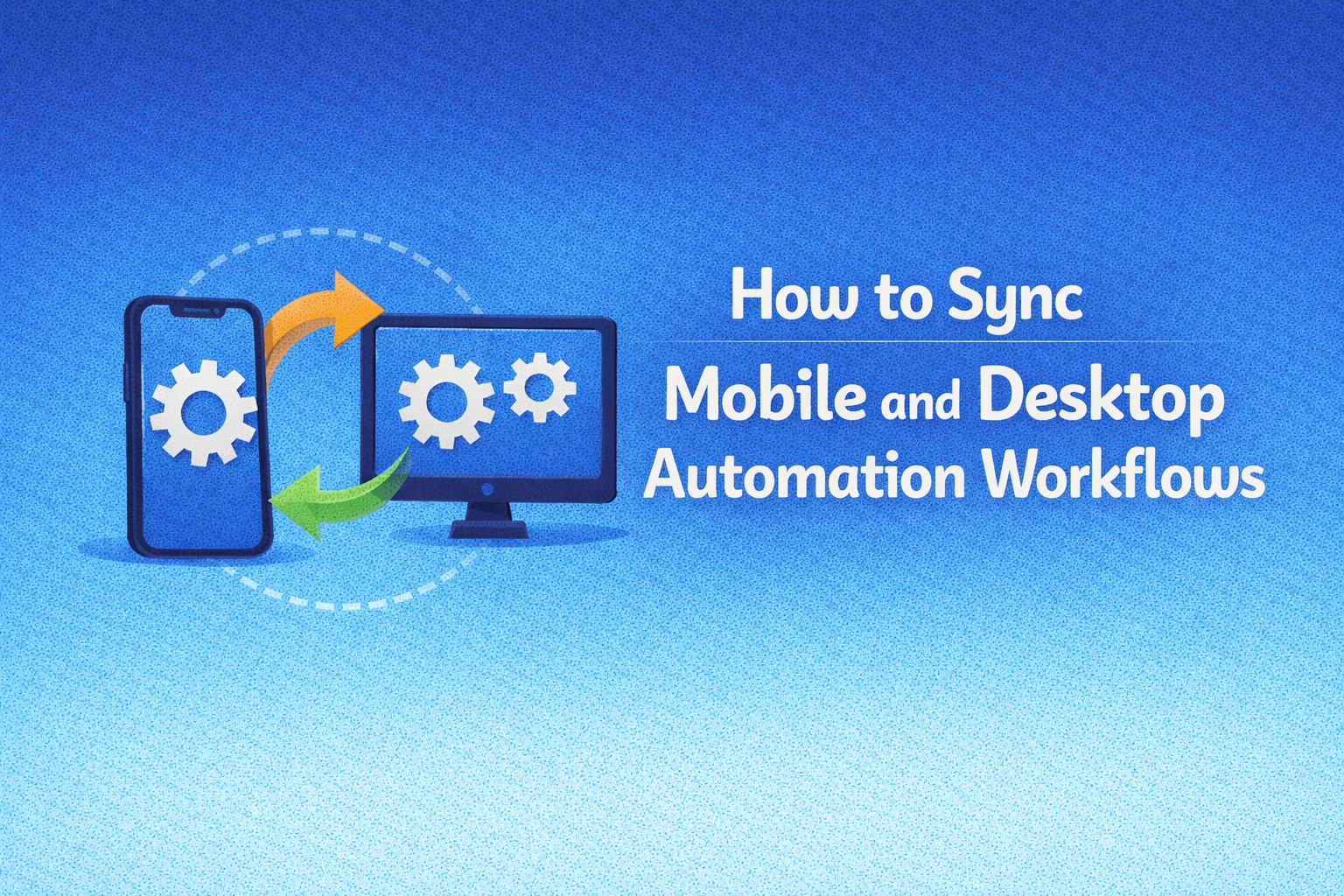
At some point, you realize that your automation is split across two worlds, desktop workflows running in browsers or scripts, and mobile workflows running on apps, devices, or emulators, and while each works on its own, keeping them aligned becomes increasingly difficult.
You might complete part of a process on desktop, then continue it on mobile, or run parallel workflows that are supposed to support each other, but without proper synchronization, things start to drift.
Data does not match, sessions break, actions happen out of order, and instead of having a unified system, you end up with two separate setups that require constant manual coordination.
This creates inefficiency, because instead of automation reducing your workload, you spend time making sure both sides stay aligned, checking states, transferring data, and fixing inconsistencies.
You are not alone in this, and more importantly, this is not because syncing mobile and desktop is impossible, but because most systems are not designed to connect these environments properly.
The good news is that once you understand where the disconnect happens and how to structure your workflows, you can create a system where mobile and desktop automation work together seamlessly.
Why Mobile and Desktop Workflows Fall Out of Sync
The issue comes from differences in how these environments operate.
Separate Execution Environments
Desktop and mobile automation often run in completely different systems, which makes coordination difficult.
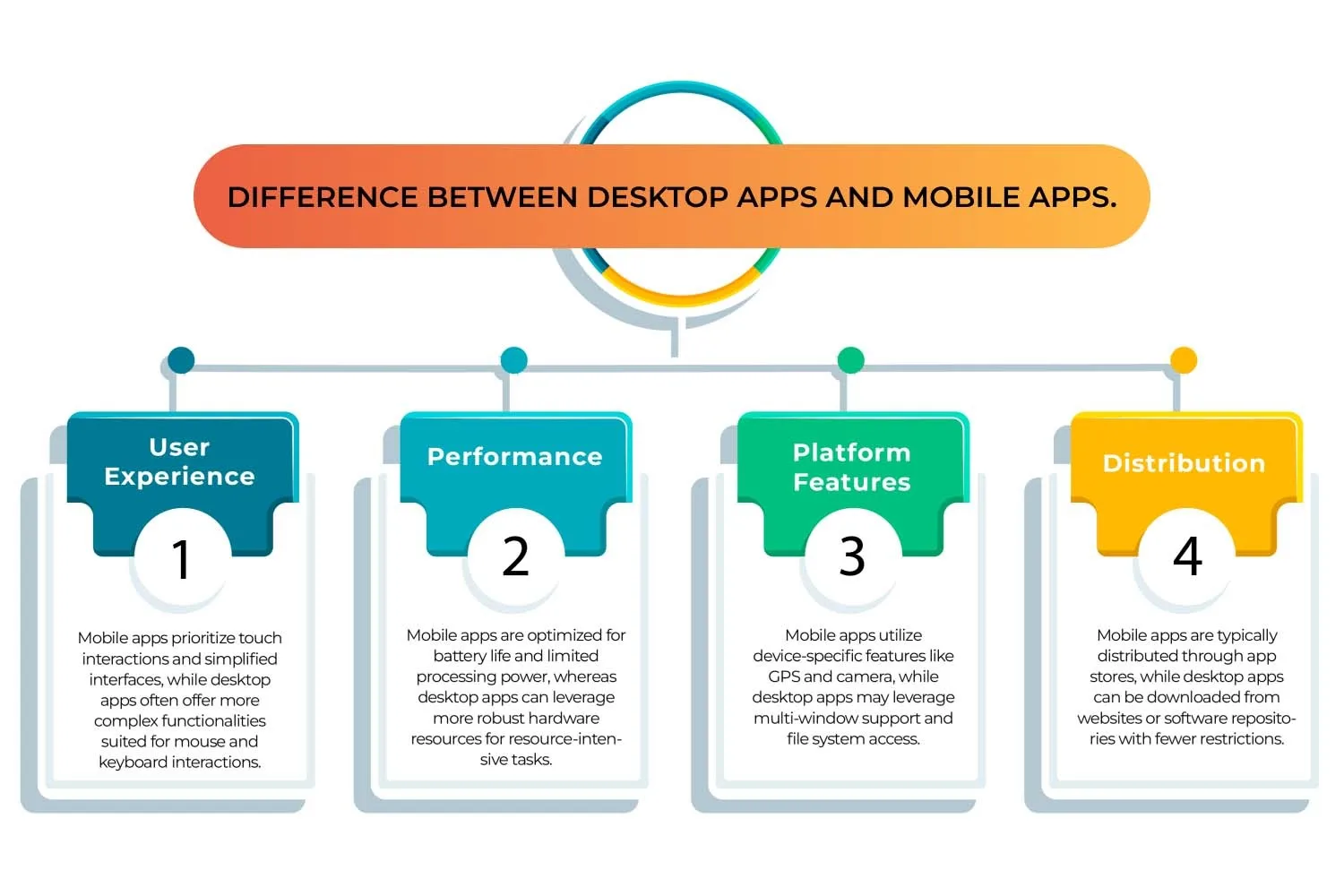
No Shared State or Data Layer
Without a central system to track progress, each workflow operates independently, leading to mismatches.
Timing Differences Cause Conflicts
Actions on mobile and desktop may not happen at the same time, creating inconsistencies.
Manual Handoffs Create Gaps
When you rely on manual transitions between environments, errors and delays become inevitable.
The Hidden Cost of Unsynced Workflows
When workflows are not synchronized, automation loses its efficiency, because you need to intervene manually to keep things aligned.
This reduces reliability, increases errors, and makes scaling more difficult.
More importantly, it creates a fragile system where small inconsistencies can lead to larger issues.
The Complete Solution: Build a Unified System
The key to syncing mobile and desktop workflows is creating a shared system that connects both environments.
The first step is establishing a central state layer, a system that tracks progress, data, and workflow status in real time, ensuring that both mobile and desktop workflows operate with the same information.
The next step is standardizing workflows, ensuring that processes follow a consistent structure regardless of where they are executed.
Automation should be coordinated rather than isolated, meaning that actions in one environment trigger or inform actions in the other.
This is where using a unified execution platform becomes important, and tools like Appilot help by bridging mobile workflows with structured automation systems, making synchronization easier.
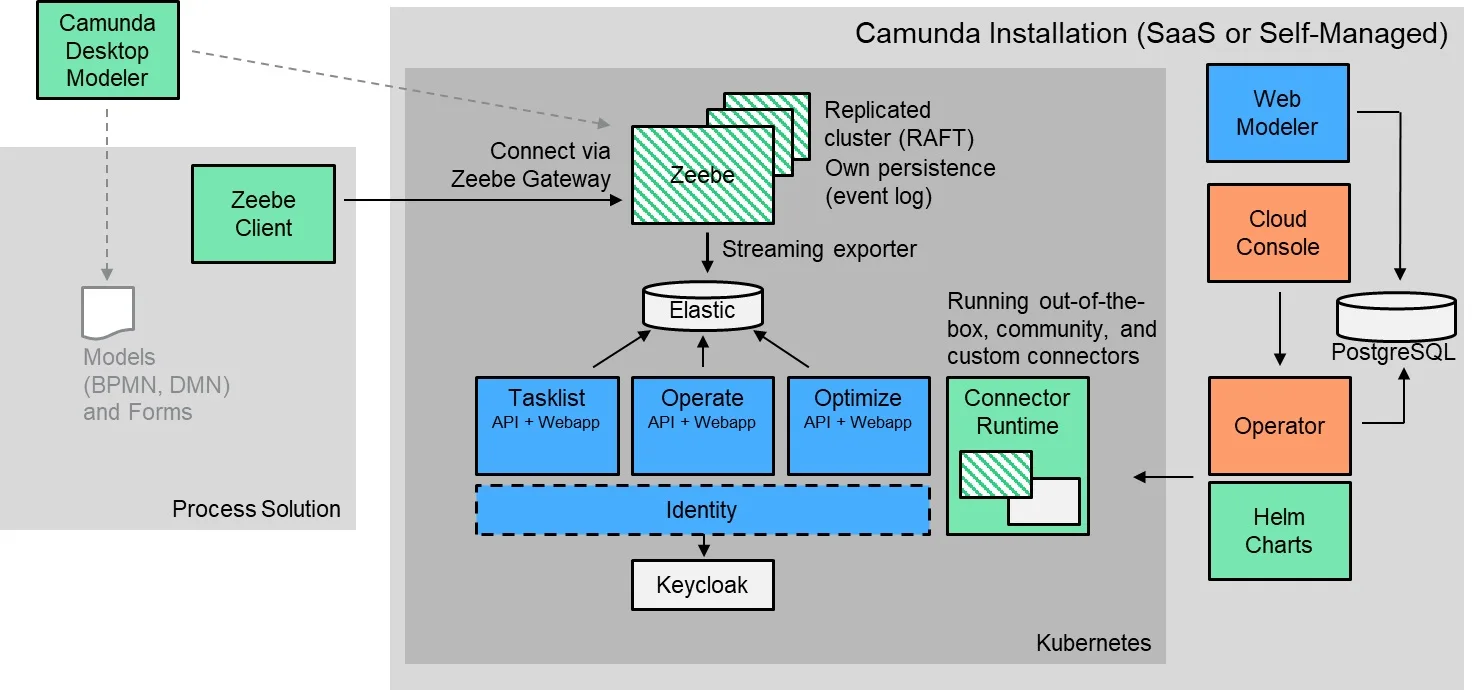
By connecting both environments through a shared system, you eliminate manual handoffs and ensure that workflows remain aligned.
The final step is implementing monitoring and coordination logic, ensuring that actions happen in the correct sequence and timing.
How to Maintain Sync as You Scale
Maintaining synchronization requires consistency and structure.
Regular monitoring helps you identify and resolve discrepancies early.
Automation should be designed to coordinate actions across environments rather than operate independently.
As your system grows, maintaining a central source of truth becomes even more important.
Common Mistakes That Keep Workflows Unsynced
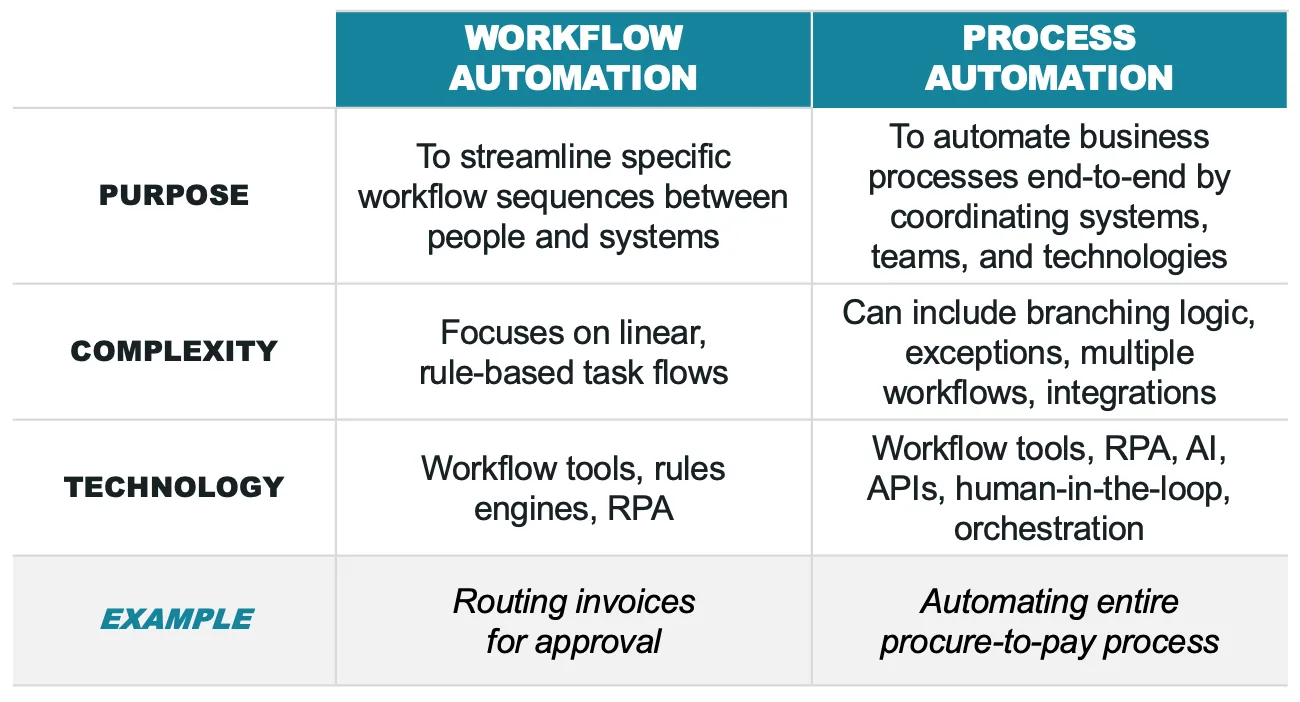
One of the most common mistakes is treating mobile and desktop automation as separate systems.
Another is relying on manual coordination, which introduces delays and errors.
There is also a tendency to ignore timing differences, which can lead to conflicts.
Real Success Stories: Before and After
A user running both mobile and desktop automation found that their workflows frequently went out of sync, requiring constant manual adjustments.
After implementing a unified system and using Appilot for better coordination, they were able to align their workflows and improve efficiency.
Another example involved a team that struggled with cross-platform inconsistencies, but after restructuring their system, they achieved more reliable performance.
Frequently Asked Questions
One common question is whether mobile and desktop automation can be fully integrated, and while it requires effort, it is achievable with the right structure.
Another question is how to handle data synchronization, and a central state layer is key.
There is also the concern about complexity, and a well-designed system simplifies coordination.
Conclusion: One System, Not Two
If your mobile and desktop automation workflows are not in sync, it is not because they cannot work together, but because your system is not designed to connect them.
Once you build a unified system with shared data, coordinated actions, and consistent processes, everything starts to align.
If you are dealing with this right now, the best step forward is not to manage both sides separately, but to bring them together, because once you do, your automation becomes more powerful, reliable, and scalable.