How to Track Airdrop Tasks Across 200 Wallets Without Spreadsheets

At first, tracking airdrop tasks feels manageable, you open a spreadsheet, list a few wallets, note down tasks, and keep things organized, but as the number grows from 5 to 20, then 50, then 100, and eventually 200 wallets, that same spreadsheet turns into something overwhelming.
Rows expand endlessly, columns multiply, updates become inconsistent, and what once felt like a tracking system becomes a source of confusion, where you are no longer sure what is completed, what is pending, and what has been missed.
You start spending more time managing the spreadsheet than actually participating in airdrops, scrolling, updating, cross-checking, and trying to keep everything aligned, which defeats the purpose of having a system in the first place.
The problem is not the spreadsheet itself, it is that spreadsheets are not designed to handle dynamic, multi-wallet workflows where tasks change, deadlines shift, and actions need to be executed consistently across many accounts.
You are not alone in this, and more importantly, this is not a scaling problem, it is a system design problem, because once you move beyond a certain number of wallets, manual tracking simply does not work.
The good news is that there is a way to manage hundreds of wallets without relying on spreadsheets, and once you implement it, tracking becomes automatic rather than manual.
Why Spreadsheets Break at Scale
Spreadsheets work well for static data, but airdrop tracking is anything but static.
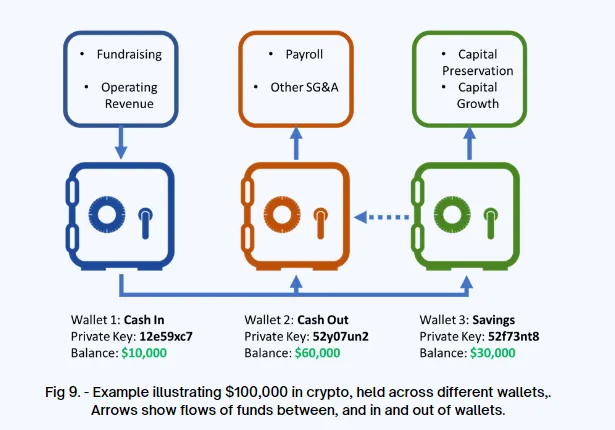
Too Many Moving Parts
Each wallet has multiple tasks, and each task may have different requirements, timelines, and completion states.
No Real-Time Execution
Spreadsheets track information, but they do not execute tasks, which means you still need to perform actions manually.
Updates Become Inconsistent
As the number of wallets increases, it becomes harder to keep the spreadsheet accurate and up to date.
No Built-In Alerts or Automation
Without automation, you rely on memory and manual checks, which increases the risk of missing tasks.
The Hidden Cost of Spreadsheet-Based Tracking
Spreadsheets do not just create inefficiency, they introduce risk, because missed updates or forgotten tasks can lead to lost eligibility.
You spend more time managing data than taking action, which reduces overall productivity.
More importantly, it limits your ability to scale, because the system becomes harder to manage as it grows.
The Complete Solution: Replace Spreadsheets with a System
The way forward is not to improve your spreadsheet, but to replace it with a system designed for dynamic workflows.
The first step is centralizing task tracking, using a system that automatically logs actions, tracks completion, and updates status in real time.
The next step is linking tracking with execution, ensuring that tasks are not just recorded but actually performed through the system.
Automation becomes essential here, because it allows tasks to be executed consistently across all wallets without manual intervention.
A practical way to implement this is by using a platform like Appilot, which enables you to manage workflows across multiple wallets on real devices, combining tracking and execution in one place.
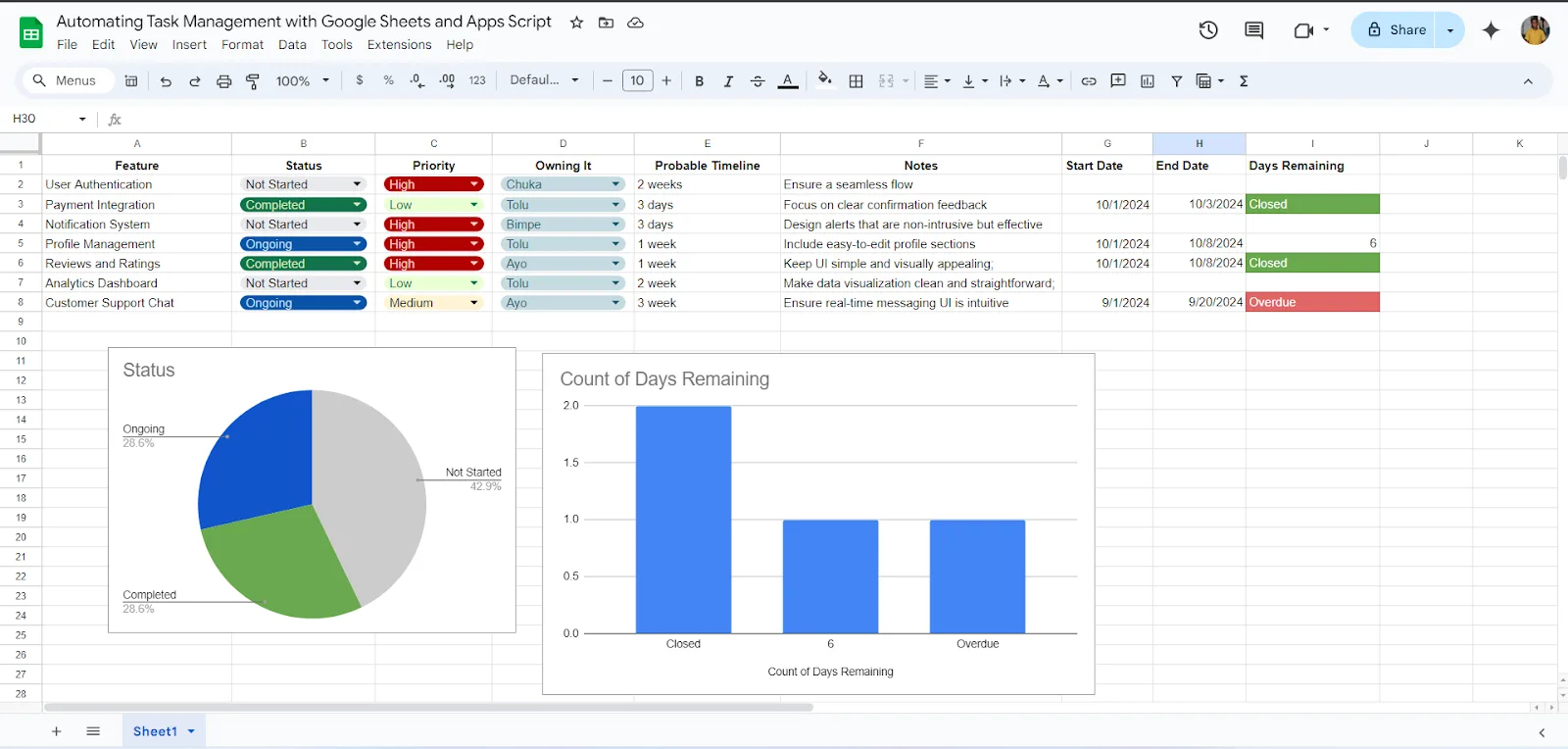
By integrating tracking with execution, you eliminate the need for manual updates and reduce the risk of missing tasks.
The final step is implementing monitoring and alerts, ensuring that you are notified of incomplete tasks or upcoming deadlines without needing to check manually.
How to Manage 200+ Wallets Efficiently
Managing hundreds of wallets requires consistency and structure.
Standardized workflows ensure that each wallet follows the same process, reducing variability.
Automation ensures that tasks are executed reliably, while monitoring provides visibility into performance.
Instead of managing individual wallets, you manage the system that manages them.
Common Mistakes That Keep You Stuck in Spreadsheets
One of the most common mistakes is trying to make spreadsheets more complex instead of replacing them.
Another is separating tracking from execution, which creates gaps.
There is also a tendency to rely on manual updates, which do not scale.
Real Success Stories: Before and After
A user managing hundreds of wallets through spreadsheets found that tracking became overwhelming and inconsistent.
After switching to a system-based approach and using Appilot for automation, they were able to manage their wallets more efficiently and reduce missed tasks.
Another example involved a participant who struggled with updates, but after integrating tracking and execution, they achieved better consistency.
Frequently Asked Questions
One common question is whether spreadsheets can still be useful, and while they work for small-scale tracking, they are not suitable for large systems.
Another question is how to transition, and starting with one workflow at a time makes the process manageable.
There is also the concern about complexity, and a well-designed system simplifies operations.
Conclusion: Stop Managing Data, Start Managing Systems
If you are trying to track airdrop tasks across 200 wallets with spreadsheets, the problem is not your effort, it is the tool.
Once you replace spreadsheets with a system that combines tracking, execution, and monitoring, everything becomes more efficient and reliable.
If you are dealing with this right now, the best step forward is not to optimize your spreadsheet, but to move beyond it, because once you do, managing hundreds of wallets becomes not just possible, but scalable.