How to Use Spotify Promotion Automation on Instagram & Twitter
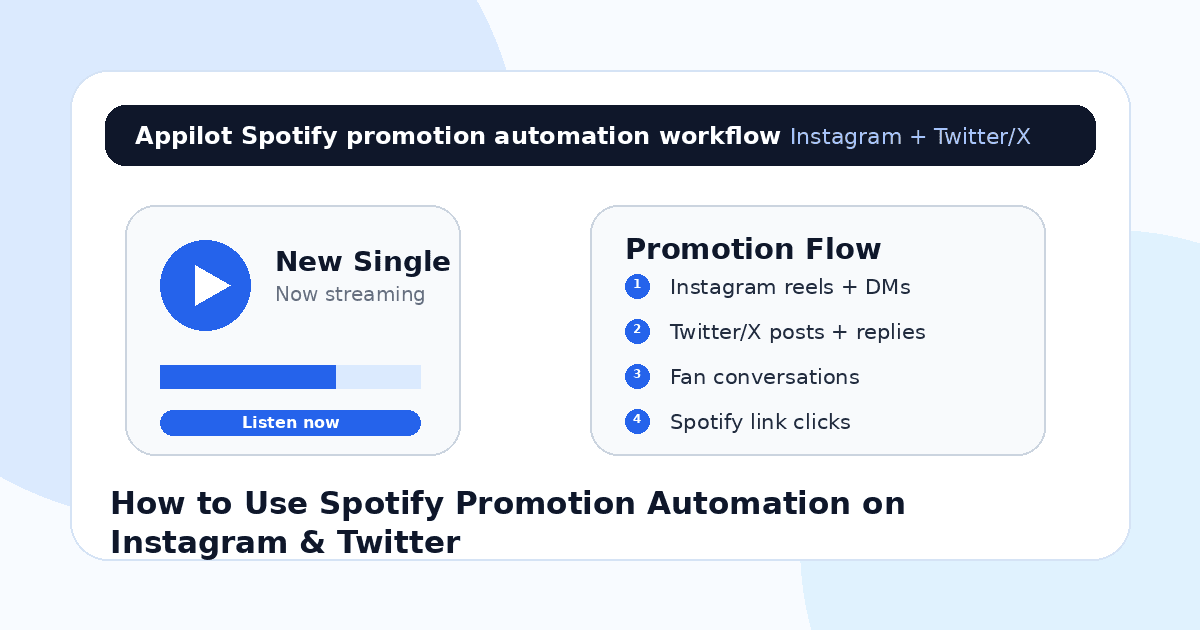
You release a new song on Spotify, post the link in your bio, share the cover art, and send a few messages to people who already support you.
Then the first-day excitement fades.
A few friends stream it. A couple of fans reply to your story. Maybe someone on Twitter/X says the hook is fire. But after that, the numbers slow down and you are stuck trying to promote the same song without sounding annoying.
That is the hard part of Spotify promotion. Most artists do not struggle because they have no music to share. They struggle because they cannot keep discovery, engagement, replies, and link clicks moving every day.
Instagram and Twitter/X can both help drive streams, but only when you use them as conversation channels, not just link-dumping platforms.
Spotify promotion automation helps artists stay consistent across both platforms. It can support fan discovery, comment replies, DM flows, release reminders, profile engagement, and repeated touchpoints that guide interested listeners toward the song.
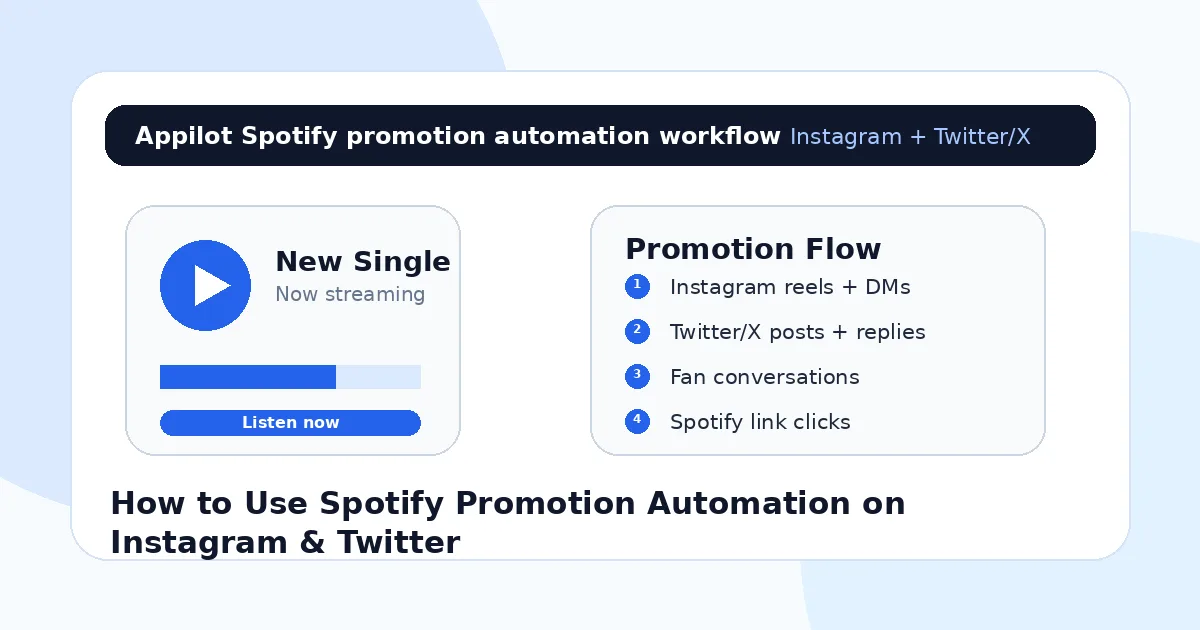
Why Spotify Promotion Is Hard for Independent Artists
Spotify is where the stream happens, but discovery usually happens somewhere else.
People often find a song through a short Instagram reel, a story, a Twitter/X post, a lyric clip, a reply thread, a fan repost, or a conversation with the artist. That means artists have to promote outside Spotify if they want more listeners to come in.
The problem is time.
An independent artist may need to post clips, reply to comments, thank fans, engage with similar artist communities, answer DMs, test captions, join conversations, and keep reminding people about the song without becoming repetitive. Doing that manually can take 60 to 90 minutes a day during a release window.
Most artists get this wrong because they keep posting the same Spotify link. But people rarely click a cold link unless they already care. You need context first. A lyric, a story, a clip, a reason, a conversation, or a moment.
Automation helps with the repeated parts of that process, but the emotion still has to come from you.
What Spotify Promotion Automation Actually Means
Spotify promotion automation does not mean botting Spotify streams. That is risky, fake, and bad for long-term artist growth.
What it should mean is automating the promotional activity around Spotify on platforms like Instagram and Twitter/X. That includes reaching likely listeners, replying to people who ask for the song, sending links when requested, engaging with fans of similar artists, and keeping release content active.
The safer approach is real-device automation, where actions run through actual Android devices or emulators instead of fragile desktop scripts or unofficial platform shortcuts.
A platform like Appilot is built around this kind of mobile-first workflow. It lets artists and teams run Instagram, Twitter/X, and other social automation through Android devices or emulators from a web dashboard, without ADB setup, coding, or keeping a laptop connected all day. For Spotify promotion, that means the artist can automate discovery and engagement while keeping the music, message, and fan relationships human.
The point is not to fake streams. The point is to create more real chances for the right people to hear the song.
Step 1: Build the Promotion Around the Song’s Best Moment
Before automating anything, find the part of the song that makes people care.
It might be the chorus, one emotional lyric, the beat drop, the opening line, the story behind the track, or the visual mood around it. Spotify promotion works better when the social post gives people a reason to listen before you ask for the stream.
On Instagram, this might become a reel with lyrics on screen, a studio clip, a performance snippet, a behind-the-scenes story, or a “this song is for anyone who…” style post.
On Twitter/X, it might become a short story, a pinned post, a thread about how the song was made, a lyric post, a fan quote, or a simple clip with context.
Automation should support these moments, not replace them. If the clip does not make people feel anything, sending it to more people will not fix the problem.
Step 2: Use Instagram Automation for Visual Discovery
Instagram is useful for Spotify promotion because music is often discovered visually now.
Reels, stories, comments, and DMs can all move someone toward a stream. A listener might see your clip, check your profile, read comments, reply to your story, and then finally tap the Spotify link.
Automation can help with the repeated discovery work. You can target fans of similar artists, engage with people who comment on genre pages, view stories from local music communities, reply faster to “song name?” comments, and send the Spotify link when someone asks for it.
This is where Appilot’s Instagram automation fits naturally. It lets artists run real-device workflows on Android phones or emulators while managing the process from a browser dashboard. You can keep fan discovery and release support active without manually tapping through Instagram all day.
The best Instagram automation for music feels like artist support. It should help you reach listeners who already care about your style.
Step 3: Use Twitter/X Automation for Conversations and Discovery
Twitter/X works differently from Instagram.
It is less about polished visuals and more about conversation, timing, personality, and participation. Artists can use it to talk about the song, share lyrics, reply to fans, join music discussions, connect with producers, and get involved in genre-specific communities.
Automation can support repeated actions like finding relevant conversations, engaging with fans of similar artists, following niche music accounts, replying to common questions, and keeping release posts visible through scheduled reminders or structured activity.
But Twitter/X is sensitive to tone. A robotic reply looks especially bad there.
Your posts should sound like you. If the song is personal, talk about why you wrote it. If it is high-energy, make the posts feel energetic. If it is part of a scene, engage with that scene like a real person.
The best use of automation is to help you find and manage conversations. The actual voice should still be yours.
Step 4: Send Spotify Links Only When There Is Intent
This is the part many artists get wrong.
A Spotify link sent to someone who did not ask for it often feels like spam. A Spotify link sent to someone who commented “where can I hear this?” feels helpful.
That difference matters.
Use automation to respond to high-intent signals. On Instagram, that might be comments like “song name,” “link,” “is this out,” or “Spotify?” On Twitter/X, it might be replies asking where to listen, people reacting to a clip, or fans requesting the full track.
A good message is short. “Appreciate you. It’s out here: [link]” feels more natural than a long promotional paragraph.
One reason artists use Appilot-style workflows is that they can manage these repeated response actions across social apps from one dashboard. The setup is easier because Appilot runs on Android devices or emulators without requiring scripts, command-line work, or ADB tools.
Still, the rule stays the same: do not push links before people care.
Step 5: Turn Comments Into Content Ideas
Comments are not just engagement. They are feedback.
If people keep asking what inspired the song, make a video about the story. If they keep quoting one lyric, make that lyric the center of the next reel. If they ask whether there is an acoustic version, maybe that becomes your next post. If Twitter/X users compare you to another artist, use that as a targeting clue.
Automation can help you catch and respond to more of these signals, but you should review them manually.
This is how Spotify promotion improves over time. You stop guessing what people care about and start building content around real listener reactions.
A song campaign can easily produce 10 to 20 content ideas if you pay attention to what people say. That is much better than posting the cover art five times and hoping the link gets clicks.
Step 6: Keep the Profile Path Clean
If someone discovers you on Instagram or Twitter/X, the next step should be obvious.
Your bio should mention the current song. Your link should go directly to the Spotify track, a smart link, or a landing page with Spotify as a clear option. Your pinned post should support the release. Your Instagram highlights can include music, shows, lyrics, or behind-the-scenes content.
Do not make people hunt for the song.
Every extra step loses listeners. If someone likes a clip and visits your profile, they should know within seconds where to stream it.
Automation can bring more people to your profile, but the profile needs to convert that attention into action.
Step 7: Track Streams and Social Signals Together
Do not judge the campaign only by likes.
Track which Instagram reels create profile visits, which stories get link replies, which Twitter/X posts create saves or quote posts, which comments ask for the song, and which days create Spotify stream lifts.
Spotify for Artists can show stream movement, listener locations, playlist adds, saves, and follower growth. Match that with your social activity so you can see what is actually moving the needle.
A post with lower engagement but stronger stream lift may be more valuable than a viral joke that brings no listeners.
The question is not “Did this post get attention?” The question is “Did this post create listeners?”
Common Mistakes Artists Should Avoid
Botting Spotify Streams Directly
Fake streams can hurt your long-term growth and credibility. Focus automation on social promotion, not artificial Spotify plays.
Posting Links Without Context
A bare Spotify link is easy to ignore. Give people a lyric, story, clip, emotion, or reason to care before sending them to the song.
Sending Cold DMs to Random Users
Cold music links usually feel spammy. Send links when someone asks, replies, comments, or shows clear interest.
Using the Same Message Everywhere
Instagram and Twitter/X have different cultures. A message that works in a DM may feel awkward as a public reply.
Ignoring Real Fans
Automation can help with repeated actions, but genuine fan replies deserve real human attention. Those people are your early base.
Is Spotify Promotion Automation Right for You?
Spotify promotion automation is a good fit if you already have music released, a clear artist identity, and social content ready to test. It works best when you know your genre, similar artists, target fan communities, and strongest song moments.
It may not be right if you only want fake stream numbers or have no content plan. Automation can help people discover the song, but it cannot make them care about a weak clip or confusing profile.
Think of it as a promotion assistant. It helps you stay consistent while you keep the creative side real.
Final Thoughts
Spotify streams grow when more of the right listeners hear the song and have a clear reason to save, replay, or follow.
Instagram and Twitter/X are useful because they create the moments before the stream. A clip, a lyric, a reply, a DM, a conversation, or a fan interaction can all push someone toward Spotify.
If you want to run social promotion automation without coding, ADB setup, or manual device handling, Appilot gives artists and teams a browser-based way to control Android devices, emulators, and ready-to-use bots for Instagram, Twitter/X, TikTok, and other platforms. You can check it out at appilot.app.
FAQs
Q1: Can automation help promote Spotify songs?
Yes, automation can help artists reach likely fans, reply faster, support release campaigns, and guide interested listeners toward Spotify links.
Q2: Should artists automate Spotify streams directly?
No. Fake Spotify streams can damage your credibility and create platform risk. Automate social promotion, not artificial plays.
Q3: What works better for Spotify promotion, Instagram or Twitter/X?
Instagram is stronger for visual clips and DMs, while Twitter/X is better for conversations, personality, lyrics, and music community discovery.
Q4: Can Appilot help with Spotify promotion automation?
Yes, Appilot can run Instagram and Twitter/X workflows on Android devices or emulators from a web dashboard without coding or ADB setup.
Q5: When should artists send Spotify links?
Send links when someone asks for the song, comments with interest, replies to a clip, or shows clear intent. Cold link blasting usually performs poorly.