How Tutors and Teachers Use Social Media Bots to Find Students
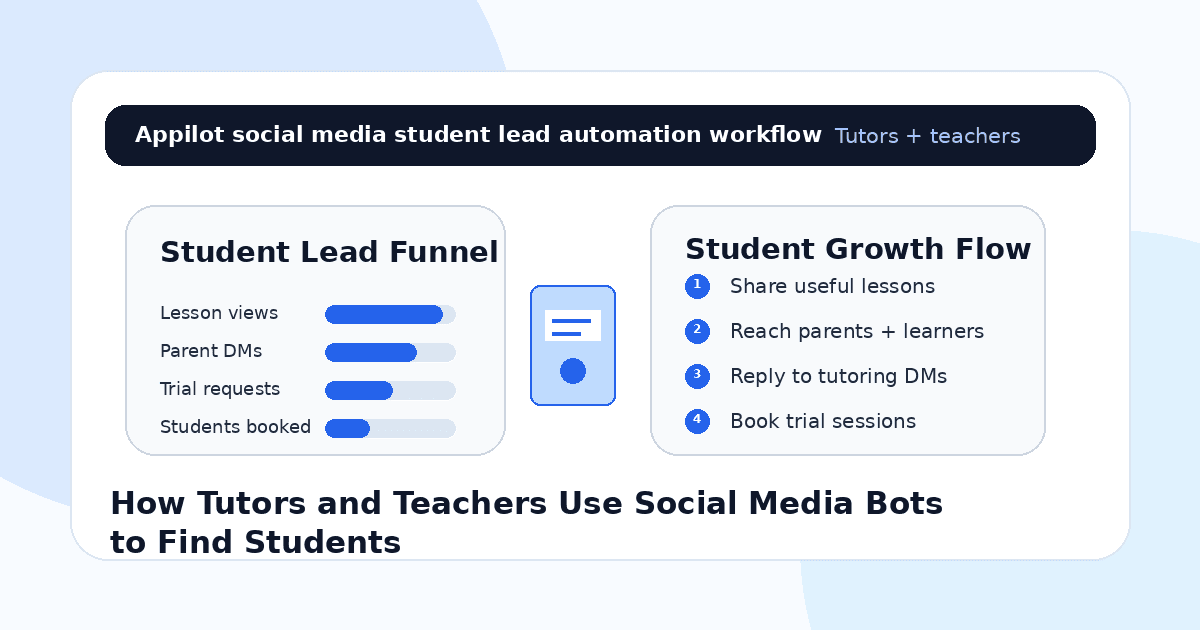
You post a helpful lesson on Instagram, TikTok, LinkedIn, or YouTube Shorts. Maybe it explains a math shortcut, grammar rule, exam tip, language phrase, coding concept, music exercise, or study routine.
A few people save it. A parent asks if you offer lessons. A student comments “I need help with this.” Someone replies to your story asking about your schedule.
Then the lead gets buried under other messages.
That is the challenge for tutors and teachers on social media. Students and parents may already be interested, but they need fast answers, trust, clear pricing, subject fit, and a simple way to book a trial lesson before they commit.
Social media bots help tutors and teachers respond faster, manage repeated questions, deliver resources, qualify student needs, and turn warm interest into booked lessons without manually checking every platform all day.
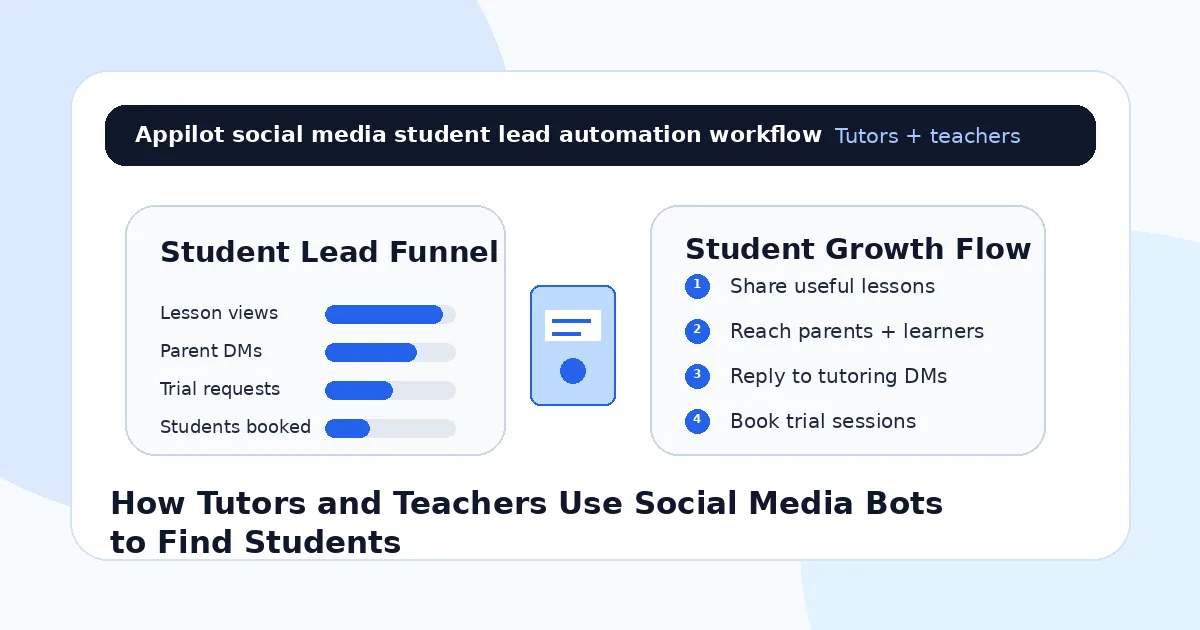
Why Social Media Works for Tutors and Teachers
Tutoring is trust-based, but social media makes trust easier to build before the first call.
A tutor can show how they explain difficult topics. A language teacher can demonstrate pronunciation tips. A coding instructor can break down beginner mistakes. A test prep coach can share exam strategies. A music teacher can show practice routines. A school teacher can build authority around a subject and attract private students.
This matters because parents and students want proof before booking.
They want to see whether the teacher explains clearly, understands the learner’s struggle, and offers the right kind of help. Social content gives them that preview.
The problem is that content alone does not create students. A parent may need to ask about availability. A student may need to know if the tutor teaches their level. Someone may want a trial lesson before paying for a package.
Bots help turn those small moments of interest into actual conversations.
What Social Media Bots Mean for Tutors
Social media bots automate repeated actions across platforms like Instagram, TikTok, LinkedIn, YouTube, Discord, Reddit, and other channels. For tutors and teachers, that can include replying to comments, answering DMs, sending free worksheets, routing trial lesson requests, asking qualification questions, and delivering booking links.
The safest use is controlled automation around warm interest. That means someone asks for help, comments a keyword, replies to a story, requests a worksheet, or sends a DM about lessons.
Real-device automation is useful because many social platforms are mobile-first. Instead of relying only on desktop scripts or fragile API shortcuts, real-device workflows run through Android devices or emulators and behave more like normal app usage.
A platform like Appilot is built for this kind of workflow. It lets tutors and teachers run social automation on Android devices or emulators from a browser dashboard, without coding, ADB setup, or keeping a laptop connected all day. That makes it easier to keep student inquiries moving while the teacher focuses on lesson planning, teaching, and student progress.
Automation should support teaching. It should not replace the teacher’s care or judgment.
Step 1: Choose a Clear Student Niche
Before using bots, define who you want to teach.
A vague offer like “I tutor students” is too broad. A stronger offer is “GCSE math tutoring for struggling students,” “English speaking practice for professionals,” “SAT reading help for high school students,” “Python lessons for beginners,” or “piano lessons for children aged 7–12.”
This matters because automation magnifies your targeting.
If your audience is broad, you may attract random followers who never book. If your audience is clear, automation helps more relevant parents and learners discover your lessons.
Your niche should guide your content, hashtags, comments, DMs, and lead magnets. A test prep tutor should not run the same workflow as a language coach or coding teacher.
Clear positioning makes every bot workflow more useful.
Step 2: Use Short Lessons to Build Trust
Tutors and teachers should use content to prove how they teach.
Short lessons work well because they give viewers a quick win. A math tutor can explain one formula mistake. A language teacher can teach one phrase. A coding tutor can fix one beginner error. A writing coach can improve one sentence. A music teacher can show one practice drill.
These small lessons make people think, “This teacher explains things clearly.”
That trust is what turns viewers into students.
Automation can support the engagement around these lessons by replying to repeated questions, sending worksheets, or inviting interested learners to book a trial.
The lesson attracts attention. The bot helps organize the next step.
Step 3: Use Lead Magnets to Start Conversations
A lead magnet gives parents and students a reason to message you without pressure.
For tutors, this could be a free worksheet, study checklist, grammar guide, exam practice sheet, beginner coding exercise, vocabulary list, lesson sample, placement quiz, or parent guide.
The lead magnet should connect directly to your paid lesson offer.
For example, a math tutor can offer a free algebra worksheet. A language tutor can offer a speaking practice guide. A test prep tutor can offer a sample exam strategy sheet. A coding teacher can offer a beginner project checklist.
Automation can deliver the resource when someone comments a keyword or replies to a story.
This is where Appilot fits naturally. Tutors can run social media workflows through Android devices or emulators while managing comments, replies, and student inquiries from one dashboard.
Step 4: Reply Fast to Parent and Student Questions
Tutoring leads often ask the same questions.
They ask about subject, grade level, lesson format, pricing, availability, trial lessons, online or in-person options, group classes, exam boards, and teaching style.
These questions are perfect for automation because they repeat and directly affect bookings.
If someone comments “price,” the bot can send basic pricing or ask what subject they need. If someone replies “trial,” the workflow can send the booking link. If someone asks “do you teach IELTS?” the bot can answer or route the lead to the teacher.
Keep replies short and useful. A parent or student does not need a long sales pitch at first. They need clarity.
Fast replies make the tutor feel more professional.
Step 5: Qualify Students Before Booking
Not every inquiry is a good fit.
A student may need a subject you do not teach. A parent may want a different schedule. A learner may be at a level outside your offer. Some people may only want free help. Others may be ready to book immediately.
A simple qualification flow saves time.
Ask what subject they need help with, what level they are at, whether they prefer online or in-person lessons, what goal they are working toward, and when they want to start.
For example, a DM flow might ask, “Are you looking for help with school homework, exam preparation, speaking practice, or beginner lessons?”
This helps route the lead properly before sending a booking link.
Automation can collect basic details, but the teacher should step in when the learner’s needs become specific.
Step 6: Book Trial Lessons With a Simple Path
A trial lesson is often the easiest first sale.
Parents and students may hesitate to commit to a full package immediately, but they are more likely to book a short trial session to see if the teaching style fits.
Social bots can help by sending trial booking links when someone asks, explaining what happens in the trial, and collecting basic student details before the session.
A good reply might say, “The trial lesson helps us check your current level, understand your goal, and see if my teaching style fits. You can book a time here.”
Do not make the booking path complicated.
The faster a warm lead can book, the less likely they are to disappear.
Step 7: Use Different Platforms for Different Student Types
Different platforms work for different tutoring audiences.
Instagram works well for parents, younger learners, language teachers, music teachers, and visual lesson content. TikTok works well for short lessons, exam tips, and fast educational growth. LinkedIn works better for professional language coaching, career skills, business English, coding, and corporate training. YouTube works well for longer lessons, tutorials, and search-based discovery. Discord can support group learning communities and student support.
Appilot helps tutors manage these workflows across social platforms on Android devices or emulators, which is useful when a teacher wants to reach learners from more than one channel without manually handling every app all day.
The key is to match the platform to the student type.
Do not automate everywhere at once without a clear reason.
Step 8: Track Which Content Brings Students
Do not measure social bots only by followers or views.
For tutors and teachers, better metrics include worksheet requests, trial lesson bookings, qualified DMs, parent inquiries, student level matches, paid lesson packages, renewals, and referrals.
You should also track which content creates the best leads. A simple grammar reel may get many views, but an exam strategy post may bring more serious students. A parent-focused post may bring better bookings than a general lesson clip. A testimonial may convert better than a random tip.
Automation gives you more signals. Tracking tells you which signals create real students.
Common Mistakes Tutors and Teachers Should Avoid
Targeting Too Broadly
A broad “I teach everything” message is hard to convert. Focus on specific subjects, levels, goals, and student types.
Sending Cold DMs to Random Students
Cold messages can feel intrusive. Use bots around warm interest, such as comments, story replies, worksheet requests, and trial lesson questions.
Automating Without a Booking Path
If your trial lesson link, schedule, pricing, or intake process is unclear, warm leads may never become students.
Letting Bots Answer Complex Learning Needs
Bots can collect basic details, but teachers should personally handle level assessment, learning challenges, and lesson recommendations.
Measuring Only Follower Growth
Followers do not always become students. Trial bookings, paid lessons, retention, and referrals matter more.
Is Social Media Automation Right for Tutors and Teachers?
Social media automation is a good fit if you already post educational content, receive questions, offer trial lessons, or use free resources to attract learners. It works especially well for private tutors, online teachers, test prep coaches, language teachers, music teachers, coding instructors, and small tutoring businesses.
It may not be right if your offer is unclear, your profile has no proof, or you do not have a simple booking process. Automation can help organize interest, but it cannot replace good teaching or trust.
Think of social bots as student inquiry assistants. They help people take the first step, but the teacher still creates the learning relationship.
Final Thoughts
Tutors and teachers use social media bots to find students by turning educational content into warm conversations.
The best workflow starts with a clear niche, helpful short lessons, free resources, fast replies, simple qualification, and an easy trial lesson booking path. Automation handles repetitive replies and lead routing, while the teacher keeps the learning experience human.
If you want to run social automation without coding, ADB setup, or manual device management, Appilot gives tutors and teachers a browser-based way to control Android devices, emulators, and ready-to-use bots for Instagram, TikTok, LinkedIn, YouTube, Discord, Reddit, and more. You can check it out at appilot.app.
FAQs
Q1: Can tutors use social media bots to find students?
Yes, bots can help tutors answer questions, send worksheets, qualify leads, and book trial lessons from warm social media interest.
Q2: What should tutors automate first?
Start with comment keywords, story replies, free worksheet delivery, trial lesson requests, and basic subject or level qualification.
Q3: Is social media automation safe for teachers?
It is safer when activity is gradual, relevant, and triggered by real interest. Spammy cold DMs can still hurt trust and account health.
Q4: Can Appilot help tutors automate social media?
Yes, Appilot can run social workflows on Android devices or emulators from a browser dashboard without coding or ADB setup.
Q5: Do bots replace real teaching?
No. Bots help with replies and booking, but real teachers still handle learning needs, lesson quality, progress, and student trust.