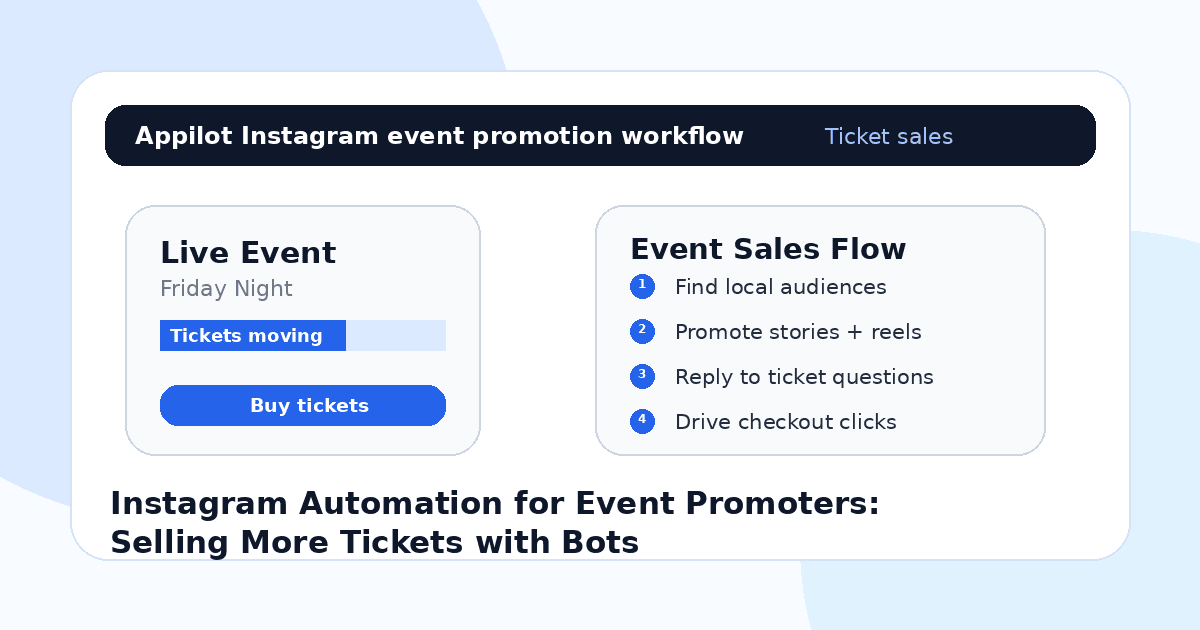
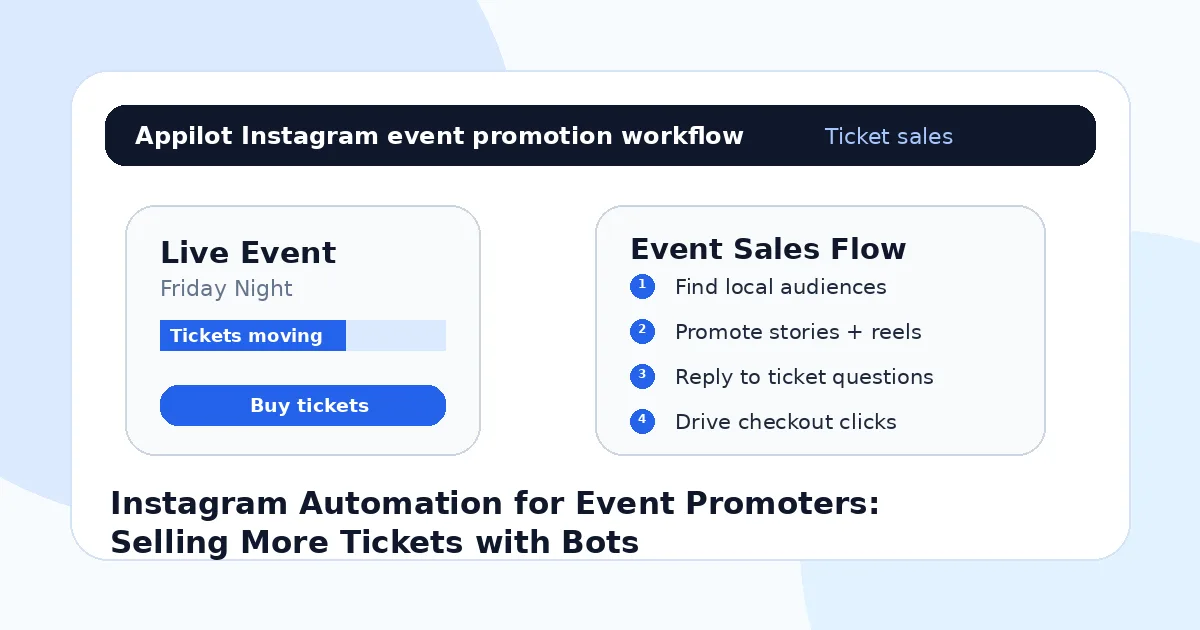
Instagram Automation for Event Promoters: Selling More Tickets with Bots
You announce a new event on Instagram. The flyer looks good, the venue is solid, the date is confirmed, and the ticket link is live.
For the first day, people react. A few friends share it. Someone comments “price?” Another asks what time doors open. A few people save the post and say they are coming.
Then the momentum slows.
That is where event promotion gets difficult. Selling tickets is not just about posting the flyer once. People need reminders, answers, social proof, urgency, and repeated exposure before they decide to buy.
Instagram automation helps event promoters keep that activity moving without manually replying, following up, viewing stories, and chasing ticket buyers all day. Used carefully, bots can help reach local audiences, handle repeated questions, send ticket links, and support the full campaign from announcement to final countdown.
Why Event Promoters Struggle to Sell Tickets on Instagram
Event promotion is time-sensitive. You do not have months to slowly build interest. You have a launch window, a reminder window, and a final push before the event date.
That pressure makes Instagram both powerful and frustrating.
A promoter might spend hours posting stories, answering DMs, checking comments, replying to “how much?” messages, tagging performers, resharing guests, and sending ticket links. During the last 48 hours, the inbox can get messy fast.
The biggest mistake event promoters make is treating Instagram like a poster wall. They upload the flyer and expect people to act. But most people need more than that. They want to know who is going, what the vibe is, whether tickets are still available, what time the event starts, what the dress code is, where the venue is, and whether their friends are going.
Instagram bots help with the repeated parts of that process, especially when the same questions and actions happen again and again.
What Instagram Automation Means for Event Promoters
Instagram automation means using bots or workflows to handle repeated actions around event promotion. That can include viewing stories, engaging with local audiences, replying to comments, sending ticket links, answering common questions, following up with interested users, and keeping event visibility active.
The safer approach is real-device automation, where actions run through the actual Instagram mobile app on Android phones or emulators. This is different from basic desktop scripts or fragile API-only tools because the automation behaves more like normal mobile usage.
A platform like Appilot is built for this kind of workflow. It lets event promoters run Instagram automation on Android devices or emulators from a browser dashboard, without coding, ADB setup, or keeping a laptop connected all day. That means promoters can keep ticket-sale activity moving while focusing on artists, venues, sponsors, logistics, and event operations.
Automation should not make the event feel fake. It should make the promotion feel more responsive and organized.
Step 1: Target the Right Local Audience
Event promotion depends heavily on location and scene.
A music event in London should not target random global music fans. A fitness workshop in Dubai should not target people who follow general wellness pages from every country. A comedy night, club event, networking meetup, food pop-up, or creator event needs people who can realistically attend.
Start with local signals. These might include venue followers, artist followers, competitor event pages, local hashtags, city-based communities, nightlife pages, university groups, fitness studios, coworking spaces, or niche interest accounts.
Instagram automation can help engage with these audiences more consistently. Instead of manually opening profiles and viewing stories one by one, bots can support discovery and light-touch visibility around people already connected to the event’s niche.
This is where Appilot’s Instagram bot can fit naturally. It helps run repeated Instagram actions through Android devices or emulators while the promoter controls targeting, event messaging, and campaign timing from a dashboard.
The goal is not more random reach. The goal is more relevant local attention.
Step 2: Use Reels and Stories as the Main Ticket Drivers
Flyers are useful, but they are not enough.
Reels and stories usually sell the event better because they show energy. A clip of the DJ, speaker, crowd, venue, food, previous event, rehearsal, or behind-the-scenes setup can make the event feel real.
Instagram automation works best when it supports good content. For example, after posting a reel, automation can help reply to comments asking about tickets, send links to people who ask, and keep story engagement active during the campaign.
Stories are especially useful for countdowns. You can use them to show early bird deadlines, performer announcements, venue clips, attendee reposts, last-ticket reminders, and final-day urgency.
A bot cannot make a boring event look exciting. But it can help strong event content reach more people and stay active longer.
Step 3: Automate Replies to Common Ticket Questions
Event promoters hear the same questions constantly.
“How much are tickets?” “Where is it?” “What time does it start?” “Is there parking?” “Can I pay at the door?” “Is there a VIP option?” “What is the age limit?” “Who is performing?” “Can I bring a friend?”
These are perfect candidates for automation because they repeat and directly affect ticket sales.
If someone comments “price?” under a reel, the bot can reply and send ticket details. If someone DMs “location,” the workflow can send the venue address. If someone replies to a story with “link,” automation can send the ticket page while the interest is fresh.
Keep replies short and useful. Event buyers do not need a long pitch when they ask for the link. They need the next step.
One reason event teams use Appilot-style workflows is that the dashboard makes it easier to manage Instagram replies, DMs, and repeated actions without scripts or manual device handling.
Step 4: Send Ticket Links Only When There Is Intent
Ticket links work best when they follow interest.
If someone comments “link,” replies to a countdown story, asks about price, or sends a DM asking if tickets are still available, sending the ticket link makes sense. If someone only liked a post once, a cold ticket pitch may feel pushy.
Use automation around clear buyer signals. The cleaner the trigger, the better the experience feels.
A good automated reply might say, “Yes, tickets are still live here: [link]. Early bird ends tonight.” That gives the buyer the answer and a reason to act.
A bad reply sends a long generic sales message to everyone who interacts with the account. That can make the event feel spammy.
The best event automation feels like fast customer support, not mass promotion.
Step 5: Build Social Proof Before the Final Push
People are more likely to buy tickets when the event feels active.
Social proof can come from attendee reposts, artist shares, venue tags, sponsor posts, guest comments, countdown replies, behind-the-scenes clips, and visible interest in the comments.
Automation can help support this by keeping comments answered, stories active, and interested users moving toward the ticket page. But the content still needs real proof. Show clips from past events. Share artist videos. Repost attendees. Show ticket milestones if they are real. Let people see that the event has energy.
This matters most in the final week.
A quiet event page creates doubt. An active event page makes people feel like they might miss out.
Step 6: Use Countdown Automation for the Final 72 Hours
The final 72 hours can decide how strong ticket sales finish.
This is when people who were “thinking about it” either buy or forget. Stories, DMs, reminders, comments, and link replies matter more because the decision window is short.
You can use automation to support final countdown flows. Someone replies “still available?” and gets ticket details. Someone asks “door tickets?” and receives the current answer. Someone comments “time?” and gets the event schedule.
Do not overdo it. Urgency works when it is believable. Fake scarcity or constant pressure can damage trust.
For event promoters, Appilot can help keep final-push Instagram workflows active from a web dashboard while actions run on Android devices or emulators. That means the team can focus on venue setup, guest lists, staff, vendors, and performers while automation handles repeated ticket questions.
Step 7: Track What Actually Sells Tickets
Likes are nice, but ticket sales matter.
Track which posts create ticket clicks, which stories get the most replies, which questions appear before purchases, which performers drive the most interest, and which audience segments respond best.
If people ask about parking every time, add parking details earlier. If people ask about price constantly, make the ticket tiers clearer. If a performer’s reel creates more link requests, promote that performer harder.
Automation helps create and manage more touchpoints, but your campaign improves when you study what buyers actually do.
Every event should make the next event easier to promote.
Common Mistakes Event Promoters Should Avoid
Promoting Too Broadly
Local relevance matters. A sold-out event needs people who can actually attend, not random engagement from faraway accounts.
Posting Only the Flyer
A flyer gives information, but clips, stories, crowd videos, performer content, and venue previews create stronger desire.
Sending Ticket Links Too Aggressively
Ticket links should follow interest. Cold link blasts can make the event feel spammy and hurt trust.
Ignoring Repeated Questions
If people keep asking the same thing, your content is missing important information. Fix the post, story, or ticket page.
Waiting Until the Last Day
Automation helps, but it works best when the campaign starts early. The final push is stronger when the audience has already been warmed up.
Is Instagram Automation Right for Event Promotion?
Instagram automation is a good fit if your event depends on local awareness, social proof, fast replies, and repeated reminders. It works especially well for concerts, club nights, workshops, fitness events, networking meetups, comedy shows, food pop-ups, creator events, and community gatherings.
It may not be right if your event page has no content, no clear ticket offer, or no defined audience. Automation can increase visibility, but it cannot fix a weak event concept or confusing ticket page.
Think of bots as promotion assistants. They help you show up more consistently, but the event still needs a real reason for people to attend.
Final Thoughts
Selling more tickets on Instagram is not about posting one flyer and hoping people remember.
It takes local targeting, strong reels, active stories, fast replies, ticket-link delivery, countdown reminders, and visible social proof. Instagram automation helps event promoters manage those repeated tasks without being glued to the app all day.
If you want to run Instagram event promotion without coding, ADB setup, or manual device management, Appilot gives promoters a browser-based way to control Android devices, emulators, and ready-to-use bots for Instagram and other platforms. You can check it out at appilot.app.
FAQs
Q1: Can Instagram automation help sell event tickets?
Yes, it can help promoters reach local audiences, answer ticket questions faster, send links, and keep event reminders active.
Q2: What should event promoters automate first?
Start with replies to “link,” “price,” “location,” “time,” “tickets available,” and other questions that directly affect ticket sales.
Q3: Is Instagram automation safe for event promotion?
It is safer when activity is gradual, relevant, and triggered by real interest. Spam-style messages or aggressive actions can still create risk.
Q4: Can Appilot help event promoters use Instagram bots?
Yes, Appilot can run Instagram automation on Android devices or emulators from a web dashboard without coding or ADB setup.
Q5: Do bots replace real event marketing?
No. Bots support promotion, replies, and reminders, but strong event content, local partnerships, performers, and real social proof still matter.