Instagram Automation for Photographers: Getting More Clients & Followers
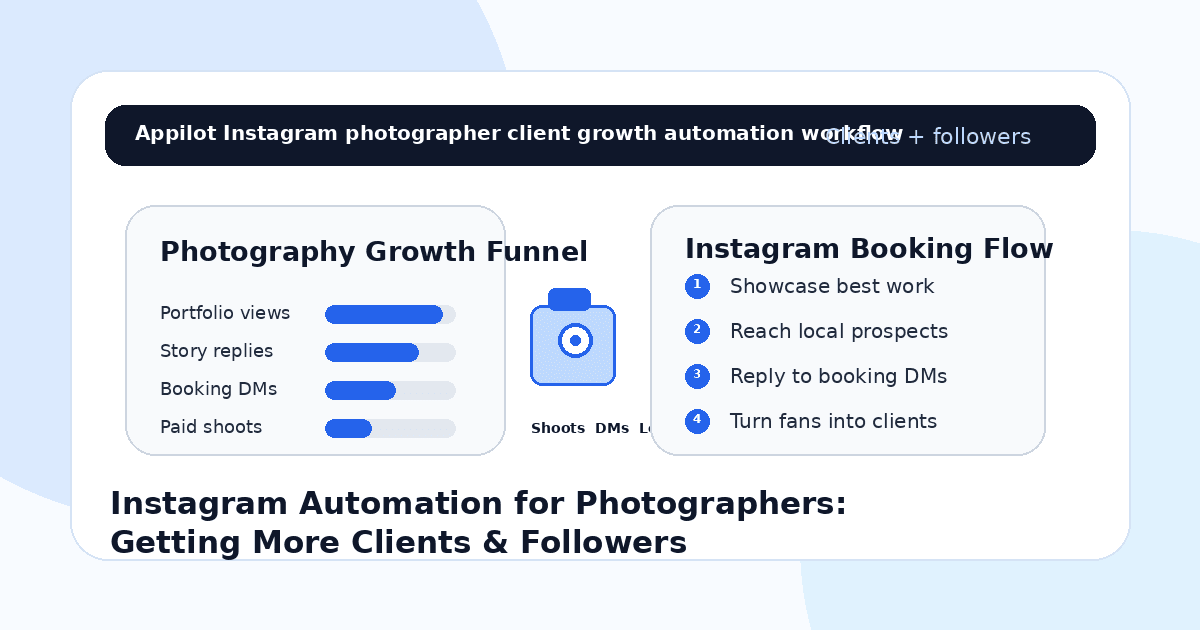
You post a strong photo set on Instagram. The lighting is clean, the edit matches your style, and the caption invites people to DM you for bookings.
A few people like it. Someone asks about your rates. Another wants to know if you shoot weddings, products, portraits, events, or real estate. A few people save your post but never send a message.
Then the post slows down.
That is the challenge for photographers on Instagram. Your work may be good, but good work alone does not always turn into followers, inquiries, or paid shoots. You need consistent visibility, fast replies, clear packages, and a simple booking path.
Instagram automation helps photographers manage repeated engagement, reply faster to warm leads, send portfolio links, qualify inquiries, and keep audience growth active without manually checking every comment and DM all day.
The goal is not to spam people with booking messages. The goal is to make it easier for people who already like your work to become followers, leads, and clients.
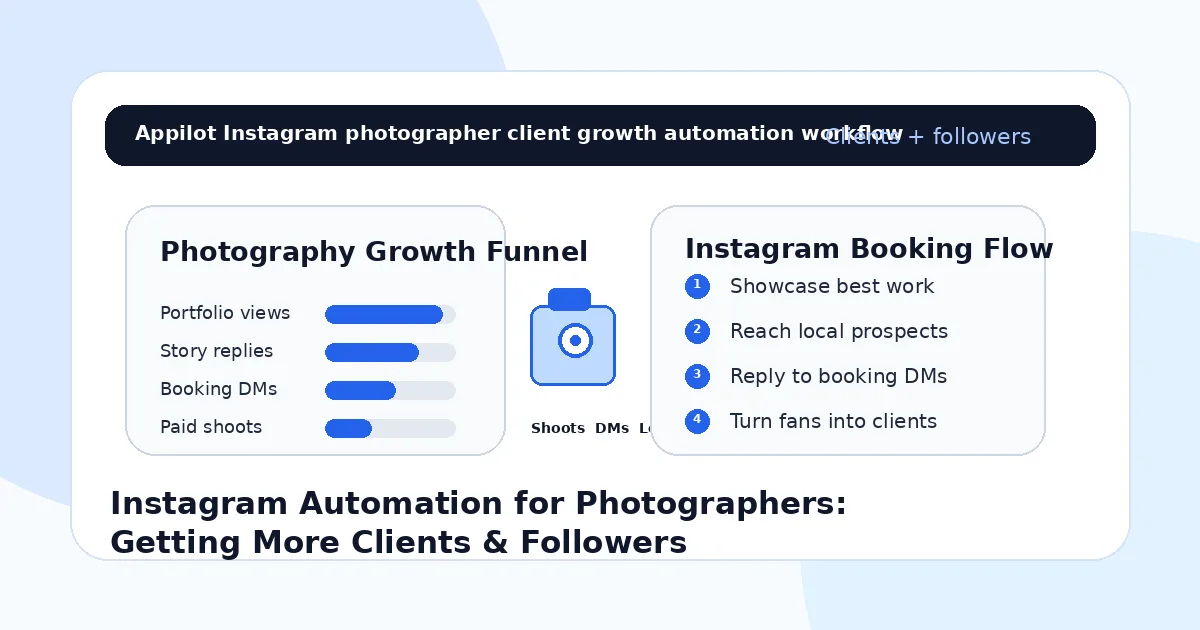
Why Instagram Works for Photographers
Instagram is one of the strongest platforms for photographers because photography is visual by nature.
People can quickly see your style, quality, editing approach, niche, and creative direction. A wedding photographer can show emotional moments. A product photographer can show clean brand visuals. A portrait photographer can show confidence and personality. A real estate photographer can show space, light, and detail.
But attention does not automatically become a booking.
A potential client may look at your profile several times before asking about availability. A brand may save your post and forget to follow up. A couple may reply to a story but never complete your inquiry form. A local business may like your work but not know your packages.
Instagram automation helps turn those small signals into real conversations.
What Instagram Automation Means for Photographers
Instagram automation means using workflows that respond to comments, story replies, DMs, keyword triggers, profile engagement, and lead requests.
For photographers, automation can send pricing guides, portfolio links, booking forms, availability questions, package details, location information, or inquiry forms when someone shows interest.
Real-device automation is useful because it runs through the actual Instagram app on Android devices or emulators. This behaves more like normal mobile usage than fragile desktop scripts or risky shortcuts.
A platform like Appilot is built for this kind of workflow. It lets photographers run Instagram automation on Android devices or emulators from a browser dashboard, without coding, ADB setup, or keeping a phone connected all day. That means photographers can keep booking conversations moving while focusing on shoots, editing, client delivery, and creative work.
Automation should support your client experience. It should not make your brand feel robotic.
Step 1: Choose the Photography Niche You Want to Grow
Before using automation, define what type of clients you want.
A vague profile that says “photographer” is harder to convert. A stronger position is “wedding photographer in Dubai,” “product photographer for beauty brands,” “portrait photographer for founders,” “real estate photographer for agents,” “event photographer for corporate teams,” or “fashion photographer for local designers.”
This matters because automation magnifies your targeting.
If your niche is unclear, you may attract random followers who never book. If your niche is specific, automation helps you reach more people who actually need your services.
Your niche should guide your content, hashtags, story prompts, outreach targets, portfolio highlights, and booking flow.
A photographer grows faster when people instantly understand what they can hire them for.
Step 2: Make Your Profile Booking-Ready
Automation can send more people to your profile, but your profile needs to convert.
Your bio should clearly state what you shoot, where you are based, and how to book. Your highlights should include pricing guidance, portfolio, reviews, behind-the-scenes clips, FAQs, availability, and client results. Your pinned posts should show your best work and explain your process.
If a potential client lands on your profile and cannot understand your services within a few seconds, they may leave.
A strong photography profile does not only show beautiful images. It also answers practical questions.
Clients want to know your style, location, packages, availability, turnaround time, and booking process.
Step 3: Use Automation for Local Visibility
Many photographers need local clients.
Wedding, portrait, event, real estate, studio, family, and commercial photographers often depend on people in a specific city or region. Instagram automation can help with targeted visibility around local audiences.
You can focus on people engaging with venues, wedding planners, local brands, real estate agencies, boutiques, salons, restaurants, corporate pages, event spaces, interior designers, or local influencers.
This is where Appilot fits naturally. Photographers can run targeted Instagram workflows through Android devices or emulators while managing audience discovery and engagement from one dashboard.
The goal is not to chase random followers worldwide. The goal is to show your work to people who are more likely to hire you.
Step 4: Turn Comments Into Booking Conversations
Comments can reveal client intent.
If someone comments “rates,” “location,” “available,” “wedding package,” “product shoot,” “DM me,” “portfolio,” or “how much,” they are showing interest. Automation can help respond quickly and move them toward the right next step.
For example, a wedding photographer can send a pricing guide. A product photographer can send a portfolio link. A portrait photographer can send package options. A real estate photographer can send an inquiry form.
Keep replies short and useful.
A person asking about rates does not need a long sales pitch. They need the right information and a simple way to continue.
Step 5: Use Story Replies for Warm Leads
Stories are powerful for photographers because they show process, personality, and availability.
You can post behind-the-scenes clips, editing previews, client reactions, booking reminders, mini portfolio sets, location scouting, before-and-after edits, or available shoot dates.
Stories can also trigger warm DMs.
For example, “Reply RATES for my package guide,” “Reply BRAND if you need product photos,” “Reply WEDDING for 2025 availability,” or “Reply PORTFOLIO to see recent work.”
When someone replies, automation can send the correct resource instantly.
Appilot-style workflows help manage these repeated story and DM actions without scripts, command-line tools, or manual device work.
The best story automation feels like fast client support, not spam.
Step 6: Qualify Inquiries Before Booking Calls
Not every inquiry is ready to book.
Some people have the wrong budget. Some need a different shoot type. Some are outside your location. Some need urgent turnaround. Some are perfect-fit clients.
A simple qualification flow can save time.
Ask about shoot type, date, location, budget range, number of deliverables, usage rights, and whether they are ready to book now or just exploring.
For example, a DM flow can ask, “Are you looking for portraits, wedding coverage, product photos, event coverage, or brand content?” That answer helps route the lead properly.
Automation can collect the first details, but serious creative and pricing conversations should still get a human reply.
Step 7: Send the Right Link at the Right Time
Photographers often have several links.
You may have a portfolio, inquiry form, pricing guide, booking calendar, wedding brochure, product photography deck, event package PDF, or client questionnaire.
Automation should send the right link based on the person’s intent.
If someone asks for rates, send the pricing guide. If someone asks about availability, send the inquiry form. If a brand asks for product work, send the commercial portfolio. If a couple asks about weddings, send the wedding brochure.
Do not send every lead the same generic link.
A relevant reply makes the photographer feel organized and professional.
Step 8: Track What Brings Real Clients
Do not measure Instagram automation only by followers.
For photographers, better metrics include profile visits, story replies, portfolio requests, pricing guide requests, inquiry form submissions, booking calls, paid shoots, repeat clients, referrals, and revenue by content type.
You should also track which posts create better leads. Behind-the-scenes content may create trust. Client testimonials may create bookings. Portfolio reels may bring followers. Pricing stories may bring qualified inquiries.
Automation gives you more signals. Tracking tells you which signals create clients.
Common Mistakes Photographers Should Avoid
Chasing Followers Instead of Bookings
Followers are useful, but paid shoots, inquiries, referrals, and repeat clients matter more for business growth.
Automating Cold Sales Messages
Random booking DMs can feel spammy. Use automation around real interest like comments, story replies, and inquiry keywords.
Sending Generic Portfolio Links
A wedding lead, product lead, and real estate lead need different examples. Match the portfolio to the inquiry.
Ignoring Pricing Questions
Many clients need budget clarity before booking. Use simple pricing guidance or inquiry forms to qualify them faster.
Letting Bots Handle Creative Details
Bots can collect basic information, but creative direction, custom packages, and final pricing should stay human.
Is Instagram Automation Right for Photographers?
Instagram automation is a good fit if you already post portfolio content, receive DMs, use stories, share availability, or want more local leads. It works especially well for wedding photographers, portrait photographers, product photographers, event photographers, real estate photographers, fashion photographers, and personal brand photographers.
It may not be right if your portfolio is unclear, your profile has no booking path, or you do not know which clients you want. Automation can increase visibility, but your work and client experience still close the booking.
Think of automation as a booking assistant. It helps organize interest, but your creative quality and communication create the client relationship.
Final Thoughts
Instagram automation helps photographers get more clients and followers by turning portfolio visibility into real conversations.
The strongest workflow starts with a clear niche, a booking-ready profile, local targeting, comment triggers, story replies, inquiry qualification, relevant link delivery, and performance tracking. Automation handles repeated actions while the photographer keeps the creative relationship human.
If you want to run Instagram automation without coding, ADB setup, or manual device management, Appilot gives photographers a browser-based way to control Android devices, emulators, and ready-to-use bots for Instagram and other platforms. You can check it out at appilot.app.
FAQs
Q1: Can photographers use Instagram automation to get clients?
Yes, automation can help photographers reply to inquiries, send portfolios, qualify leads, and guide interested people toward bookings.
Q2: What should photographers automate first?
Start with replies for “rates,” “portfolio,” “available,” “wedding,” “brand shoot,” “product photos,” and inquiry form requests.
Q3: Is Instagram automation safe for photographers?
It is safer when activity is gradual, relevant, and based on real interest. Spammy cold DMs can damage trust and account health.
Q4: Can Appilot help photographers automate Instagram?
Yes, Appilot can run Instagram workflows on Android devices or emulators from a browser dashboard without coding or ADB setup.
Q5: Does automation replace client communication?
No. Bots can handle basic replies and lead routing, but creative details, pricing, and client relationships should stay human.