Instagram Growth Automation Using GoLogin Profiles and Appilot
Why Instagram Growth Becomes Difficult at Scale
Growing one Instagram account can already require a large amount of daily work. Once you begin managing multiple brand accounts, theme pages, client profiles, creator accounts, or testing accounts, the amount of manual work increases very quickly.
You may need to review notifications, monitor DMs, check content performance, track follower growth, warm up new profiles, review story engagement, respond to comments, and monitor account health every day.
When all of this work is handled manually across many Instagram accounts, it becomes difficult to stay organized. Repeating the same actions every day consumes a large amount of time and increases the chance of missing important updates.
What GoLogin Does for Instagram Automation
GoLogin helps by giving every Instagram account its own browser environment. Each browser profile can have a different fingerprint, timezone, cookie session, browser version, proxy, and browsing environment.
This is useful because Instagram accounts can remain separated from each other instead of all being accessed from the same browser session.
For marketers, agencies, and creators managing multiple Instagram accounts, this helps create more realistic browser activity and keeps profiles organized.
How Appilot Improves Instagram Workflows
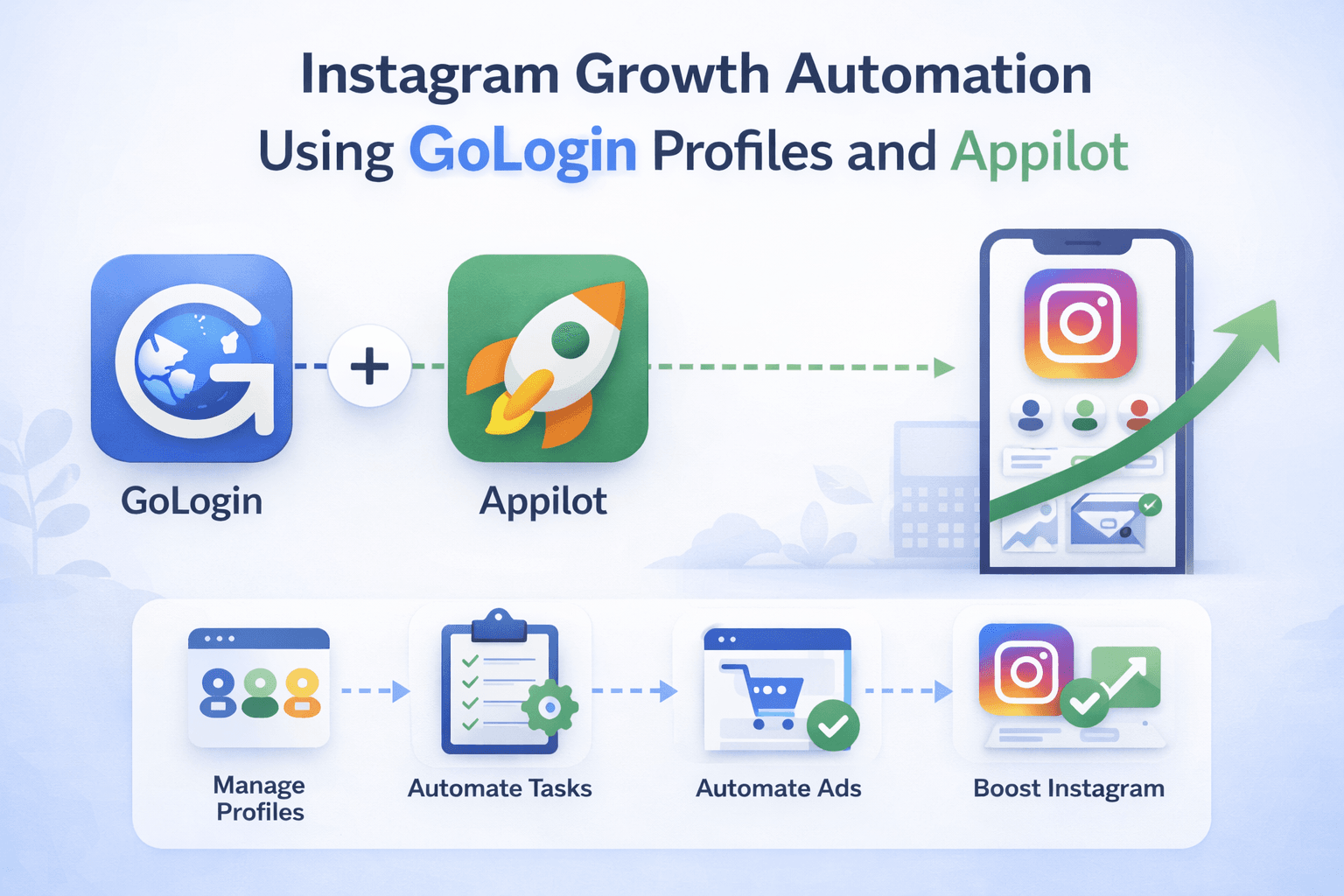
While GoLogin handles browser profile separation, Appilot handles automation and scheduling.
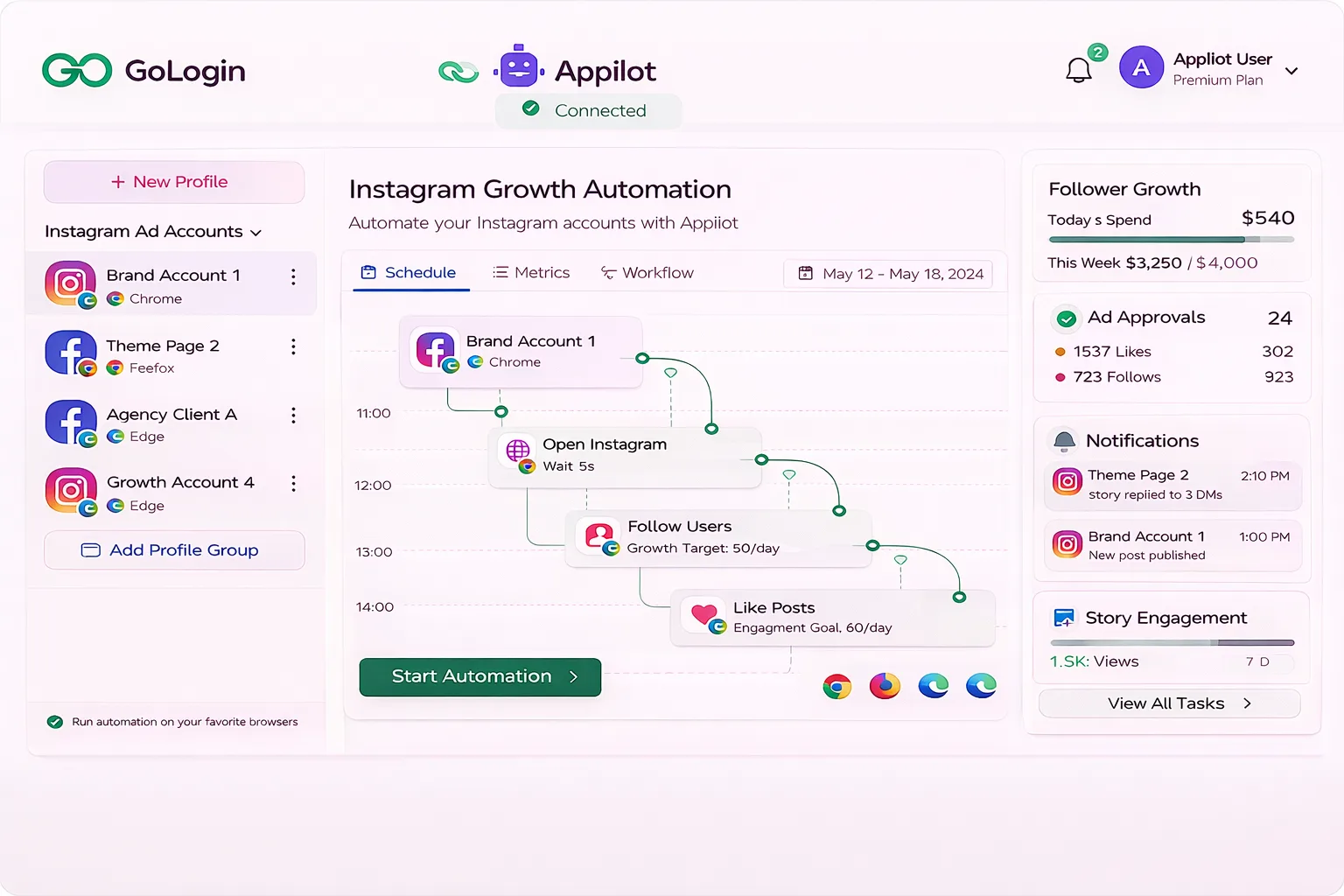
Appilot allows Instagram tasks to be scheduled automatically. Instead of manually logging into every profile, you can launch GoLogin browser profiles automatically, review notifications, monitor engagement, check story performance, review DMs, and manage profile activity from one dashboard.
This saves time and makes Instagram growth workflows much easier to manage.
Why Instagram Automation Needs Scheduling
One of the biggest problems with Instagram automation is creating behavior that looks unnatural.
If every Instagram account logs in at the same time every day, performs the same sequence of actions, and logs out immediately afterward, that activity can look suspicious.
Appilot helps reduce this problem by allowing browser activity to be spread across different times throughout the day.
For example, some profiles might review notifications in the morning, others might check DMs in the afternoon, and others might monitor story performance later in the evening.
This creates more realistic behavior because people do not use Instagram in exactly the same way every day.
Using GoLogin and Appilot for Instagram Profile Warm-Up
Profile warm-up is important for new Instagram accounts because aggressive activity too early can create risk.
Many Instagram marketers gradually increase activity over time by performing lighter actions during the first few days or weeks.
Using GoLogin with Appilot allows warm-up workflows to be scheduled more naturally. Browser sessions can be spread throughout the day, profile actions can be varied, and activity can increase gradually over time.
This creates a more realistic growth process.
Using GoLogin and Appilot for Engagement Monitoring
Instagram growth often depends on monitoring engagement.
You may need to review likes, comments, story views, DMs, saves, profile visits, and content performance across many accounts.
Instead of manually reviewing every profile, Appilot can launch GoLogin profiles automatically and collect the information needed for monitoring.
This helps marketers and agencies manage larger numbers of accounts more efficiently.
Using GoLogin and Appilot for Content Performance Reviews
Many Instagram marketers review content performance every day.
This may involve checking reach, story engagement, reel performance, profile visits, follower growth, and content interactions.
Using Appilot with GoLogin makes it easier to automate browser sessions that collect this information.
This saves time and reduces repetitive work.
Using GoLogin and Appilot for Agencies Managing Client Accounts
Agencies often manage multiple Instagram accounts for different clients.
This means they may need to review engagement, monitor growth, check DMs, track story performance, and review profile activity across many accounts every day.
GoLogin helps separate client accounts into different browser environments, while Appilot helps automate the repeated browser tasks needed to manage them.
This makes client account management more organized and easier to scale.
How Appilot Helps Reduce Detection Risk
No Instagram automation setup is completely safe, but better browser separation and better scheduling can reduce obvious patterns.
GoLogin helps by giving every profile its own browser fingerprint and session.
Appilot helps by allowing activity to happen at different times, rotating profile order, and adding variation into browser workflows.
This creates more realistic behavior because humans do not perform the same Instagram actions at the exact same time every day.
Best Practices for Instagram Growth Automation
It is always better to start with a smaller number of profiles before scaling to larger operations.
You should also use reliable residential or mobile proxies because poor proxy quality can increase risk.
Regular browser profile maintenance is important because cookies expire, sessions break, and browser versions become outdated.
It is also important to avoid aggressive activity patterns, especially on newer Instagram accounts.
Finally, avoid creating identical schedules across every profile because more variation creates more realistic browser behavior.
Frequently Asked Questions
Q1: Can Appilot launch multiple Instagram accounts automatically?
Yes, Appilot can launch multiple GoLogin profiles and automate browser workflows across different Instagram accounts.
Q2: Can GoLogin separate different Instagram accounts?
Yes, GoLogin allows every Instagram account to remain isolated in its own browser environment.
Q3: Is this useful for Instagram agencies?
Yes, agencies can use GoLogin and Appilot to manage multiple client accounts more efficiently.
Q4: Can Appilot help with Instagram profile warm-up?
Yes, Appilot can schedule lighter browser activity for newer profiles and gradually increase activity over time.
Q5: Does automation make Instagram growth completely safe?
No setup is completely safe, but browser profile separation, realistic schedules, strong proxies, and better organization can reduce obvious risks.
Conclusion
Instagram growth becomes much harder to manage once you begin handling many accounts.
GoLogin helps keep browser sessions separated, while Appilot helps automate browser workflows and organize repetitive tasks.
The result is a workflow that saves time, improves consistency, reduces repetitive work, and makes Instagram growth much easier to scale.