Instagram Story Automation for Real Estate: Showcasing Listings Daily
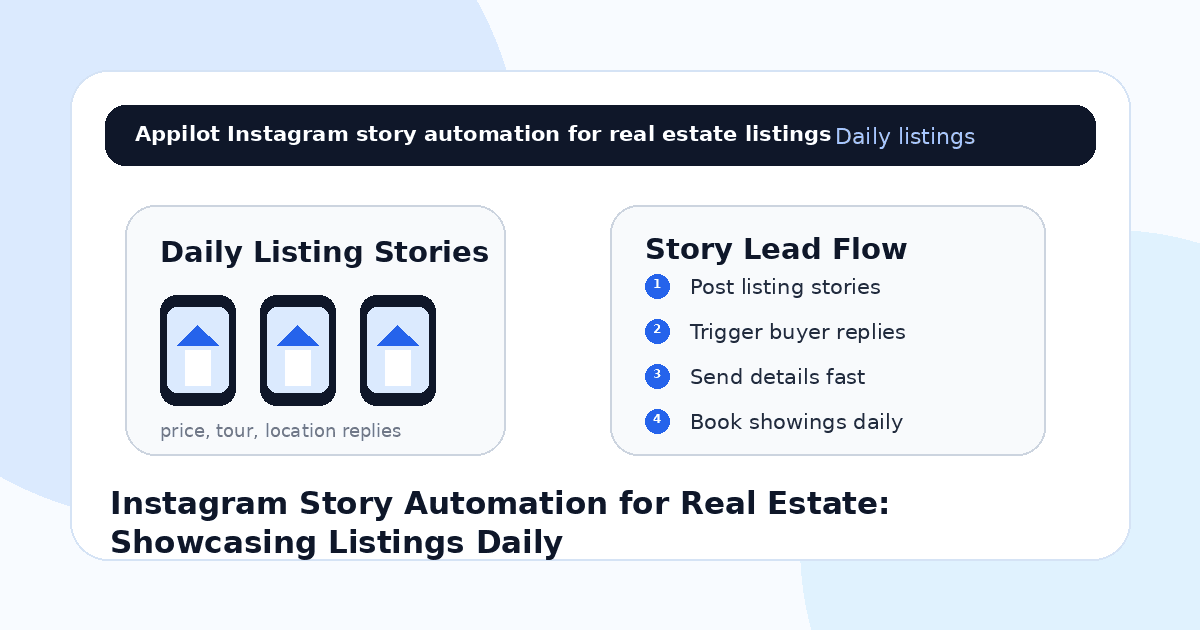
You add a new property to your Instagram story. The first slide shows the front view, the second shows the kitchen, the third shows the bedroom, and the final slide says “DM TOUR for details.”
A few people watch. Someone replies “price?” Another asks if it is still available. A serious buyer wants to know the exact area, but your day is already packed with calls, showings, and client follow-ups.
By the time you reply, the lead may be cold.
That is why Instagram story automation is useful for real estate agents. Stories are fast, visual, and ideal for showcasing listings daily, but they only turn into leads when interested viewers get quick answers and clear next steps.
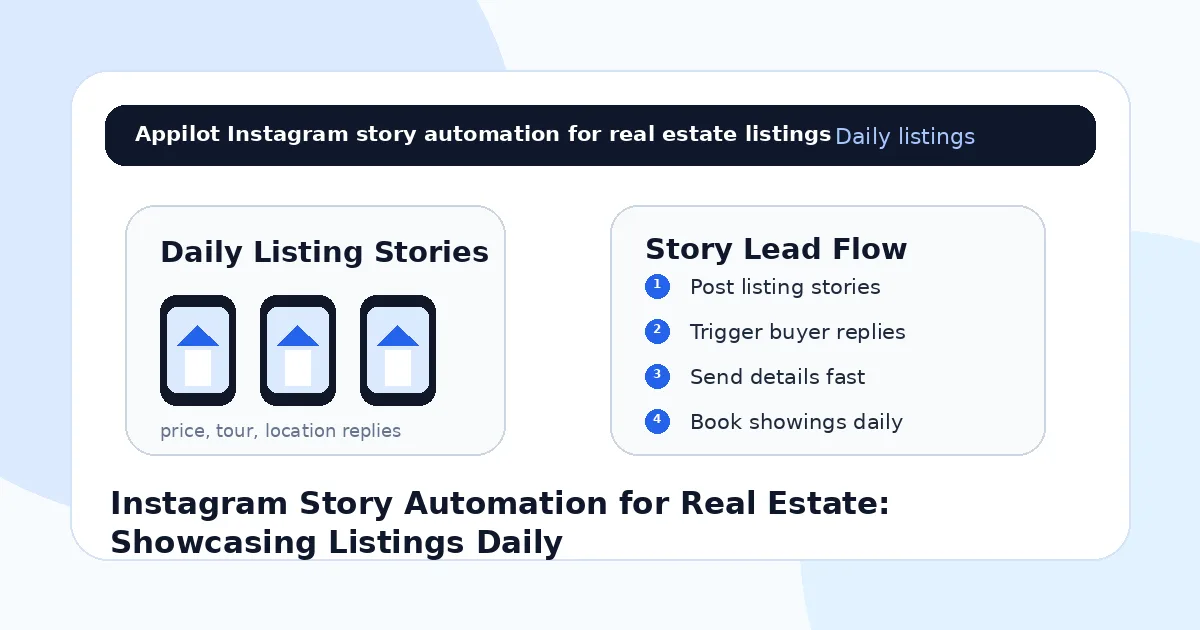
Automation helps agents reply to story interest, send property details, qualify buyers, and book showings without manually watching every story reply all day.
Why Instagram Stories Work for Real Estate Listings
Instagram stories feel immediate. They sit at the top of the app, create daily visibility, and make listings feel fresh.
For real estate, that matters because listings are time-sensitive. A buyer may not act from one feed post, but a story showing “new listing,” “open house today,” or “2 viewing slots left” can create urgency.
Stories also let agents show more than polished listing photos. You can show the street, parking, building entrance, nearby café, school distance, balcony view, kitchen details, floor plan, and behind-the-scenes showing prep.
This makes the property feel more real.
The problem is that story replies can pile up quickly. If prospects ask for price, location, availability, or tour times and do not get fast answers, the listing loses momentum.
Automation solves that response gap.
What Instagram Story Automation Means for Agents
Instagram story automation means using workflows that respond when someone interacts with a story. That can include replying with a keyword, tapping a poll, answering a question sticker, or sending a DM about a listing.
For real estate agents, this can be used to send listing links, property sheets, open house details, tour booking links, area information, or simple qualification questions.
Real-device automation is useful because it runs through the actual Instagram mobile app on Android devices or emulators. This behaves more like normal mobile usage than fragile desktop scripts or risky shortcuts.
A platform like Appilot is built around this kind of workflow. It lets agents run Instagram story automation on Android devices or emulators from a browser dashboard, without coding, ADB setup, or keeping a laptop connected all day. That means daily listing stories can keep generating leads while the agent focuses on showings, negotiations, and client service.
Automation should make the agent more responsive, not less human.
Step 1: Turn Daily Stories Into Lead Triggers
Every listing story should give viewers a simple action.
Instead of only posting property photos, add clear reply triggers. A story can say “Reply PRICE for details,” “DM TOUR to book a viewing,” “Reply AREA for the neighborhood guide,” or “Send FLOORPLAN for layout.”
This works because the viewer chooses to start the conversation.
Once they reply, automation can send the correct information quickly. A person who asks for price gets the price or listing sheet. A person who asks for a tour gets the viewing link. A person who asks for location gets the area details.
Good triggers include “price,” “tour,” “area,” “floorplan,” “available,” “open house,” “rent,” “buy,” and “details.”
The clearer the trigger, the easier it becomes to separate casual watchers from real prospects.
Step 2: Create a Daily Listing Story Format
Consistency makes story automation easier.
Agents can use a simple story format for each listing. Start with the strongest visual, then show key rooms, then add local context, then finish with a reply trigger.
For example, the first story can show the exterior or best room. The second can show price range, bedrooms, bathrooms, and square footage. The third can show neighborhood highlights. The fourth can ask viewers to reply with a keyword for details.
This makes the listing easier to understand and gives automation a clean point to enter the conversation.
Appilot fits naturally here because agents can manage Instagram story workflows through Android devices or emulators while controlling listing campaigns from one dashboard. The agent still decides what to showcase, while automation handles repeatable replies and routing.
A good story sequence should feel like a mini property tour.
Step 3: Use Stories for Open Houses and Viewing Slots
Open house promotion is one of the strongest uses of story automation.
A story can say “Open house this Saturday” or “Private viewing slots available today,” then invite viewers to reply with “TOUR.”
When someone replies, the automation can send the date, time, address or area details, and booking link. It can also ask whether they prefer morning, afternoon, or evening.
This is useful because showings are time-sensitive. A fast reply can turn a casual viewer into a scheduled visitor.
Do not overcomplicate the flow. Real estate leads usually need clear information, not a long automated sequence.
The goal is to move from story interest to showing confirmation as quickly as possible.
Step 4: Qualify Buyers Without Making the Flow Heavy
Not everyone who replies to a story is ready to buy or rent.
Some people are browsing. Some are outside the budget. Some are looking in a different area. Some are serious and need a showing quickly.
A simple automated qualification flow can help.
For example, after someone replies “TOUR,” the bot can ask, “Are you looking to buy now, rent soon, or just browsing?” After someone asks for details, the flow can ask about budget, preferred area, move-in timeline, or financing status.
Keep it light. Too many questions can make the prospect quit.
The best flow collects enough information to help the agent respond properly, then hands serious leads to a human.
Step 5: Use Neighborhood Stories to Attract Local Leads
Not every story needs to be a listing.
Neighborhood content can attract buyers and sellers before they are ready to ask about a specific property. Agents can post local market updates, school-area highlights, cafés, parks, commute tips, new developments, recent sales, and “what this budget buys” stories.
These stories can also use automation.
For example, “Reply REPORT for this neighborhood’s latest market update” can attract seller leads. “Reply AREA for the buyer guide” can attract people considering a move. “Reply VALUE if you want to know what homes are selling for nearby” can start a seller conversation.
This is especially useful for agents who want leads beyond one active listing.
Daily stories should build market authority, not just show inventory.
Step 6: Keep Replies Short, Useful, and Trustworthy
Real estate prospects want fast answers, but they also need trust.
Automated replies should be clear, accurate, and not overly salesy. If someone asks for price, send the price or explain how to get the full listing sheet. If someone asks whether it is available, send the current status or route the question to the agent. If someone asks for a tour, send the next step.
Avoid vague answers like “DM me for more info” after the person has already DMed. That creates friction.
A good automated reply feels like a helpful assistant. A bad one feels like a gatekeeping script.
Accuracy matters because property details change quickly. Make sure listing information, availability, prices, and viewing times stay updated.
Step 7: Move Serious Leads Out of Instagram
Instagram is good for capturing interest, but serious real estate leads should move into a real follow-up system.
Once someone asks for a showing, shares a budget, gives a timeline, or asks about making an offer, the agent should move the lead into a CRM, calendar, WhatsApp conversation, phone call, or buyer consultation.
Automation can collect the first details, but the agent should take over when intent is clear.
This is where trust and speed matter most.
A buyer who replies to a story may be comparing multiple properties. If your follow-up is fast, organized, and personal, you have a better chance of winning the conversation.
Step 8: Track Which Stories Generate Leads
Do not measure story automation only by views.
For real estate, better metrics include story replies, keyword triggers, listing-sheet requests, tour bookings, open house attendance, buyer consultations, seller valuation requests, and deals sourced from Instagram.
You should also track which story types work best. Property tours may bring buyer leads. Neighborhood updates may bring relocation leads. Market reports may bring seller leads. Open house reminders may bring fast showing bookings.
This helps agents improve their daily story system.
Automation gives you more lead signals. Tracking tells you which signals actually matter.
Common Mistakes Agents Should Avoid
Posting Stories Without a Clear Trigger
A property story should tell viewers what to do next. Use simple triggers like “PRICE,” “TOUR,” “AREA,” or “FLOORPLAN.”
Sending Generic Replies
If someone asks for a specific listing detail, answer that detail. Generic replies make the process feel frustrating.
Forgetting to Update Listing Information
Prices, availability, and viewing slots can change quickly. Outdated automated replies can damage trust.
Asking Too Many Qualification Questions
A long DM flow can lose the lead. Ask only what is needed before a human takes over.
Leaving Hot Leads in DMs
Move serious buyers or sellers into your CRM, calendar, phone, or WhatsApp follow-up quickly.
Is Instagram Story Automation Right for Real Estate?
Instagram story automation is a good fit if you post listings, open houses, neighborhood updates, market reports, rental opportunities, or buyer education regularly. It works especially well for agents, rental teams, luxury brokers, apartment locators, property marketers, and real estate teams with active inventory.
It may not be right if your listings are outdated, your profile has no local audience, or you do not have a follow-up system. Automation can speed up replies, but it cannot replace accurate property information or strong agent communication.
Think of it as a story-response assistant. It helps turn daily listing visibility into real conversations.
Final Thoughts
Instagram stories are one of the best ways to showcase real estate listings daily because they are visual, immediate, and easy to update.
Automation makes them more useful by turning story replies into property details, showing requests, neighborhood guide requests, and qualified leads. The strongest workflow uses clear story triggers, fast replies, light qualification, and human follow-up for serious prospects.
If you want to run Instagram story automation without coding, ADB setup, or manual device management, Appilot gives real estate agents a browser-based way to control Android devices, emulators, and ready-to-use bots for Instagram and other platforms. You can check it out at appilot.app.
FAQs
Q1: Can Instagram story automation help real estate agents get leads?
Yes, it can help agents reply to listing interest, send property details, qualify prospects, and book showings faster.
Q2: What story triggers should agents use?
Use simple triggers like “PRICE,” “TOUR,” “AREA,” “FLOORPLAN,” “AVAILABLE,” “OPEN HOUSE,” and “DETAILS.”
Q3: Is Instagram story automation safe for agents?
It is safer when replies are triggered by real interest, information is accurate, and activity stays gradual and relevant.
Q4: Can Appilot help automate Instagram stories for real estate?
Yes, Appilot can run Instagram story workflows on Android devices or emulators from a browser dashboard without coding or ADB setup.
Q5: Do story bots replace real estate follow-up?
No. Bots handle repeated replies and lead routing, but agents still need human follow-up for showings, negotiations, and closing.