iOS Automation Impossible? Here’s the Workaround (That Actually Works)
If you have tried automating on iOS, you already know how frustrating it can be, everything feels locked down, restricted, and inconsistent compared to other environments, especially when you are used to the flexibility of desktop or even Android automation.
Simple actions become difficult, apps behave unpredictably, access is limited, and tools that work elsewhere either do not function properly or are heavily constrained on iOS.
It starts to feel like automation is simply not meant to work in this environment, leading many to either abandon the idea or rely on inefficient workarounds that do not scale.
The reality, however, is not that iOS automation is impossible, but that it is designed differently, with stricter controls and a different philosophy around security and user interaction.
You are not alone in this, and more importantly, once you understand why iOS behaves the way it does and how to design your system accordingly, you can achieve reliable automation without constantly fighting the platform.
Why iOS Feels Impossible to Automate
The difficulty comes from how the system is built.
Strong System-Level Restrictions
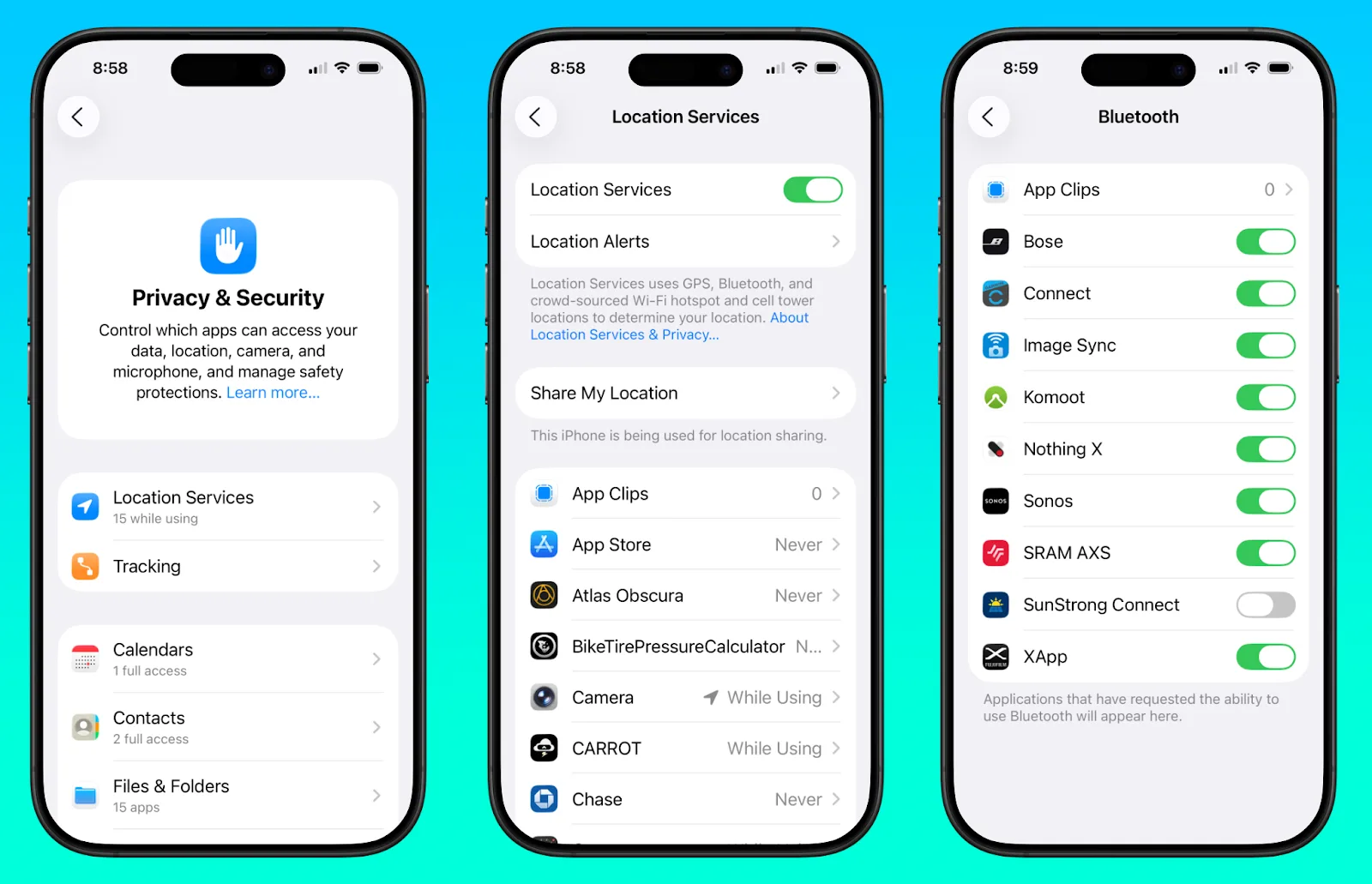
iOS is designed with strict security and privacy controls, limiting how apps can interact with each other and how external tools can control them.
Limited Access to App Internals
Unlike other platforms, iOS does not expose many internal elements for automation tools to interact with.
Frequent UI and Behavior Changes
Apps and system updates can introduce changes that break automation workflows.
Environment Isolation
Each app operates in a sandbox, making cross-app workflows more complex.
The Hidden Cost of Fighting iOS Directly
Trying to force automation through unsupported methods leads to unreliable systems, wasted time, and constant maintenance.
You may spend more time fixing automation than benefiting from it.
More importantly, it creates a fragile setup that cannot scale effectively.
The Complete Solution: Work With the System, Not Against It
The key to iOS automation is not bypassing restrictions, but designing workflows that align with how the platform operates.
The first step is shifting from deep system control to surface-level interaction, focusing on user-like actions rather than internal manipulation.
The next step is ensuring environment consistency, because stable environments reduce variability and improve reliability.
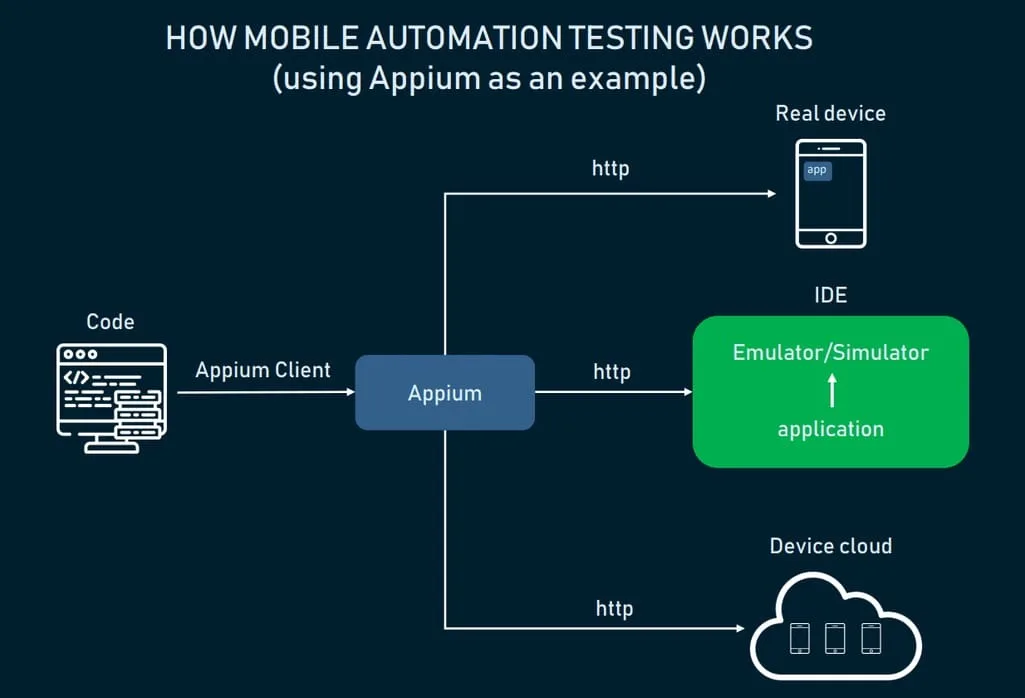
Real-device execution becomes critical here, because simulated environments often introduce inconsistencies.
A practical way to implement this is by using a platform like Appilot, which runs automation on real iOS devices, allowing workflows to operate within the platform’s constraints while maintaining reliability.

By aligning your automation with how iOS actually works, you create a system that is stable rather than constantly breaking.
The final step is adding adaptability, ensuring that your workflows can handle changes without failing completely.
How to Make iOS Automation Reliable Over Time
Reliability comes from consistency and adaptability.
Regular testing helps you identify issues early.
Monitoring ensures that you are aware of changes and can adjust accordingly.
Automation should be flexible, allowing it to adapt to different conditions.
Common Mistakes That Keep iOS Automation From Working
One of the most common mistakes is trying to bypass system restrictions instead of working within them.
Another is relying on unstable environments, which introduce variability.
There is also a tendency to build rigid workflows that cannot adapt to changes.
Real Success Stories: Before and After
A user attempting to automate iOS workflows found that their setup was unreliable and difficult to maintain.
After switching to a real-device approach and using Appilot, they were able to achieve more stable and predictable results.
Another example involved a team that struggled with iOS limitations, but after adjusting their approach, they improved reliability significantly.
Frequently Asked Questions
One common question is whether iOS automation can be as flexible as other platforms, and while it has limitations, it can still be effective with the right approach.
Another question is how to handle restrictions, and the answer lies in aligning workflows with platform behavior.
There is also the concern about complexity, and the right system simplifies the process.
Conclusion: Stop Fighting iOS, Start Using It Properly
If iOS automation feels impossible, it is not because it cannot be done, but because the approach needs to change.
Once you align your system with how iOS operates and use tools designed for real-device execution, automation becomes far more reliable.
If you are dealing with this right now, the best step forward is not to keep forcing solutions that do not work, but to adapt your system, because once you do, iOS automation becomes not just possible, but practical.