The Role of JavaScript Execution in Browser Bots
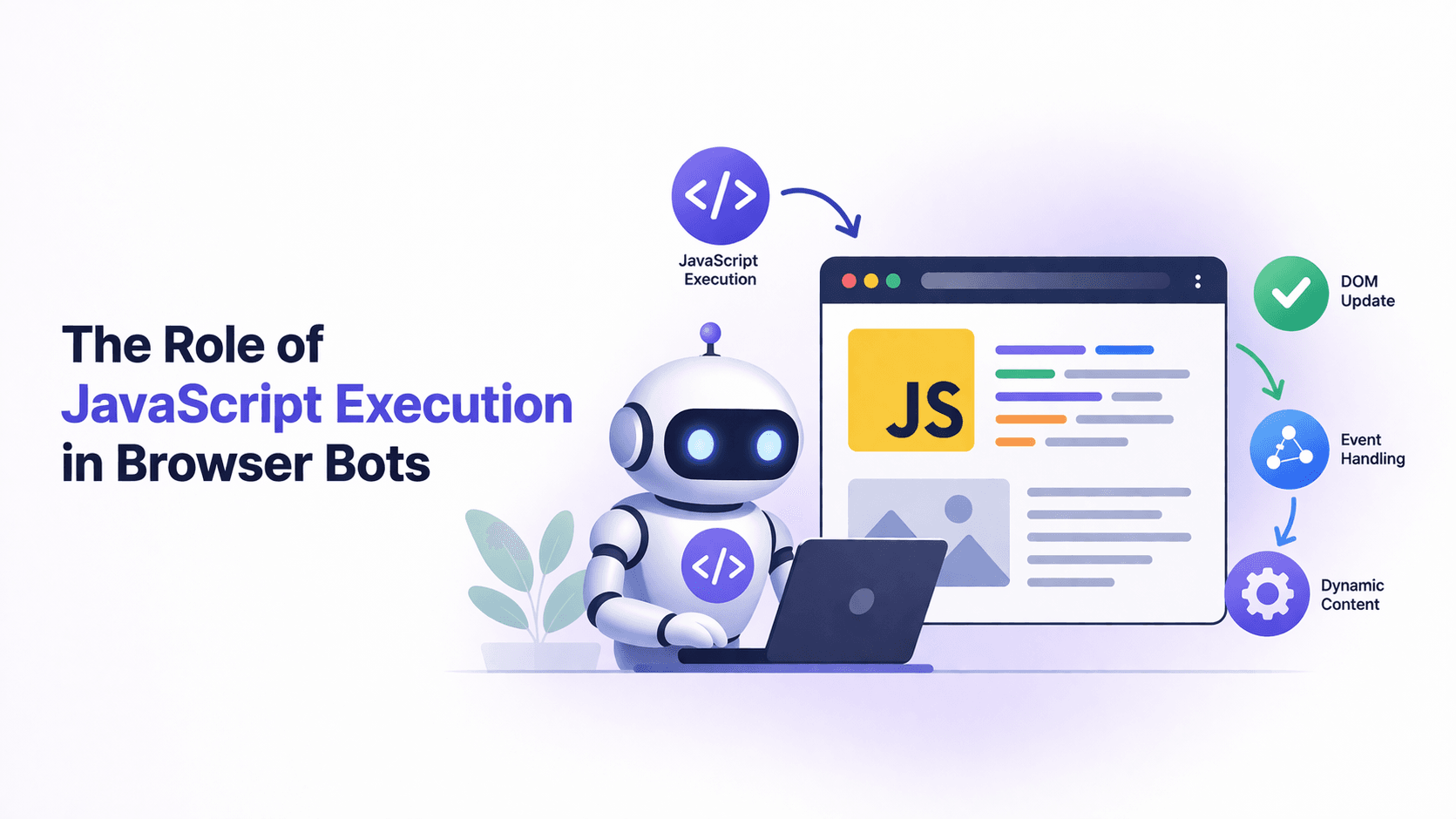
Many people think browser bots mainly interact with HTML by clicking buttons, filling forms, and scraping text.
That assumption is outdated.
JavaScript is now the real control layer of modern web applications.
Browser bots that do not understand or respect JavaScript execution are almost guaranteed to fail.
If a bot works on simple pages but breaks on modern sites, the issue is usually not selectors or delays.
It is JavaScript.
For this guide, I’ll occasionally refer to Appilot because the same ideas around event timing, state awareness, and reliable execution apply across both browser and mobile automation. While Appilot focuses on Android automation rather than browser automation, the broader principle remains the same: modern automation must follow the application lifecycle instead of acting on static assumptions.
This guide explains the role of JavaScript execution in browser bots, how it shapes page behaviour, and why understanding it is essential for reliable automation.
Understanding JavaScript Execution in Browser Bots
JavaScript transforms static HTML into a living application.
It controls page routing, API calls, dynamic UI updates, form validation, user interaction handling, and even anti-automation logic.
Browser bots do not simply load pages. They execute JavaScript continuously and react to state changes in the same way that real users do.
Every click, scroll, or input triggers JavaScript code.
In practice, browser bots operate inside a JavaScript runtime rather than outside it.
The Core Principle: Modern Sites Are State Machines
Modern web applications behave like state machines.
When JavaScript runs, it fetches data asynchronously, modifies the DOM dynamically, attaches event listeners, and controls navigation without reloading the page.
When JavaScript updates internal state, the user interface changes, routes update, and elements re-render.
Automation that ignores this execution model becomes blind.
Why “Page Loaded” Doesn’t Mean “Ready”
One of the most common mistakes in automation is assuming that page load means the page is ready.
On JavaScript-heavy websites, content often loads after the page event, elements may re-render multiple times, data only appears after API calls complete, and actions fail silently if the right JavaScript conditions are not met.
Bots need to synchronise with JavaScript state rather than simple navigation events.
Why JavaScript Is Central to Browser Bots
1. Dynamic Content Rendering
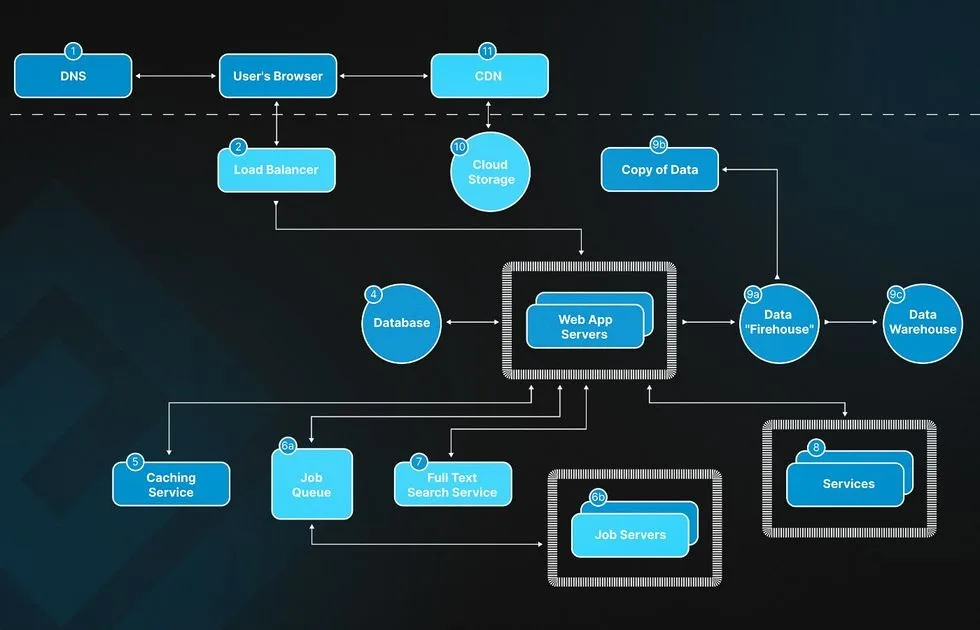
Most modern websites use client-side frameworks such as React, Vue, and Angular.
The initial HTML is often minimal.
JavaScript fetches API data, builds components, and inserts content dynamically.
Without waiting for this execution to complete, selectors may not exist, data may not be visible, and actions may fail unpredictably.
2. Interaction Logic
Buttons no longer simply submit forms.
JavaScript validates inputs, blocks invalid submissions, triggers asynchronous API calls, and updates the interface conditionally.
Bots that bypass or rush through this logic create interaction sequences that are impossible for real users.
Those sequences become easy to detect.
3. Anti-Automation Mechanisms
Many detection systems run directly in JavaScript.
They measure behaviour, timing, environment consistency, and event patterns.
Bots that execute JavaScript incorrectly or inconsistently stand out very quickly.
How Browser Bots Interact with JavaScript
Browser bots do not simply “run scripts.”
They participate in a JavaScript-driven lifecycle.
Stage 1 – Script Loading & Parsing
When a page loads, JavaScript files are fetched, parsed, and executed.
Some scripts run immediately while others run asynchronously.
Bots need to account for deferred scripts, asynchronous dependencies, and execution order.
Acting too early means interacting with incomplete state.
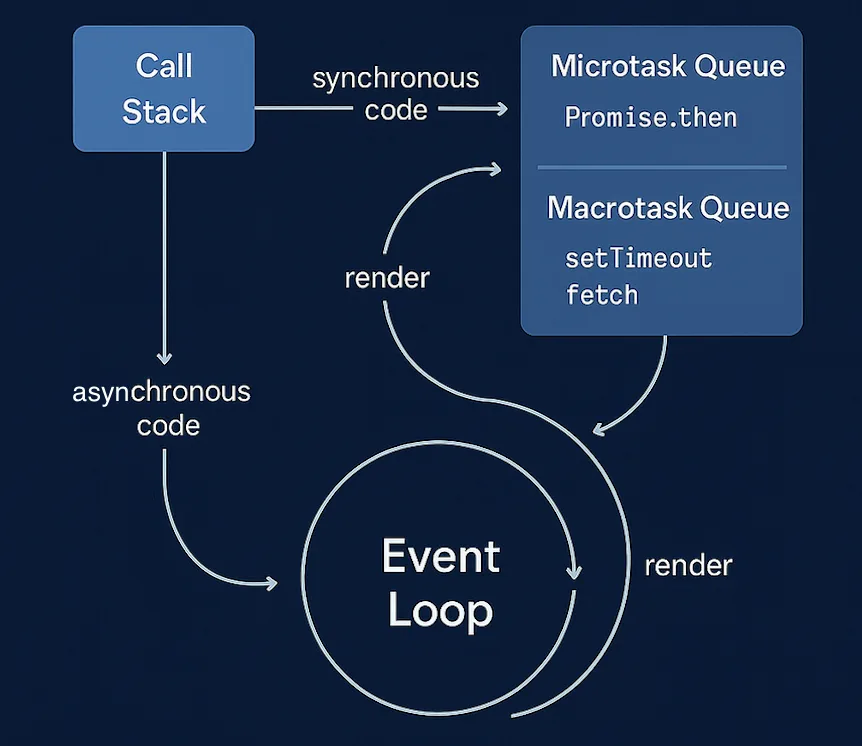
Stage 2 – The Event Loop
JavaScript runs inside an event loop.
It processes tasks, microtasks, promises, timers, and other asynchronous events.
User-interface updates often happen only after multiple event-loop cycles.
Bots that wait for state changes instead of relying on arbitrary delays avoid many race conditions.
Stage 3 – DOM Mutation & Re-Renders
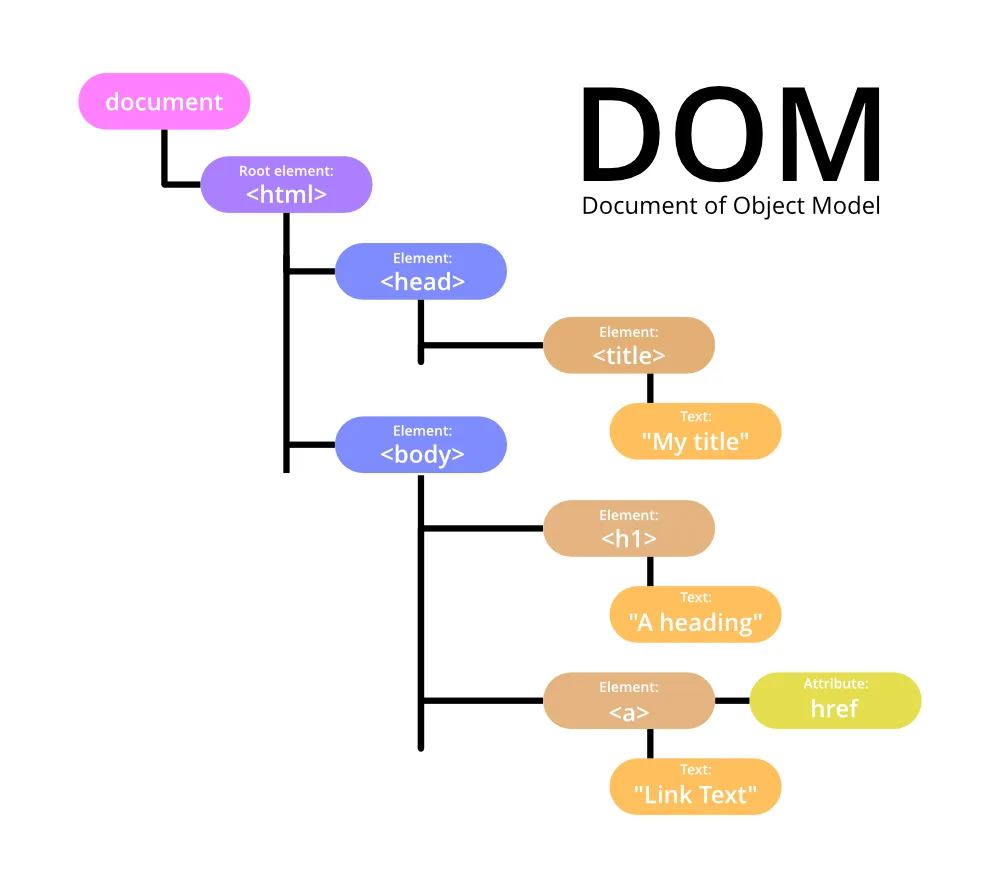
Frameworks frequently destroy and recreate DOM nodes, replace component trees, and rebind event handlers.
An element that existed one second ago may not exist the next.
Reliable bots re-query the DOM after updates rather than caching references for too long.
Stage 4 – Event Handling
Clicks and typing actions trigger JavaScript event handlers.
Directly manipulating DOM properties, such as setting input.value, does not always fire those handlers.
Proper automation dispatches real input events.
This keeps bot behaviour closer to how a real user interacts with the site.
Why Bots “Work Sometimes”
Most intermittent failures happen because automation ignores JavaScript execution timing.
Problem 1 – Acting Before State Is Stable
The page may look ready visually while promises are still resolving in the background.
The bot acts too early, the state is not fully ready, and the action fails.
Problem 2 – Fixed Delays
Adding longer delays does not guarantee correctness.
JavaScript timing changes constantly depending on network latency, server speed, CPU load, and background processes.
State-based waits perform much better than fixed delays.
Problem 3 – Stale Element References
When DOM nodes are replaced, cached references become invalid.
Bots need to locate elements again after re-renders occur.
Real-World Examples
Example 1 – Login Flow
Modern login systems validate input with JavaScript, send asynchronous API requests, and update the interface dynamically.
Bots need to wait for network responses, state transitions, and success indicators.
Submitting credentials and immediately navigating away often causes failures.
Example 2 – Infinite Scroll
Feeds load content only when scroll events trigger JavaScript.
Bots need to scroll realistically, wait for new DOM nodes, and monitor content growth.
Ignoring this often results in incomplete data or unnatural behaviour.
Example 3 – Single-Page Applications (SPAs)
Single-page applications do not reload entire pages.
Routing happens through JavaScript.
Bots need to detect URL changes without reloads, component mount events, and internal state transitions.
Waiting for traditional page-load events does not work well.
This is also why platforms like Appilot focus heavily on event-driven automation rather than simple fixed delays. Real-device automation becomes much more stable when workflows react to application state instead of relying on arbitrary timing.
The Technical Depth
Execution Contexts
Every page has execution contexts that control variables, scopes, and closures.
Automation runs alongside this environment rather than outside it.
Promises, Async/Await & Microtasks
Many interface updates happen through microtasks after promises resolve.
Bots that only wait for larger events such as page load can miss these transitions.
Mutation Observers
Advanced automation often monitors DOM mutations to detect when components finish rendering.
Even if these are not implemented manually, understanding them helps explain why state-aware automation is more reliable.
When JavaScript-Aware Automation Is Essential
1. Modern SaaS Apps
Dashboards and admin panels often rely almost entirely on JavaScript.
2. Complex Forms
Validation, modals, and conditional logic all run on the client side.
3. Long-Running Bots
Persistent bots need to handle re-renders and state changes gracefully over time.
If a bot breaks on modern websites, the cause is usually a JavaScript lifecycle issue.
Tools That Help With JavaScript-Aware Automation
There are several ways to build automation that handles JavaScript more effectively.
Playwright is useful because it provides strong support for waiting on selectors, network activity, and browser events.
Puppeteer gives fine-grained control over page execution and JavaScript contexts.
Selenium remains useful when broader browser compatibility is required.
Appilot is useful for mobile automation because it reacts to app state, screen changes, and dynamic UI flows on real Android devices.
The best tool depends on whether the automation is browser-based, mobile-based, or a mix of both.
Key Takeaways
JavaScript execution is not optional.
It is the foundation of browser automation.
Browser bots operate inside a JavaScript-driven environment, state-aware automation is more reliable than time-based scripting, DOM re-renders require elements to be re-queried, and real event dispatch keeps behaviour aligned with real users.
Ignoring asynchronous execution almost always causes instability.
If a bot struggles on modern websites, the solution is usually not more delays.
The solution is deeper alignment with JavaScript execution flow.
If you are running automation across Android devices, Appilot can help by reacting to dynamic app states, screen changes, and user-interface events rather than relying only on static timing assumptions.
Frequently Asked Questions
Q: Do browser bots execute JavaScript automatically?
Yes. Real browser automation executes JavaScript unless it is explicitly disabled.
Q: Why does automation fail on JavaScript-heavy sites?
Because bots often act before asynchronous JavaScript has finished rendering.
Q: Is disabling JavaScript a good idea?
Only for very simple static websites. Most modern applications break without it.
Q: Why should bots avoid manipulating DOM values directly?
Because many frameworks depend on real input events to update internal state.
Q: How do I make a bot more JavaScript-aware?
Wait for meaningful state transitions, monitor