LinkedIn Restricted Your Account for “Commercial Use”? Here’s the Fix (2026 Guide)
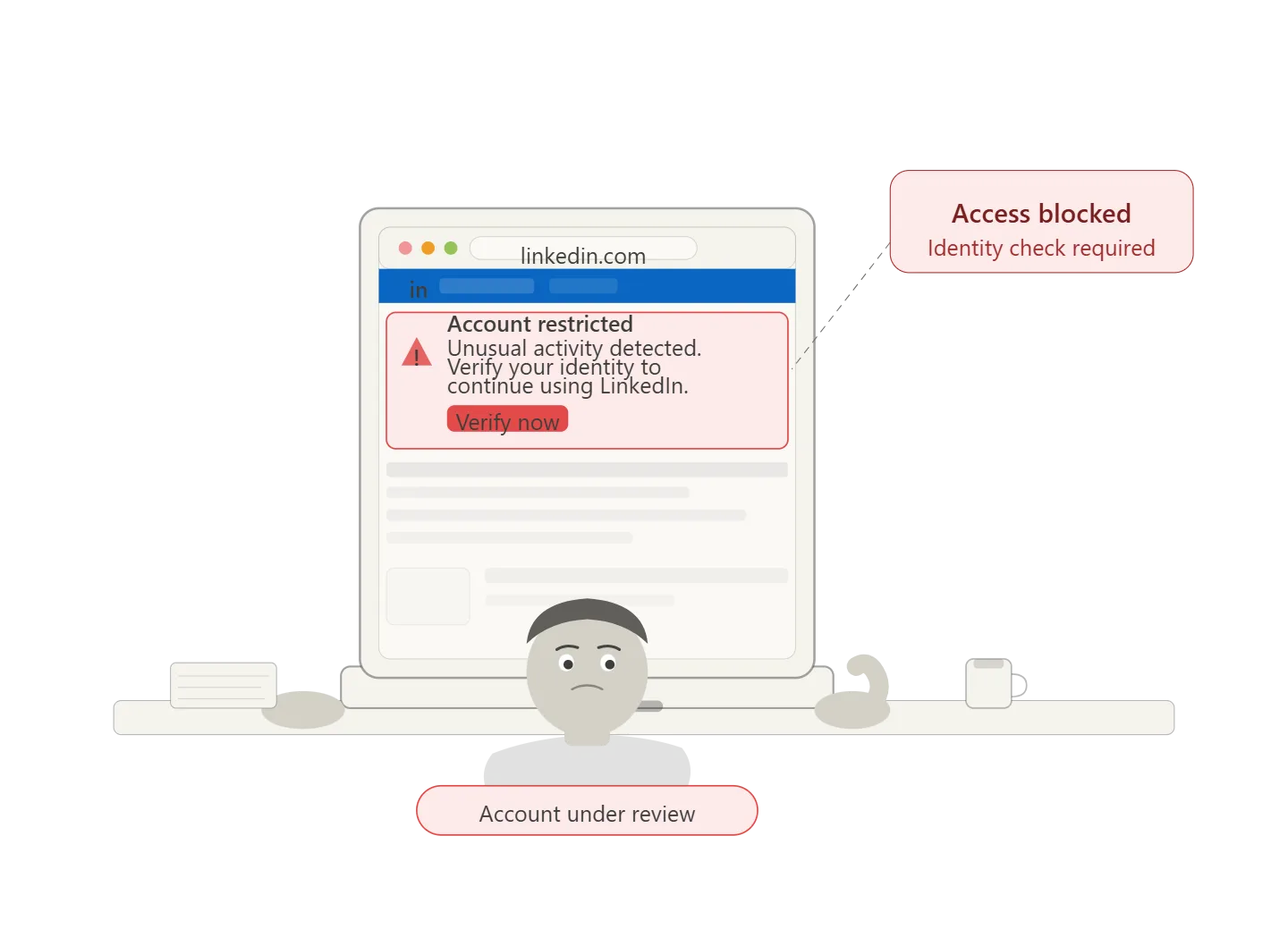
LinkedIn restrictions rarely happen without a reason, even though it often feels sudden when your account gets flagged for “commercial use.” What’s actually happening behind the scenes is much more predictable. LinkedIn is analyzing patterns in your activity, and when those patterns start to resemble automated or overly aggressive behavior, the system responds by limiting your access. This is especially common if you are sending connection requests at scale, visiting large numbers of profiles, or managing multiple accounts from the same environment.
For most professionals, this becomes a serious bottleneck. You might be running outreach campaigns, managing leads, or scaling client acquisition, and suddenly your ability to search, connect, or message is restricted. The frustrating part is not just the restriction itself, but the lack of clarity around what caused it and how to fix it without making things worse.
As your activity grows, the problem compounds. Handling a handful of accounts manually is tedious but manageable, yet once you move into managing dozens of accounts or running consistent outreach campaigns, the margin for error becomes very small. At that point, most people either slow down and sacrifice growth, hire additional help which increases costs significantly, or continue pushing manually and risk repeated restrictions.
There is a more controlled way to approach this. Instead of relying on raw activity volume, the focus shifts toward structured, human-like execution where actions are spaced out, randomized, and distributed across separate environments. Some teams build this from scratch using tools like Appium, while others rely on managed solutions like Appilot that remove the need to handle infrastructure manually and allow you to focus on workflow design instead of technical setup.
In this guide, you will understand what the commercial use restriction actually means, why LinkedIn flags accounts, how to recover safely, and how to build a system that allows you to scale without constantly triggering platform defenses.
Why LinkedIn Automation Matters in 2026
LinkedIn has evolved significantly in recent years, and the way it detects unusual behavior has become far more sophisticated than most users realize. In the past, basic automation tools or browser extensions could run repetitive actions without immediate consequences, but today the platform evaluates not just what actions you perform but how you perform them, including timing, frequency, and environmental signals.
This shift means that older approaches, such as sending large batches of connection requests or running scripts from a single browser session, no longer work reliably. LinkedIn now monitors behavioral consistency, device fingerprints, and interaction patterns, which allows it to distinguish between natural user behavior and automation that lacks variation.
The impact of this change becomes very clear when you look at the cost of manual work. If you are managing outreach across multiple accounts, each action requires time and attention, and the total workload increases rapidly. What starts as a manageable daily routine can quickly turn into a full-time operation that consumes dozens of hours every week, leaving little room for strategic work such as refining messaging, improving targeting, or building relationships.
Automation, when implemented correctly, does not simply reduce time spent on repetitive tasks; it also improves consistency and reduces the likelihood of human error. The key difference lies in execution. Poorly configured automation creates rigid patterns that are easy to detect, while well-designed workflows introduce variability and operate within safe limits, making them indistinguishable from normal user behavior.
The Manual Approach vs. Automated Approach
When comparing manual workflows to automated systems, the difference becomes more than just a matter of efficiency. Manual processes rely entirely on human effort, which introduces variability in performance, fatigue over time, and a natural ceiling on how much work can be completed in a day. Even the most disciplined user will struggle to maintain consistent timing, messaging quality, and activity distribution when managing multiple accounts simultaneously.
Automation, on the other hand, shifts the burden of execution to a system that can operate continuously while maintaining controlled variability. Instead of repeating the same actions at fixed intervals, a properly configured workflow introduces randomized delays, adjusts activity levels, and distributes actions across different accounts in a way that mimics organic behavior.
The common misconception is that automation itself leads to restrictions, but in reality, the issue lies in how automation is implemented. Manual users often trigger the same red flags because they follow repetitive routines, perform actions in predictable sequences, and operate within limited time windows. Automation done incorrectly simply amplifies these patterns, whereas automation done correctly removes them.
This distinction is critical because it changes how you approach scaling. Instead of thinking in terms of increasing output, you begin to think in terms of maintaining natural behavior while gradually expanding capacity. This is the foundation of safe LinkedIn automation and the reason why some users scale successfully while others face repeated restrictions.
What You Need to Get Started
Before addressing recovery or automation, it is important to understand the basic setup required to operate safely at scale. LinkedIn’s detection mechanisms rely heavily on environmental signals, which means that running multiple accounts from a single browser or device creates a strong association between those accounts. This is one of the most common reasons for restrictions.
To avoid this, each account should operate within its own isolated environment, typically created using an antidetect browser. These browsers generate unique fingerprints for each profile, ensuring that LinkedIn perceives each session as coming from a different user with distinct device characteristics. This separation is essential for maintaining account integrity when scaling operations.
In addition to environment isolation, network configuration plays a significant role. Using high-quality residential proxies allows each account to appear as if it is operating from a different location, which further reduces the likelihood of detection. While proxies are not strictly required for small-scale activity, they become increasingly important as the number of accounts grows.
Finally, an automation layer is needed to manage workflows efficiently. While it is possible to perform tasks manually across multiple profiles, this quickly becomes impractical. Automation platforms provide scheduling, randomization, and centralized control, allowing you to manage large numbers of accounts without introducing the rigid patterns that lead to restrictions.
Step-by-Step: Fixing LinkedIn Commercial Use Restriction
Step 1: Stop All Activity Immediately
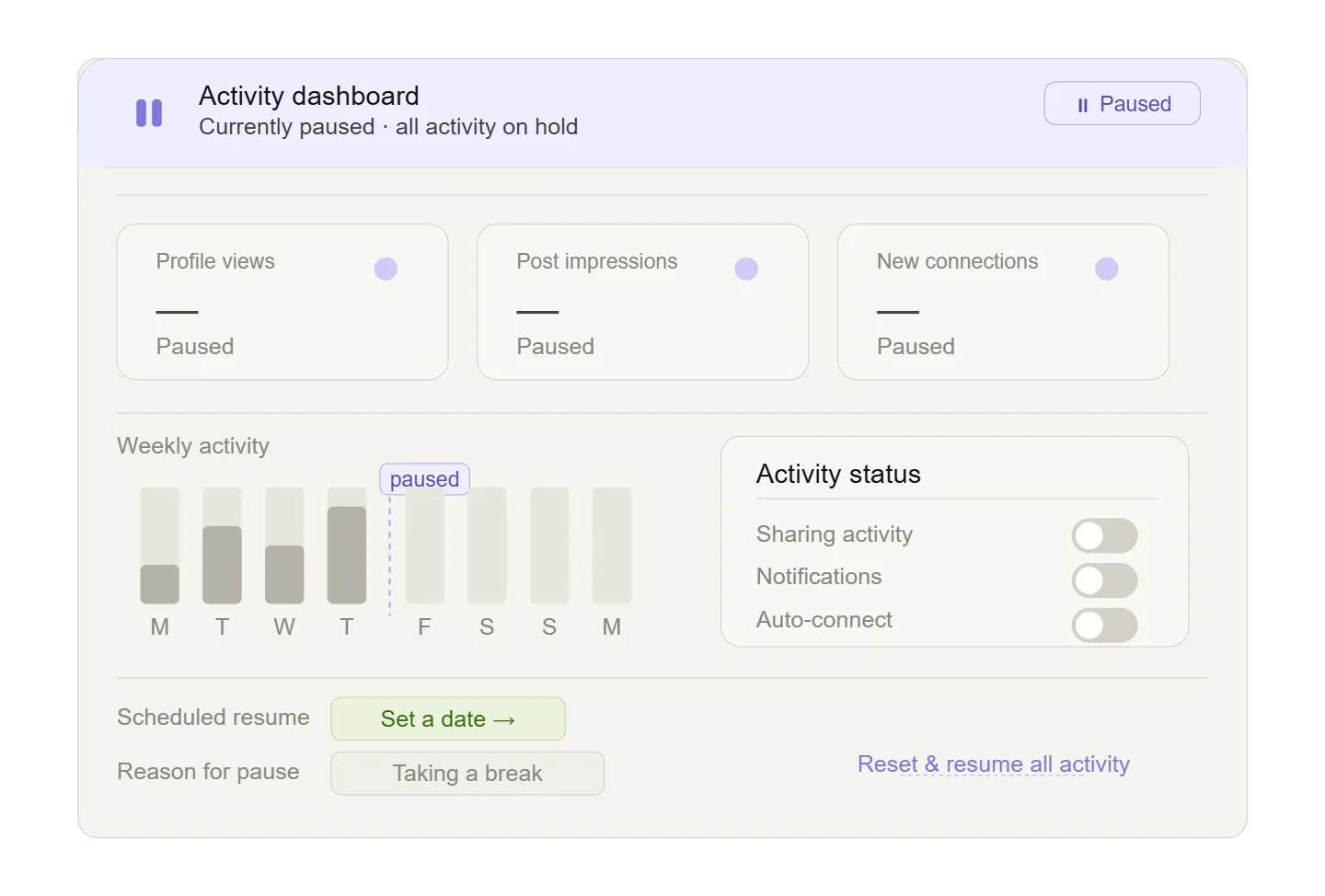
The first and most important step after receiving a restriction is to pause all activity on the affected account. Continuing to perform actions, even at a reduced pace, can reinforce the patterns that triggered the restriction in the first place. LinkedIn evaluates behavior over time, so the goal at this stage is to break that pattern completely and allow the system to reset its assessment.
This means logging out of the account, avoiding any outreach activity, and refraining from profile visits or searches for at least twenty-four to forty-eight hours. While it may feel counterintuitive to stop completely, this pause is necessary to prevent further escalation.
Step 2: Complete Verification Requirements
Once activity has been paused, the next step is to address any verification requests from LinkedIn. These may include phone verification, email confirmation, or identity checks. Completing these steps promptly helps restore a baseline level of trust and signals that the account is being operated by a legitimate user.
If identity verification is required, it is important to ensure that the information provided matches the details on your profile. Any discrepancies can delay the process or lead to further complications.
Step 3: Transition Back to Controlled Activity
After the initial pause and verification, activity should resume gradually and in a controlled manner. Instead of returning to previous levels of outreach, focus on light interactions such as responding to messages, accepting connection requests, and browsing content at a natural pace.
This phase typically lasts several days and serves as a reintroduction period where the account demonstrates normal behavior. The goal is not to generate immediate results but to rebuild trust with the platform.
Step 4: Identify and Fix the Root Cause
Recovering from a restriction without addressing the underlying cause will almost always lead to repeated issues. It is essential to analyze what triggered the restriction in the first place. This often involves examining activity volume, timing patterns, and the environment in which the account was operating.
Common causes include sending too many connection requests in a short period, using browser extensions that create detectable patterns, or managing multiple accounts from the same device without proper isolation. Fixing these issues requires adjusting both behavior and infrastructure, ensuring that future activity aligns with natural usage patterns.
Step 5: Implement Controlled Automation
Once the account has stabilized, the next step is to move away from purely manual processes and adopt a structured approach to automation. This does not mean increasing activity immediately but rather introducing controlled workflows that operate within safe limits.
There are different ways to achieve this. Some users build custom setups using tools like Appium, which provide flexibility but require technical expertise and ongoing maintenance. Others prefer managed platforms like Appilot, which handle the underlying infrastructure and allow users to focus on defining workflows instead of managing devices.
The choice depends on your technical capabilities and scale requirements, but the principle remains the same: automation should replicate human behavior, not replace it with rigid patterns.
Step-by-Step: Safe LinkedIn Automation Workflow
Setting Up Isolated Environments
The foundation of safe automation is environment isolation. Each LinkedIn account should operate within its own browser profile, complete with a unique fingerprint and, ideally, a dedicated proxy. This ensures that activity from one account does not affect another and prevents LinkedIn from linking multiple accounts together.
Building Human-Like Workflows
Once environments are set up, the focus shifts to workflow design. Instead of executing actions in fixed sequences, workflows should introduce variability in timing, order, and volume. For example, connection requests should be spread throughout the day rather than sent in a single batch, and delays between actions should vary to mimic natural behavior.
This approach not only reduces detection risk but also improves the quality of interactions, as it allows for more thoughtful engagement rather than rushed, repetitive actions.
Testing and Gradual Scaling
Before applying automation across multiple accounts, it is important to test workflows on a small scale. Running the system on one or two accounts for several days allows you to observe behavior, identify potential issues, and make adjustments before expanding.
Scaling should be gradual, increasing the number of accounts and activity levels over time. This staged approach reduces risk and provides opportunities to refine workflows based on real-world performance.
Ongoing Monitoring and Optimization
Automation is not a one-time setup but an ongoing process that requires regular monitoring. Checking execution logs, reviewing account activity, and adjusting workflows based on performance ensures that the system remains effective and compliant with platform expectations.
Safety and Best Practices for LinkedIn Automation
Maintaining account health requires adherence to several key principles. Activity levels should remain within conservative limits, even if higher volumes are technically possible. Randomization should be applied consistently across all workflows, including timing, delays, and action counts. New accounts should undergo a gradual warm-up period before full automation is introduced, and high-quality proxies should be used to maintain consistent network identity.
Equally important is the habit of daily monitoring. Automation does not eliminate the need for oversight; it simply reduces the amount of manual work required. Regular checks help identify potential issues early and prevent minor problems from escalating into restrictions.
Real Results: What to Expect
The transition from manual work to structured automation does not produce immediate results, but the long-term benefits are significant. The initial setup phase requires time and attention, as workflows are tested and refined. Once the system stabilizes, however, the amount of manual effort required drops dramatically, allowing you to manage a larger number of accounts with minimal daily involvement.
Users who adopt this approach typically experience substantial time savings, improved consistency in outreach, and the ability to scale operations without proportional increases in workload. The key is patience during the early stages and a willingness to prioritize stability over speed.
Common Problems and Solutions
Even with careful setup, issues can arise. Repeated restrictions often indicate that activity levels are too high or that workflows lack sufficient variation. Execution failures may point to configuration issues within the automation platform or problems with browser profiles. Low engagement rates can result from poor targeting or generic messaging, while account flags may be linked to proxy quality or environmental inconsistencies.
Addressing these problems requires a systematic approach, identifying the root cause and making targeted adjustments rather than applying broad changes.
Choosing the Right Tools for Linkedin Automation
Selecting the right tools depends on your specific needs and level of experience. Antidetect browsers vary in terms of usability, pricing, and feature sets, while automation platforms differ in their approach to workflow management and infrastructure handling. For most users, the best choice is the one that balances ease of use with reliability, allowing you to implement workflows quickly without sacrificing control.
The important point is not the specific tool but how it is used. Even the most advanced platform will fail if workflows are poorly designed, while a simple setup can be highly effective if it follows best practices.
Scaling Beyond Initial Limits
As operations grow, the challenges shift from execution to management. Monitoring a small number of accounts can be done manually, but larger operations require centralized dashboards, improved proxy infrastructure, and more sophisticated workflows. At higher scales, team involvement may also become necessary, with roles dedicated to monitoring, optimization, and support.
Scaling successfully requires a balance between expansion and control, ensuring that growth does not compromise account health.
Frequently Asked Questions
LinkedIn automation exists in a gray area where the platform discourages scripted behavior but tolerates efficient management when it aligns with natural usage patterns. The risk of restrictions cannot be eliminated entirely, but it can be minimized through careful setup and adherence to best practices. Most users find that automation significantly reduces the time required for outreach, even without technical expertise, as modern tools provide no-code solutions that simplify implementation.
Conclusion
LinkedIn restrictions are not random events but predictable outcomes of specific behavior patterns. Understanding these patterns allows you to move from reactive problem-solving to proactive management, where your workflows are designed to align with platform expectations rather than conflict with them.
By pausing activity, completing verification, and gradually rebuilding trust, you can recover from restrictions effectively. More importantly, by adopting structured automation with proper safeguards, you can prevent future issues and scale your efforts without constant interruptions.
The shift is not about choosing between manual work and automation, but about implementing automation in a way that reflects how real users behave. Once that balance is achieved, LinkedIn becomes a scalable channel rather than a limiting factor.