The Session Management Nightmare in Multi-Account Automation
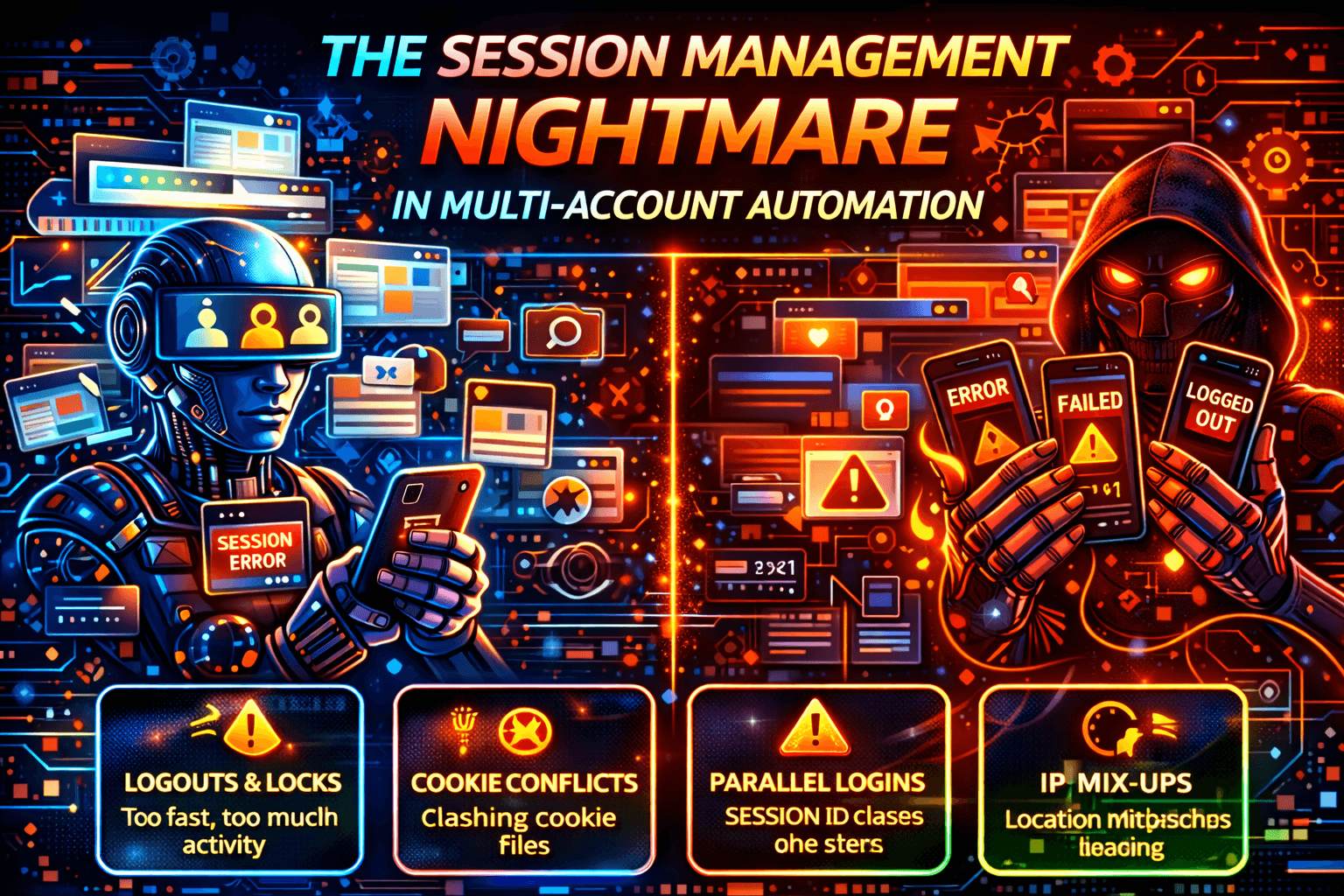
Your automation logic is solid. Each account has valid credentials. Tasks run successfully until sessions begin colliding with each other.
Then accounts start logging each other out, tokens invalidate randomly, one account’s action breaks another account’s workflow, and “session expired” loops appear seemingly out of nowhere.
Welcome to the session management nightmare of multi-account automation, which is one of the biggest hidden problems when trying to scale automation systems.
If you are running automation across marketing platforms, ecommerce systems, SaaS tools, or cloud environments, the hardest challenge is usually not the automation logic itself. The real difficulty comes from keeping sessions isolated, stable, and trusted over time.
Why Session Management Breaks at Scale
At small scale, session management appears simple. You log in, store cookies or tokens, and reuse the session when needed.
However, that model quickly collapses at scale.
Multi-account automation introduces parallel logins, shared infrastructure, token refresh overlaps, storage collisions, and synchronized timing issues. The core problem is not credentials. The real problem is shared state.
As the number of accounts increases, the chance of sessions interfering with one another increases dramatically.
What “Session” Actually Means
A session is much more than just a cookie.
A session includes authentication tokens, refresh tokens, local storage, session storage, browser or device fingerprints, IP and network context, and even behavioral history.
In multi-account systems, all of these layers can overlap unless they are deliberately isolated. When overlap happens, platforms often respond by invalidating tokens, forcing re-authentication, downgrading trust, flagging suspicious behavior, or logging out multiple accounts at once.
That is how one account’s failure can quietly spread across the rest of the system.
Common Session Failure Patterns
1. Shared Execution Environments
Reusing the same browser profile, shared containers, or cloned session templates often leads to cross-account logout problems, “last login wins” behavior, and token overwrites.
This issue becomes especially painful in agency-style systems where many accounts are managed from the same infrastructure. Even if the accounts appear isolated on the surface, hidden shared state often leaks between them.
2. Token Refresh Collisions
Many platforms rotate authentication tokens automatically.
If automation refreshes multiple accounts at the same time, shares refresh logic, or relies on centralized schedulers, tokens can overwrite one another.
The result is random authentication failures, “session expired” loops, and tasks that partially complete before suddenly failing.
3. IP + Session Mismatch
Many platforms bind sessions to a specific IP range, geographic region, or device fingerprint.
If you aggressively rotate IP addresses while reusing the same session, the platform detects inconsistency between the session and its environment.
When trust drops, sessions become more fragile and more likely to be invalidated.
4. Timing Synchronization
At scale, everything tends to overlap. Logins, refresh cycles, and background jobs often happen at the same time if the scheduler is not carefully designed.
When accounts begin refreshing, logging in, and performing actions simultaneously, they create machine-like patterns that detection systems can identify very easily.
Synchronized behavior is one of the biggest hidden causes of session instability.
Why Most Fixes Don’t Work
Many common fixes sound reasonable but fail in practice.
Simply storing cookies per account is not enough because cookies are only one small part of a full session.
Using different proxies does not help if storage, browser state, or refresh logic is still shared.
Adding retries often makes corruption worse because it repeatedly attempts actions using broken or invalid session state.
Increasing delays does not fix hidden shared storage issues either.
Session management is an architectural problem, not a tactical one.
The Real Cost of Broken Sessions
Session instability causes hidden failures, data corruption, cross-account actions, operational babysitting, and platform trust erosion.
The most dangerous part is that automation often appears to be running normally while the outcomes quietly degrade in the background.
This creates support overhead, debugging complexity, and loss of confidence in the system.
What Stable Multi-Account Automation Requires
1. Hard Isolation Per Account
Each account should have its own execution context, storage, lifecycle, and refresh logic.
There should be no shared browser profiles, no shared session stores, and no shared containers.
One account should always equal one isolated boundary.
2. Session-Aware Scheduling
Sessions should start deliberately, refresh at staggered intervals, respect cooldown periods, and avoid overlapping renewals.
Strong scheduling discipline helps prevent the chain reaction of session collisions that often occurs in large systems.
3. Behavioral Diversity
Every account should behave like a different user on a different schedule with slightly different interaction timing.
Uniform behavior increases correlation between accounts and makes platforms more likely to tighten session trust rules.
4. Environment Alignment
Shared desktop environments are often fragile at scale because hidden shared state can still leak between accounts.
Some teams reduce session chaos by shifting to execution models where isolation exists by default. For example, platforms like Appilot run each account on its own real Android device, isolating storage, session lifecycle, and execution context at the operating system level.
Because Appilot uses real Android devices, Android Accessibility Services, and a mobile-first execution model, it can remove entire classes of shared infrastructure collisions that are common in desktop automation environments.
This does not magically solve session problems, but it does reduce many of the most common sources of conflict.
Prevention: Stop Session Chaos Before It Starts
Fixing broken sessions after they happen is difficult. Preventing them is much easier.
Prevention Strategy 1: Permanent Isolation
Isolate cookies, tokens, storage, profiles, and refresh logic for every account.
Never clone session data between accounts because it creates overlap and hidden conflicts.
Prevention Strategy 2: Stable Environment Binding
Avoid switching proxies in the middle of a session, recreating containers too often, or rotating device fingerprints aggressively.
Sessions rely heavily on continuity and consistency.
Prevention Strategy 3: Desynchronize Refresh Cycles
Stagger login timing, token refresh windows, and background jobs so that accounts are not all refreshing at the same moment.
Avoid centralized refresh schedulers whenever possible.
Prevention Strategy 4: Avoid Session Templates
Cloning session templates across accounts creates shared fingerprints, identity collisions, and token overlap.
Each account should build its session organically rather than inheriting another account’s state.
Prevention Strategy 5: Use Isolation-First Execution Models
Shared desktop automation environments often leak hidden state.
Execution models that isolate accounts by default significantly reduce collision risk. Mobile-native, device-per-account setups are often more stable because they naturally enforce isolation at the operating system level.
Step-by-Step: Fixing Session Chaos
Step 1: Map Shared State
Identify everything that is shared across accounts, including storage, browser profiles, refresh logic, and containers.
Step 2: Enforce Per-Account Boundaries
Make sure every account has its own isolated execution context with no exceptions.
Step 3: Desynchronize Schedules
Avoid synchronized login timing, refresh cycles, and background jobs across accounts.
Step 4: Bind Sessions to Stable Context
Tie each session to a stable environment, stable network, and stable device fingerprint.
Step 5: Monitor Session Health
Track forced logouts, invalid tokens, refresh frequency, and retry loops.
Do not only track task success. Track the stability of the session itself.
Real Example
A team managing dozens of accounts across marketing tools, ecommerce dashboards, and internal admin panels experienced random logouts, cross-account actions, and unpredictable failures.
The root cause turned out to be shared browser environments and centralized refresh logic.
Once the team moved to isolated execution per account, desynchronized scheduling, and removed shared storage, sessions became more stable, workflows became predictable, and support overhead dropped significantly.
Scaling exposed hidden assumptions, and isolation fixed them.
Common Mistakes
Reusing session templates that appear to work for one account often causes problems when scaled across many accounts.
Scaling before isolation is another common mistake because boundaries should always come before volume.
It is also a mistake to treat sessions as static files. Sessions are living, evolving trust objects that change over time.
Long-Term Strategy: Design for Session Resilience
If multi-account automation is a core part of the system, session state should be treated as infrastructure.
Isolation should be designed before optimization. Teams should expect platforms to tighten trust rules over time and should measure stability rather than focusing only on throughput.
Stable sessions are what separate demo systems from real production systems.
Frequently Asked Questions
Q1: Why do accounts log each other out?
Accounts log each other out because session storage, refresh logic, browser profiles, or other stateful components are being shared across multiple accounts.
Q2: Can proxies alone fix session issues?
No. Proxies only provide network separation. Without state isolation, session conflicts still happen.
Q3: Is mobile automation better for multi-account setups?
In many cases, yes. Mobile automation can be more stable because device-level isolation naturally exists when each account runs on its own device.
Q4: Do sessions get more fragile over time?
Yes. As platforms observe more patterns and tighten trust scoring, sessions often become more fragile unless they are managed carefully.
Conclusion
The hardest part of multi-account automation is usually not the automation itself. It is session management.
Broken session architecture creates silent failures, escalating complexity, and endless debugging.
The solution is not more retries, more proxies, or more delays. The real solution is architectural isolation, disciplined scheduling, and strong environment alignment.
If your automation starts breaking as you scale accounts, it is rarely bad luck. More often, it is shared state fighting back.