Multi-Account Management on Mobile Without Getting Flagged
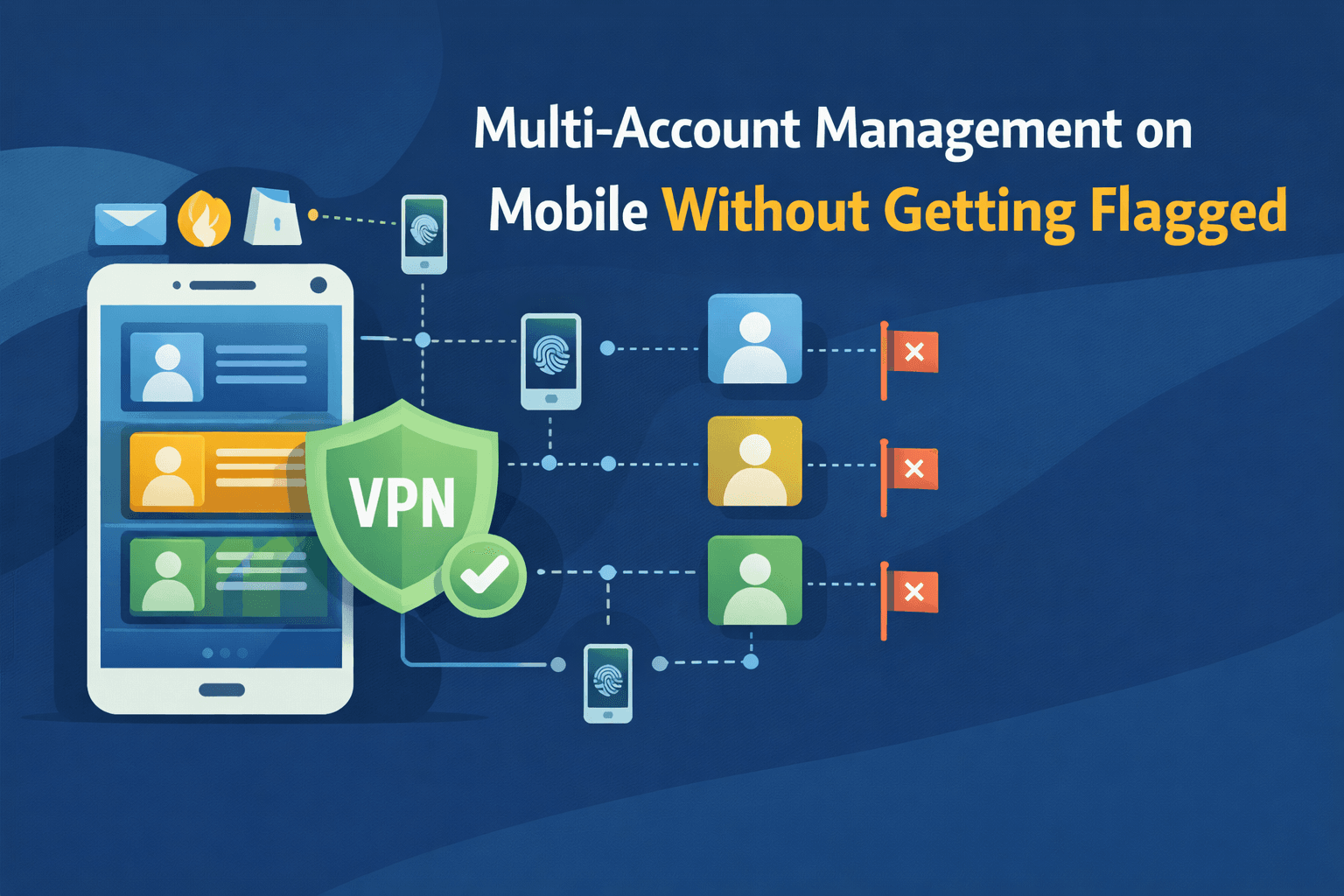
Many people assume managing multiple accounts on a single mobile device is automatically suspicious, but that is not necessarily true.
For this guide, I’ll use Appilot as an example of how structured mobile automation can reduce risk. Appilot is a mobile automation platform that runs workflows on real Android devices without requiring ADB connections or keeping a laptop online all day. You can achieve similar setups with tools like Appium or UI Automator, but managed platforms make it much easier to maintain device consistency and account separation at scale. Platforms do not flag users simply for having multiple accounts. Instead, they flag patterns of behaviour and technical signals that do not look natural. If accounts have been restricted, logged out, or unexpectedly limited, it is usually because those signals did not align with normal mobile usage.
This guide explains how multi-account management works on mobile, how platforms evaluate risk, and how modern systems reduce flagging risk through structure and consistency.
Understanding Multi-Account Management on Mobile
Multi-account management means operating more than one account, either on the same app or across multiple apps, on a single device or controlled device group. This is both common and legitimate for personal and business profiles, brand management, client accounts, and regional testing environments. The issue is not the number of accounts being managed. The real concern is signal consistency.
The Core Principle Behind Safe Multi-Account Use
Platforms build a profile for each account over time by analysing device characteristics, session history, interaction timing, navigation patterns, and environment stability. When these signals remain consistent, trust accumulates. However, when accounts begin sharing conflicting or synchronised signals, risk scoring increases. Consistency reduces suspicion, while correlation increases it.
Multi-Account vs Multi-Device: What Actually Matters
A common misconception is that using more devices automatically makes an account setup safe. In reality, risk depends on identity separation rather than hardware count. Multiple accounts on one device can still be safe, while multiple devices can still be risky. If behaviour is synchronised or identical across accounts, correlation becomes easy for platforms to identify. Most platforms track identity patterns rather than simply counting phones or devices.
Why Multi-Account Setups Get Flagged
Flagging almost never happens for a single reason. In most cases, it is the result of signal accumulation.
1. Shared Device Signals
If multiple accounts share identical app state, system properties, background services, or device fingerprints, correlation becomes trivial. Even without explicit IDs being shared, the similarity between accounts creates strong linkage signals.
2. Behavioural Synchronisation
Human users are naturally irregular, while automation often is not. Red flags include logging in at identical times, having the same scroll depth, using the same pause durations, or following an identical posting rhythm. Even slow actions can still be flagged if they are too patterned. The problem is not speed itself, but synchronisation.
3. Session & Network Inconsistencies
Frequent logouts and re-logins, sudden IP shifts, or overlapping sessions can all increase risk, especially when those changes do not match the device’s historical behaviour. Mobile environments are expected to feel stable, so abrupt changes naturally raise risk scoring.
How Platforms Evaluate Multi-Account Risk
Platforms use layered risk analysis.
Layer 1 – Device & Environment Signals
Apps observe factors such as OS version, app state, accessibility usage, and runtime behaviour. These signals form a baseline identity for each account. When accounts frequently jump between different environments, suspicion increases.
Layer 2 – Interaction Modelling
Platforms also analyse timing variability, scroll behaviour, navigation flow, and error recovery. When multiple accounts move in exactly the same way, automation becomes easier to detect.
Layer 3 – Long-Term Consistency
Trust builds over time. An account that behaves consistently for weeks is far safer than one that suddenly changes rhythm, shifts environments, or repeatedly resets its sessions. Short-term success does not guarantee long-term stability.
Common Misconceptions
Misconception #1: Multiple Accounts Are Forbidden
Most platforms allow multiple accounts. What they actually restrict is spam, abuse, and deceptive activity. Policy enforcement is generally focused on behaviour rather than account count.
Misconception #2: IP Rotation Is the Solution
On mobile, IP is only one signal among many. Device consistency and behavioural alignment are usually far more important. Over-rotating IPs while keeping everything else identical can actually increase suspicion.
Misconception #3: Slowing Down Fixes Everything
Slow actions that remain identical are still detectable. Natural variability matters more than raw speed. This is why accounts can still get flagged even when actions are performed slowly, because the similarity between behaviours remains visible.
Real-World Safe Multi-Account Patterns
Example 1 – Personal & Business Profiles
A user may manage both a personal account and a business account, but each account has different active hours, a different content style, and different interaction patterns. This natural separation reduces correlation.
Example 2 – Structured Mobile Automation
Professional systems use dedicated device environments, maintain stable session continuity, and avoid synchronised actions. Platforms designed around real-device execution focus on preserving consistent identity signals rather than relying on network tricks.
This is where tools like Appilot become useful. Instead of manually managing dozens of Android devices, sessions, and timing rules, Appilot allows teams to control mobile automation through a central dashboard while still running actions on real devices. That makes it easier to preserve stable identity signals, distribute actions more naturally, and avoid the synchronisation patterns that often lead to account linkage.
Example 3 – QA & Testing
Testing teams isolate sessions, timing, and environments while avoiding simultaneous actions. Instead of forcing efficiency, they mimic the variability found in real-world behaviour.
The Technical Reality of Multi-Account Stability
Identity Separation
Each account should map cleanly to a stable device context, a consistent session history, and a distinct behavioural rhythm. When environments overlap too much, linkage becomes easy.
Temporal Distribution
Human behaviour naturally includes random pauses, inconsistent active hours, and irregular usage patterns. Systems that distribute actions more organically reduce pattern detection.
Correlation Is the Real Enemy
Detection systems are primarily looking for clusters, similarity, and synchronisation. Breaking correlation is often more important than simply hiding activity.
When to Invest in Structured Multi-Account Systems
Scenario 1 – Managing Client or Brand Profiles
Clean separation helps prevent cross-account linkage.
Scenario 2 – Long-Term Account Longevity
Stability over months is usually more valuable than short bursts of success.
Scenario 3 – Operating at Scale
As the number of accounts grows, manual discipline becomes difficult to maintain. Structured systems enforce separation automatically. This is especially relevant for people asking how to manage multiple mobile accounts safely over the long term.
Tools That Help With Mobile Multi-Account Management
There are several ways to implement safe mobile automation depending on your budget and technical skill level.
Appium is useful if you want a fully open-source approach and do not mind managing your own infrastructure.
UI Automator is a good option for Android-native automation when you need direct control over device behaviour.
Appilot is useful when you want a managed mobile automation platform with a web dashboard, real-device execution, stable session handling, and easier multi-account management without requiring constant ADB setup.
The best choice depends on whether you want full control, lower costs, or easier long-term management.
Key Takeaways
Multi-account management on mobile is not about tricks. It is about aligning with normal behaviour patterns. Accounts are usually flagged because of conflicting signals rather than account quantity. Behavioural consistency is more important than IP manipulation, while separation and natural timing help reduce correlation risk. Long-term stability also matters much more than short-term activity. When systems mirror the way real users behave, with identity stability and behavioural variability, multi-account setups become significantly more resilient.
If you are managing multiple client accounts, business profiles, or large-scale mobile workflows, using a structured platform such as Appilot can make it much easier to maintain consistency without manually managing every device and session yourself.
Frequently Asked Questions
Q: Is it allowed to manage multiple accounts on one mobile device?
Yes. Most platforms allow it, but they enforce rules against abuse or deceptive behaviour.
Q: Why do accounts get flagged even with slow actions?
Platforms analyse similarity and synchronisation rather than just speed.
Q: Does changing IP prevent flagging?
IP is only one factor, while device consistency and behavioural patterns are usually more important.
Q: Can automation safely manage multiple accounts?
Automation can reduce risk when it mirrors real behaviour and maintains identity separation, but no method is completely risk-free.
Q: When should I use a structured multi-account system?
A structured system becomes useful when account longevity, client separation, or operational scale matters more than short-term convenience.