Multilogin Profile Management Through Appilot Dashboard
Why Browser Profile Management Becomes Difficult at Scale
Managing a small number of browser profiles manually is usually manageable. Once operations expand across dozens or hundreds of profiles, the process becomes much harder to control.
Businesses may need to manage social media accounts, affiliate campaigns, e-commerce stores, scraping sessions, testing environments, and client accounts all at the same time.
Each browser profile may have its own cookies, proxy, fingerprint, timezone, and login session.
Without a centralized system, it becomes difficult to keep track of which profiles are active, which tasks are complete, which accounts need attention, and which browser sessions require maintenance.
What Multilogin Does for Browser Profile Management
Multilogin helps by giving every browser profile its own isolated environment.
Each profile can have a different fingerprint, proxy, browser version, timezone, cookies, and screen resolution.
This is useful because it allows businesses to separate accounts from each other instead of using the same browser environment for every login.
For teams managing multiple accounts, Multilogin creates a more organized way to handle browser sessions.
How Appilot Improves Multilogin Profile Management
While Multilogin focuses on browser profile separation, Appilot focuses on browser workflow management.
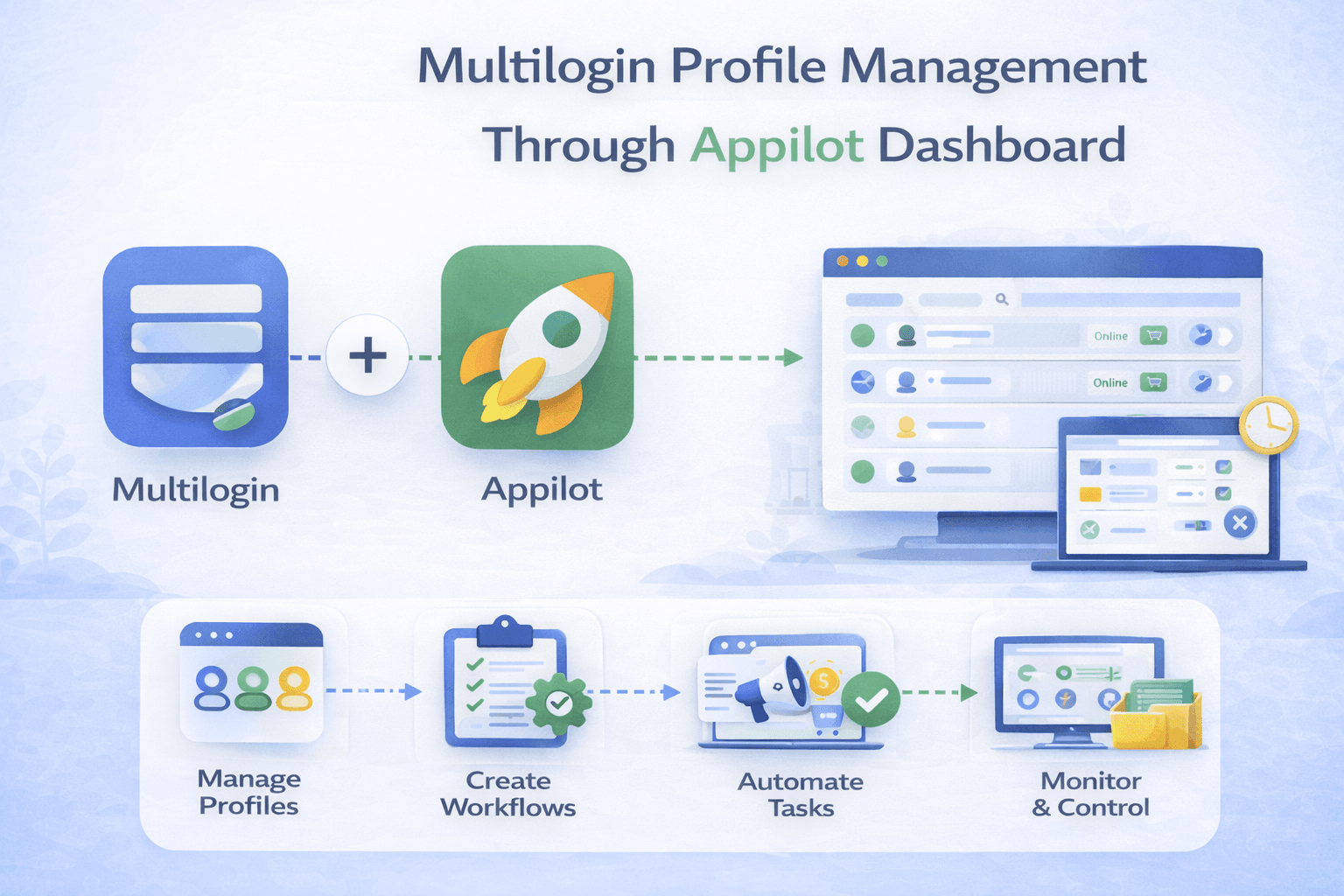
Appilot allows you to organize profiles into groups, apply schedules, automate browser tasks, monitor activity, and track profile health from one dashboard.
Instead of opening every browser profile manually and repeating the same tasks every day, Appilot allows workflows to run automatically.
This makes larger browser operations much easier to manage.
Why Centralized Profile Management Matters
When browser profiles are scattered across different categories and platforms, it becomes difficult to keep operations organized.
You may have social media accounts in one place, scraping sessions in another place, affiliate profiles in another group, and e-commerce accounts somewhere else.
Using Appilot as the central management layer makes it easier to keep profiles organized.
Profiles can be grouped by client, platform, campaign type, use case, or business function.
This helps teams understand which profiles belong together and which workflows should be applied to each group.
Using Profile Groups for Better Organization
One of the best ways to manage Multilogin profiles is by creating profile groups.
For example, you may create one group for Instagram accounts, another group for TikTok profiles, another group for affiliate dashboards, and another group for scraping sessions.
You may also group profiles by client name, region, campaign type, or internal team.
Once profiles are grouped, Appilot can apply different schedules, workflows, and browser tasks to each category.
This creates a much cleaner workflow because every profile does not need to be managed individually.
Using Appilot for Scheduled Browser Sessions
Scheduling is one of the most useful parts of profile management.
Different browser profiles often need different types of activity at different times.
For example, social media profiles may need to review notifications during the morning, affiliate dashboards may need to be checked during the afternoon, and scraping sessions may only need to run during the evening.
Appilot allows browser tasks to be scheduled according to these needs.
This creates a more organized system and reduces repetitive manual work.
Using Appilot for Profile Health Monitoring
Profile health is important because browser sessions do not stay stable forever.
Cookies expire, proxies fail, sessions break, and browser versions become outdated.
Appilot makes it easier to monitor profile health by tracking active sessions, failed tasks, expired cookies, and broken workflows.
This allows teams to identify issues before they become larger problems.
Using Appilot for Bulk Profile Actions
Large browser operations often require the same task to run across many profiles.
For example, you may need to launch twenty browser profiles, review notifications, collect data, and close the sessions afterward.
Instead of performing these actions one profile at a time, Appilot allows bulk tasks to run across multiple Multilogin profiles.
This saves time and makes browser profile management much more efficient.
Using Multilogin and Appilot for Different Industries
Multilogin and Appilot can be useful across many industries.
Social media teams may use them to manage Instagram, TikTok, Facebook, and Twitter accounts.
Affiliate marketers may use them to manage campaign dashboards and traffic source accounts.
E-commerce businesses may use them to manage seller accounts, inventory reviews, and pricing checks.
Web scraping teams may use them to manage browser sessions, proxies, and data collection workflows.
How Better Profile Management Helps Reduce Detection Risk
No browser automation setup is completely safe, but better profile management helps reduce obvious patterns.
Multilogin helps by separating browser fingerprints and sessions.
Appilot helps by spreading browser activity across different times, rotating task order, and avoiding identical workflows.
This creates more realistic browser behavior because humans do not perform the same actions in the exact same order every day.
Best Practices for Managing Multilogin Profiles Through Appilot
It is always better to start with a smaller number of profiles before scaling to larger operations.
You should also use reliable residential or mobile proxies because poor proxy quality can increase risk.
Regular browser profile maintenance is important because cookies expire, sessions break, and browser versions change over time.
It is also important to review failed tasks, expired sessions, retry queues, and workflow health regularly.
Finally, avoid creating identical schedules across every profile because more variation creates more realistic browser activity.
Frequently Asked Questions
Can Appilot manage multiple Multilogin profiles at the same time?
Yes, Appilot can manage multiple Multilogin profiles from one dashboard.
Can profiles be grouped by platform or client?
Yes, profiles can be grouped by client, platform, campaign type, or use case.
Can Appilot schedule different workflows for different profile groups?
Yes, Appilot can apply different workflows and schedules to different groups.
Can Appilot monitor profile health and failed tasks?
Yes, Appilot can help monitor profile health, expired sessions, failed workflows, and retry queues.
Does profile management make browser automation completely safe?
No setup is completely safe, but browser profile separation, scheduling, better organization, and realistic activity patterns can reduce obvious risks.
Conclusion
Managing Multilogin profiles becomes much easier when Appilot is used as the central management layer.
Multilogin provides the browser profile separation needed for safer multi-account operations, while Appilot provides the scheduling, automation, grouping, and monitoring needed for larger browser systems.
The result is a workflow that saves time, reduces repetitive work, improves consistency, and makes browser profile management much easier to scale.