New Client Setup Takes 8 Hours? Here’s How to Cut It to 1

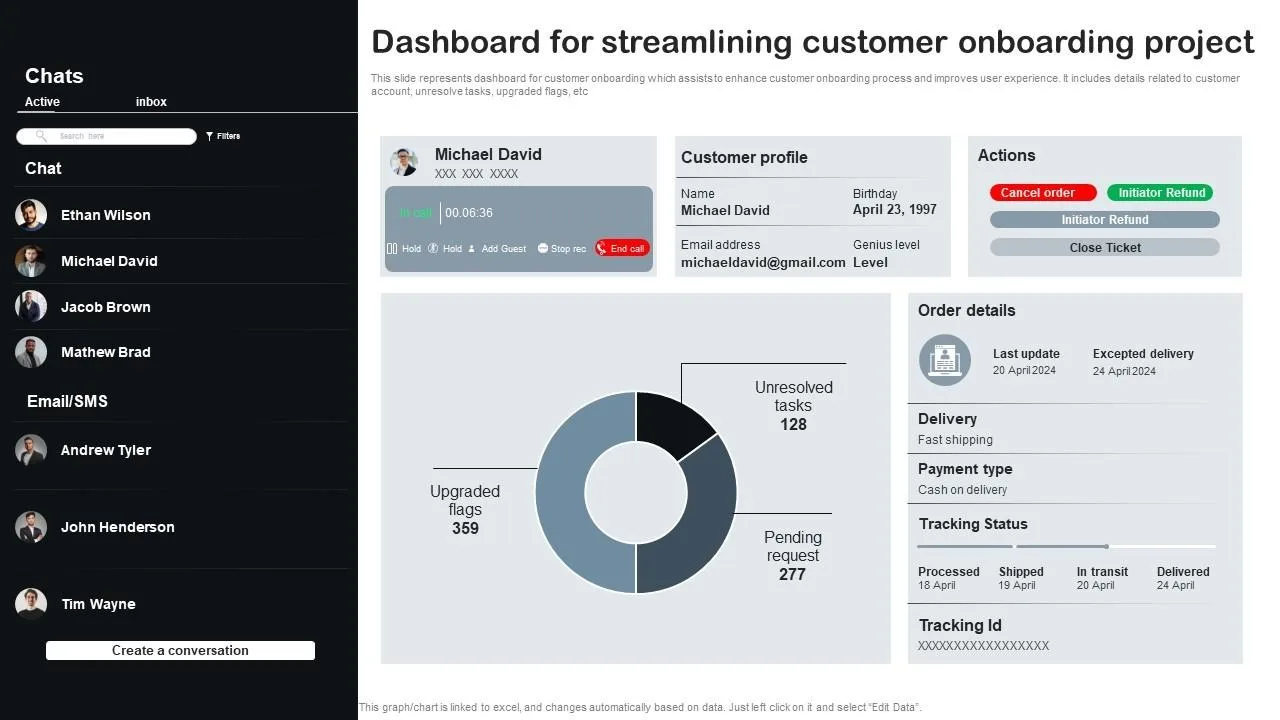
You close a new client, everything feels great, momentum is high, expectations are clear, and then the real work begins, not the execution you enjoy, but the setup process that quietly eats up hours of your time, where what should be a simple onboarding turns into a long sequence of repetitive steps.
You start collecting access, setting up accounts, configuring tools, organizing folders, initializing workflows, and making sure everything is ready before any real work can begin, and before you realize it, half your day is gone, sometimes even more, just getting one client ready.
It becomes even more frustrating when you realize that most of these steps are not unique, they are the same actions you perform for every client, yet somehow they still take hours every single time.
As your client base grows, this problem compounds, because every new client adds another block of setup time, limiting how many clients you can realistically onboard and creating a bottleneck that slows down your entire business.
You are not alone in this, and more importantly, this is not because client setup is inherently time-consuming, but because the process is not structured for speed, consistency, or automation.
The good news is that once you understand where the time is actually being spent and why the process feels so heavy, you can redesign it into a system that reduces setup time from hours to minutes.
Why Client Setup Takes So Long
Most onboarding processes are not slow because of one major issue, but because of multiple small inefficiencies that add up.
Repeating the Same Work Every Time
Instead of starting from a prepared system, you rebuild parts of your setup for every client, which creates unnecessary duplication of effort.
Scattered Information and Back-and-Forth
You spend time waiting for client details, clarifying missing information, and going back and forth to complete setup, which slows everything down.
Manual Configuration of Tools
Each tool, account, and workflow is configured manually, even when the steps are identical across clients, which significantly increases setup time.
No Standardized System
Without a predefined structure, every onboarding feels slightly different, making it harder to optimize or speed up.
The Hidden Cost of Slow Client Setup
Spending eight hours on a single client setup does not just affect your schedule, it limits your ability to scale, because your capacity becomes tied to how much time you can personally invest in onboarding.
It also delays results for clients, which can impact their perception of your service and reduce satisfaction.
More importantly, it creates a bottleneck that prevents you from growing efficiently, because every new client adds more workload instead of being absorbed by a system.
The Complete Solution: Cut Setup Time to 1 Hour
Reducing setup time is not about working faster, but about removing unnecessary work and structuring the process properly.
The first step is creating a standardized onboarding framework, where every client follows the same process, using predefined templates, workflows, and configurations.
Instead of building from scratch, you start from a ready-to-use system that only requires minimal customization.
The next step is consolidating information collection, ensuring that all required details are gathered upfront through a structured system, eliminating back-and-forth communication.
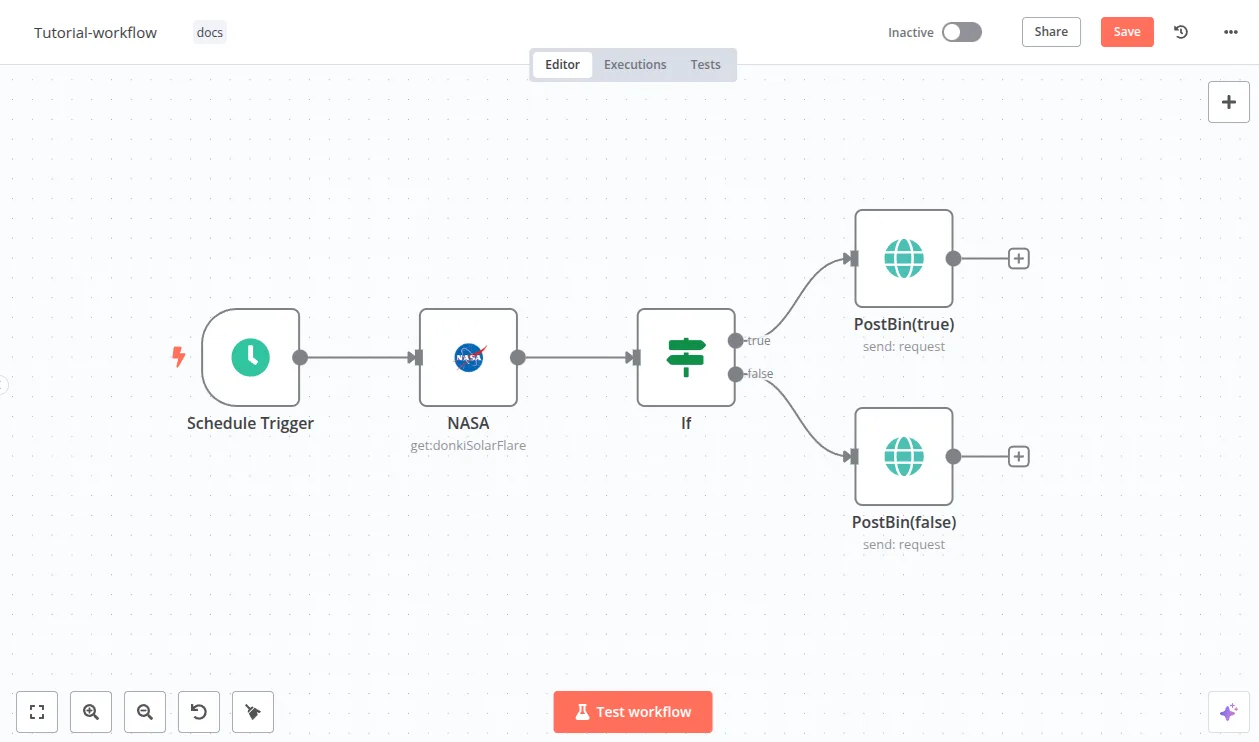
Once the framework is in place, the most impactful improvement comes from automation, where repetitive setup tasks are handled automatically instead of manually.
A practical way to implement this is by using a platform like Appilot, which allows you to automate setup workflows on real devices, reducing manual effort and ensuring consistency across clients.
By combining templates, structured input, and automation, you eliminate most of the time-consuming steps, allowing you to complete setups quickly and reliably.
The final step is assigning clear roles and responsibilities, ensuring that setup tasks are handled efficiently without requiring your constant involvement.
How to Prevent Setup Time From Increasing Again
Prevention starts with maintaining your standardized system, ensuring that new clients always go through the same optimized process.
Regular reviews help you identify inefficiencies and improve your workflow over time.
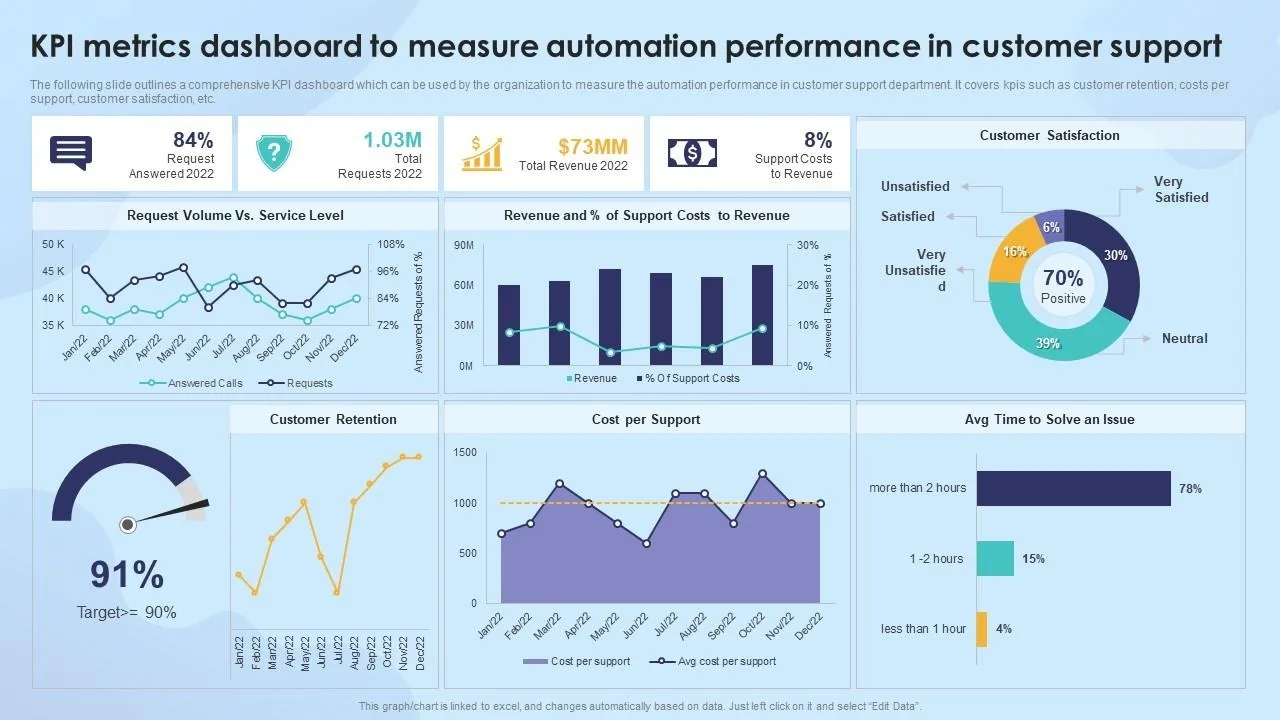
Automation ensures that repetitive tasks remain efficient and do not reintroduce delays into your process.
Common Mistakes That Keep Setup Slow
One of the most common mistakes is customizing the setup process too early, which reduces efficiency and increases complexity.
Another is relying entirely on manual work, which limits speed and scalability.
There is also a tendency to underestimate the importance of onboarding, treating it as a secondary task rather than a critical part of the business.
Real Success Stories: Before and After
A business owner who spent several hours setting up each client found that onboarding limited their ability to take on new work.
After implementing standardized workflows and automation using Appilot, they were able to reduce setup time significantly and onboard more clients without increasing workload.
Another example involved a team that struggled with inconsistent onboarding processes, but after restructuring their system, they achieved faster and more predictable results.
Frequently Asked Questions
One common question is whether reducing setup time affects quality, and when done correctly, standardization actually improves consistency and reliability.
Another question is how much of the process can be automated, and while not everything can be automated, a significant portion can be, reducing manual effort.
There is also the concern about flexibility, and a well-designed system allows for customization where needed without sacrificing efficiency.
Conclusion: Turn Setup Into a Competitive Advantage
If new client setup takes eight hours, it is not because the work is inherently complex, but because the process is not optimized.
Once you shift to a structured, automated system, setup becomes faster, more consistent, and far easier to scale.
If you are dealing with this right now, the best step forward is not to work faster, but to redesign your process, because once you do, onboarding becomes a strength rather than a bottleneck.