Residential vs Datacenter Proxies: A Beginner’s Guide
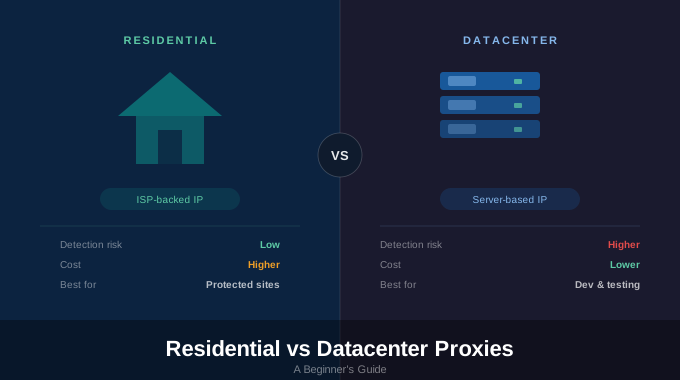
Residential vs Datacenter Proxies: A Beginner’s Guide
If you’re getting started with web automation or scraping, one of the first infrastructure decisions you’ll face is choosing between residential proxies and datacenter proxies. Both route traffic through alternative IP addresses, but the differences affect detection risk, cost, speed, and scalability.
This guide explains how each proxy type works, where they perform best, and how to decide which one fits your workflow.
What Is a Proxy?
A proxy acts as an intermediary between your device and a website. Instead of connecting directly, your request is forwarded through a proxy server. The website sees the proxy’s IP address rather than your own.
Proxies are commonly used for scraping, automation, geo-targeting, multi-account management, load testing, and privacy control.
What Are Datacenter Proxies?
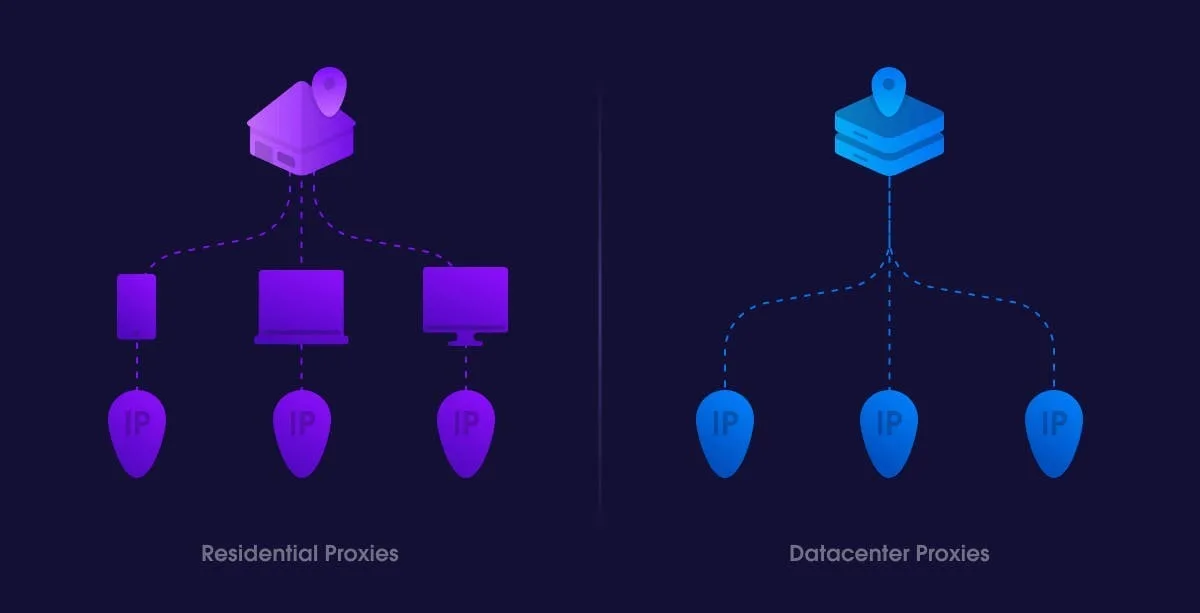
Datacenter proxies are IP addresses hosted in cloud infrastructure or server facilities. They are not tied to real consumer devices or internet service providers.
In simple terms, a datacenter proxy is a server-based IP.
Key Characteristics
Datacenter proxies typically offer:
High speed and low latency
Stable infrastructure
Easy scalability
Lower cost compared to residential IPs
Common Use Cases
Datacenter proxies are suitable for:
Development and QA testing
API access
Low-protection scraping
High-volume automation where detection risk is minimal
Their main drawback is visibility. Many websites can identify server-origin traffic, increasing detection risk on protected platforms.
What Are Residential Proxies?
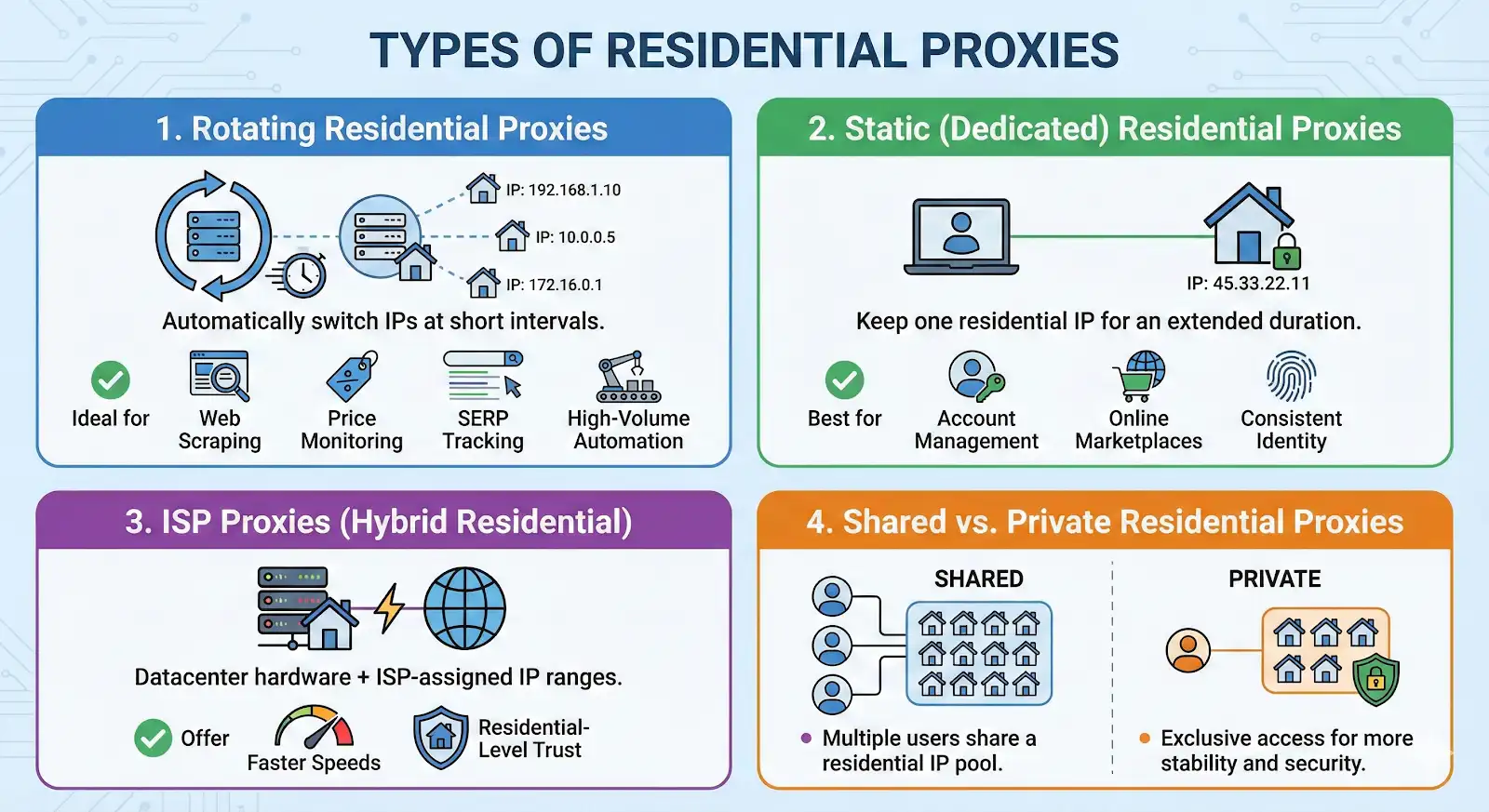
Residential proxies use IP addresses assigned to real consumer devices by internet service providers. From a website’s perspective, traffic appears to originate from a real household connection.
In simple terms, a residential proxy is an ISP-backed IP that looks like normal user traffic.
Key Characteristics
Residential proxies generally provide:
Higher trust scores
Lower detection rates
Geographic targeting options
Better performance on protected sites
Common Use Cases
Residential proxies are typically used for:
Protected scraping
Account automation
Ad verification
Geo-targeted workflows
Sites with strong anti-bot systems
The trade-offs include higher cost and reduced speed compared to datacenter proxies.
Key Differences at a Glance
Detection Risk
Datacenter proxies carry higher detection risk on protected sites. Residential proxies are harder to distinguish from real users.
Speed
Datacenter proxies are faster and more stable. Residential proxies can be slower and dependent on device availability.
Cost
Datacenter proxies are affordable and scalable. Residential proxies are more expensive and often billed by bandwidth.
Scalability
Datacenter IP pools scale easily into the thousands. Residential scaling is more limited and costly.
Reliability
Datacenter infrastructure is predictable. Residential reliability depends on distributed consumer connections.
When to Use Datacenter Proxies
Datacenter proxies are often the best starting point.
They make sense when you are learning automation, working with lightly protected sites, prioritizing speed and budget, or running internal tests. For many workflows, especially in development environments, datacenter proxies are sufficient.
When to Use Residential Proxies
Residential proxies become necessary when detection blocks progress.
They are appropriate when automating logged-in accounts, scraping protected sites, targeting specific geographic regions, or running long-term automation where stability is critical.
They should be used strategically rather than universally due to cost.
Common Beginner Mistakes
Assuming proxies solve all detection issues is a common misunderstanding. Websites also evaluate browser fingerprints, behavior patterns, and session consistency.
Using residential proxies for every task increases cost without improving results on low-risk sites.
Over-rotating IPs can create suspicious patterns. Stable sessions are often more effective than constant rotation.
Proxies in Modern Automation
Proxies are only one layer of automation infrastructure. Reliable systems combine:
Appropriate proxy selection
Browser fingerprint alignment
Realistic interaction patterns
Environment consistency
Ongoing monitoring
Choosing the correct proxy type depends on the protection level of the target site and the scale of your automation.
Managing Proxies at Scale
As automation grows, coordinating proxies with browser environments becomes more complex.
Appilot supports both residential and datacenter proxies within structured automation workflows. It emphasizes environment consistency, session stability, and detection-aware execution.
Appilot is relevant when proxy selection directly impacts automation reliability or when scaling introduces infrastructure complexity.
Final Thoughts
Residential and datacenter proxies serve different purposes.
Use datacenter proxies when speed, cost efficiency, and scale matter. Use residential proxies when trust, realism, and lower detection risk are required.
Most mature automation systems use both types strategically rather than relying exclusively on one.
Frequently Asked Questions
Q: What is the main difference between residential and datacenter proxies?
Residential proxies use ISP-assigned IPs tied to real devices. Datacenter proxies use server-based IPs.
Q: Are residential proxies harder to detect?
Yes, because they appear as normal household traffic.
Q: Are datacenter proxies unreliable?
No. They are fast and stable but more visible to detection systems.
Q: Do beginners need residential proxies?
Often no. Datacenter proxies are usually sufficient for learning and low-risk tasks.
Q: Can proxies alone prevent detection?
No. Detection also depends on browser behavior and environment consistency.
Q: Can Appilot manage both proxy types?
Yes. Appilot supports flexible proxy integration within automation workflows.