Running Out of Disk Space from Browser Profiles? Here’s the Fix

You check your disk space and something feels off, because despite not downloading large files or installing heavy software, your storage is suddenly almost full, and after digging a little deeper, you realize that browser profiles are quietly consuming tens or even hundreds of gigabytes without you fully understanding how it got to that point.
At first it seems manageable, maybe a few profiles here and there, each taking up a bit of space, but as you scale your workflows, duplicate profiles, run automation, and let sessions accumulate over time, the storage usage grows in a way that feels invisible until it becomes a serious problem.
Eventually you reach a point where your system starts slowing down, new profiles fail to open, updates cannot be installed, and basic operations become unreliable simply because there is no space left to work with, forcing you into a reactive cycle of deleting files, clearing data, and trying to free up space just to keep things running.
What makes this frustrating is that even after cleaning up, the space seems to fill up again quickly, making it clear that this is not a one-time issue but a structural problem in how browser profiles store and manage data.
You are not alone in this, and more importantly, this is not just about storage capacity, because the real issue lies in how profiles accumulate data, duplicate environments, and operate inefficiently at scale.
The good news is that once you understand why browser profiles consume so much disk space, you can fix the problem in a way that not only frees up storage but prevents it from happening again.
Why Browser Profiles Consume So Much Disk Space
Most people assume browser profiles are lightweight, but in reality they are complex environments that store a wide range of data, much of which accumulates silently over time.
Profiles Store More Than You Think
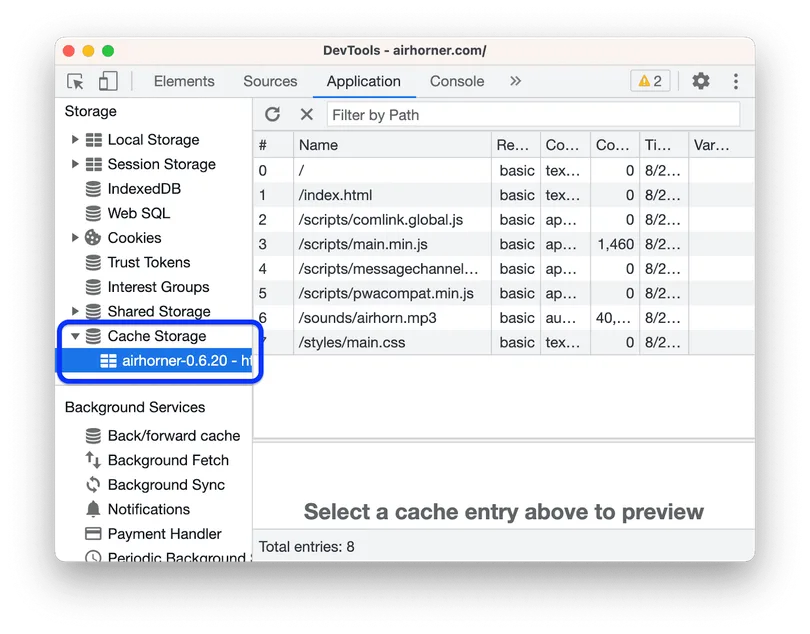
Every browser profile contains cache files, cookies, local storage, session data, extension data, and sometimes even entire copies of web assets, all of which grow continuously as the profile is used.
This means that even a single active profile can expand significantly over time, especially if it is used for automation or high-frequency tasks.
Duplication Multiplies the Problem
When you create multiple profiles, you are not just adding new sessions, you are effectively duplicating entire environments, including extensions, cached data, and stored resources.
This means that ten profiles do not just use ten times the space of one profile, but often more, because each profile accumulates its own data independently.
Cache Growth Is Continuous
Cache is designed to improve performance, but in multi-profile setups, it becomes a major source of storage consumption, because each profile maintains its own cache, which grows continuously unless manually cleared.
Over time, this results in massive amounts of redundant data stored across profiles.
Extensions Add Hidden Weight
Extensions often store their own data within profiles, including logs, settings, and cached resources, which further increases storage usage, especially when the same extensions are installed across multiple profiles.
The Hidden Cost of Running Out of Disk Space
Running out of disk space is not just about storage, it directly impacts system performance, because when your drive is nearly full, read and write operations slow down significantly, affecting everything from profile loading to automation execution.
You also risk data corruption, failed updates, and incomplete workflows, which can disrupt your operations and require additional time to fix.
More importantly, it prevents you from scaling, because every new profile or workflow adds pressure to an already limited resource, forcing you to constantly manage space instead of focusing on growth.
The Complete Solution: How to Fix Disk Space Issues Permanently
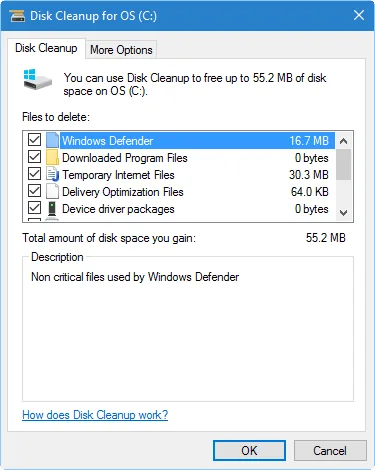
Fixing disk space issues requires more than deleting files or clearing cache, because those are temporary fixes that do not address the underlying problem.
The first step is to audit your existing profiles, identifying which ones are actively used and which can be removed or consolidated, because unused profiles often consume significant space without providing value.
Once you have reduced unnecessary profiles, the next step is to clean active profiles by clearing excessive cache, removing unused extensions, and ensuring that data does not accumulate unnecessarily.
However, even with optimization, browser profiles remain inherently storage-heavy, especially when used at scale, which means that relying solely on them will always lead to similar issues over time.
This is where a structural shift becomes necessary, moving away from storing large, duplicated environments locally and toward more efficient execution methods.
A practical approach is to offload automation and workflows to real devices using a platform like Appilot, where tasks run directly on Android devices instead of requiring multiple heavy browser profiles stored on your system.
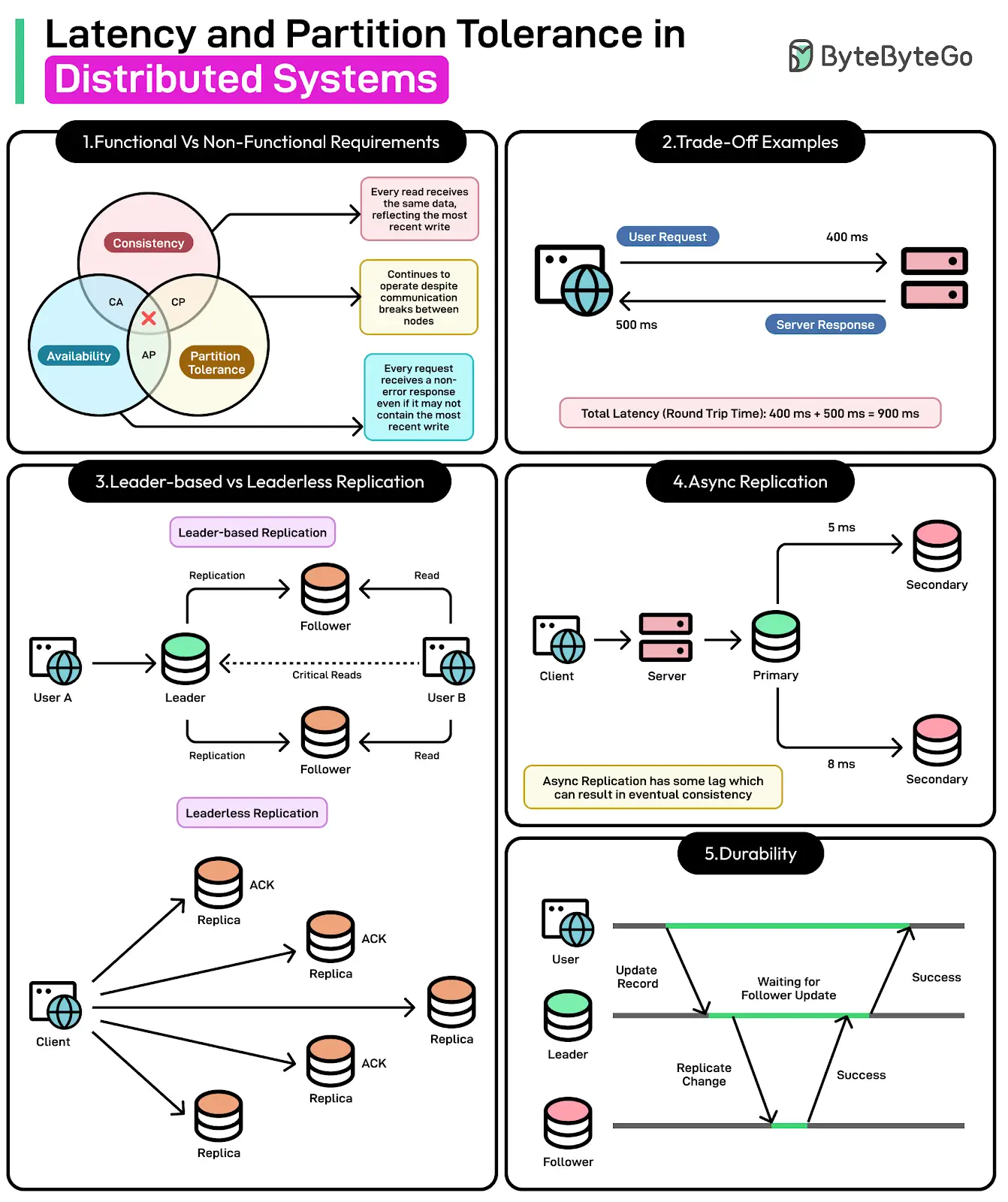
By shifting execution away from local profiles, you significantly reduce disk usage, because your system no longer needs to store large amounts of duplicated data, allowing you to operate more efficiently without constantly managing storage.
How to Prevent Disk Space Issues From Coming Back
Prevention starts with maintaining control over how profiles are created, stored, and used, ensuring that unnecessary duplication does not occur and that data accumulation is managed effectively.
Regular monitoring of disk usage helps you identify trends and take action before space becomes a critical issue.
More importantly, designing your system to rely less on heavy local storage and more on distributed execution ensures long-term scalability without recurring storage problems.
Common Mistakes That Make Disk Space Issues Worse
One of the most common mistakes is continuously creating new profiles without removing old ones, which leads to unnecessary duplication and rapid storage consumption.
Another is ignoring cache growth, allowing it to accumulate unchecked across multiple profiles.
There is also a tendency to rely on temporary cleanup methods without addressing the structural inefficiencies that cause the problem in the first place.
Real Success Stories: Before and After
A user managing multiple automation workflows found that their system storage was constantly full, forcing them to delete data regularly just to keep operations running.
After optimizing their profiles and transitioning to a distributed setup using Appilot, they were able to reduce local storage usage significantly and operate without constant cleanup.
Another example involved a team running large-scale automation, where disk space limitations restricted their ability to scale, but after restructuring their system, they achieved a more efficient setup with minimal storage overhead.
Frequently Asked Questions
One common question is whether upgrading storage can solve the problem, and while it can provide temporary relief, it does not address the underlying issue of inefficient data management.
Another question is how much space browser profiles should use, and while it varies, excessive growth is usually a sign of unmanaged data accumulation.
There is also the concern about whether alternative approaches are complex, and while they require some adjustment, platforms like Appilot simplify the transition significantly.
Conclusion: Take Back Control of Your Storage
Running out of disk space because of browser profiles is not just a storage issue, it is a sign that your system is not designed to handle scale efficiently.
Once you understand how profiles consume space and why traditional fixes fail, the solution becomes clear, because instead of constantly managing storage, you shift to a system that minimizes it.
If you are dealing with this problem right now, the best step forward is not just to clean up space, but to rethink how your workflows are structured, because once you do, storage stops being a limitation and becomes a non-issue.