How to Scale LinkedIn Lead Generation (Without Risky Automation)
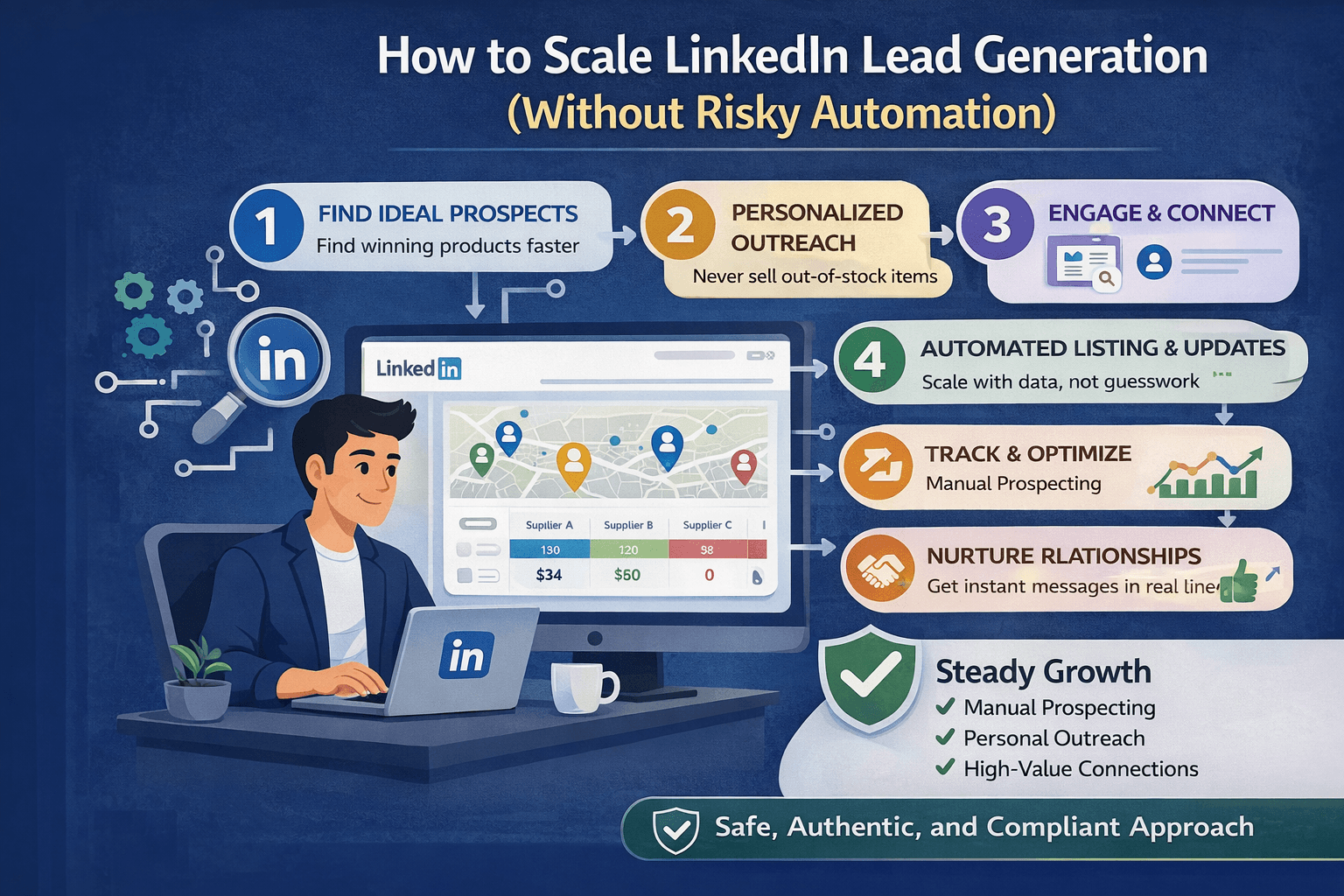
LinkedIn lead generation does not fail because people are not sending enough connection requests. Most of the time, it fails because the profile is weak, the targeting is unclear, the messaging is generic, and the workflow is inconsistent.
The goal is not to send more messages. The goal is to build a repeatable system that creates replies, conversations, and meetings without putting the account at risk.
This guide explains how to scale LinkedIn lead generation safely by focusing on profile optimization, targeting, CRM workflows, email follow-ups, and process-driven outreach rather than risky automation.
Why LinkedIn Lead Generation Matters / The Opportunity
LinkedIn remains one of the strongest platforms for B2B outreach because it allows businesses to target decision-makers directly based on role, company, industry, geography, and seniority.
Unlike many other channels, LinkedIn combines professional identity with intent signals. Prospects already expect to receive business-related messages, which makes it easier to start conversations when the targeting and positioning are strong.
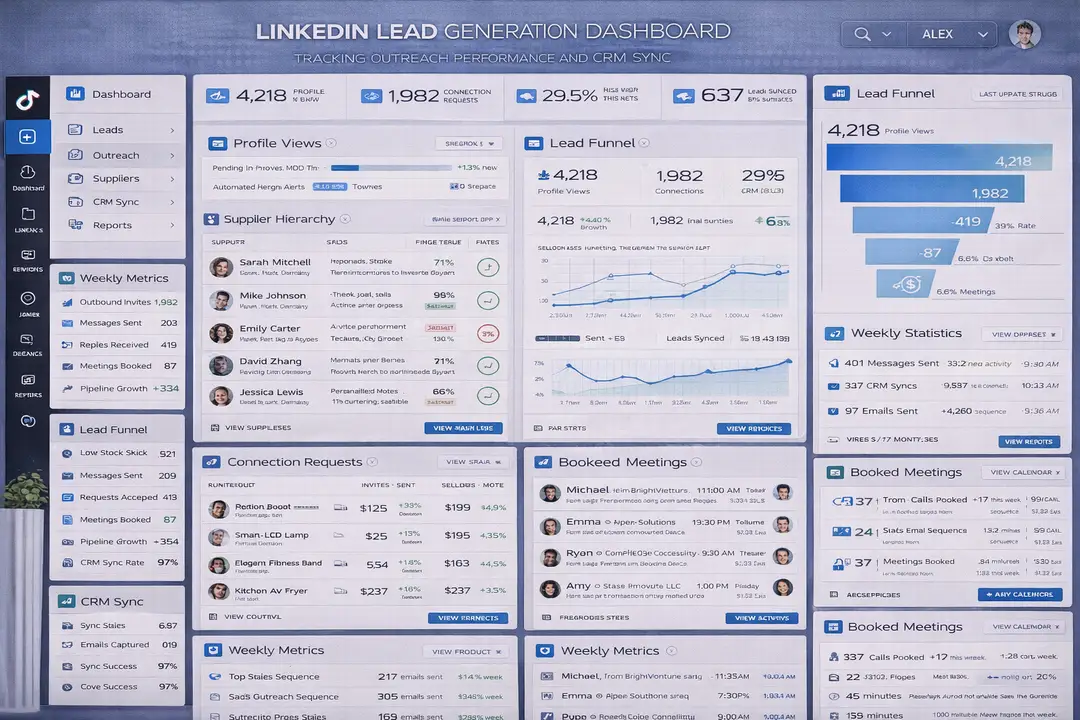
The opportunity becomes much larger when outreach is supported by CRM automation, email sequences, and consistent content. Instead of depending on one-touch outbound, businesses can build a repeatable multi-channel pipeline that compounds over time.
1. Who This Use Case is For
This approach works best for agencies, SaaS companies, consultants, recruiters, B2B service providers, outbound sales teams, and founders who want to generate leads through LinkedIn without relying on unsafe automation tools.
It is especially valuable for businesses with multiple sales reps because process, targeting, and CRM structure become much more important as outreach volume increases.
2. What You'll Achieve
By implementing a structured LinkedIn lead generation workflow, you will be able to improve profile conversion rates, generate more replies, keep follow-ups organized, track performance, and build a predictable outbound pipeline.
In practical terms, that means higher connection acceptance rates, more meetings booked, better follow-up consistency, and lower account risk.
3. What You'll Need
Before scaling LinkedIn lead generation, it is important to think of it as a workflow and process problem rather than a volume problem.
Technical Requirements
The strongest systems use tools such as LinkedIn Sales Navigator for advanced filtering and prospect discovery, along with CRMs such as HubSpot, Salesforce, and Pipedrive to track leads, stages, and follow-ups.
Most teams also use email sequencing tools, calendar scheduling software, and reporting dashboards to support outreach.
If a broader mobile-first operational workflow is needed, Appilot can support Android-side operational visibility because it works with real Android devices and Accessibility Services. However, Appilot should not be used to automate LinkedIn activity itself. The core workflow should remain centered on CRM sync, messaging quality, follow-up logic, and reporting.
Skills and Knowledge
Teams benefit from understanding ICP definition, messaging frameworks, CRM organization, personalization, email follow-ups, and reporting.
The strongest results usually come from businesses that invest time into better targeting and stronger positioning rather than only increasing volume.
Time and Resource Investment
A basic LinkedIn outbound system can be implemented in a few days if the profile, CRM, and targeting criteria are already clear.
Larger teams with multiple reps, detailed reporting, and multi-touch campaigns require more structure because they need consistent messaging frameworks, CRM hygiene, follow-up automation, and weekly performance reviews.
Step-by-Step Implementation Guide
Step 1: Build a Conversion-Ready Profile
Most lead generation problems start with profile problems.
If the profile headline, banner, About section, and featured content do not clearly communicate who you help, what outcome you create, and why someone should trust you, outreach results stay weak.
The headline should clearly combine role, audience, and outcome. The banner should reinforce the value proposition and include social proof if possible. The featured section should contain a case study, booking link, lead magnet, or testimonial.
A strong profile improves response rates because prospects often check the profile before deciding whether to accept a request or reply to a message.
Step 2: Use Sales Navigator and Native LinkedIn Workflows
LinkedIn outreach works much better when it is targeted carefully.
Sales Navigator allows businesses to filter by title, company size, geography, seniority, industry, and many other variables. This makes it easier to create focused prospect lists rather than sending random connection requests.
The safest way to scale is to keep activity conservative, personalize every connection request, stagger outreach over time, and avoid sending the same message repeatedly.
Strong teams usually track all replies, stages, and follow-ups in a CRM rather than managing everything manually inside LinkedIn.
Step 3: Automate CRM and Follow-Up Workflows
Instead of automating LinkedIn activity directly, automate the systems around it.
The strongest workflows automate lead capture into the CRM, follow-up reminders, email sequences, meeting booking, and reply tracking.
For example, once a connection request is accepted, the contact can be added automatically into the CRM, tagged by lead stage, enrolled into an email sequence, and connected to a scheduling workflow.
const lead = {
  name: "John Smith",
  acceptedConnection: true,
  stage: "new"
};
function updateLeadWorkflow(lead) {
  if (lead.acceptedConnection) {
    return "Add to CRM and trigger follow-up sequence";
  }
  return "Keep in prospecting list";
}
console.log(updateLeadWorkflow(lead));
This type of workflow creates consistency without depending on risky LinkedIn automation.
Step 4: Combine LinkedIn and Email
The highest-performing teams rarely rely on LinkedIn alone.
A safer and more effective sequence usually starts with a personalized connection request, followed by a short value-focused message if the request is accepted.
A few days later, the team can send a follow-up message and, when appropriate, a personalized email.
This type of multi-touch sequence increases reply rates because it creates more opportunities for the prospect to engage without forcing all activity into LinkedIn.
Step 5: Build Inbound Content to Support Outbound
Outbound performs much better when it is supported by content.
Prospects often visit a profile before replying, which means recent posts, comments, case studies, and thought leadership can make outreach more credible.
Businesses that post regularly often find that response rates improve because prospects already recognize their expertise before the conversation starts.
Appilot Integration Method #1 - The Complete Solution Approach
Supporting Mobile-First Workflow Visibility in Outreach Operations
Some sales teams manage outreach operations across both desktop and mobile environments. They may review CRM updates, reply notifications, meeting bookings, and reporting dashboards while moving between multiple systems.
Appilot can support Android-side workflow visibility in those broader mobile-first operational environments because it works with real Android devices and Accessibility Services. In that role, it can help teams monitor operational workflows, notifications, and dashboards more clearly.
The important distinction is that Appilot should support visibility and coordination rather than directly automate LinkedIn activity.
Common Challenges and Solutions
Challenge 1: Low Connection Acceptance Rates
Low acceptance rates are often caused by poor targeting, weak profiles, or generic connection requests.
The solution is to improve the profile, narrow the ICP, and personalize every request so that it feels relevant to the recipient.
Challenge 2: Low Reply Rates
Low reply rates usually happen when the message focuses too much on the sender instead of the prospect.
The solution is to make the message short, relevant, and outcome-focused. Strong messaging usually performs better when it references the prospect’s role, company, or a recent event.
Challenge 3: Poor Follow-Up Consistency
Many teams lose leads simply because they forget to follow up.
The solution is to connect LinkedIn outreach to CRM reminders, email sequences, and meeting booking workflows so that follow-ups happen consistently.
Safe Scaling Framework from 1 to 10+ Reps
Scaling LinkedIn lead generation should focus on process rather than automation.
From 1 Rep to 10+ Reps
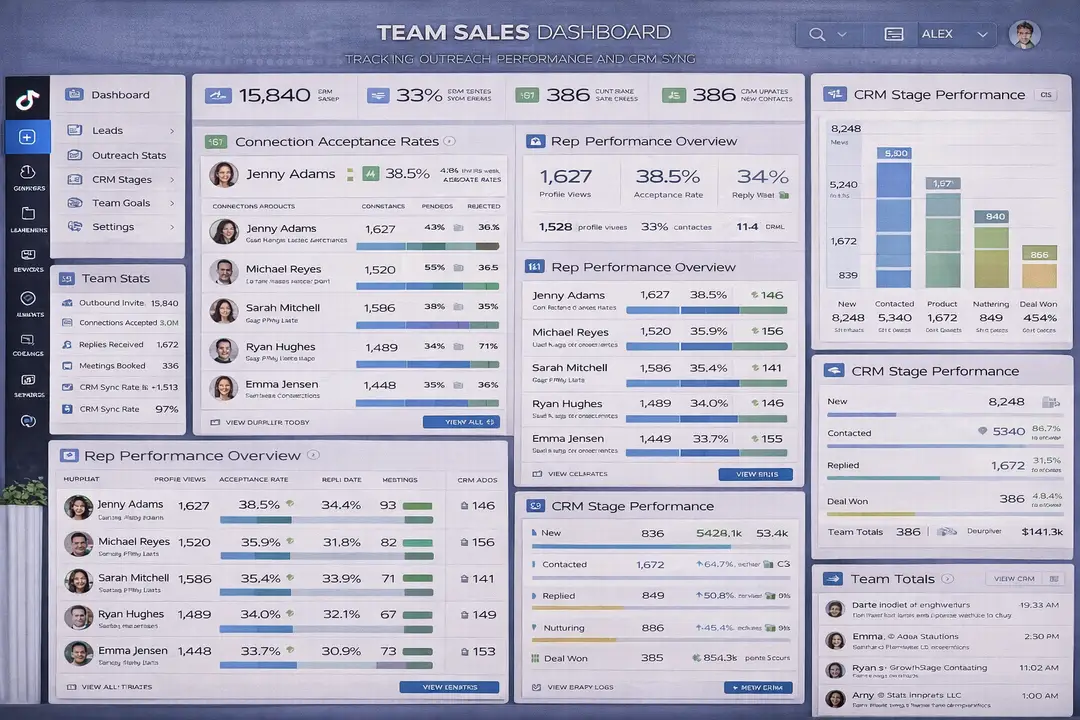
As more reps are added, businesses should standardize targeting criteria, document messaging frameworks, create reporting dashboards, and review metrics weekly.
The strongest teams do not give every rep the exact same message template. Instead, they provide a messaging framework that allows personalization while maintaining consistency.
KPIs to Track
The most important metrics include connection acceptance rate, reply rate, meetings booked, cost per meeting, and conversion rate by channel.
A strong benchmark is usually around 25 to 40 percent acceptance rate and 10 to 25 percent reply rate, depending on the industry and targeting quality.
Best Practices and Pro Tips
Best Practice 1 - Personalize Every Request
The safest and most effective LinkedIn outreach always includes personalization. Reference the person’s role, company, industry, or a recent event whenever possible.
Best Practice 2 - Use Multiple Channels
LinkedIn works better when it is combined with email, content, and CRM workflows rather than treated as the only channel.
Best Practice 3 - Optimize Before Scaling
Businesses should improve targeting, profile positioning, and messaging before increasing outreach volume.
Tools and Resources
For prospect discovery and filtering, LinkedIn Sales Navigator is one of the strongest tools available.
For CRM workflows, many teams use HubSpot, Salesforce, or Pipedrive.
For scheduling and meetings, tools such as Calendly are commonly used.
For broader operational visibility in mobile-first environments, Appilot can support Android-side workflow review, but it should not replace LinkedIn-native workflows or CRM systems.
Key Takeaways
LinkedIn lead generation works best when it is built around profile quality, targeting, CRM workflows, follow-up logic, and multi-channel communication.
The biggest mistake is trying to scale through risky automation or excessive volume.
The smartest move is building a structured system that improves profile conversion, supports personalization, and keeps follow-ups organized.
Frequently Asked Questions
Q1: How many connection requests should I send per day?
A conservative range is usually around 20 to 40 personalized connection requests per day per account. This keeps activity within safer limits while still generating enough volume for consistent lead generation.
Q2: What is a good LinkedIn reply rate?
A strong reply rate is often between 10 and 25 percent depending on the industry, targeting quality, and messaging.
Q3: Should I automate LinkedIn messages?
It is safer to automate CRM workflows, follow-up reminders, and email sequences rather than automating LinkedIn activity directly.
Q4: Why is Sales Navigator important?
Sales Navigator helps businesses filter prospects by role, company size, geography, seniority, and industry, which improves targeting quality significantly.
Q5: What is the most important part of LinkedIn lead generation?
The most important factors are usually profile quality, targeting, messaging, and follow-up consistency rather than raw activity volume.
Conclusion
LinkedIn lead generation becomes much more predictable when businesses focus on profile quality, targeting, CRM workflows, and follow-up consistency instead of risky automation.
The strongest teams do not scale by sending more messages. They scale by improving process, personalization, and structure.
That approach leads to better reply rates, more booked meetings, stronger account health, and a more reliable outbound pipeline.