Scheduling Tor Browser Sessions Using Appilot Dashboard

Tor Browser is widely used by people who care about privacy, anonymity, and reducing online tracking. Researchers, journalists, security teams, crypto users, and privacy-focused individuals often rely on Tor Browser because it routes traffic through the Tor network instead of exposing a direct connection between the user and the website.
While Tor Browser is useful for private browsing, many users still repeat the same browser tasks every day. They may need to open browser sessions, visit the same websites, review dashboards, monitor specific pages, collect information, or check account activity.
Doing this manually every day takes time, especially when multiple browser sessions need to be managed.
This is where Appilot becomes useful. Tor Browser provides the privacy-focused environment while Appilot helps automate browser launches, session scheduling, workflow organization, and repetitive browser actions.
Instead of manually opening Tor Browser and repeating the same tasks every day, you can use Appilot to schedule those sessions automatically.
Why Scheduling Tor Browser Sessions Matters
Many browser tasks happen on a routine schedule.
A researcher may need to visit several websites every morning. A security team may need to monitor specific pages every few hours. A crypto user may need to check dashboards several times per day. A journalist may need to review the same sources every evening.
When these tasks are repeated manually, they consume time and make workflows less consistent.
Scheduling helps solve this problem because browser sessions can launch automatically at the right time.
For example, Appilot can open Tor Browser every morning at 8 AM, visit selected websites, review dashboards, monitor specific pages, and close the session afterward.
This allows the workflow to happen consistently without needing manual effort every day.
How Appilot Helps Schedule Tor Browser Sessions
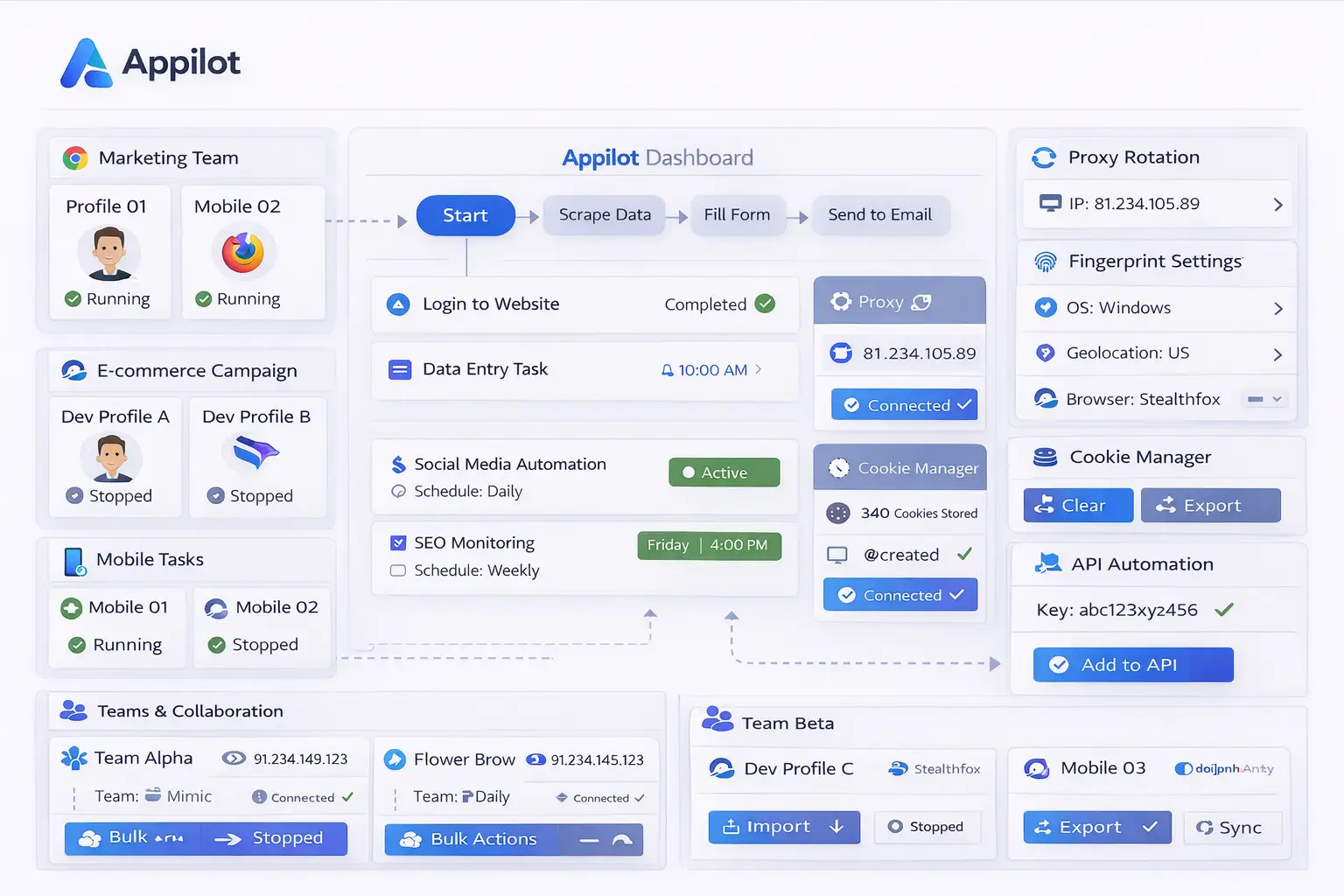
Appilot provides a centralized dashboard where Tor Browser sessions can be organized into workflows and schedules.
Instead of manually opening browser sessions one by one, users can assign tasks to specific times, days, or intervals.
For example, a user may create a morning schedule for research websites, an afternoon schedule for account monitoring, and an evening schedule for reviewing dashboards.
Each scheduled session can include browser launches, website visits, information reviews, page monitoring, and automatic session closure afterward.
This makes Tor Browser workflows easier to manage because the browser sessions are connected to a predictable schedule.
It also makes it easier to organize multiple browser tasks into separate groups based on purpose.
Common Scheduled Tor Browser Workflows
One common use case is research. Researchers may want Tor Browser to launch automatically every morning, open several websites, collect information, and close afterward.
Journalists often review the same sources regularly. Appilot can schedule those browser sessions so that websites are opened automatically at the correct times.
Security teams may want to monitor pages, dashboards, or websites throughout the day. Appilot can launch Tor Browser on a repeating schedule so those monitoring tasks happen automatically.
Crypto users may use scheduled workflows for checking wallet dashboards, research tools, NFT platforms, or exchange pages.
Privacy-focused users may also schedule Tor Browser sessions for general browsing, account reviews, or content monitoring.
Benefits of Scheduling Tor Browser Sessions
One of the biggest benefits is consistency. Browser sessions happen automatically without relying on the user to remember to launch them manually.
Another benefit is time savings. Instead of opening Tor Browser, visiting the same websites, and repeating the same actions every day, Appilot can handle those tasks automatically.
Scheduling also makes workflows more organized because browser sessions can be separated into categories such as research, account monitoring, crypto activities, journalism, or security work.
This makes it easier to understand which browser sessions belong to which type of work.
Another major advantage is scalability. Someone managing one or two browser sessions manually may not have a problem, but someone managing many different schedules usually benefits from a centralized dashboard.
Best Practices for Scheduled Tor Browser Sessions
The best approach is to keep browser schedules organized from the beginning.
Separate browser workflows by category so that research sessions stay separate from crypto sessions, security tasks, account monitoring, or general browsing.
It is also important to avoid creating too many schedules at the same time because overlapping browser sessions can make workflows harder to manage.
You should also review logs and workflow activity regularly because some websites may block Tor traffic or change their page layouts.
Starting with a few simple scheduled sessions before building larger workflows is usually the safest approach.
Keeping browser sessions organized and clearly labeled makes troubleshooting easier.
Common Problems and Troubleshooting
One common issue is that some websites may block Tor Browser traffic. This can prevent scheduled workflows from loading correctly.
Another issue is that Tor Browser sessions may take longer to load than standard browser sessions because traffic passes through several relay nodes.
Users may also create too many overlapping schedules, which can make it harder to track which workflow is responsible for a problem.
Sometimes workflows stop working because websites change their layout or because a page behaves differently when accessed through Tor Browser.
Keeping schedules simple and reviewing logs regularly can help reduce these issues.
Frequently Asked Questions
Q1: Why should I schedule Tor Browser sessions?
Scheduling helps automate repetitive browser tasks so that they happen consistently without manual effort.
Q2: Can Appilot launch Tor Browser automatically at specific times?
Yes. Appilot can schedule Tor Browser sessions to launch at specific times, days, or intervals.
Q3: Is this useful for research workflows?
Yes. Researchers often use scheduled Tor Browser sessions to review websites and collect information.
Q4: Can websites block Tor Browser traffic?
Yes. Some websites block or limit traffic coming from the Tor network.
Q5: What happens if a scheduled Tor Browser workflow stops working?
You can review logs, check the website layout, and adjust the workflow if needed.
Conclusion
Tor Browser provides strong privacy and anonymity, while Appilot helps schedule browser sessions, automate workflows, and organize repetitive browser tasks.
Together, they create a more efficient system for managing privacy-focused browser sessions without needing to manually repeat the same actions every day.
This makes it easier to stay organized, save time, and keep browser activity more private.