Shopify Store Suspended: Common Causes and Fixes
You log into Shopify and suddenly realize your store is no longer active.
Your storefront may be unavailable, payments may stop processing, products may disappear, or Shopify may ask for additional verification.
For store owners, this can be one of the most stressful situations possible.
Sales stop immediately. Customers cannot place orders. Marketing campaigns stop working.
The frustrating part is that Shopify rarely gives a full explanation.
You may see messages about policy violations, payment issues, chargebacks, risky products, or suspicious activity, but it often does not tell you exactly what caused the suspension.
You are left wondering whether the issue came from the products, the payment gateway, the chargeback rate, the browser setup, the account behavior, or something else entirely.
The good news is that many Shopify store suspensions can be reversed.
Once you understand what Shopify is actually tracking, you can fix the underlying issue, improve account trust, and reduce the chances of future suspensions.
In this guide, you will learn why Shopify stores get suspended, what warning signs appear before it happens, how to recover safely, and how to prevent future problems.
Time to recover: Usually between 2 and 14 days depending on the type of suspension. Success rate: High if the underlying problem is fixed quickly. Cost: Usually low if you already have the right browser, payment, and account setup.
Why Shopify Stores Get Suspended
Shopify suspends stores when it believes there is too much risk associated with the account.
The platform tracks chargeback rates, refund rates, customer complaints, policy violations, product categories, payment behavior, browser fingerprints, IP addresses, account history, and how the store behaves.
If too many of these signals look risky, Shopify may suspend the store.
One common reason is selling restricted products.
Stores selling prohibited products, counterfeit goods, misleading health claims, copyright-infringing items, or restricted categories are much more likely to get suspended.
Another major issue is high chargeback rates.
If too many customers request refunds, file disputes, or complain about not receiving products, Shopify may see the store as risky.
Poor fulfillment quality is another major problem.
If orders arrive late, tracking numbers are invalid, or customers do not receive what they expected, store trust drops quickly.
Linked accounts can also create problems.
If multiple Shopify stores share the same browser profile, IP address, payment details, or account information, Shopify may connect them together.
If one store gets suspended, the others may be restricted too.
This is exactly why I built Appilot. The goal was to create safer browser environments, better account separation, and more stable store management instead of connecting everything together in one place.
Warning Signs Before Shopify Suspends a Store
In many cases, Shopify gives warning signs before a full suspension happens.
You may notice more payment holds, requests for verification, slower payouts, increased customer complaints, chargeback warnings, or more policy-related notifications.
Some store owners also notice restrictions on payment gateways, reduced checkout performance, or more identity verification requests.
These are often signs that Shopify is starting to lose trust in the store.
The earlier you react, the easier it is to avoid a full suspension.
The Most Common Reasons Shopify Stores Get Restricted
One major reason is selling risky products.
Products involving copyright violations, counterfeit items, misleading health claims, adult content, or restricted categories are much more likely to create problems.
Another common issue is poor customer experience.
If customers receive the wrong products, receive late deliveries, or have trouble getting refunds, complaints can build quickly.
High chargeback rates are another major risk.
Too many payment disputes make the store look unstable.
Linked account issues are also common.
If multiple stores use the same browser profile, same IP address, same payment method, or same business information, Shopify may connect them together.
Poor payment behavior is another major factor.
Repeated failed transactions, unusual billing patterns, and unstable payment methods can reduce trust quickly.
How to Recover a Suspended Shopify Store
Step 1: Review Shopify's Warning Notice
The first step is understanding what Shopify mentioned in the suspension notice.
Look for references to product categories, chargebacks, policy violations, payment issues, customer complaints, or verification requests.
The stronger your understanding of the issue, the easier it becomes to fix.
Step 2: Remove Risky Products
Go through your product catalog carefully.
Remove anything that may violate Shopify rules, including misleading products, copyright-infringing items, risky supplements, or restricted categories.
Even small catalog changes can improve trust.
Step 3: Improve Customer Experience
Reduce shipping delays, improve tracking quality, respond to customers faster, and make refunds easier.
The better your customer experience looks, the safer the store becomes.
Step 4: Fix Payment Issues
Use stable payment methods and avoid repeated transaction failures.
If chargebacks are high, improve order tracking, communication, and fulfillment.
The lower the dispute rate becomes, the easier it is to improve account trust.
Step 5: Separate Multiple Stores Properly
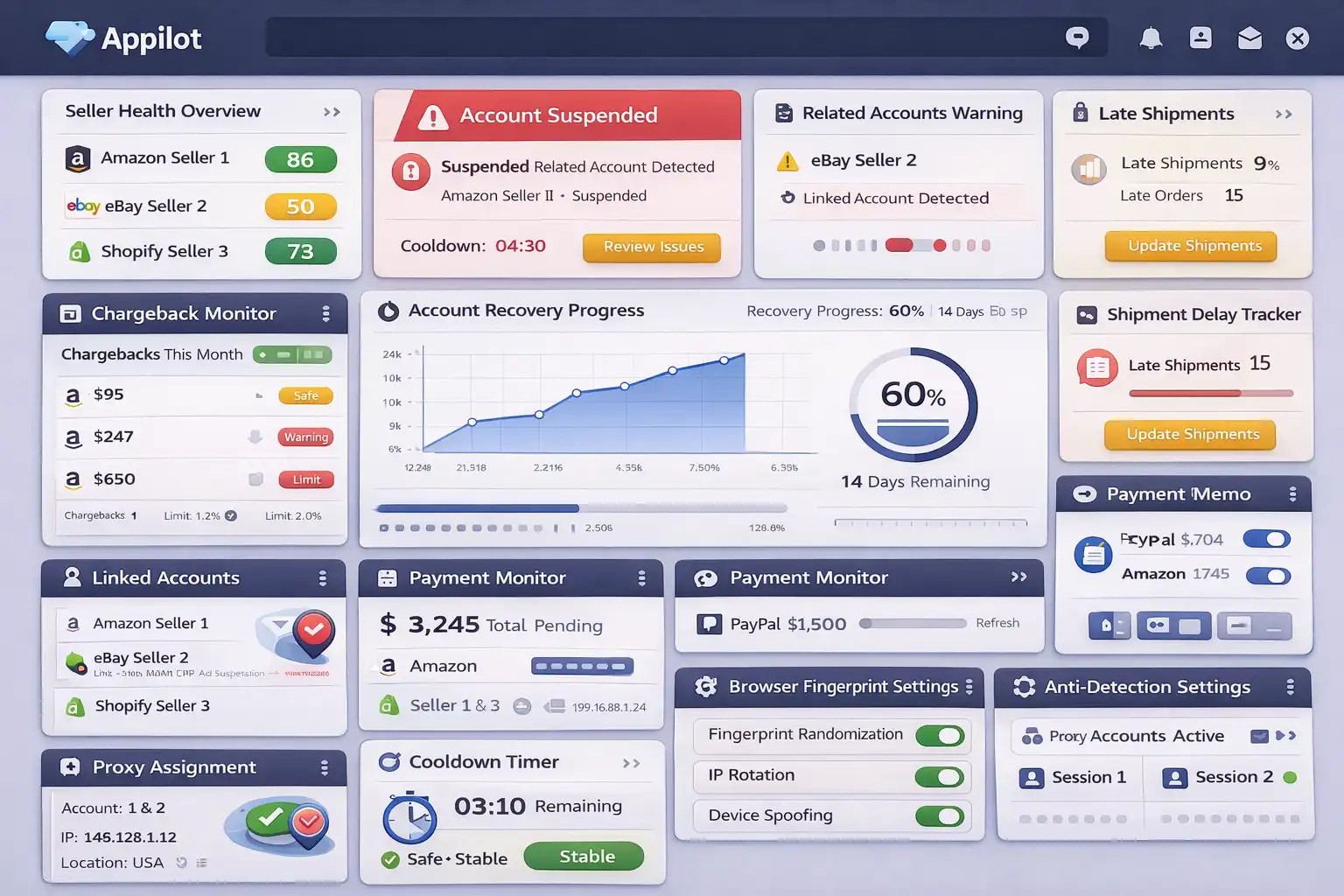
If you manage multiple Shopify stores, each one should have its own browser profile, cookies, IP address, proxy, payment environment, and session history.
This makes every store appear more independent.
If one store has issues, the others are less likely to be affected.
Appilot is useful here because it helps create safer browser environments and more stable store separation instead of connecting everything together in one place.
Step 6: Avoid Aggressive Scaling
Many stores get restricted because they grow too quickly.
If a new store suddenly processes large numbers of orders, runs aggressive ads, or changes payment methods frequently, Shopify may see it as suspicious.
The safer approach is gradual growth.
Increase traffic, products, and sales volume slowly over time.
How to Prevent Future Shopify Suspensions
The best way to avoid future suspensions is creating a more stable store environment.
Use reliable suppliers, fast shipping, better tracking, and stronger customer support.
Avoid risky product categories, unstable payment methods, and poor fulfillment quality.
If you manage multiple stores, separate them properly with different browser profiles, cookies, proxies, and device fingerprints.
Use high-quality residential proxies instead of cheap VPNs. Keep login locations stable.
The more trustworthy and stable the store looks, the easier it becomes to stay active long term.
Common Mistakes That Make Shopify Suspensions Worse
One major mistake is continuing to sell risky products after warnings start appearing.
Another mistake is creating a new Shopify store immediately after one gets suspended.
If the original setup is still broken, the new store may get restricted too.
People also make the mistake of using the same browser profile, IP address, or payment method across multiple stores.
Another common mistake is ignoring chargeback warnings and customer complaints.
If these issues continue, Shopify is much more likely to suspend the store.
Frequently Asked Questions
Q1: Why did Shopify suspend my store?
Shopify usually suspends stores because of risky products, high chargeback rates, customer complaints, linked account issues, or suspicious payment behavior.
Q2: Can a suspended Shopify store be recovered?
Yes. Many suspended stores can be recovered if the underlying issue is fixed.
Q3: Do linked stores increase suspension risk?
Yes. Shopify may connect stores if they share the same browser, IP address, payment method, or business details.
Q4: Should I create a new Shopify store after a suspension?
It is usually safer to first understand what caused the original suspension before creating a new store.
Q5: Does Appilot help reduce Shopify suspension risk?
Appilot helps create safer browser environments, account separation, and more stable store behavior.
Conclusion
Shopify store suspensions usually happen because of risky products, poor customer experience, payment problems, or linked account signals.
The safest approach is improving fulfillment quality, reducing chargebacks, separating stores properly, and creating a more stable environment.
The goal is not to scale as aggressively as possible.
The goal is to build long-term trust so stores can stay active and stable over time.