How Sneaker Bots and “Stealth” Checkouts Work
You want to understand how sneaker bots and stealth checkout systems work, but most explanations reduce them to simple scripts refreshing product pages faster than humans. In reality, modern sneaker automation systems are much more complex and resemble distributed browser-orchestration platforms designed to operate under heavy detection pressure.
Imagine understanding exactly why sneaker drops are so difficult to automate, why checkout systems are the most defended layer, and why “stealth” is more about session consistency than raw speed. Once you understand the architecture behind these systems, the technical dynamics become much easier to follow.
This guide explains how sneaker bots work, why stealth checkouts matter, what technical layers support them, how retailers detect them, and what lessons apply across other high-demand industries.
Why Sneaker Bot Architecture Matters
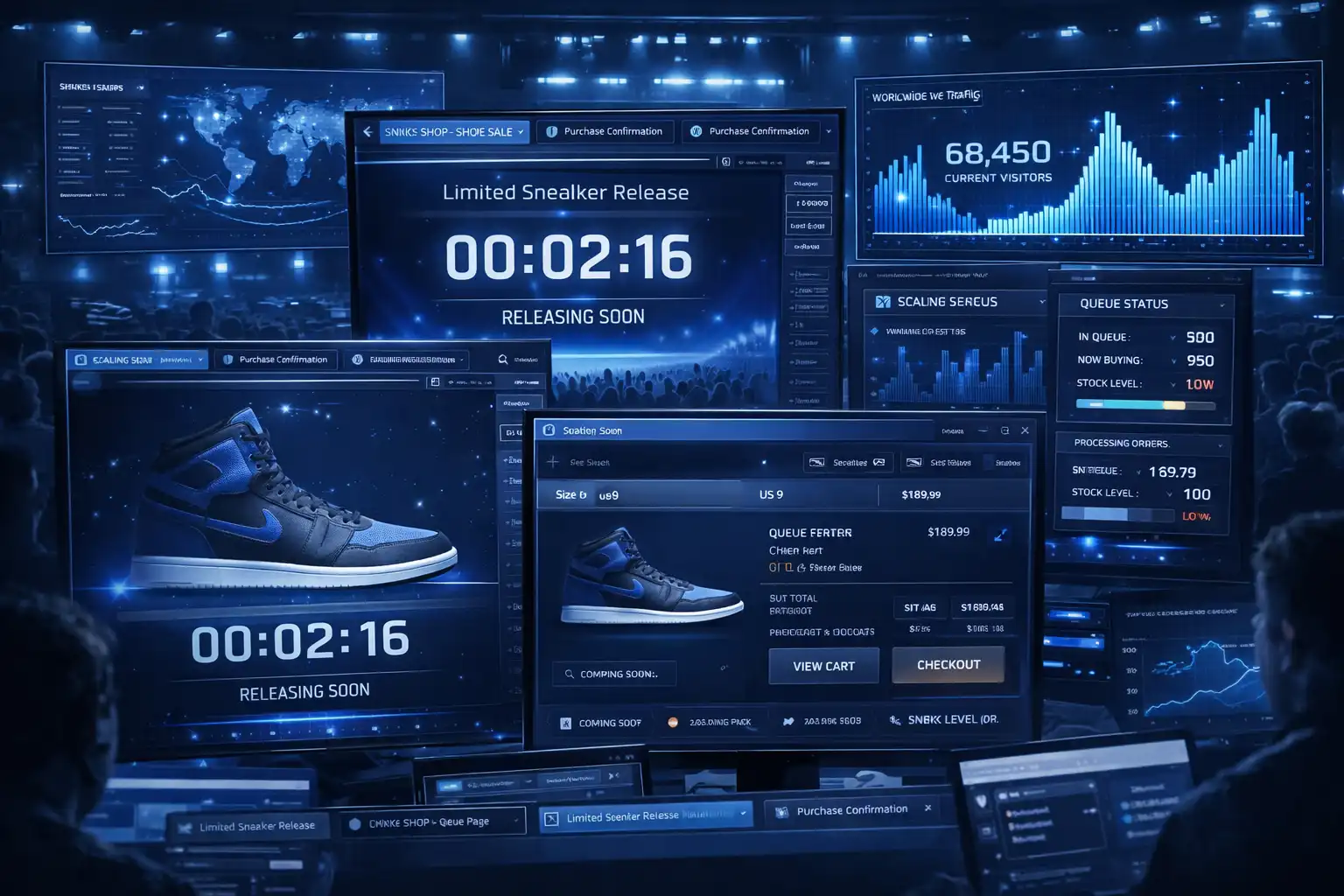
Sneaker bot architecture matters because limited sneaker releases create one of the most competitive environments on the web. These drops combine fixed inventory, public release times, massive traffic spikes, and real-time anti-bot systems that create enormous pressure on commerce infrastructure.
Sneaker bot automation is becoming increasingly important to understand because retailers continue to invest in more advanced queue systems, session tracking, fingerprinting, and checkout defenses. Developers, security researchers, ecommerce teams, and infrastructure engineers who understand these systems gain better insight into how modern browser automation and detection systems evolve.
The same principles apply beyond sneakers. Similar architecture appears in ticketing platforms, flash-sale ecommerce, high-demand reservations, and limited NFT launches where scarcity and concurrency create the same operational challenges.
1. Who This Use Case is For
This topic is especially useful for developers building browser automation systems because it highlights how client-side rendering, checkout state, and browser continuity affect workflow reliability.
It is also valuable for fraud prevention teams, security analysts, and ecommerce engineers who want to understand how retailers detect suspicious checkout behavior through browser fingerprints, navigation patterns, and session correlation.
Product managers, QA engineers, and performance teams can also benefit because sneaker releases reveal how platforms protect inventory while still trying to preserve a smooth user experience for legitimate customers.
2. What You'll Achieve
By understanding sneaker bot architecture, you will be able to identify the major layers of browser orchestration, understand why checkout is the most defended layer, recognize how retailers correlate suspicious signals, and see why session continuity is more important than raw speed.
These insights can help developers build more realistic testing environments, help fraud teams understand suspicious checkout patterns, and help infrastructure teams improve the resilience of high-demand commerce systems.
3. What You'll Need
Before understanding sneaker bot systems in detail, it helps to understand the technologies and infrastructure that browser automation depends on.
Technical Requirements
Most sneaker workflows depend on browser automation frameworks such as Puppeteer, Playwright, or Selenium because checkout logic, cart validation, and inventory management often rely on client-side JavaScript.
These systems usually require browser session persistence, cookie continuity, local storage handling, proxy infrastructure, and stable browser environments.
Some retailers also provide mobile apps with slightly different flows than their desktop sites. In those cases, Android devices or emulators may be necessary to fully understand the workflow.
Appilot can become relevant in these scenarios because it supports both browser automation and real Android device execution from a single dashboard. This is useful when teams need to monitor both ecommerce websites and mobile apps without managing separate infrastructure. Appilot uses Android Accessibility Services and real-device execution rather than relying only on browser-based environments.
Skills and Knowledge
A basic understanding of browser automation, JavaScript rendering, cookies, local storage, and session handling is useful when working with sneaker workflows.
Developers may also benefit from understanding browser fingerprinting, request timing, queue systems, checkout flows, and proxy management because these systems are heavily tied to modern ecommerce defenses.
Less technical teams can also use visual automation platforms to understand browser and mobile workflows without directly writing scripts.
Time and Resource Investment
Initial setup for understanding sneaker bot systems can take several hours or several days depending on the complexity of the workflow and the number of sessions being tested.
Ongoing maintenance is also important because retailers constantly change front-end rendering, checkout systems, anti-bot rules, and queue logic.
Infrastructure costs may include browser automation tools, cloud servers, proxies, Android devices, and monitoring systems for larger-scale environments.
Appilot Integration Method #1 - The Complete Solution Approach
Implementing Sneaker Workflow Analysis with Automation Platforms
There are generally two ways to work with sneaker workflows. One option is to build everything manually using Puppeteer, Playwright, Selenium, proxy managers, browser profiles, and Android device farms. The second option is to use an integrated platform that combines browser and mobile automation together.
The DIY approach provides more control because teams can customize browser fingerprints, session logic, cookies, proxies, and checkout flows. However, it also creates more operational complexity because every browser profile, session, proxy, and mobile device must be managed independently.
This is where Appilot becomes relevant. Appilot supports browser automation with Selenium, Playwright, and Puppeteer while also supporting Android device execution for mobile app workflows.
This matters because many retailers have both desktop sites and mobile apps, and sometimes the app experience differs from the browser checkout flow. Appilot allows teams to manage browser sessions, Android devices, proxy rotation, and session monitoring from one interface.
The trade-off is that integrated platforms simplify management but provide less low-level control than building a custom infrastructure stack.
Step-by-Step Implementation Guide
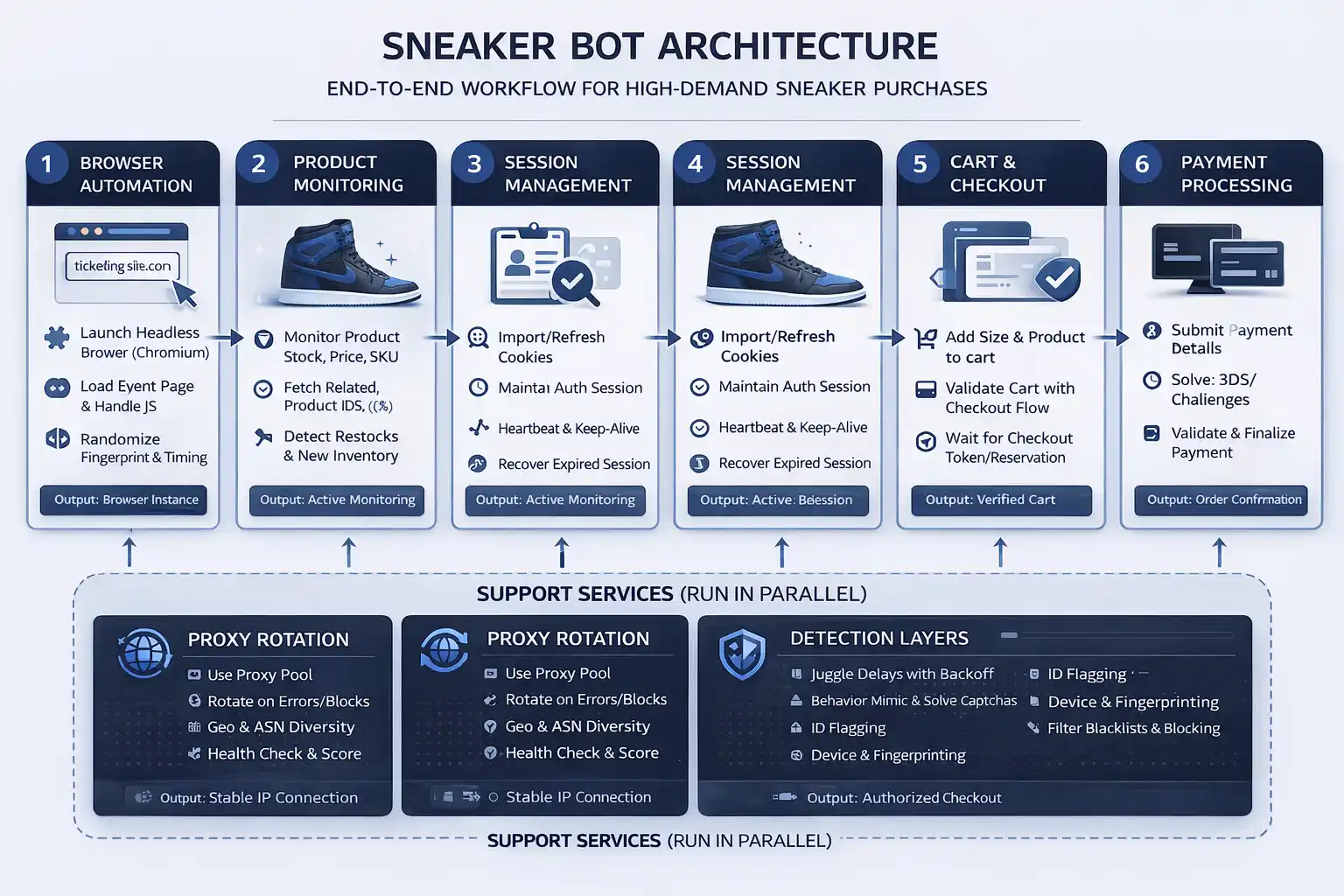
Understanding sneaker automation becomes easier when the workflow is divided into separate layers.
Step 1: Understand the Orchestration Layer
The orchestration layer manages release timing, retry logic, target tracking, session coordination, and backoff policies across many browser sessions.
This layer separates a simple browser script from a larger automation platform because it determines how many browser sessions act together and how they respond to changing inventory conditions.
A common mistake is assuming that faster requests alone create better results. In reality, poor coordination between sessions often causes more failures than slow execution.
Step 2: Understand the Execution Layer
The execution layer interacts with retail sites inside full browser environments because inventory validation, cart state, and checkout logic all depend heavily on client-side JavaScript.
This is why browser automation frameworks such as Puppeteer, Playwright, and Selenium are commonly used. They allow workflows to behave more like real browsers rather than simple HTTP requests.
For mobile environments, Android automation may also be useful if the retailer’s mobile app behaves differently from the desktop site.
const puppeteer = require('puppeteer');
async function launchRetailBrowser() {
  const browser = await puppeteer.launch({
    headless: false
  });
  const page = await browser.newPage();
  await page.goto('https://example-retailer.com');
  return { browser, page };
}
This setup creates a browser environment capable of rendering JavaScript, storing cookies, and maintaining state across a retail workflow.
Step 3: Focus on Identity and Session Continuity
Identity and session continuity are essential because retailers expect cookies, tokens, navigation history, and browser state to remain stable throughout the cart and checkout process.
When sessions reset unexpectedly, carts can empty, checkout tokens can expire, and payment flows can fail.
This is why session persistence is usually more important than raw speed.
Step 4: Understand Checkout and Detection Systems
Retailers focus heavily on checkout because that is where inventory is consumed and payments occur.
Detection systems monitor navigation patterns, retry frequency, browser fingerprints, synchronization across sessions, cart reuse, token reuse, and payment behavior.
Modern retailers rarely depend on a single signal. Instead, they rely on correlation across multiple signals over time.
Step 5: Monitor and Maintain the Workflow
Sneaker platforms change frequently. Retailers update front-end rendering, anti-bot rules, checkout logic, and payment systems on a regular basis.
Teams need to monitor browser behavior continuously, track failed carts, identify token invalidations, and understand where workflows begin to degrade.
Long-term maintenance is essential because even stable systems can become unreliable as detection systems evolve.
Appilot Integration Method #2 - Handling Multi-Session Isolation
One of the biggest challenges in sneaker workflows is managing multiple sessions without creating obvious patterns that retailers can detect.
The technical problem is that retailers often monitor browser fingerprints, cookies, IP addresses, retry timing, and navigation behavior across multiple sessions. If too many sessions look identical, they become easier to flag.
Traditional approaches usually require developers to manage isolated browser profiles, unique proxies, separate cookie stores, and Android devices manually.
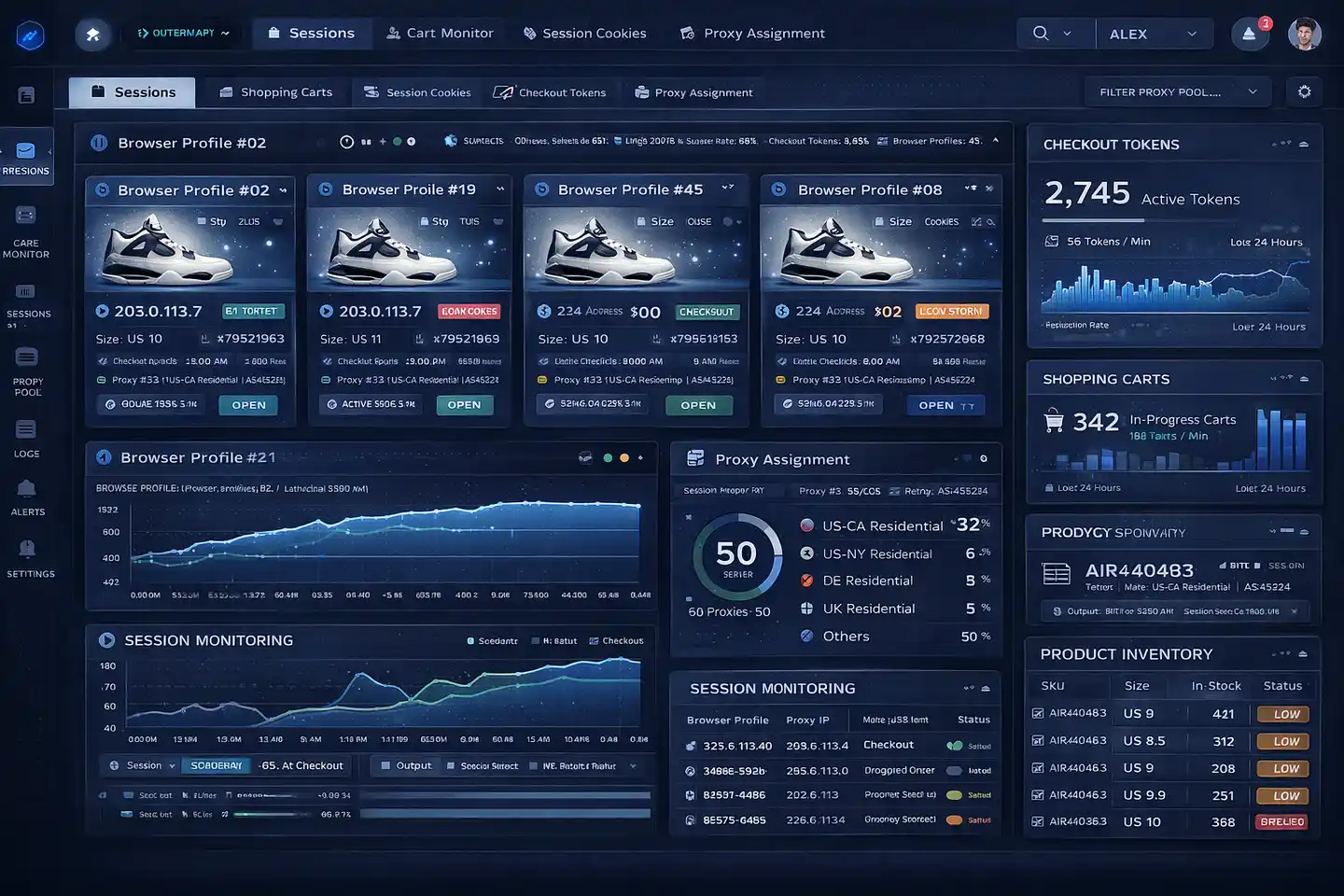
Appilot helps reduce this problem by combining browser profile isolation with Android device-level separation. Browser sessions can run in isolated environments with unique fingerprints, while mobile workflows can run on separate Android devices with independent hardware signals and IP addresses.
This makes it easier to maintain separation between workflows and reduce obvious cross-session similarity.
Common Challenges and Solutions
Even well-designed sneaker workflows face recurring technical problems.
Challenge 1: Cart Invalidations
Carts often become invalid when browser sessions reset unexpectedly or when checkout tokens lose continuity.
This happens because retailers bind cart state to specific browser sessions and expect that state to remain consistent throughout the workflow.
The best solution is to preserve cookies, maintain stable browser environments, and avoid unnecessary browser restarts.
Challenge 2: Browser Fingerprinting
Retailers often rely on browser fingerprints to identify suspicious environments through rendering behavior, plugins, navigator properties, and environment stability.
The best solution is to avoid obvious inconsistencies and maintain realistic browser configurations.
Challenge 3: Excessive Session Correlation
Large groups of identical sessions are easier to detect because they share timing, IP patterns, browser fingerprints, and checkout behavior.
Appilot can help reduce this problem by isolating browser profiles, separating Android devices, and distributing sessions across different environments.
Scaling Sneaker Workflow Analysis
Once teams understand sneaker workflows at a small scale, the next challenge is scaling.
From 10 to 100 Sessions
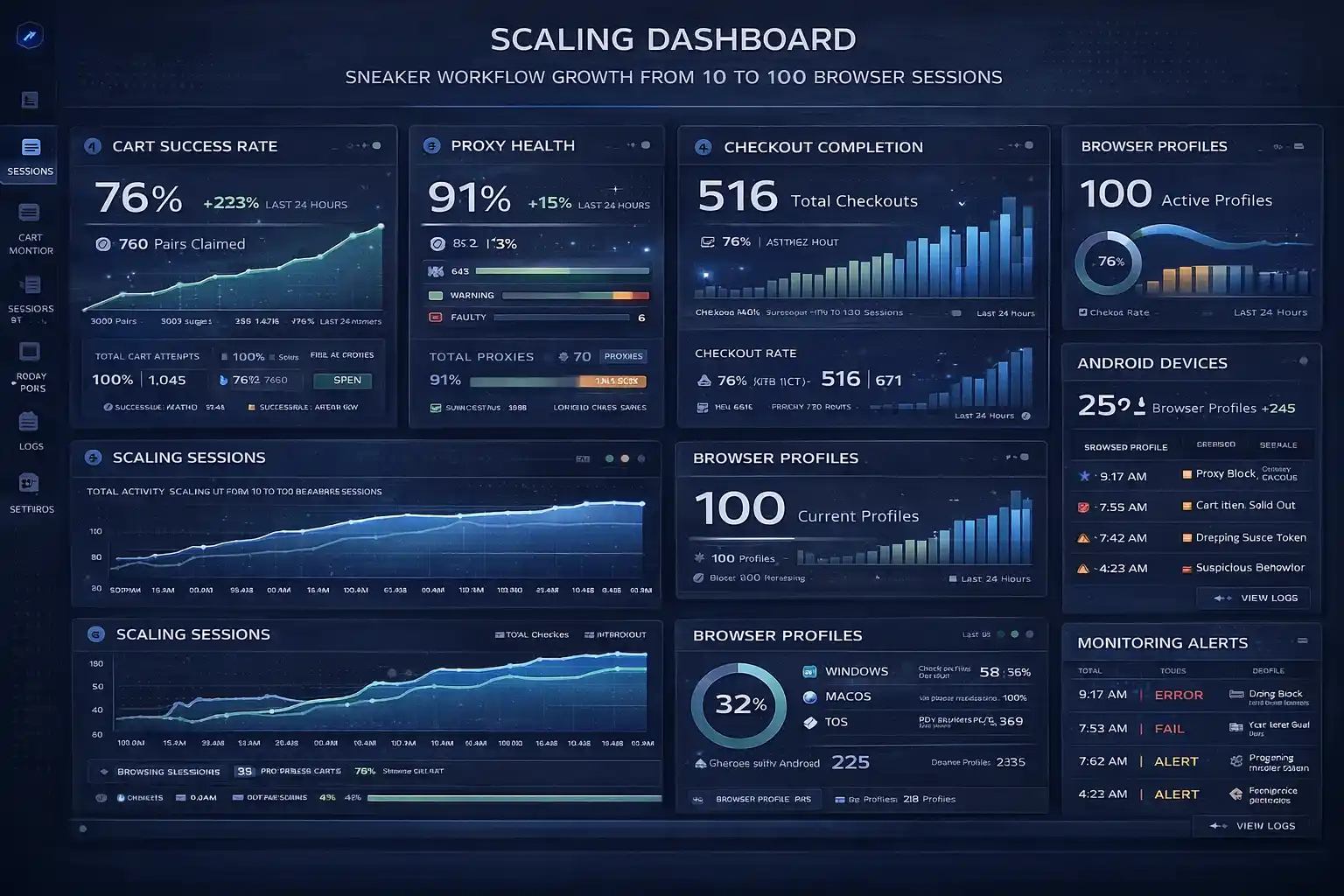
At small scale, teams may only need a few browser profiles and limited monitoring. At larger scale, they often need centralized orchestration, automated health monitoring, proxy rotation, Android device management, and reporting systems.
Operational complexity increases quickly because every additional browser session adds more cookies, carts, queue tokens, and checkout state that must be managed.
Appilot can simplify scaling because it provides centralized dashboards for browser profiles, Android devices, scheduling, and monitoring.
Automation and Optimization at Scale
At scale, teams should automate browser profile creation, session monitoring, proxy assignments, and health alerts.
However, strategic decisions such as changing queue logic, redesigning checkout workflows, and analyzing retailer detection patterns should still remain manual.
Best Practices and Pro Tips
Best Practice 1 - Prioritize Session Continuity
Session continuity matters more than speed because cookies, cart state, tokens, and checkout history all depend on stable browser environments.
Teams that preserve stable browser sessions generally experience fewer invalidations than teams that restart sessions frequently.
Best Practice 2 - Reduce Uniform Behavior
Uniform request timing, identical navigation paths, and synchronized checkouts make browser sessions easier to detect.
Introducing more natural variation into timing and behavior can reduce the chance of multiple sessions appearing identical.
Best Practice 3 - Monitor Early Warning Signals
Challenge pages, failed carts, expired tokens, and payment errors are often early indicators that retailer defenses are reacting.
Monitoring these signals helps teams identify problems before workflows fail completely.
Tools and Resources
Browser Automation Tools
Puppeteer is commonly used for Chrome-based browser automation because it provides strong control over browser rendering and state management.
Playwright supports multiple browsers and is useful when teams need Chrome, Firefox, and Edge compatibility.
Selenium remains one of the most mature browser automation frameworks and has strong support across multiple languages.
Appilot is also useful because it combines browser automation and Android automation inside one platform.
Mobile Automation Tools
Appium is one of the most widely used mobile automation frameworks and supports Android and iOS testing.
UI Automator provides a native Android automation approach for mobile workflows.
Appilot is relevant for teams that want real Android device execution, Accessibility Services, and centralized device management.
Supporting Tools
Teams may also use proxy providers, monitoring systems, databases, and analytics platforms to support larger sneaker workflows.
Frequently Asked Questions
Q1: What does “stealth” mean in sneaker automation?
Stealth does not mean invisibility. It refers to making browser sessions appear more consistent with normal user behavior through stable sessions, realistic browser environments, and less obvious patterns.
Q2: Why is checkout the most defended layer?
Checkout is where inventory is consumed and payment occurs, so it has the highest business impact for retailers.
Q3: Is browser speed the most important factor?
No. Session continuity, token integrity, cart stability, and browser consistency are usually more important than speed alone.
Q4: Can Appilot handle browser and mobile automation together?
Yes. Appilot supports Selenium, Playwright, and Puppeteer for browser automation while also supporting Android device execution through Accessibility Services and remote device management.
Q5: Why do retailers rely on correlation instead of single signals?
Retailers know that no single signal is reliable enough on its own, so they combine browser fingerprints, timing patterns, cart reuse, payment behavior, and IP patterns to identify suspicious sessions.
Conclusion
Sneaker bots are not simple scripts refreshing product pages. They are distributed browser-orchestration systems that rely on session continuity, checkout state, browser execution, and layered coordination.
The most defended parts of sneaker releases are checkout flows, payment stages, and cart validation because these represent the highest-value parts of the workflow.
The same architectural patterns also appear in ticketing, flash-sale ecommerce, reservations, and NFT launches. Understanding sneaker bot systems is ultimately less about buying sneakers and more about understanding how platforms defend fairness and stability during extreme demand.