Solving CAPTCHA Challenges Without Manual Intervention
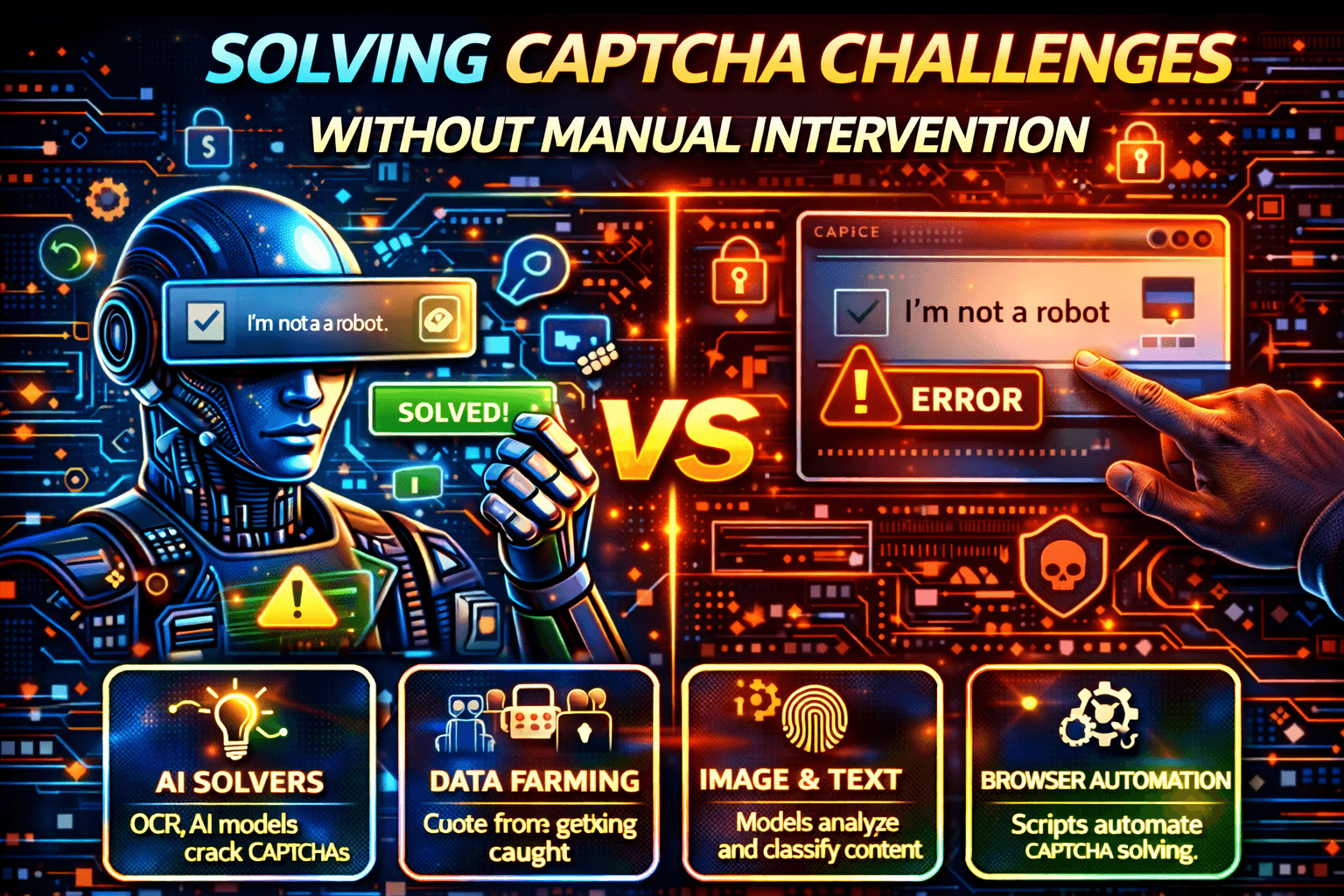
Your automation script is stable. Requests look clean, workflows seem healthy, and everything runs as expected.
Then suddenly the server responds with a CAPTCHA challenge and the entire process stops.
There is no useful stack trace, no helpful error message, and no retry logic that solves the problem.
Whether it is an Amazon Web Services WAF CAPTCHA, a forced challenge from Cloudflare, an Imperva CAPTCHA, a platform-level block on Shopify, or login protection on Twitter, the result is always the same: automation stops being autonomous.
If you are trying to solve CAPTCHA challenges without manual intervention, you are not looking for hacks. You are looking for architecture.
Why CAPTCHA Challenges Are So Disruptive
CAPTCHAs are no longer just visual puzzles. They have become trust checkpoints inside modern risk engines.
When CAPTCHA challenges appear, they stall CI/CD pipelines, break scraping workflows, disrupt QA automation, escalate account suspicion, and increase IP risk.
Errors such as “captcha challenge-response is missing,” “unable to check captcha check_challenge,” or “x-authentication-denied-reason: captcha_challenge” do not necessarily mean your request was malformed.
They usually mean the system no longer trusts your execution environment.
Why CAPTCHA Challenges Exist
CAPTCHA is no longer just a spam filter. It is now a security escalation layer.
Modern systems trigger CAPTCHA based on behavioral anomalies, reputation scoring, missing browser signals, automation fingerprints, and inconsistent sessions.
A CAPTCHA usually appears when the platform concludes that the traffic no longer looks like a normal user.
Where CAPTCHA Challenges Typically Appear
1. Web Application Firewalls (WAFs)
Many CAPTCHA challenges originate at the WAF layer.
Examples include Cloudflare Bot Management, Amazon Web Services WAF CAPTCHA, and protection from Imperva.
These systems analyze TLS fingerprints, header structure, request rates, JavaScript execution, and session continuity. When confidence drops, CAPTCHA gets injected into the flow.
2. Platform-Level CAPTCHA
CAPTCHA can also appear directly inside application logic.
Examples include storefront scraping on Shopify, login and posting flows on Twitter, repeated authentication in JIRA, and form-submission abuse systems.
These challenges are usually tightly coupled to the platform itself rather than just the network layer.
3. Automation Tools Triggering It
Developers often encounter CAPTCHA issues when using tools like Puppeteer, Selenium, or Playwright.
Common symptoms include Puppeteer getting stuck while waiting for CAPTCHA, Selenium retry loops, and repeated “challenge response missing” errors.
These issues often happen because the automation skips required JavaScript, fails to persist tokens, replays expired responses, or resets sessions too frequently.
Why “Solving” CAPTCHA Directly Fails
OCR & Image Solvers
Modern CAPTCHA systems are no longer simple image puzzles. They are behavioral gates.
OCR tools and image solvers may solve the visible challenge, but they do not solve the underlying trust problem. They treat the symptom rather than the root cause.
Token Replay
CAPTCHA tokens are single-use, session-bound, and time-limited.
Trying to replay a previously solved token usually fails very quickly because the system expects fresh state and session continuity.
Headless Browser Alone
Headless tools such as Puppeteer, Playwright, and Selenium can help, but they are not enough on their own.
If the automation remains uniform, stateless, and repetitive, detection returns.
That is why many teams solve the CAPTCHA once, only to get blocked again later. CAPTCHA is not the disease. It is the immune response.
The Real Problem: Trust Was Lost
CAPTCHA appears when the system decides that the client does not look human enough.
Trust is evaluated through environment signals, browser execution quality, session history, timing patterns, interaction diversity, and device consistency.
That means the real question is not “How do I solve CAPTCHA?” but “How do I stop triggering it?”
Two Practical Ways to Handle CAPTCHA Without Manual Work
1. Reduce CAPTCHA Triggers (Preventive Approach)
A preventive approach focuses on fully executing JavaScript, maintaining session state, avoiding stateless requests, introducing realistic timing, and reducing uniform behavior.
This approach can work well, but it requires continuous tuning because trust models evolve constantly.
2. Change the Execution Surface
Most CAPTCHA systems are optimized to detect automation running in desktop browsers, stateless HTTP environments, and cloud-hosted scraping systems.
They are usually less aggressive toward real mobile app traffic and native mobile environments because mobile apps generate richer behavioral signals, device-level telemetry, and more stable session identity.
This is where Appilot fits naturally into the discussion. Appilot uses real Android devices, Android Accessibility Services, and mobile-first execution rather than disposable browser sessions.
Because Appilot runs workflows inside native mobile apps on real devices, it can reduce how often CAPTCHA is triggered by aligning with higher-trust execution patterns.
This does not universally bypass CAPTCHA, but it can reduce how frequently it appears.
Step-by-Step: Reducing CAPTCHA Frequency
Step 1: Identify the Source
First, determine whether the CAPTCHA is coming from a WAF layer such as Cloudflare or Amazon Web Services, from app-level protection such as Shopify or Twitter, or from form-level validation.
Different layers require different mitigation strategies.
Step 2: Fix Session Handling
Many “challenge-response missing” errors are caused by missing cookies, lost storage, token mismanagement, and broken session continuity.
Broken sessions always look suspicious.
Step 3: Stop Stateless Automation
CAPTCHA systems expect cookies, storage, JavaScript-generated tokens, and navigation history.
Stateless HTTP scripts escalate suspicion quickly because they do not look like real users.
Step 4: Avoid Repeated Failure Loops
Retrying blindly escalates risk scoring, triggers stronger blocks, and damages IP and account trust.
If CAPTCHA appears repeatedly, stop, reassess the automation, and reduce pressure rather than continuing to hammer the system.
Step 5: Evaluate Mobile-Native Execution
If web-based automation keeps triggering CAPTCHA, test the equivalent workflow inside the native mobile app, compare challenge frequency, and evaluate real-device execution.
Many teams see CAPTCHA rates drop significantly when they move repetitive workflows into more realistic mobile environments.
Real Example
A QA team automating storefront checks on Shopify, login flows in JIRA, and public monitoring endpoints faced repeated challenges from Cloudflare, along with session invalidation and broken CI pipelines.
They tried CAPTCHA-solving APIs, proxy rotation, and switching frameworks.
What actually worked was fixing session persistence, reducing retry loops, introducing more behavioral variance, and moving repetitive flows into mobile execution paths.
As a result, CAPTCHA frequency dropped, pipelines stabilized, and manual intervention largely disappeared.
The lesson was simple: CAPTCHA is a signal, not the problem.
Common Mistakes That Make It Worse
1. Immediate Retries
Retrying immediately after a CAPTCHA challenge often escalates detection even further.
2. Treating CAPTCHA as a Bug
CAPTCHA is not a technical bug. It is a security decision made by the platform.
3. Scaling Before Stabilizing
Increasing volume before stabilizing the automation multiplies the detection signals and makes CAPTCHA more frequent.
Performance & Reliability Mindset
If CAPTCHA is part of your automation lifecycle, you should detect CAPTCHA early, fail fast instead of retrying blindly, log challenge sources, monitor challenge frequency trends, and design fallback paths.
This approach is much more effective than endlessly chasing CAPTCHA-solving APIs.
FAQs
Q1: Can CAPTCHA be fully bypassed?
No. CAPTCHA frequency can be reduced, but it cannot be eliminated completely.
Q2: Why does CAPTCHA appear even at low traffic?
Because trust scoring has dropped. CAPTCHA is usually based more on trust and behavior than on raw traffic volume.
Q3: Do CAPTCHA-solving services still work?
They can still work for simple challenges, but modern systems rely much more heavily on behavior and session trust.
Q4: Is mobile automation safer?
Often yes, especially when execution is realistic, device-based, and uses real sessions.
Conclusion
If you are constantly facing CAPTCHA challenges, the real issue is usually not that you cannot solve them. The real issue is that your automation keeps triggering them.
Modern CAPTCHA systems are adaptive, behavioral, context-aware, and designed to punish repetitive or unrealistic automation.
The most reliable solution is not bypassing CAPTCHA directly. It is reducing the reasons CAPTCHA appears in the first place.
That means using realistic execution, maintaining strong session continuity, reducing uniformity, and aligning the environment properly.
When your automation stops looking like a bot, CAPTCHA stops looking at you.