Team Member Went Rogue with Account Access? Prevention Guide
You hire someone, give them access to accounts, tools, and systems so they can do their job properly, and for a while everything works as expected, tasks are completed, workflows run smoothly, and trust builds naturally over time, until something shifts and that access becomes a liability instead of an asset.
Sometimes it is intentional, sometimes it is careless behavior, but the result is the same, accounts get misused, data is exposed, workflows are disrupted, or in the worst cases, access is revoked or changed in a way that locks you out of your own systems.
What makes this particularly difficult is that access is necessary for work to happen, you cannot run a team without giving people the permissions they need, yet every permission you grant increases your exposure, creating a constant tension between efficiency and security.
You might try to limit access, monitor activity, or trust your hiring process, but none of these alone fully eliminate the risk, because the issue is not just about individuals, it is about how your system manages access and control.
You are not alone in this, and more importantly, this is not an unavoidable risk, because while you cannot control every individual action, you can design a system that minimizes the impact of any single person’s behavior.
The good news is that once you understand why these situations happen and how to structure your system properly, you can protect your accounts without slowing down your operations.
Why Team Members Misuse Access
Misuse of access is rarely just about bad intentions, it often stems from structural weaknesses in how access is managed.
Too Much Access Given Too Early
In an effort to move quickly, access is often granted broadly, giving team members more permissions than they actually need.
Lack of Clear Boundaries
When roles and responsibilities are not clearly defined, team members may overstep simply because there are no clear limits.
No Visibility Into Activity
Without proper tracking, it becomes difficult to see who is doing what, making it easier for issues to go unnoticed until it is too late.
Shared Credentials Increase Risk
When multiple people use the same login, accountability disappears, making it impossible to trace actions back to a specific individual.
The Hidden Cost of Poor Access Control
When access is not managed properly, the consequences can go far beyond a single incident, affecting trust, operations, and even client relationships.
You may lose control of accounts, face downtime, or spend significant time recovering access and fixing issues.
More importantly, it creates ongoing risk, because the same vulnerabilities remain in place for future incidents.
The Complete Solution: Build a System That Protects You
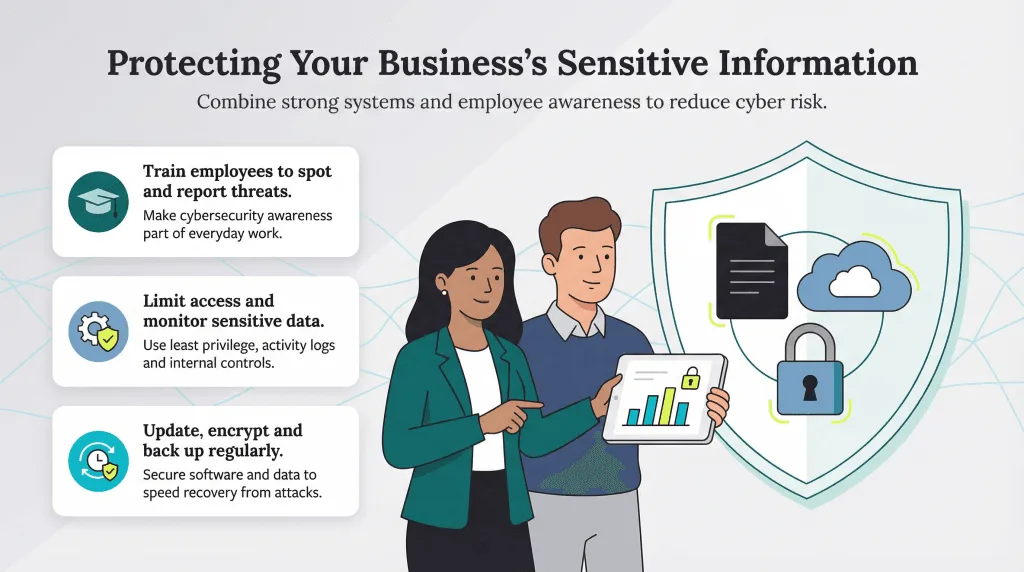
Preventing misuse starts with designing your system so that no single individual has more control than necessary.
The first step is implementing role-based access, where permissions are granted based on specific responsibilities rather than broad access.
Each team member should only have access to what they need to perform their tasks, nothing more.
The next step is eliminating shared credentials, ensuring that every action can be traced back to an individual, which increases accountability and reduces risk.
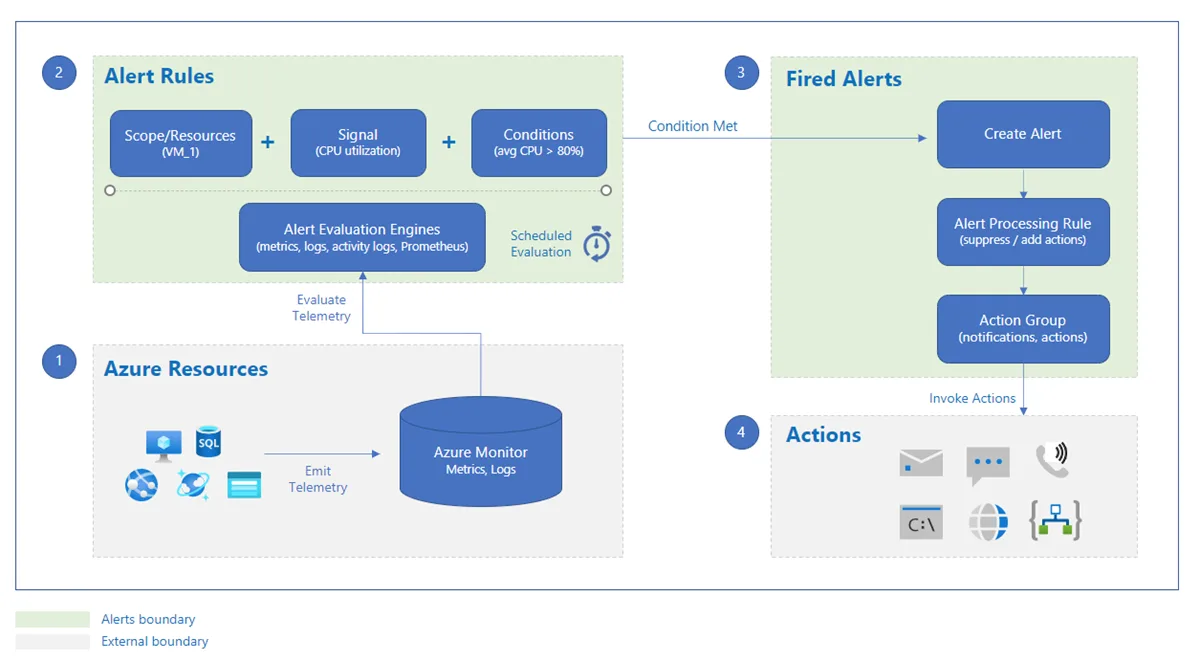
Monitoring is equally important, because visibility into activity allows you to detect unusual behavior early and respond before it escalates.
However, even with these measures, the environment in which accounts are accessed plays a critical role in security, because shared environments can still create vulnerabilities.
This is where using isolated execution environments becomes important, and platforms like Appilot help by running workflows on separate devices, ensuring that accounts remain isolated and reducing the risk of cross-access issues.
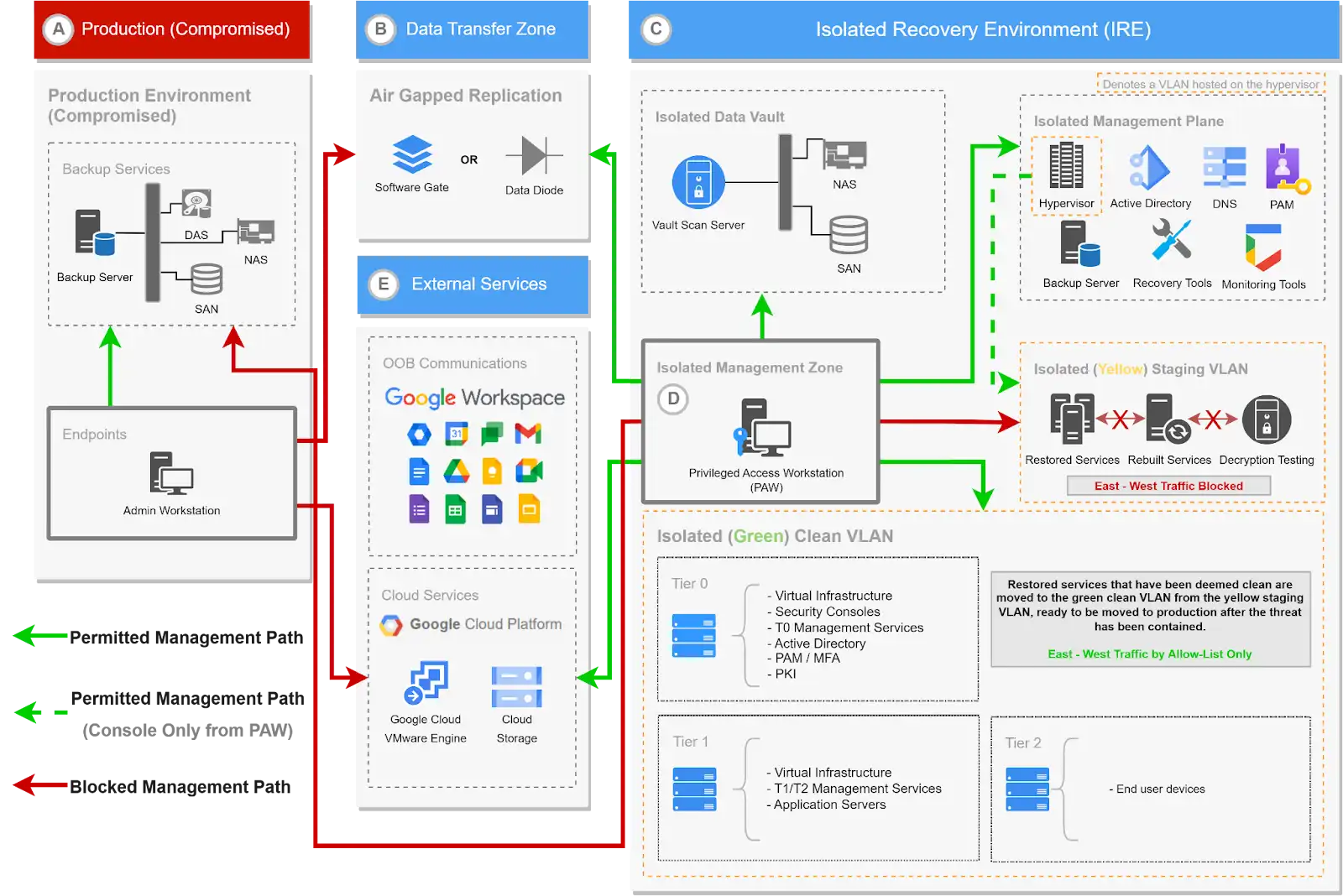
By combining controlled access, accountability, and isolation, you create a system where even if something goes wrong, the impact is limited and manageable.
The final step is establishing clear protocols for granting, reviewing, and revoking access, ensuring that permissions are always up to date.
How to Prevent This From Happening Again
Prevention starts with treating access as a controlled resource rather than something that is freely distributed.
Regular audits help you ensure that permissions remain aligned with current roles and responsibilities.
Automation can also help enforce access policies, reducing reliance on manual management.
Common Mistakes That Increase Risk
One of the most common mistakes is prioritizing convenience over security, granting broad access to speed up work.
Another is failing to revoke access when roles change or team members leave.
There is also a tendency to rely on trust alone, without implementing proper controls.
Real Success Stories: Before and After
A business owner experienced issues with account misuse due to shared credentials and lack of visibility.
After implementing structured access control and using Appilot for isolated execution, they were able to significantly reduce risk and improve accountability.
Another example involved a team that struggled with access management, but after restructuring their system, they achieved a more secure and controlled environment.
Frequently Asked Questions
One common question is whether strict access control slows down work, and while it may require initial setup, it ultimately improves efficiency by reducing risk and confusion.
Another question is how often access should be reviewed, and regular audits ensure that permissions remain appropriate.
There is also the concern about trust, and structured systems enhance trust by providing clarity and accountability.
Conclusion: Protect Your Business Without Slowing It Down
If you are worried about a team member misusing account access, it is not because you cannot trust people, but because your system may not be designed to manage access effectively.
Once you implement controlled access, monitoring, and isolation, you create a structure where risks are minimized and operations remain efficient.
If you are dealing with this concern right now, the best step forward is not to restrict everything, but to design your system in a way that balances access and control, because once you do, security becomes a built-in feature rather than a constant worry.