TikTok Ads Account Rejected? Here's How to Get Approved
TikTok Ads Account Rejected? Here's How to Get Approved
TikTok Ads account rejected issues are becoming more common, especially for agencies, dropshippers, affiliate marketers, e-commerce brands, and anyone trying to launch campaigns across multiple accounts. You spend time creating the account, verifying the business, setting up payment methods, preparing creatives, and planning campaigns, only to get hit with a rejection before your first ad even goes live.
What makes this worse is that TikTok rarely gives a clear explanation. Sometimes the account is rejected instantly. Sometimes it happens after business verification. Sometimes the account gets approved first and then restricted later when you try to launch campaigns. Most people end up guessing, making random changes, creating new accounts repeatedly, and making the situation worse.
If you are dealing with a TikTok Ads account rejected notice right now, you are not alone. This is one of the most common problems in TikTok advertising, especially for people managing multiple brands, multiple stores, or multiple ad accounts. The good news is that most TikTok Ads account rejected problems are fixable once you understand what is actually causing the rejection.
In this guide, you will learn why TikTok Ads accounts keep getting rejected, what mistakes trigger it, how to fix the issue step by step, and how to prevent it from happening again in the future.
Time to fix depends on the cause, but most accounts can be corrected within a few hours to a few days if you follow the right process.
Why TikTok Ads Accounts Keep Getting Rejected
Most people think TikTok Ads account rejected issues happen because they accidentally violated an ad policy. Sometimes that is true, but in many cases the actual reason is much deeper. TikTok is aggressively trying to stop fake advertisers, scam campaigns, duplicate businesses, suspicious payment activity, and people creating large numbers of ad accounts from the same setup.
The first major reason is inconsistent business information. If your business name, domain, payment method, email address, and company documents do not match exactly, TikTok may see the account as suspicious. Even something as simple as using a personal Gmail address for a business account can increase the chance of rejection.
The second major cause is low-trust account behavior. If you create a TikTok Ads account, immediately add a payment method, upload aggressive ad creatives, and try to launch campaigns within minutes, that can look unnatural. Real advertisers usually take more time to complete their setup.
The third issue is duplicate fingerprints. TikTok tracks browser fingerprints, IP addresses, cookies, payment methods, device data, and account behavior. If you previously had another TikTok Ads account disabled from the same browser, same IP, or same payment card, the new account may get rejected immediately.
This becomes even more common when agencies or media buyers manage multiple client accounts from the same browser profile. Even if each client is legitimate, TikTok may see the activity as linked.
The fourth issue is website quality. TikTok reviews your landing page before approving campaigns and sometimes before approving the ad account itself. If your website has broken pages, fake reviews, missing policies, poor mobile design, or suspicious claims, your account can be rejected even before you run ads.
The fifth issue is restricted niches. Industries like crypto, supplements, gambling, adult products, finance, health claims, CBD, or unrealistic income promises are reviewed much more aggressively. Even if your business is technically allowed, TikTok may require extra verification.
When all of these factors combine, TikTok sees a risky advertiser profile. That is why random fixes usually do not work. You need to identify the exact trigger and correct it systematically.
The Hidden Cost of Ignoring TikTok Ads Account Rejected Problems
A rejected TikTok Ads account is not just a temporary inconvenience. It can delay product launches, stop lead generation, interrupt client campaigns, and force you to rebuild your setup from scratch.
If you are running an agency, one rejected account can quickly become a client trust issue. Clients do not care that TikTok rejected the account for verification reasons. They only see delays, missed deadlines, and campaigns that are not live.
For e-commerce brands, every day without ads means lost sales. If you planned a product launch around TikTok traffic and your ad account is rejected for three days, you may lose the momentum completely.
For affiliate marketers and arbitrage teams, repeated account rejections create another problem. You start creating replacement accounts faster and faster, which often increases the rejection rate even more because TikTok sees a pattern of repeated account creation.
There is also the stress factor. Once you have had a TikTok Ads account rejected once or twice, every new account starts to feel risky. You hesitate before scaling because you are worried that the next account will get flagged too.
The Complete Fix for TikTok Ads Account Rejected Problems
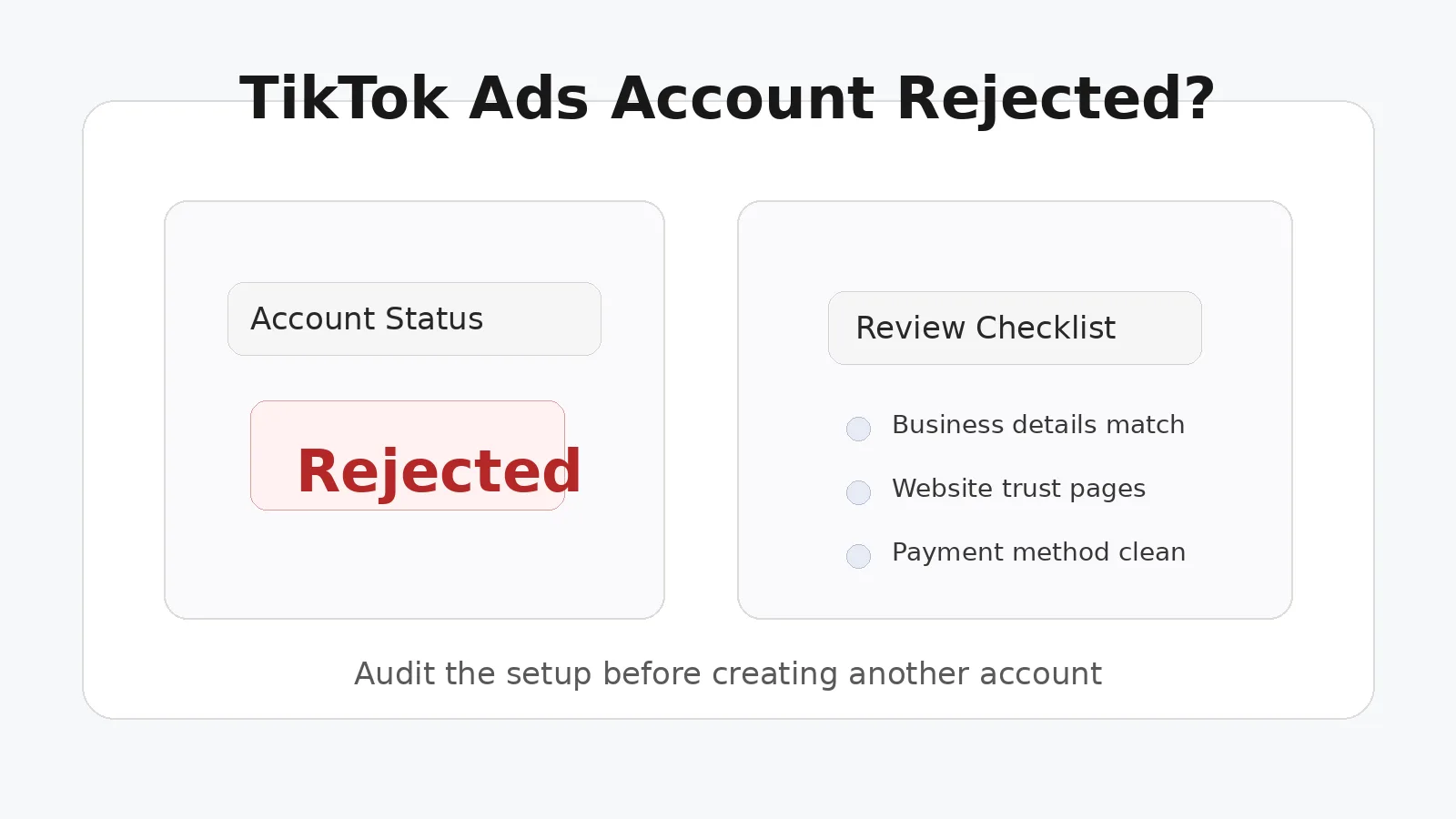
The solution starts with slowing down and auditing your setup before creating another account.
Step 1: Stop Creating More Accounts Immediately
If TikTok Ads account rejected notices keep happening, do not keep creating new accounts from the same browser, same IP, same device, and same payment method. This is one of the biggest mistakes people make.
Every failed account leaves behind data points that TikTok can connect. If you keep repeating the same setup, you are just reinforcing the rejection pattern.
Instead, stop and review everything you are currently using, including browser profile, IP address, payment method, domain, business details, and landing page.
Step 2: Check Your Website and Business Information
Before creating or appealing any account, make sure your website looks trustworthy.
Your website should have a privacy policy, refund policy, terms and conditions page, contact page, and real business information. Product pages should not contain unrealistic claims, fake countdown timers, misleading before-and-after images, or exaggerated promises.
Your business name should match the name on your documents, payment method, and domain branding as closely as possible.
If you are using a Gmail address like bestmarketingagency123@gmail.com for a professional business account, switch to a branded email address connected to your domain.
Step 3: Use Isolated Browser Profiles
One of the biggest reasons TikTok Ads account rejected issues keep happening is because multiple accounts are managed from the same browser environment.
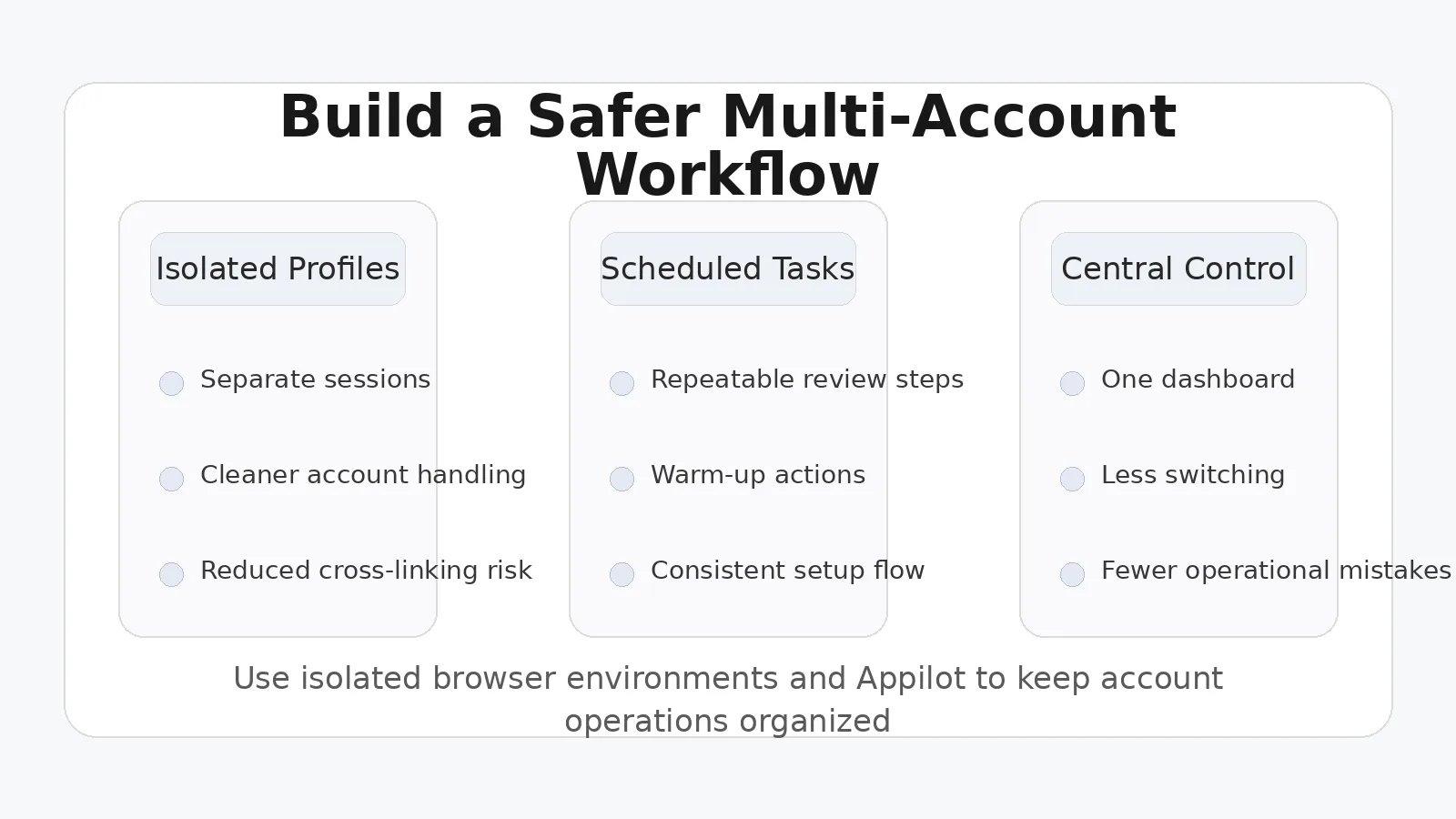
This is where isolated browser profiles become important. Using antidetect browsers lets you separate cookies, browser fingerprints, local storage, user agents, and other tracking signals so each TikTok Ads account appears independent.
If you are managing multiple ad accounts, client brands, or store variations, isolated browser profiles reduce the chance of TikTok connecting them together.
This is also where Appilot becomes useful. Instead of manually opening profiles, logging into accounts, switching browsers, and repeating the same setup every day, you can use Appilot alongside antidetect browsers to centralize repetitive account actions, schedule tasks, and manage multiple account workflows from one place.
For agencies and media buying teams handling many TikTok Ads accounts, this makes the process much easier to organize. Instead of mixing accounts together and increasing risk, you can create structured workflows around separate browser environments.
How to Appeal a Rejected TikTok Ads Account
If your TikTok Ads account has already been rejected, the next step is submitting an appeal.
Go to your TikTok Ads dashboard and look for the account review or rejection notice. TikTok usually provides a limited explanation, but you can still submit additional details.
Your appeal should be simple, professional, and factual. Do not become emotional or defensive. Explain what your business does, confirm that your website follows TikTok policies, and mention that you are willing to provide any additional documentation.
If TikTok requests documents, make sure everything matches exactly. Business registration name, billing address, tax documents, domain information, and payment method details should all align.
Many people fail appeals because they submit mismatched documents or low-quality screenshots. Use official documents whenever possible.
If your first appeal fails, do not submit five more appeals immediately. Review your entire setup again, fix any weak points, and then resubmit with stronger supporting information.
How to Prevent TikTok Ads Account Rejected Issues in the Future
The best prevention strategy is to treat every TikTok Ads account like a long-term business asset rather than something disposable.
Do not rush the setup process. Warm up the account slowly. Add business information first, then explore the dashboard, then upload billing details, then create campaigns gradually.
Avoid creating multiple accounts from the same device without isolated browser environments. Avoid reusing payment methods across unrelated accounts. Avoid low-quality landing pages and suspicious ad copy.
If you are scaling across many brands or client campaigns, build a system around profile isolation, separate payment methods, dedicated browser environments, and organized task management.
That is where a combination of antidetect browsers and Appilot can help. You can create separate workflows for each client or brand, schedule repetitive tasks, manage multiple browser profiles, and reduce the operational chaos that usually leads to account mistakes.
Instead of reacting to rejections every week, you build a process that keeps your accounts healthier from the beginning.
Common Mistakes That Make TikTok Ads Account Rejected Problems Worse
One of the worst mistakes is creating new accounts too quickly after a rejection. Another major mistake is reusing the same payment card across multiple rejected accounts.
People also make the mistake of ignoring their website quality. Even if the ad account setup is perfect, a weak website can still trigger rejection.
Another common issue is using low-quality proxies or free VPNs. These are often already flagged because thousands of people have used them before. If you need different IPs for different accounts, use high-quality residential or mobile proxies.
Finally, many people try to scale before they have a stable system. They create five or ten TikTok Ads accounts before they have even figured out why the first one got rejected. That usually leads to more restrictions, more wasted time, and more frustration.
Final Thoughts
TikTok Ads account rejected issues are frustrating, but they are usually not random. In most cases, TikTok is reacting to weak trust signals, inconsistent business information, duplicate browser fingerprints, poor website quality, or suspicious account behavior.
Once you slow down, identify the real trigger, clean up your setup, and separate your accounts properly, approval rates improve significantly.
If you are managing multiple TikTok Ads accounts, client campaigns, or media buying workflows, building a structured process around isolated browser profiles and Appilot can help you avoid repeated rejections and manage everything in a much cleaner way.
The goal is not just to get one account approved. The goal is to create a repeatable system that keeps future accounts safer, more stable, and easier to scale.