TikTok Automation for Food Creators: Building an Audience That Engages
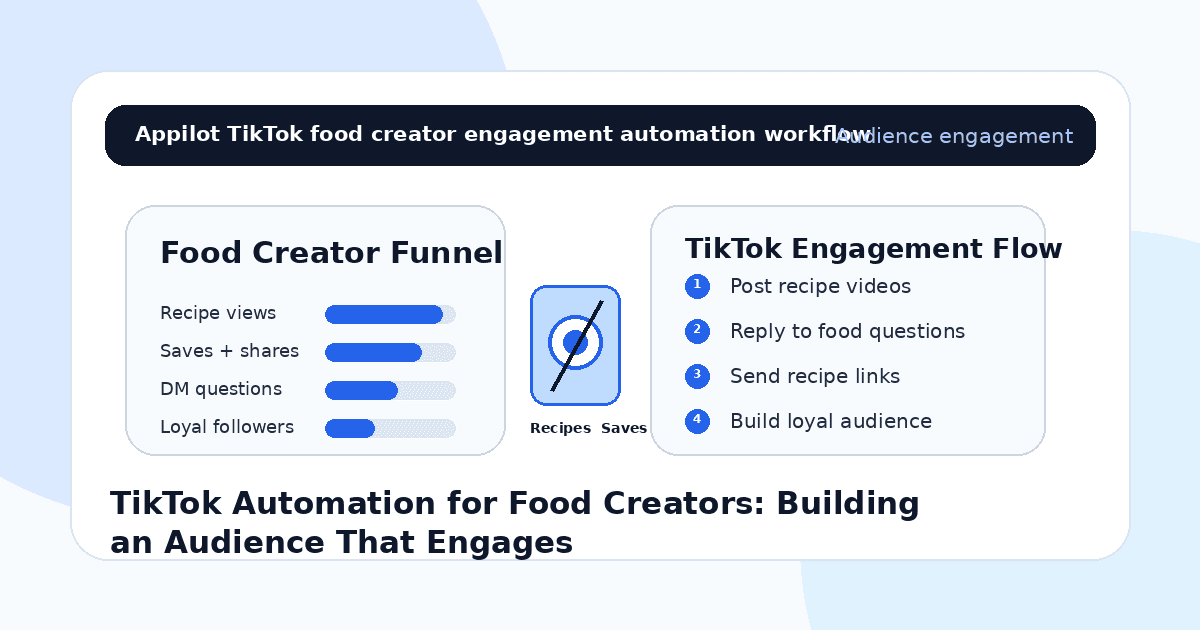
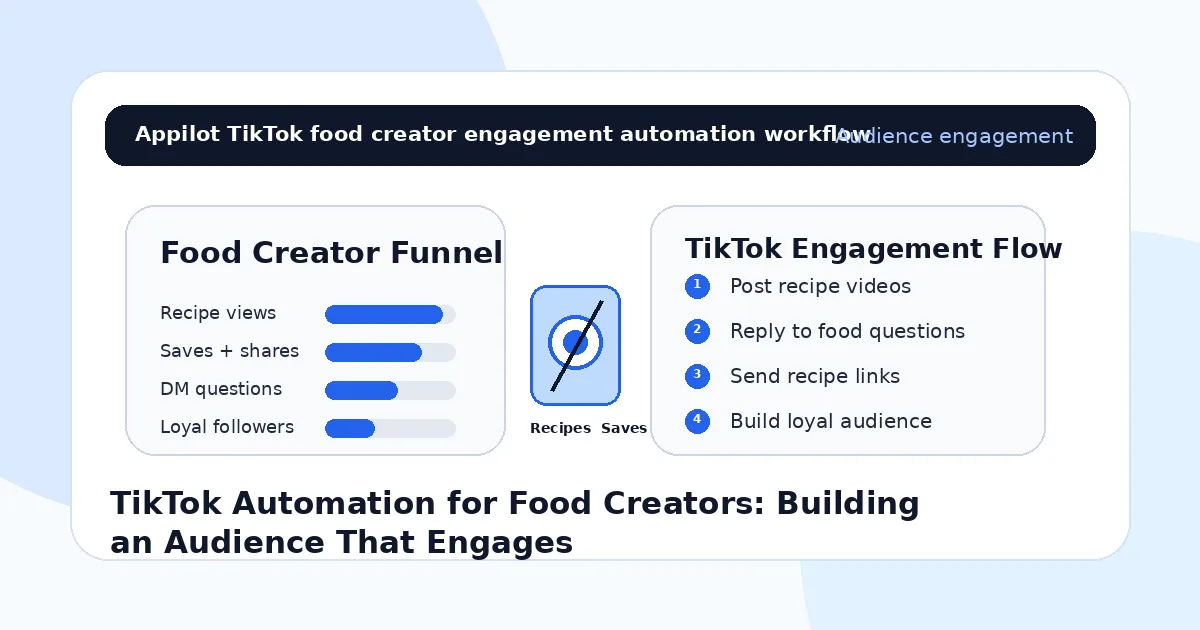
You post a recipe video on TikTok. The hook is strong, the food looks great, and the final shot makes people want to save it immediately.
A few viewers comment “recipe?” Someone asks what pan you used. Another wants the full ingredients list. A few people save the video but never follow, join your email list, buy your digital recipe book, or click your affiliate links.
That is the challenge for food creators on TikTok. Views are helpful, but real growth comes from engagement, repeat viewers, recipe saves, comments, DMs, and a clear path from one recipe video to a loyal audience.
TikTok automation helps food creators manage repeated questions, reply faster, send recipe links, route product requests, and keep warm viewers engaged without manually answering every comment all day.
The goal is not to fake engagement. The goal is to help people who already like your food content take the next step.
Why TikTok Works for Food Creators
Food content works well on TikTok because it is visual, fast, and easy to share.
A quick recipe, satisfying cooking process, budget meal, high-protein lunch, street food clip, baking tutorial, grocery haul, kitchen hack, or restaurant review can grab attention in seconds. Viewers do not just watch food videos for entertainment. They save them, send them to friends, try the recipes, ask questions, and come back for more.
That makes TikTok powerful for food creators who want to grow an engaged audience.
But food content also creates a lot of repeated questions. People ask for ingredients, cooking times, substitutions, measurements, tools, macros, storage tips, oven temperatures, and where to buy products.
Automation helps creators answer those questions faster and turn casual viewers into followers.
What TikTok Automation Means for Food Creators
TikTok automation means using workflows that support repeated actions around comments, DMs, keyword triggers, profile visits, link delivery, and audience engagement.
For food creators, automation can send recipe links, ingredient lists, shopping guides, cookware links, affiliate products, meal plans, newsletter signups, or digital cookbook pages when viewers ask.
Real-device automation is useful because it runs through the actual TikTok mobile app on Android devices or emulators. This behaves more like normal mobile usage than fragile desktop scripts or risky shortcuts.
A platform like Appilot is built for this kind of workflow. It lets food creators run TikTok automation on Android devices or emulators from a browser dashboard, without coding, ADB setup, or keeping a phone connected all day. That means creators can keep recipe replies and audience engagement moving while focusing on cooking, filming, editing, testing recipes, and building products.
Automation should support the creator’s food brand. It should not make the page feel robotic.
Step 1: Build Around a Clear Food Niche
Before using automation, define the food audience you want to grow.
A broad food page can get views, but a focused food niche builds stronger repeat engagement. A stronger angle might be budget meals, healthy meal prep, high-protein recipes, vegan cooking, Pakistani food, baking tutorials, air fryer meals, family dinners, student meals, restaurant reviews, or quick lunch ideas.
This matters because automation magnifies positioning.
If your niche is unclear, automation may bring more casual viewers who never return. If your niche is clear, automation helps more relevant food lovers discover your content and follow for future recipes.
Your niche should guide your recipe videos, captions, comment triggers, hashtags, profile bio, and product links.
An engaged audience starts with a clear reason to follow.
Step 2: Use Comment Triggers for Recipe Requests
Food videos naturally create comment-based demand.
Viewers often comment “recipe,” “ingredients,” “measurements,” “macros,” “link,” “pan,” “sauce,” or “where did you get that?” These comments are perfect for automation because they show real interest.
A TikTok bot can respond when someone uses a keyword and send the right next step.
For example, if someone comments “recipe,” the workflow can send the full recipe link. If someone asks “pan,” it can send the cookware link. If someone comments “meal plan,” it can send the digital meal plan page.
This is where Appilot fits naturally. Food creators can run TikTok workflows through Android devices or emulators while managing recipe replies and product routing from one dashboard.
Fast replies make viewers more likely to save, follow, and come back.
Step 3: Turn Recipe Saves Into Repeat Followers
A saved recipe is a strong signal.
It means the viewer found the content useful enough to revisit later. But many viewers save a video and never follow the creator. Automation can help close that gap by guiding interested viewers toward more recipes, playlists, email lists, or downloadable guides.
For example, after someone requests a recipe, the workflow can suggest joining the creator’s free recipe list for weekly meals. If someone asks for meal prep ideas, the bot can send a meal prep guide and invite them to follow for the next batch.
Keep it light. Do not push too hard.
The goal is to make the next step helpful, not force a sale.
Step 4: Use DMs for Cookbooks, Meal Plans, and Product Links
Many food creators monetize through digital cookbooks, meal plans, affiliate links, kitchen tools, spice blends, classes, brand deals, or paid communities.
TikTok automation can help route viewers to those offers when they ask.
If someone asks for your cookbook, send the cookbook link. If someone asks for macros, send the meal plan or nutrition guide if it fits your content. If someone asks about your blender, send the gear list. If someone asks for a brand collaboration, send the media kit path.
Appilot-style workflows help manage these repeated replies without scripts, command-line tools, or manual device work.
The best monetization flow feels like helpful customer support.
Step 5: Reply Fast to Ingredient and Substitution Questions
Food content often creates practical questions.
Viewers ask if they can use a different flour, replace dairy, make the dish spicy, air fry instead of bake, store leftovers, freeze the recipe, cook for a family, or reduce sugar.
Some answers are simple and repeatable. Others need judgment.
Automation can help with basic replies, but creators should still step in when the question is specific, sensitive, or dietary-related. If someone mentions allergies, medical restrictions, or health conditions, the response should stay careful and general.
A good food creator builds trust by being useful, accurate, and honest.
Bots can handle repeated routing. The creator should handle nuance.
Step 6: Use Series Content to Build Loyalty
Food audiences love repeatable series.
A creator can build engagement through “5-minute lunches,” “budget dinners,” “one-pan meals,” “high-protein breakfasts,” “Ramadan recipes,” “student meals,” “Sunday meal prep,” “street food at home,” or “desserts under 30 minutes.”
Series make people follow because they know what to expect next.
Automation can support series content by sending the right recipe collection when viewers ask. If someone comments “series,” the bot can send the playlist, recipe page, or newsletter signup.
A random viral recipe may bring views. A strong series builds a community.
Step 7: Route Brand and Collaboration DMs
As a food creator grows, brands may reach out.
Restaurants, cookware brands, grocery apps, spice brands, meal delivery companies, kitchen gadget companies, food startups, and agencies may ask for rates, media kits, audience stats, or campaign availability.
Automation can help organize those messages.
If someone sends “collab,” “media kit,” “rates,” “brand deal,” or “partnership,” the workflow can send the right media kit or ask what kind of campaign they want.
This makes the creator look more professional and helps prevent paid opportunities from getting buried.
Food creators need both creativity and business systems.
Step 8: Track Engagement That Actually Matters
Do not measure TikTok automation only by views.
For food creators, better metrics include saves, shares, recipe requests, ingredient questions, DM replies, cookbook clicks, meal plan downloads, affiliate clicks, newsletter signups, brand inquiries, and repeat viewers.
You should also track which videos create the best audience. A quick viral dessert may bring views. A practical meal prep recipe may bring saves. A kitchen tool demo may bring affiliate clicks. A family dinner series may build loyalty.
Automation gives you more signals. Tracking tells you which signals create real audience growth.
Common Mistakes Food Creators Should Avoid
Sending Links Too Aggressively
Only send recipe, product, or shop links when viewers ask, comment a keyword, or reply to a clear prompt.
Ignoring Recipe Questions
Ingredient and method questions show real interest. Fast, helpful replies can turn viewers into loyal followers.
Using Too Many Generic Replies
Food questions are often specific. Keep automated replies relevant and step in personally when needed.
Monetizing Before Building Trust
A food audience buys from creators they trust. Focus on useful recipes before pushing products.
Measuring Only Views
Views matter, but saves, shares, recipe requests, repeat viewers, and product clicks show deeper engagement.
Is TikTok Automation Right for Food Creators?
TikTok automation is a good fit if you already post recipe videos, get repeated questions, share links, sell digital cookbooks, use affiliate products, or work with food brands. It works especially well for recipe creators, food bloggers, home cooks, meal prep creators, bakers, restaurant reviewers, nutrition educators, and kitchen product creators.
It may not be right if your content has no clear niche, your recipe links are disorganized, or your replies sound too robotic. Automation can help route attention, but your food, personality, and consistency still drive growth.
Think of TikTok bots as recipe engagement assistants. They help viewers get what they asked for while your content earns the audience.
Final Thoughts
TikTok automation helps food creators build an audience that engages by turning recipe videos into conversations, saves, DMs, links, and repeat followers.
The strongest workflow starts with a clear food niche, comment triggers, recipe delivery, helpful DMs, fast ingredient replies, series content, brand inquiry routing, and engagement tracking. Automation handles repeated actions while the creator keeps cooking, storytelling, and trust human.
If you want to run TikTok automation without coding, ADB setup, or manual device management, Appilot gives food creators a browser-based way to control Android devices, emulators, and ready-to-use bots for TikTok and other platforms. You can check it out at appilot.app.
FAQs
Q1: Can food creators use TikTok automation to grow?
Yes, automation can help food creators answer recipe questions, send links, manage DMs, and build repeat engagement.
Q2: What should food creators automate first?
Start with replies for “recipe,” “ingredients,” “link,” “macros,” “meal plan,” “cookbook,” “pan,” and “collab.”
Q3: Is TikTok automation safe for food creators?
It is safer when replies are gradual, relevant, and triggered by real interest. Spammy replies can hurt trust and account health.
Q4: Can Appilot help food creators automate TikTok?
Yes, Appilot can run TikTok workflows on Android devices or emulators from a browser dashboard without coding or ADB setup.
Q5: Does automation replace food creativity?
No. Automation handles repeated replies and routing, but recipes, taste, storytelling, and personality build the audience.