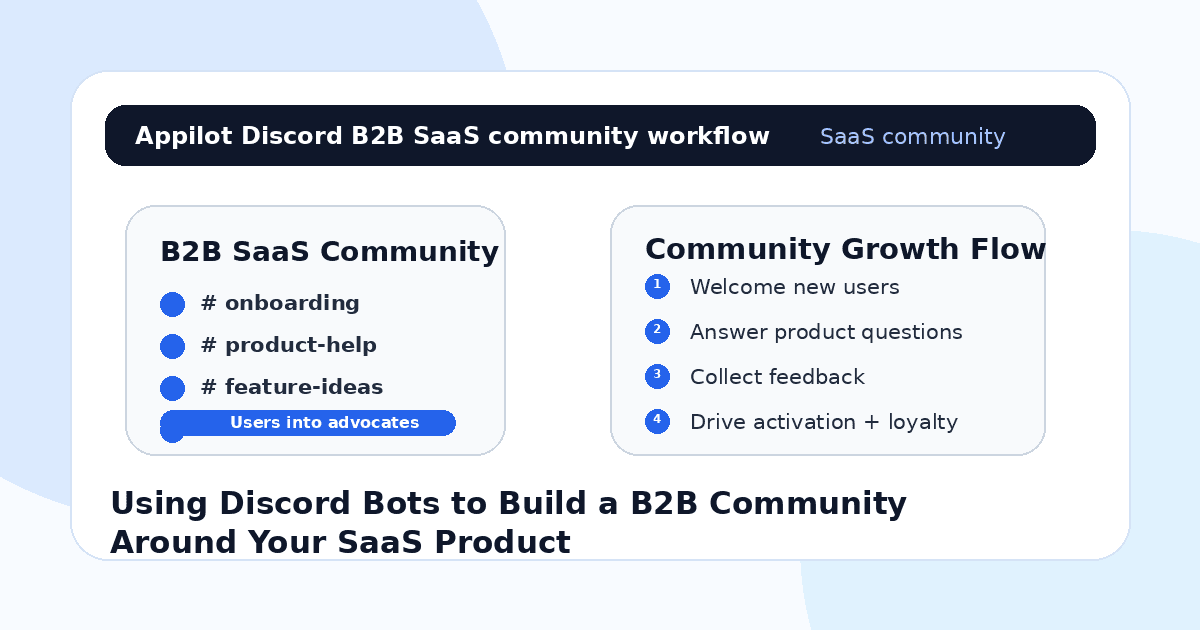
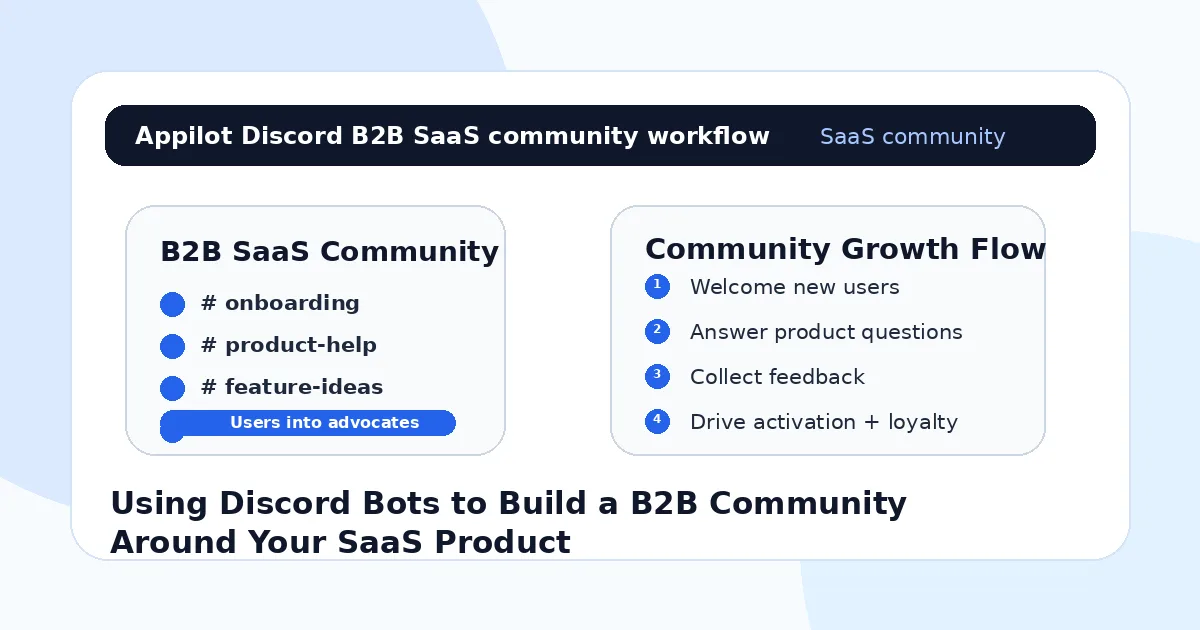
Using Discord Bots to Build a B2B Community Around Your SaaS Product
A new user signs up for your SaaS product. They test a few features, click around the dashboard, maybe invite one teammate, and then leave.
You check the analytics a few days later and see the problem. They never reached the activation moment. They did not ask support. They did not book onboarding. They did not complain. They just disappeared.
That is one reason B2B SaaS teams build communities around their products. A good community gives users a place to ask questions, learn workflows, see how others use the product, share feedback, and feel closer to the team behind the software.
Discord can work especially well for SaaS products with active users, technical users, creators, agencies, developers, operators, or power-user communities. But a Discord server does not become valuable just because you open one.
Discord bots help turn the server into a useful system instead of a messy chat room.
Why B2B SaaS Communities Matter
B2B SaaS products are not always self-explanatory. Even when the interface is clean, users still need context.
They want to know the best setup, how other teams use the product, which workflow saves time, what to do when something breaks, and whether the company is actively improving the tool. A community can answer those questions in a way a static help center cannot.
The strongest SaaS communities usually do three things well. They help new users activate faster, give experienced users a reason to stay engaged, and turn customer feedback into product insight.
The mistake many SaaS teams make is treating community like a marketing channel only. They create a server, announce product updates, and expect users to talk. But users do not join a B2B community just to receive announcements. They join because it helps them get more value from the product.
That is where Discord bots become useful. They create structure, automate repeated tasks, and make the community easier to manage as it grows.
What Discord Bots Do for SaaS Communities
Discord bots can automate onboarding, role assignment, support routing, announcements, event reminders, feedback collection, moderation, user segmentation, and community engagement.
For a SaaS product, that might mean welcoming new users, asking what use case they care about, assigning them to the right channel, pointing them to setup resources, routing support questions, collecting feature requests, and reminding them about webinars or product updates.
A platform like Appilot can fit into the wider SaaS community workflow by helping teams connect Discord with social automation across platforms like LinkedIn, Twitter/X, Instagram, and TikTok. Appilot runs automation through Android devices or emulators from a browser dashboard, which helps SaaS teams manage repeated social and community actions without coding, ADB setup, or manual device handling.
Discord becomes the community hub. Social platforms bring users and prospects in. Automation helps keep the system organized.
Step 1: Decide What the Community Is For
Before adding bots, define the purpose of the Discord community.
A vague “join our community” server usually fails. Users need a clear reason to participate. For a B2B SaaS product, that reason might be faster onboarding, direct access to product experts, workflow templates, beta access, peer support, technical help, founder updates, or use-case discussions.
For example, a developer tool might build channels around setup help, API questions, changelog updates, integrations, bug reports, and feature requests. A marketing SaaS might build channels around campaign examples, growth ideas, templates, customer wins, and platform updates. A sales SaaS might focus on outbound workflows, CRM setup, objection handling, templates, and team coaching.
Automation works best when the community already has a job to do.
If the purpose is unclear, bots only make the confusion more efficient.
Step 2: Automate New User Onboarding
The first few minutes inside the server matter.
If a user joins and sees ten random channels with no direction, they may leave immediately. A Discord bot can welcome them, explain the server, ask what they need, assign roles, and point them toward the right starting point.
For a SaaS community, role selection is especially useful. A user might choose whether they are a founder, marketer, developer, agency owner, customer success manager, recruiter, or operator. They might also select their use case, plan type, industry, or experience level.
That makes the server feel more relevant.
A good onboarding bot does not overwhelm users. It gives them the next step. Join the setup channel, watch the quick-start video, introduce yourself, ask for help, or check the templates.
The goal is to reduce the time between joining the server and getting value.
Step 3: Route Support Without Creating Chaos
Support is one of the biggest reasons SaaS teams use Discord, but it can get messy fast.
Without structure, customers ask product questions in random channels, team members miss important issues, and other users repeat the same questions again and again.
Discord bots can help by routing support requests into the right place. They can create tickets, collect basic context, ask for screenshots, assign a support category, and notify the right team. They can also point users toward documentation before a human steps in.
This is useful for B2B SaaS teams because support questions often repeat. Setup, billing, integrations, permissions, bugs, imports, exports, API keys, and onboarding issues can all be organized with simple bot flows.
The key is to keep support human when it matters. Bots can collect context and route questions, but complex or frustrated customers should get a real reply quickly.
Step 4: Use Bots to Collect Product Feedback
A Discord community can become one of your best product feedback sources.
Users will tell you what is confusing, what is missing, what they expected, what competitors do better, and what workflows matter most. The challenge is organizing that feedback so it does not disappear inside chat history.
Bots can help collect feature requests, bug reports, user votes, and feedback forms. They can also remind users to share use cases after product updates or beta launches.
For SaaS teams, this is valuable because it connects product decisions to real user language.
Instead of guessing what users want, you can see which requests repeat, which segments ask for which features, and which friction points block activation.
Appilot can support the wider growth loop by helping teams bring users from social channels into Discord, while Discord bots capture feedback once they are inside the community. That creates a cleaner path from awareness to conversation to product insight.
Step 5: Create Events That Keep Users Engaged
A SaaS community needs reasons to come back.
Discord bots can help run events like onboarding sessions, office hours, product demos, customer workshops, roadmap discussions, beta testing calls, integration walkthroughs, and community Q&A sessions.
For example, a SaaS team could run a weekly “workflow teardown” where users share how they use the product. Another team might host monthly product office hours. A developer tool might run API setup sessions. A marketing tool might run campaign breakdowns.
Bots can send reminders, collect RSVPs, assign event roles, and post follow-up resources after the session.
This matters because a quiet community loses value quickly. Events give users a reason to return and participate.
Step 6: Reward Power Users and Advocates
Every SaaS community has a small group of users who are more active than everyone else.
They answer questions, test features, share feedback, bring in peers, post workflows, or advocate for the product publicly. These users are valuable. They help support the community and often become case studies, affiliates, ambassadors, or expansion opportunities.
Discord bots can help identify and reward these users through activity roles, private channels, early beta access, badges, event invitations, or special feedback groups.
The mistake is making rewards feel childish or empty. B2B users usually care more about access, influence, recognition, and practical value than random points.
A strong reward system might give power users early feature access, direct roadmap input, private founder sessions, or visibility inside the community.
That turns engagement into loyalty.
Step 7: Connect Discord to Your SaaS Growth Funnel
Discord should not sit separately from the rest of your growth system.
It should connect to onboarding, product education, customer success, content, social media, feature launches, and retention.
A new trial user might join Discord during onboarding. A social follower might enter through a guide or event. A power user might become a case study. A confused customer might get support before they churn. A beta tester might help improve the next release.
This is where tools like Appilot can support the broader workflow. SaaS teams can use Appilot to run automation across social platforms and help move interested users toward community spaces, while Discord bots manage onboarding, segmentation, support, and engagement inside the server.
The result is a more connected growth loop. People discover the product, join the community, get help, stay engaged, and become more likely to activate, renew, or refer.
Common Mistakes SaaS Teams Should Avoid
Creating Too Many Channels
A new community with too many empty channels feels dead. Start with a few useful channels and expand only when users need more structure.
Using Bots for Everything
Bots should support the community, not replace the team. Users still want real answers from real people when the issue matters.
Turning Discord Into an Announcement Feed
Product updates are useful, but a community needs conversation, support, events, and shared learning. Otherwise it becomes another broadcast channel.
Ignoring New Users
If new members are not guided quickly, they may leave before getting value. A clear welcome and role flow is essential.
Forgetting Business Outcomes
Community activity should connect to onboarding, retention, support, feedback, advocacy, and expansion. Busy chat alone is not the goal.
Is Discord Right for Your B2B SaaS Product?
Discord is a good fit if your users benefit from peer learning, fast support, product education, technical help, templates, beta access, or community-led workflows. It works especially well for developer tools, creator tools, AI SaaS, automation tools, marketing products, gaming tools, Web3 products, technical platforms, and power-user communities.
It may not be right if your buyers are highly formal enterprise teams that prefer email, Slack Connect, account managers, or private support portals. In that case, Discord may still work for a user community, but not as the main customer success channel.
Think of Discord as a customer activation and loyalty layer. It helps users stay closer to the product, but only if the community has a clear purpose.
Final Thoughts
Discord bots can help SaaS teams build stronger B2B communities by making onboarding, support, feedback, events, and engagement easier to manage.
The best communities are not built by automation alone. They are built by clear purpose, useful conversations, responsive teams, and customers who feel heard. Bots simply make that structure easier to maintain as the community grows.
If you want to connect Discord with wider social automation, Appilot gives SaaS teams a browser-based way to control Android devices, emulators, and ready-to-use bots for Discord, LinkedIn, Twitter/X, Instagram, TikTok, and other platforms. You can check it out at appilot.app.
FAQs
Q1: Can Discord bots help B2B SaaS communities?
Yes, Discord bots can help with onboarding, role assignment, support routing, feedback collection, event reminders, and engagement.
Q2: What should SaaS teams automate first in Discord?
Start with welcome flows, user roles, support routing, product update alerts, event reminders, and basic moderation.
Q3: Is Discord good for B2B SaaS products?
It works well for SaaS products with active users, technical workflows, peer learning, community support, or strong power-user behavior.
Q4: Can Appilot help with Discord community automation?
Yes, Appilot can support Discord and social automation workflows across Android devices or emulators from a web dashboard.
Q5: Do Discord bots replace customer success teams?
No. Bots organize and route community activity, but human teams still need to handle trust, strategy, complex support, and customer relationships.