Using LinkedIn Auto-Connect Bots to Book More Sales Calls
You know your ideal buyer is on LinkedIn. You can search their job title, company type, industry, and even the problems they talk about publicly.
So you start prospecting manually.
You open profiles, send a few connection requests, check who accepted, write follow-ups, reply to one or two people, and then your day gets hijacked by demos, proposals, client calls, reporting, or internal meetings.
By Friday, the pipeline still feels light.
That is why sales teams use LinkedIn auto-connect bots. Not to spam every founder, manager, or executive with generic pitches, but to make the first stage of prospecting more consistent. When used carefully, auto-connect bots can help you reach more relevant prospects, start more conversations, and turn accepted connections into booked sales calls.
The key is simple: the bot should support the sales process, not replace the salesperson.
Why Manual LinkedIn Prospecting Breaks Down
Manual LinkedIn prospecting works when it is done every day. The problem is that most sales teams cannot keep it consistent.
A rep might prospect hard on Monday, spend Tuesday on discovery calls, lose Wednesday to proposals, and only return to LinkedIn later in the week. That creates an uneven pipeline. Some weeks look good. Others feel dry.
The tasks are also repetitive. Searching profiles, checking fit, sending connection requests, tracking acceptance, writing follow-ups, and logging replies all take time. None of those steps are especially hard, but they are easy to skip when urgent work appears.
Most teams get LinkedIn wrong because they treat it like a volume channel. They send the same message to everyone and hope numbers solve the problem. But sales calls come from relevance, timing, and trust.
An auto-connect bot helps most when it gives your team more chances to start relevant conversations, not when it blasts weak messages faster.
What LinkedIn Auto-Connect Bots Actually Do
LinkedIn auto-connect bots automate the process of sending connection requests to selected prospects. Depending on the setup, they can also support profile visits, follow-ups, reply tracking, and campaign sequencing.
For sales teams, the real value is consistency. The bot can help keep prospecting activity moving while reps focus on live conversations, demos, proposals, and closing work.
Real-device automation is useful because it runs actions through Android devices or emulators instead of relying only on browser scripts or fragile API-based shortcuts. This can make LinkedIn workflows easier to manage across accounts and campaigns.
A platform like Appilot is built around this kind of workflow. It lets sales teams run LinkedIn automation on Android devices or emulators from a web dashboard, without coding, ADB setup, or keeping a laptop connected all day. That means auto-connect campaigns can run in a more organized way while reps stay focused on meaningful sales conversations.
The bot opens the door. The sales team still has to earn the call.
Step 1: Define Who Is Worth Connecting With
Before using any auto-connect bot, define the prospect clearly.
A weak target sounds like “founders,” “marketing managers,” or “SaaS companies.” A strong target sounds like “seed-stage SaaS founders hiring their first SDR team,” “e-commerce managers running Shopify stores with active Instagram traffic,” or “operations leaders at logistics companies dealing with manual dispatch workflows.”
That level of clarity matters because automation magnifies your targeting.
If your list is broad, the bot sends more bad requests. If your list is sharp, the bot helps you start more useful conversations.
Start with industry, company size, role, geography, pain point, buying trigger, and likely urgency. Then build your LinkedIn searches around those details.
The goal is not to connect with everyone. The goal is to connect with people who have a real reason to care about your offer.
Step 2: Send Connection Requests That Feel Human
The connection request is not the place for your full pitch.
Its job is to create enough relevance that the person accepts. That means short, simple, and specific usually wins.
A bad request sounds like, “Hi, we help companies increase revenue with innovative solutions. Let’s connect.”
A better request sounds like, “Hi Sarah, noticed you lead growth at a B2B SaaS team. I work with companies improving outbound quality, so I thought it made sense to connect.”
That message is not perfect, but it feels tied to the person’s world.
With Appilot’s LinkedIn automation, teams can run these repeatable connection workflows through Android devices or emulators while keeping control of the targeting and message. The automation handles the repetitive action, but your team still needs to write requests that feel relevant.
That is the difference between automation and spam.
Step 3: Follow Up After the Connection Is Accepted
A connection request by itself does not book sales calls.
The follow-up is where the conversation starts. But this is also where many teams ruin the opportunity by pitching too quickly.
Do not send a long product message right after someone accepts. Instead, open with a simple question connected to the problem you solve.
For example, if you sell lead generation services, you might ask, “Curious, are you focused more on increasing outbound volume right now or improving reply quality?” If you sell workflow automation, you might ask, “Are you still handling that process manually, or have you already built a system around it?”
This kind of question gives the prospect an easy way to respond.
Auto-connect bots can create the starting point, but the follow-up needs sales thinking. The goal is not to force a meeting immediately. The goal is to start a conversation that can naturally lead to one.
Step 4: Qualify Before Asking for the Call
Not every new connection should become a sales call.
Some prospects are curious but not ready. Some are not the decision-maker. Some have the problem but no budget. Some are a great fit but need more context before booking.
Before sending a calendar link, qualify the conversation.
Ask what they are currently using, whether the problem is a priority, how they are handling it today, who owns the decision, and whether they are actively looking for a better solution.
This keeps your calendar cleaner.
A full calendar does not mean a healthy pipeline if most calls are bad fit. The best LinkedIn automation strategy is not about booking the most calls. It is about booking more of the right calls.
Step 5: Use Follow-Up Timing Without Overdoing It
Follow-ups are useful, but too many follow-ups can make your brand feel pushy.
A simple follow-up after a few days can work well, especially if it adds context. For example, “The reason I asked is we’re seeing a lot of SaaS teams struggle with reply quality even when outbound volume is high.”
That is better than a generic “just checking in.”
One or two follow-ups are usually enough for cold LinkedIn conversations. If someone does not respond after that, move on or put them into a longer-term nurture path.
One reason sales teams use Appilot-style workflows is that the dashboard can help manage repeated outreach steps without manual device work. But the timing and message quality still matter. Automation should make follow-up consistent, not annoying.
Step 6: Move Interested Prospects Into a Real Sales Process
LinkedIn is great for starting conversations, but it should not be the only place your pipeline lives.
When a prospect shows real interest, move them into your CRM, email, calendar, demo flow, or sales sequence. This keeps the opportunity trackable and easier to manage.
A simple transition works best. You might say, “Makes sense. Want me to send a quick breakdown by email?” or “Happy to walk you through how teams usually solve this. Worth a quick 15-minute call?”
Do not push the call before the prospect sees relevance. But once the fit is clear, make the next step easy.
LinkedIn auto-connect bots help create more openings. Your sales process turns those openings into revenue.
Step 7: Track Metrics That Actually Matter
Connection volume is not the final goal.
Track acceptance rate, reply rate, qualified conversation rate, call booking rate, show-up rate, opportunity creation, close rate, and revenue from the campaign. These numbers tell you whether the automation is producing real pipeline or just activity.
You should also track message angles. A message that gets a lower acceptance rate but better qualified calls may be more valuable than one that gets many weak replies.
Do not scale a campaign just because it sends requests successfully. Scale it when it creates qualified conversations.
That is where LinkedIn automation becomes useful as a sales system instead of just a prospecting shortcut.
Common Mistakes Sales Teams Should Avoid
Targeting Too Broadly
Broad lists create weak conversations. Specific buyer roles, industries, triggers, and pain points create better sales calls.
Pitching in the Connection Request
The first request should create relevance, not explain your entire offer. Save the pitch for when the prospect shows interest.
Sending the Same Follow-Up to Everyone
Generic messages are easy to ignore. Adjust follow-ups by buyer type, use case, or pain point.
Asking for a Call Too Early
A calendar link before context can feel lazy. Qualify the problem first, then suggest a call when it makes sense.
Measuring Only Connections
Accepted connections do not equal pipeline. Track replies, qualified calls, opportunities, and closed revenue.
Is LinkedIn Auto-Connect Automation Right for Your Sales Team?
LinkedIn auto-connect bots are a good fit if your buyers are easy to identify by role, industry, company size, location, or business trigger. They work especially well for B2B SaaS, agencies, consultants, recruiters, service providers, software vendors, and niche B2B offers.
They may not be right if your ICP is unclear, your offer is weak, or your team cannot handle replies quickly. Automation can start more conversations, but it cannot fix bad positioning or poor sales follow-up.
Think of auto-connect automation as a pipeline assistant. It helps prospecting happen every day, but the quality of your sales process still decides the outcome.
Final Thoughts
LinkedIn auto-connect bots can help sales teams book more calls, but only when they are used with targeting, restraint, and a clear follow-up strategy.
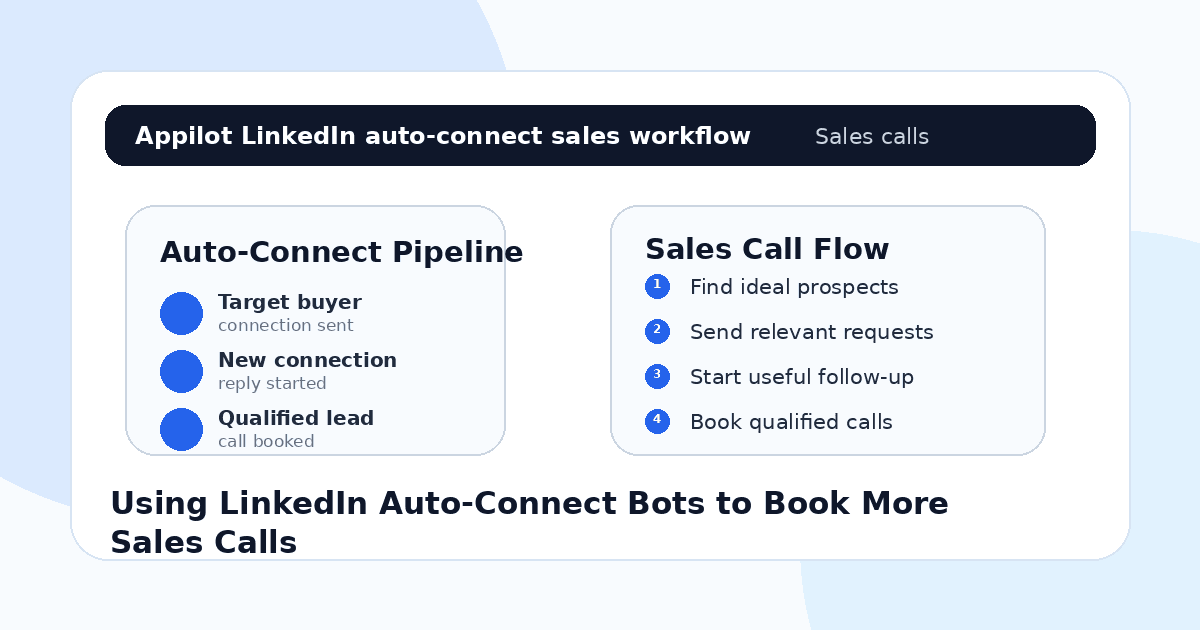
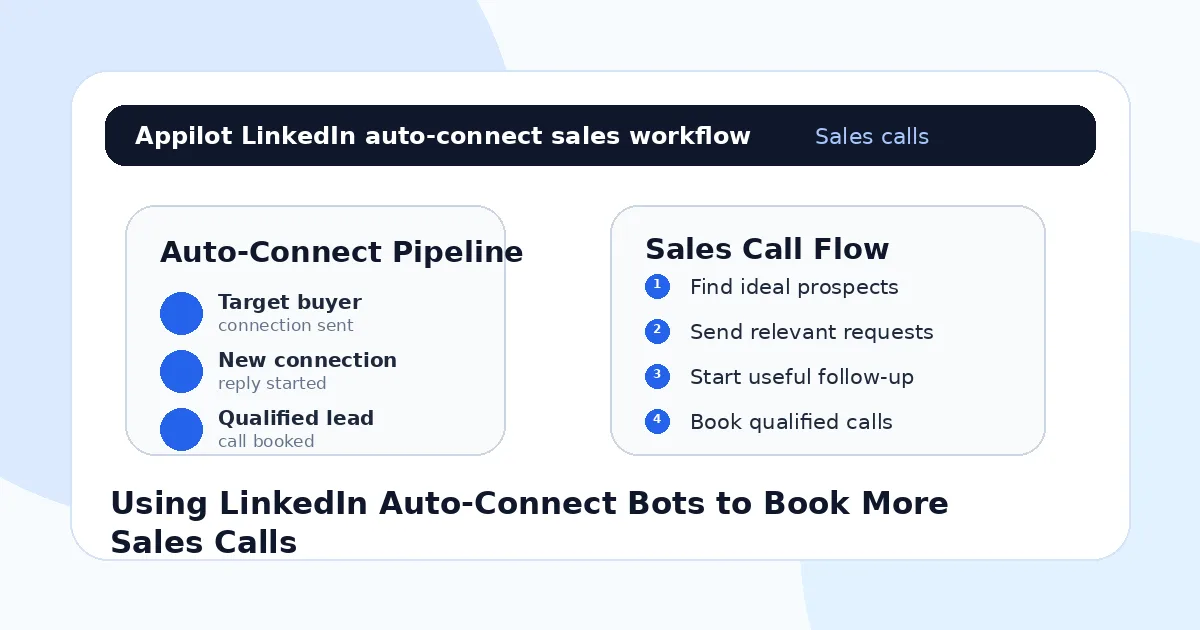
The winning workflow is simple: define the right prospect, send a relevant request, follow up with a useful question, qualify the reply, and move serious leads into a real sales process. Automation makes that rhythm easier to maintain.
If you want to run LinkedIn auto-connect workflows without coding, ADB setup, or manual device management, Appilot gives sales teams a browser-based way to control Android devices, emulators, and ready-to-use bots for LinkedIn and other platforms. You can check it out at appilot.app.
FAQs
Q1: Do LinkedIn auto-connect bots help book more sales calls?
Yes, they can help sales teams connect with more relevant prospects, start conversations, and create more opportunities for qualified calls.
Q2: Are LinkedIn auto-connect bots safe?
They are safer when activity is gradual, targeting is specific, and messages are relevant. Aggressive volume or spammy outreach can still create risk.
Q3: What should I automate first on LinkedIn?
Start with profile discovery, connection requests, light follow-ups, and reply routing before automating deeper sales conversations.
Q4: Can Appilot help with LinkedIn auto-connect automation?
Yes, Appilot can run LinkedIn workflows on Android devices or emulators from a browser dashboard without coding or ADB setup.
Q5: Should bots ask prospects to book calls automatically?
Usually no. Bots can help start the conversation, but a human should qualify interest before pushing a calendar link.