Using LinkedIn Automation to Sell High-Ticket Coaching Programs
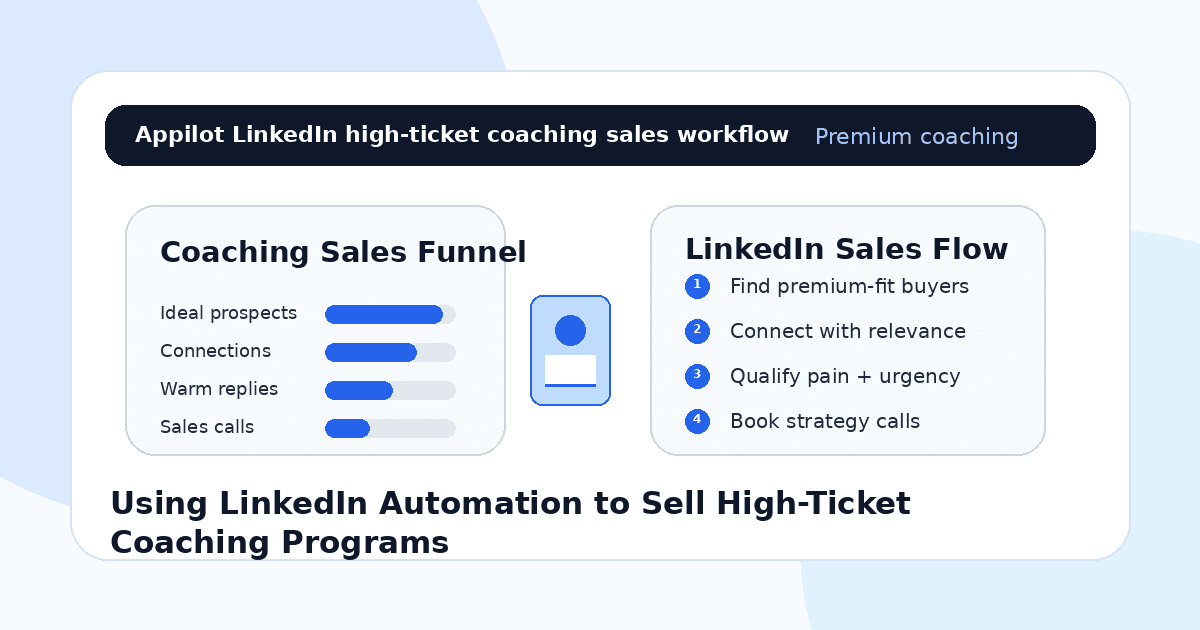
You sell a coaching program that is not cheap. Maybe it helps founders scale, executives lead better, sales teams close bigger deals, consultants build authority, or professionals make a serious career move.
You know the value is there.
But high-ticket coaching does not sell from random posts or cold pitches alone. Premium clients need trust, relevance, proof, and a conversation that feels personal. They are not usually going to buy because someone sent them a generic LinkedIn message with a calendar link.
That is where LinkedIn automation can help when it is used carefully. It can support prospect discovery, profile visits, connection requests, follow-ups, and lead routing so coaches can create more qualified conversations without manually prospecting every day.
The goal is not to automate trust. The goal is to automate the repetitive steps that help trust-building conversations happen more consistently.
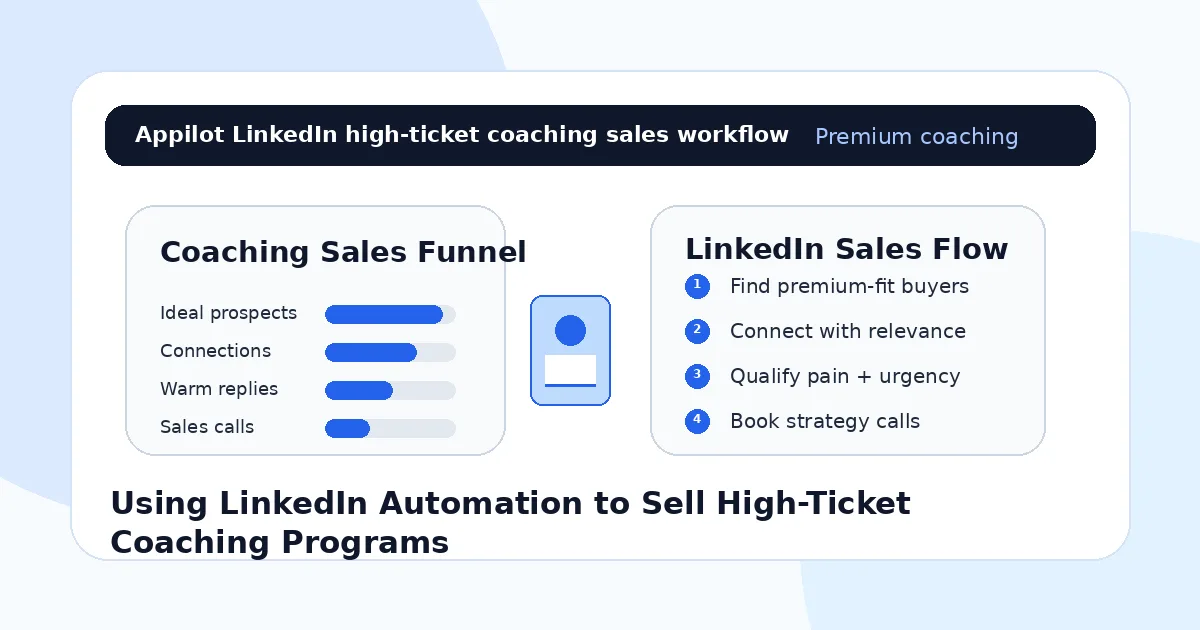
Why LinkedIn Works for High-Ticket Coaching
LinkedIn is one of the strongest platforms for premium coaching because buyers there usually have professional intent.
Founders, executives, consultants, sales leaders, agency owners, recruiters, creators, operators, and high-income professionals already use LinkedIn to learn, network, hire, sell, and grow their careers. That makes it a natural place to find people who may invest in serious coaching.
But the platform is also crowded.
A high-ticket coach cannot simply send “I help leaders grow” messages and expect premium buyers to respond. The buyer needs to see relevance. They need to understand the problem you solve, the type of client you help, the outcome you create, and why your perspective is different.
LinkedIn automation works best when the coach already has a clear niche, a strong profile, useful content, and a thoughtful sales process. Without those pieces, automation only spreads a weak message faster.
What LinkedIn Automation Means for Coaches
LinkedIn automation means using software to handle repeatable prospecting actions such as profile discovery, connection requests, follow-ups, profile visits, message sequences, and reply tracking.
For high-ticket coaching, the best use is not mass outreach. It is structured, targeted outreach to people who match your ideal client profile.
Real-device automation is useful because it runs workflows through Android devices or emulators instead of relying only on fragile browser scripts or risky API shortcuts. This can make LinkedIn workflows easier to manage across campaigns while keeping activity more controlled.
A platform like Appilot is built around this kind of workflow. It lets coaches run LinkedIn automation on Android devices or emulators from a browser dashboard, without coding, ADB setup, or keeping a laptop connected all day. That means prospecting can stay active while the coach focuses on content, client delivery, sales calls, and follow-up.
Automation should create openings. The coach still has to build belief.
Step 1: Define the Premium Client Clearly
Before using LinkedIn automation, define exactly who your high-ticket program is for.
A vague audience like “business owners,” “leaders,” or “professionals who want growth” is too broad. A stronger target is “agency owners stuck at $30k per month,” “B2B founders who need sales leadership,” “executives moving into C-level roles,” or “consultants trying to package premium advisory offers.”
This matters because automation magnifies targeting.
If your audience is broad, your outreach will feel generic. If your audience is sharp, your messages can speak directly to a problem the prospect already understands.
Your ideal client profile should include role, industry, revenue stage, career stage, pain point, buying trigger, current obstacle, and desired outcome. High-ticket sales depend on precision because premium buyers do not respond to vague promises.
The clearer your audience, the easier it becomes to start meaningful conversations.
Step 2: Make Your LinkedIn Profile Sales-Ready
Automation can send more people to your profile, but your profile must create trust quickly.
A high-ticket coaching profile should explain who you help, what outcome you create, and why someone should believe you. Your headline should be specific. Your featured section should include proof, case studies, testimonials, frameworks, or a strong call-to-action. Your posts should show your thinking, not just motivational quotes.
If a prospect accepts your connection request and checks your profile, they should immediately understand your positioning.
For example, “Executive Coach” is broad. “Helping first-time VPs become confident C-suite leaders” is clearer. “Business Coach” is broad. “Helping agency founders build predictable sales systems without founder-led selling” is more specific.
Automation gets attention. Your profile converts that attention into curiosity.
Step 3: Use Connection Requests to Create Relevance
The connection request should not be the full pitch.
Its job is to create enough relevance for the person to accept. Keep it short, specific, and tied to the prospect’s world.
A weak request says, “I help business owners scale and would love to connect.”
A stronger request says, “Hi Sarah, noticed you lead a growing consulting team. I share ideas around packaging advisory offers and founder-led sales, so I thought it made sense to connect.”
That message creates context without pressure.
This is where Appilot’s LinkedIn automation can fit naturally. Coaches can run repeated connection workflows through Android devices or emulators while keeping control of targeting, messaging, and campaign pacing from one dashboard.
The message should still sound like a real coach, not a campaign template.
Step 4: Follow Up With a Problem-Led Question
Once the prospect accepts, do not immediately send a calendar link.
High-ticket coaching usually requires a conversation before a call is appropriate. Start with a simple question connected to the problem you solve.
For example, a sales coach might ask, “Are you currently trying to improve sales process, rep performance, or founder-led closing?” An executive coach might ask, “Are you focused more on team leadership, decision-making, or stepping into a larger role this year?” A business coach might ask, “Are you trying to grow through more clients, higher pricing, or better delivery systems right now?”
These questions are easier to answer than a direct pitch.
Automation can help send the first follow-up consistently, but the question needs to feel relevant. High-ticket buyers respond when the message makes them feel understood.
Step 5: Qualify Before Booking the Sales Call
Not every reply should become a strategy call.
Some people are curious. Some are not ready. Some cannot afford the program. Some want free advice. Some may be a strong fit but need more context first.
Before offering a call, qualify the lead.
Ask about their current challenge, goal, timeline, decision urgency, and what they have already tried. Keep the tone conversational, not interrogative.
For high-ticket coaching, qualification matters because your calendar is valuable. A call with the wrong prospect wastes time for both sides.
Automation can help route replies and ask simple qualifying questions, but once someone shows serious interest, a human should take over. Premium coaching sales depend on nuance, trust, and listening.
Step 6: Use Content to Warm Up Cold Prospects
LinkedIn automation works much better when your content supports the outreach.
If prospects see your posts before or after your message, they should find ideas that match the problem you help solve. This creates familiarity and reduces the feeling of cold outreach.
A high-ticket coach can post client lessons, frameworks, mistakes to avoid, short case studies, market observations, personal authority stories, and direct advice for their niche.
For example, a leadership coach can post about executive communication, team conflict, decision fatigue, and board-level presence. A sales coach can post about pipeline quality, discovery calls, objection handling, and sales team accountability.
The best content makes the prospect think, “This person understands my world.”
Automation creates the first touch. Content creates repeated belief.
Step 7: Move Qualified Leads Into a Real Sales Process
LinkedIn is a starting point, not the entire sales process.
Once a prospect shows fit and interest, move them into a proper next step. That might be a strategy call, application form, diagnostic session, email follow-up, or private video breakdown.
Do not push everyone directly to a calendar link. For some high-ticket programs, an application first may create better call quality. For others, a short call may be the best next step.
The key is to match the next step to the buyer’s readiness.
A good transition might be, “Based on what you shared, it sounds like this may be worth unpacking properly. Want me to send the short application so I can see whether the program fits?”
This feels more professional than throwing a booking link into every conversation.
Step 8: Track Quality, Not Just Message Volume
High-ticket coaching does not need thousands of weak conversations. It needs a steady flow of qualified prospects.
Track accepted connections, reply rate, qualified replies, applications submitted, calls booked, show-up rate, close rate, average deal value, and revenue from LinkedIn campaigns.
Also track which audience segments produce the best buyers. Founders may reply more often, but executives may close at a higher rate. Consultants may need more nurturing, while agency owners may move faster. Different segments need different messages.
Automation gives you more data. Tracking tells you which conversations are worth scaling.
Common Mistakes Coaches Should Avoid
Targeting Too Broadly
Premium coaching requires specific positioning. Broad outreach creates low-quality replies and weak sales calls.
Pitching Too Early
A high-ticket offer should not be pushed immediately after someone connects. Build relevance and qualify first.
Sending Generic Messages
Premium buyers ignore messages that could apply to anyone. Use role-specific and problem-specific outreach.
Automating Serious Conversations
Once someone shows real interest, a human should take over. High-ticket sales require trust, nuance, and listening.
Measuring Only Connection Volume
Connections do not equal revenue. Track qualified calls, applications, close rate, and program sales.
Is LinkedIn Automation Right for High-Ticket Coaching?
LinkedIn automation is a good fit if your ideal clients are professionals, founders, executives, consultants, agency owners, coaches, recruiters, operators, or business leaders who are active on LinkedIn. It works especially well when your program solves a clear professional or business problem.
It may not be right if your niche is unclear, your profile has no proof, or your sales process is not ready. Automation can start more conversations, but it cannot fix weak positioning or a vague offer.
Think of LinkedIn automation as a prospecting assistant. It helps create more opportunities, but your authority and sales process close the deal.
Final Thoughts
LinkedIn automation can help sell high-ticket coaching programs, but only when it supports a trust-based sales process.
The strongest workflow starts with a clear premium client profile, a strong LinkedIn profile, relevant connection requests, problem-led follow-ups, thoughtful qualification, and human sales conversations. Automation handles the repetitive parts. The coach handles the trust.
If you want to run LinkedIn automation without coding, ADB setup, or manual device management, Appilot gives coaches a browser-based way to control Android devices, emulators, and ready-to-use bots for LinkedIn and other platforms. You can check it out at appilot.app.
FAQs
Q1: Can LinkedIn automation help sell high-ticket coaching?
Yes, it can help coaches find premium prospects, start relevant conversations, qualify leads, and book more sales calls.
Q2: What should coaches automate first on LinkedIn?
Start with profile discovery, connection requests, light follow-ups, profile visits, and reply routing for warm prospects.
Q3: Is LinkedIn automation safe for coaches?
It is safer when activity is targeted, gradual, and relevant. Generic mass outreach can still damage trust and account health.
Q4: Can Appilot help coaches automate LinkedIn?
Yes, Appilot can run LinkedIn workflows on Android devices or emulators from a browser dashboard without coding or ADB setup.
Q5: Should bots close high-ticket coaching sales?
No. Bots can start and qualify conversations, but high-ticket sales should be handled by a human coach or sales team.