Using YouTube Automation to Build Authority as an Online Educator
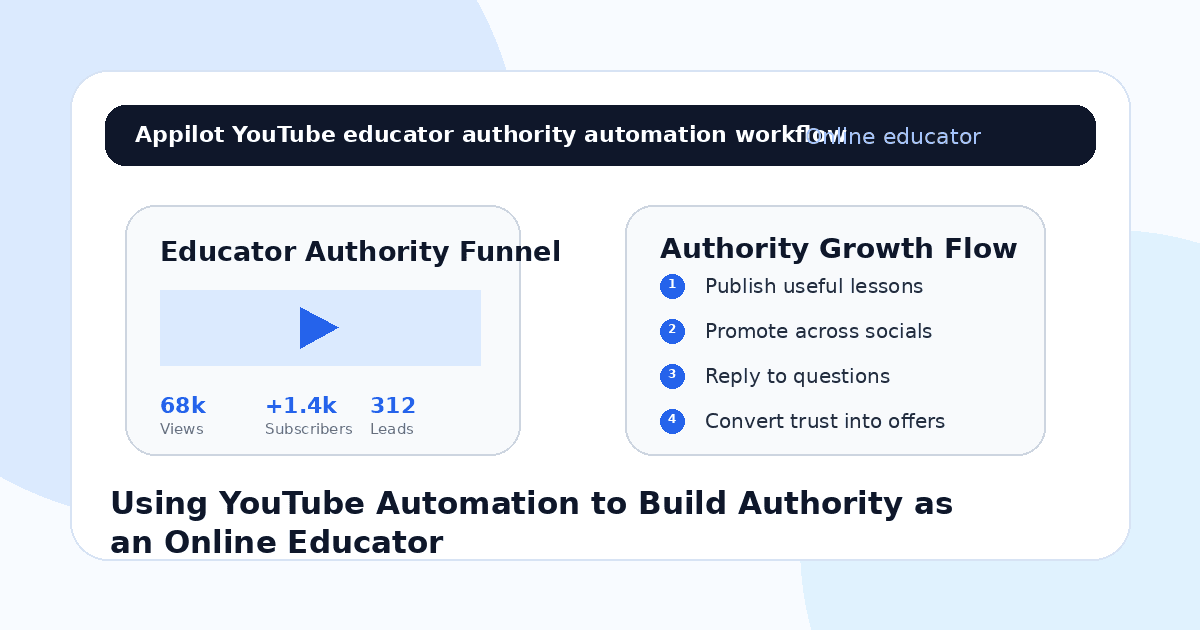
You publish a helpful YouTube video. It explains a topic clearly, answers a real learner question, and gives viewers a practical next step.
A few people watch. Someone comments that your explanation finally made sense. Another asks if you have a full course. A few viewers subscribe, but many leave without joining your email list, booking a call, or exploring your paid offer.
That is the challenge for online educators on YouTube. Authority does not come from uploading videos alone. It comes from consistent teaching, useful search-friendly content, fast audience engagement, clear next steps, and repeated visibility across platforms.
YouTube automation helps online educators manage the repeatable work around growth. It can support video promotion, comment replies, playlist routing, social sharing, lead magnet delivery, and audience follow-up without forcing the educator to manually handle every small action.
The goal is not to fake authority. The goal is to help more of the right learners discover your teaching and trust your expertise.
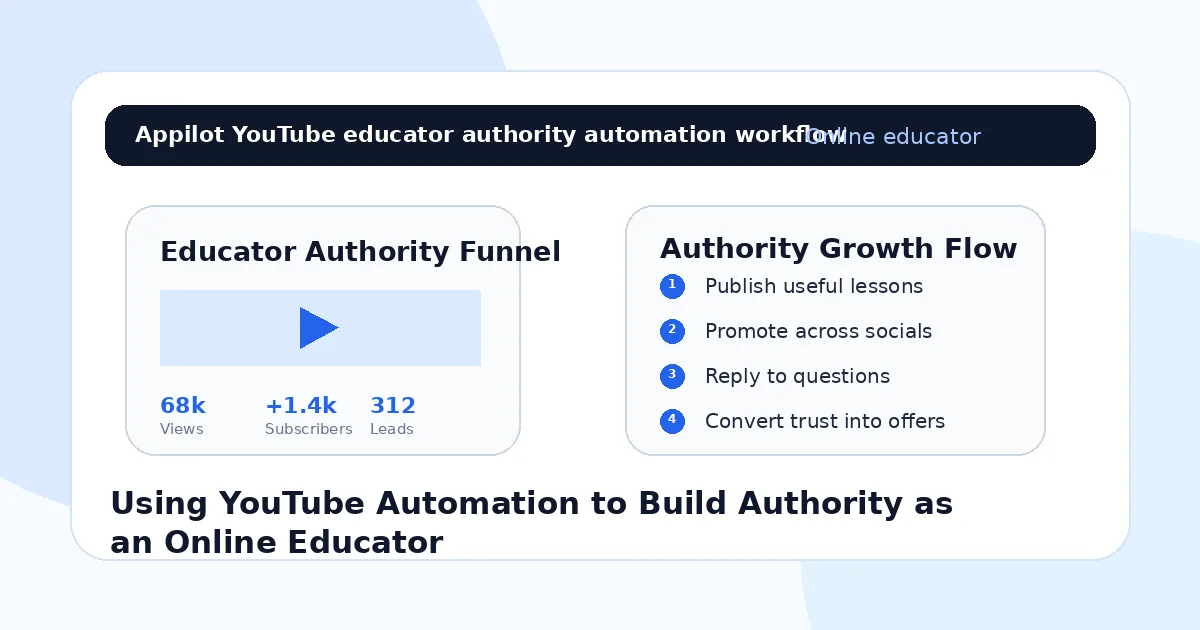
Why YouTube Builds Authority for Online Educators
YouTube is one of the strongest platforms for educators because video lets people experience your teaching style before they buy.
A learner can hear how you explain ideas, see how you break down problems, watch your examples, and decide whether your approach feels useful. That makes YouTube especially powerful for course creators, tutors, coaches, consultants, skill teachers, language instructors, coding educators, fitness educators, finance teachers, and career mentors.
A short social post can create attention, but a YouTube video can build deeper trust.
The problem is that trust needs repetition. One video may help one viewer, but a channel full of connected lessons can make you look like the obvious expert in your niche.
Most educators get this wrong by treating YouTube as a video storage platform. They upload lessons but do not create a system for discovery, engagement, and conversion.
Automation helps support that system.
What YouTube Automation Means for Educators
YouTube automation for educators should not mean fake views, fake comments, or fake subscribers. Those tactics do not build authority and can weaken trust.
A better meaning is automating the surrounding workflow. That includes promoting videos across Instagram, TikTok, LinkedIn, Twitter/X, Reddit, Discord, and other platforms, replying to repeated viewer questions, routing viewers to playlists, sending lead magnets, and guiding interested learners toward courses, coaching, communities, or newsletters.
Real-device automation is useful because much of YouTube growth happens through mobile-first social promotion. Instead of relying only on desktop scripts or fragile tools, real-device workflows run through Android devices or emulators and behave more like normal app usage.
A platform like Appilot is built around this kind of workflow. It lets educators run YouTube and social automation on Android devices or emulators from a browser dashboard, without coding, ADB setup, or keeping a laptop connected all day. That means promotion and engagement can stay consistent while the educator focuses on teaching, curriculum, content, and student outcomes.
Automation should support real authority. It should not manufacture fake credibility.
Step 1: Choose a Clear Teaching Category
Before automating anything, define what you want to be known for.
A broad channel like “business tips,” “study advice,” or “tech tutorials” is hard to remember. A stronger teaching category is “Excel for finance professionals,” “English speaking for job interviews,” “Python for beginners,” “marketing strategy for coaches,” or “math help for exam students.”
This matters because authority grows from association.
If viewers repeatedly see you teaching the same type of problem, they start connecting your name with that result. If your content jumps randomly between topics, people may watch one video but not remember why they should subscribe.
Your category should guide video topics, playlists, lead magnets, Shorts, descriptions, and calls-to-action.
Automation can promote your videos, but your positioning makes people care.
Step 2: Build Video Topics Around Search and Pain
Online educators should create videos around what learners are already trying to understand.
That includes beginner mistakes, how-to questions, comparisons, tutorials, exam problems, tool walkthroughs, frameworks, templates, and common objections.
For example, a coding educator might create videos on beginner Python errors, API basics, portfolio projects, and interview prep. A career educator might create videos about resumes, interviews, LinkedIn profiles, and job search strategy. A language teacher might create pronunciation lessons, grammar fixes, and speaking practice videos.
YouTube authority grows when your videos keep solving specific problems.
Automation helps after the video exists, but the topic still matters most. A weak topic promoted heavily will not build much trust. A useful topic promoted well can become a long-term authority asset.
Step 3: Repurpose YouTube Videos Into Short Clips
A strong YouTube video can produce many smaller pieces of content.
A 15-minute lesson can become YouTube Shorts, Instagram Reels, TikTok clips, LinkedIn posts, Twitter/X threads, carousel tips, Discord prompts, and email ideas. Each short clip can send interested learners back to the full lesson.
This makes YouTube the authority hub and social platforms the discovery channels.
Automation can support this workflow by helping promote clips, reply to comments, and route people toward the full video or playlist.
This is where Appilot fits naturally. Educators can use Appilot to run social workflows across Android devices or emulators, helping move interested viewers from short-form platforms toward YouTube lessons, free resources, or paid offers.
The long video builds depth. The short clips create reach.
Step 4: Reply to Comments Like a Teacher
Comments are not just engagement. They are authority signals.
When viewers ask questions and you answer clearly, other viewers see that you are active, helpful, and knowledgeable. This builds trust faster than ignoring the comment section.
Common comment types include “Can you explain this part?”, “Do you have a beginner version?”, “What should I learn next?”, “Is there a full course?”, “Can you share the template?”, or “Which playlist should I watch?”
Automation can help surface repeated questions, send basic resources, or route viewers to relevant playlists. But the tone should still feel like a teacher, not a bot.
A helpful comment section can become part of your classroom.
Step 5: Use Playlists to Build Structured Authority
A single video can teach one idea. A playlist can teach a path.
Online educators should organize videos into clear learning journeys. These might include beginner lessons, advanced tutorials, exam prep, project walkthroughs, case studies, tool guides, or course previews.
Playlists help viewers watch more content and understand your expertise at a deeper level.
Automation can help route viewers to the right playlist when they ask questions. If someone says they are new, send the beginner playlist. If someone asks about a tool, send the tool-specific series. If someone asks for examples, send the case study playlist.
The easier your channel is to navigate, the more authority every video creates.
Step 6: Connect YouTube Authority to Paid Offers
Authority should have a path.
If someone trusts your teaching, they should know how to go deeper. That might mean joining a newsletter, downloading a worksheet, buying a course, booking coaching, joining a membership, enrolling in a cohort, or joining a community.
Your videos should not become hard sales pitches, but they should include natural next steps.
For example, a tutorial can mention a free template. A strategy video can invite viewers to a full workshop. A beginner lesson can point to a course roadmap. A case study can invite viewers to book a call.
Appilot-style workflows can support this by helping educators manage social promotion and warm reply flows that guide interested learners toward the right offer.
YouTube builds trust. Your funnel turns trust into revenue.
Step 7: Avoid Fake Growth Tactics
Fake views, fake subscribers, and low-quality engagement do not build real authority.
They may make a channel look active for a moment, but they do not create watch time, student trust, comments, leads, or buyers. Worse, they can make your channel data harder to understand because fake viewers do not behave like real learners.
Educators should use automation to support real discovery and engagement, not to manufacture vanity metrics.
Use automation for promotion, comment routing, playlist suggestions, resource delivery, and cross-platform visibility. Do not use it to create artificial video plays or fake audience signals.
Authority only matters when real people trust you.
Step 8: Track Authority Metrics That Matter
Do not measure YouTube authority only by views.
Better metrics include average view duration, returning viewers, subscribers gained per video, comments asking for help, playlist starts, lead magnet downloads, email signups, course page clicks, consultation requests, community joins, and revenue from YouTube-sourced leads.
You should also track which videos create the best buyers. A beginner video may bring many subscribers. A case study may bring high-intent leads. A comparison video may bring people close to buying. A tutorial may bring long-term search traffic.
Automation gives you more visibility and more signals. Tracking tells you which content builds authority that converts.
Common Mistakes Online Educators Should Avoid
Chasing Views Instead of Trust
A viral video is useful only if it attracts the right learners. Authority comes from repeated helpful teaching, not random attention.
Posting Without a Learning Path
If your videos are not organized into clear topics or playlists, viewers may not know what to watch next.
Ignoring Viewer Questions
Questions reveal what learners need. Replying well can turn casual viewers into subscribers, leads, and students.
Promoting Without a Clear Offer
If your newsletter, course, coaching, or community is unclear, more traffic will not convert well.
Using Fake Subscribers
Fake subscribers do not learn, buy, comment, or trust you. They weaken the real authority you are trying to build.
Is YouTube Automation Right for Online Educators?
YouTube automation is a good fit if you already create educational videos and want a better system for promotion, engagement, and authority building. It works especially well for course creators, tutors, coaches, consultants, teachers, niche experts, skill instructors, and education brands.
It may not be right if your content has no clear category, no learner problem, or no offer behind it. Automation can support growth, but it cannot replace valuable teaching.
Think of automation as an authority-support system. It helps more learners find and engage with your content, but your teaching makes them trust you.
Final Thoughts
YouTube automation can help online educators build authority when it supports real teaching, useful content, and clear learner pathways.
The strongest workflow starts with a focused category, search-friendly lessons, short-form promotion, helpful comment replies, organized playlists, and a natural path to paid offers. Automation handles the repetitive promotion and engagement work while the educator keeps the expertise human.
If you want to run YouTube and social automation without coding, ADB setup, or manual device management, Appilot gives online educators a browser-based way to control Android devices, emulators, and ready-to-use bots for YouTube, Instagram, TikTok, LinkedIn, Twitter/X, Discord, Reddit, and more. You can check it out at appilot.app.
FAQs
Q1: Can YouTube automation help online educators build authority?
Yes, it can help educators promote videos, reply to questions, route viewers to playlists, and guide learners toward offers.
Q2: What should educators automate first on YouTube?
Start with comment monitoring, playlist routing, social clip promotion, resource delivery, and sending viewers to relevant lessons.
Q3: Is YouTube automation safe for educators?
It is safer when used for real promotion and engagement. Fake views, fake subscribers, or spammy comments can damage trust.
Q4: Can Appilot help educators automate YouTube growth?
Yes, Appilot can support YouTube and social workflows on Android devices or emulators from a browser dashboard without coding.
Q5: Does automation replace teaching quality?
No. Automation supports visibility and engagement, but clear lessons, useful playlists, and real student outcomes build authority.