Vivaldi Browser Automation with Appilot Scheduler
Vivaldi Browser is known for giving users more control over how their browser works. Unlike many browsers that follow a simpler and more limited design, Vivaldi allows users to customize layouts, tabs, workspaces, shortcuts, side panels, themes, and browsing behavior in much greater detail.
This makes Vivaldi useful for people who manage many browser sessions, multiple accounts, different workspaces, and browser-based workflows throughout the day. Social media managers, researchers, affiliate marketers, e-commerce sellers, agencies, and productivity-focused users often prefer Vivaldi because it gives them more flexibility in how they organize browser activity.
The challenge is that even with a powerful browser like Vivaldi, repetitive work still takes time. Users may need to open browser sessions, launch dashboards, review websites, check notifications, monitor campaigns, export reports, and repeat the same actions every day.
This is where Appilot becomes useful. Vivaldi provides the customizable browser environment, while Appilot helps automate repetitive workflows, schedule browser sessions, organize tasks, and reduce the amount of manual work needed every day.
Why Vivaldi Browser Is Useful for Automation
Vivaldi Browser is especially useful for automation because it already encourages users to organize their browser activity into workspaces, tab groups, side panels, and profile-based workflows.
For example, a user may create one workspace for social media, another for e-commerce, another for research, and another for affiliate campaigns.
This makes it easier to separate tasks and keep browser activity more organized.
A social media manager may use separate Vivaldi workspaces for Instagram, LinkedIn, Reddit, TikTok, and Facebook accounts. An e-commerce seller may use different workspaces for supplier portals, product research, inventory systems, and payment platforms.
Researchers may create workspaces for different topics, websites, and projects. Affiliate marketers may separate traffic sources, analytics dashboards, campaign reports, and landing page builders.
Because Vivaldi is already built around browser organization, it works naturally with automation workflows.
Why Combine Vivaldi Browser with Appilot Scheduler?
Vivaldi helps organize browser activity, but it does not automate browser tasks on its own.
Users still need to open browser sessions, visit websites, review dashboards, check reports, and close sessions afterward.
When those tasks happen every day, they become repetitive.
Appilot Scheduler helps solve this problem by allowing browser actions to happen automatically.
For example, Appilot can launch Vivaldi Browser every morning, open selected workspaces, review dashboards, monitor account activity, export reports, and close the session afterward.
This creates a more structured workflow where browser tasks happen automatically instead of relying on manual effort every day.
It also makes it easier to keep browser work organized across different projects and account groups.
Common Vivaldi Browser Workflows
One common use case is social media management. Different Vivaldi workspaces can be used for Instagram, LinkedIn, TikTok, Reddit, Facebook, and Twitter accounts. Appilot can automate browser launches, account checks, notification reviews, and content monitoring.
E-commerce sellers often use different workspaces for Shopify stores, Amazon accounts, supplier portals, shipping systems, and payment dashboards. Appilot can automate inventory reviews, order checks, and report exports.
Affiliate marketers may create workspaces for advertising accounts, campaign dashboards, traffic sources, analytics platforms, and landing pages. Appilot can automate campaign reviews and daily monitoring tasks.
Researchers can use different Vivaldi workspaces for separate projects, topics, and websites. Appilot can automate website monitoring, information collection, and browser scheduling.
Agencies may also use separate Vivaldi workspaces for different clients so that browser sessions stay organized.
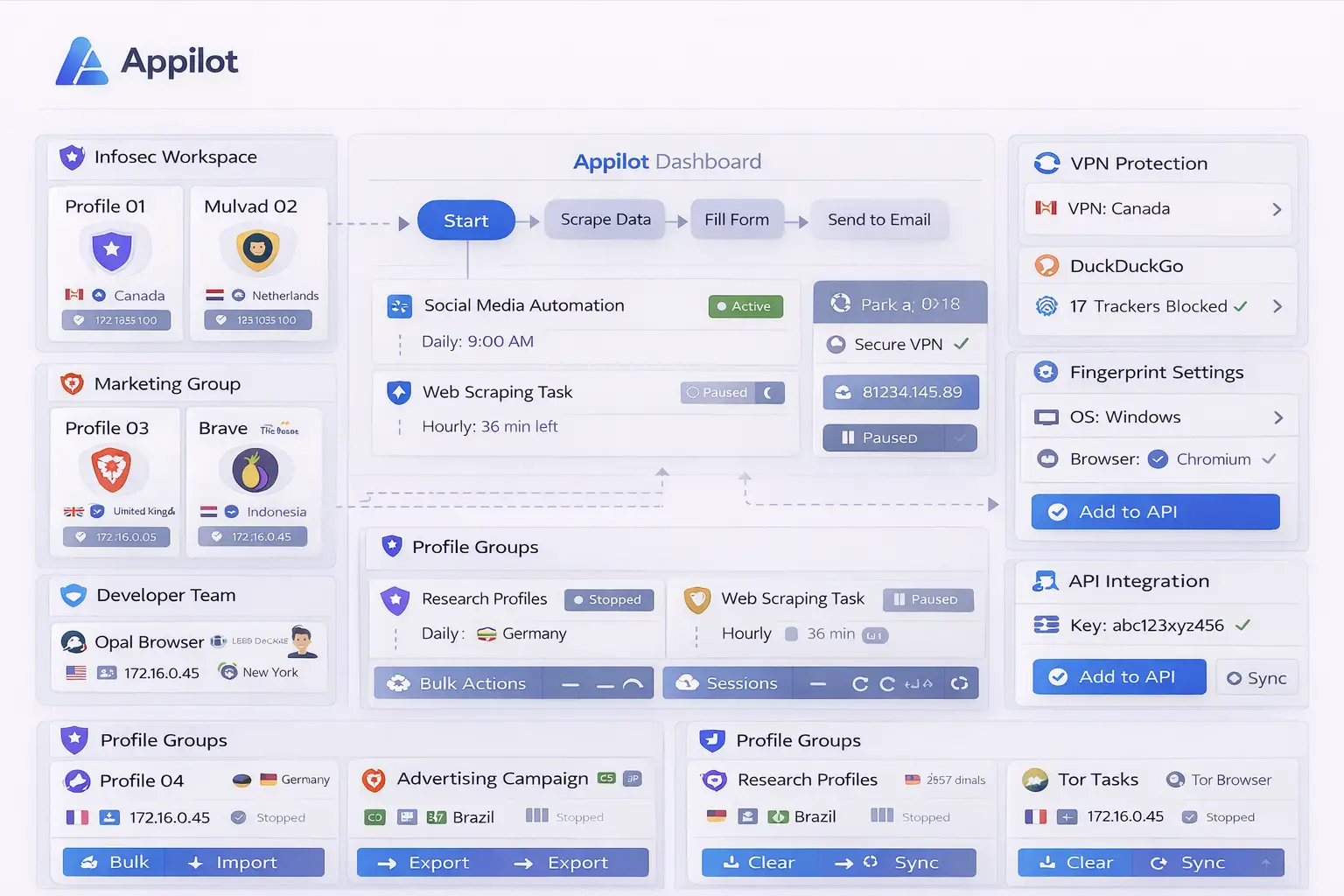
Setting Up Vivaldi Browser with Appilot Scheduler
The easiest way to begin is by creating a few browser workspaces.
For example, you may want one workspace for social media, one for e-commerce, one for research, and one for affiliate campaigns.
Once the workspaces are organized, Appilot can assign workflows to each group.
A social media workspace may automatically launch every morning, review notifications, check messages, and close afterward.
An e-commerce workspace may open store dashboards, review orders, check inventory, and export reports.
A research workspace may open selected websites, collect information, and close automatically when the workflow is complete.
Starting with smaller workflows usually makes the setup easier to test before building larger systems.
Benefits of Using Vivaldi Browser with Appilot Scheduler
One of the biggest benefits is organization. Vivaldi Browser already makes it easier to separate tasks through workspaces, tab groups, and browser layouts.
Another major benefit is automation. Appilot helps reduce the amount of repetitive work involved in opening browser sessions, reviewing websites, checking dashboards, and monitoring accounts.
The combination is also useful for consistency because browser tasks happen the same way every time.
This reduces the chance of forgetting important tasks, missing reports, or opening the wrong browser workspace.
The setup is also useful for scaling because larger numbers of browser workspaces and workflows can be managed from one dashboard.
Best Practices for Vivaldi Browser Automation
The best approach is to keep workspaces organized from the beginning.
Use clear names for workspaces so that it is easy to understand which browser environment belongs to which project.
Separate browser workspaces by category such as social media, e-commerce, affiliate marketing, research, or client work.
It is also important to avoid creating too many overlapping schedules because this can make workflows harder to manage.
Reviewing workflow logs and browser activity regularly can help identify issues early.
You should also avoid adding too many unnecessary extensions because this can make browser management more difficult.
Common Problems and Troubleshooting
One common issue is that users create too many browser workspaces without a clear structure.
Another issue is that workflows may stop working because websites change layout or because login sessions expire.
Users may also overlap browser schedules accidentally if workflows are not clearly separated.
Too many extensions or open tabs can also reduce browser performance.
Keeping browser workspaces organized and reviewing logs regularly usually helps prevent these problems.
Frequently Asked Questions
Q1: Why use Vivaldi Browser for browser automation?
Vivaldi Browser provides flexible workspaces, browser customization, and better organization for complex browser workflows.
Q2: Can Appilot Scheduler automate tasks inside Vivaldi Browser?
Yes. Appilot Scheduler can automate browser launches, scheduled workflows, website monitoring, and repetitive browser tasks.
Q3: Is this setup useful for social media and e-commerce?
Yes. Social media managers and e-commerce sellers often benefit from separate browser workspaces and automated workflows.
Q4: Should I create separate Vivaldi workspaces for different tasks?
Yes. Using separate workspaces helps keep browser sessions and account types organized.
Q5: What happens if a Vivaldi Browser workflow stops working?
You can review logs, refresh login sessions, update the workflow, and check the browser workspace setup if needed.
Conclusion
Vivaldi Browser provides strong browser organization, workspaces, and customization, while Appilot Scheduler helps automate repetitive browser workflows and browser session management.
Together, they create a more efficient system for managing browser-based work without repeating the same manual tasks every day.
This makes it easier to save time, stay organized, and scale browser operations more effectively.