Web Scraping with GoLogin and Appilot: A Complete Guide
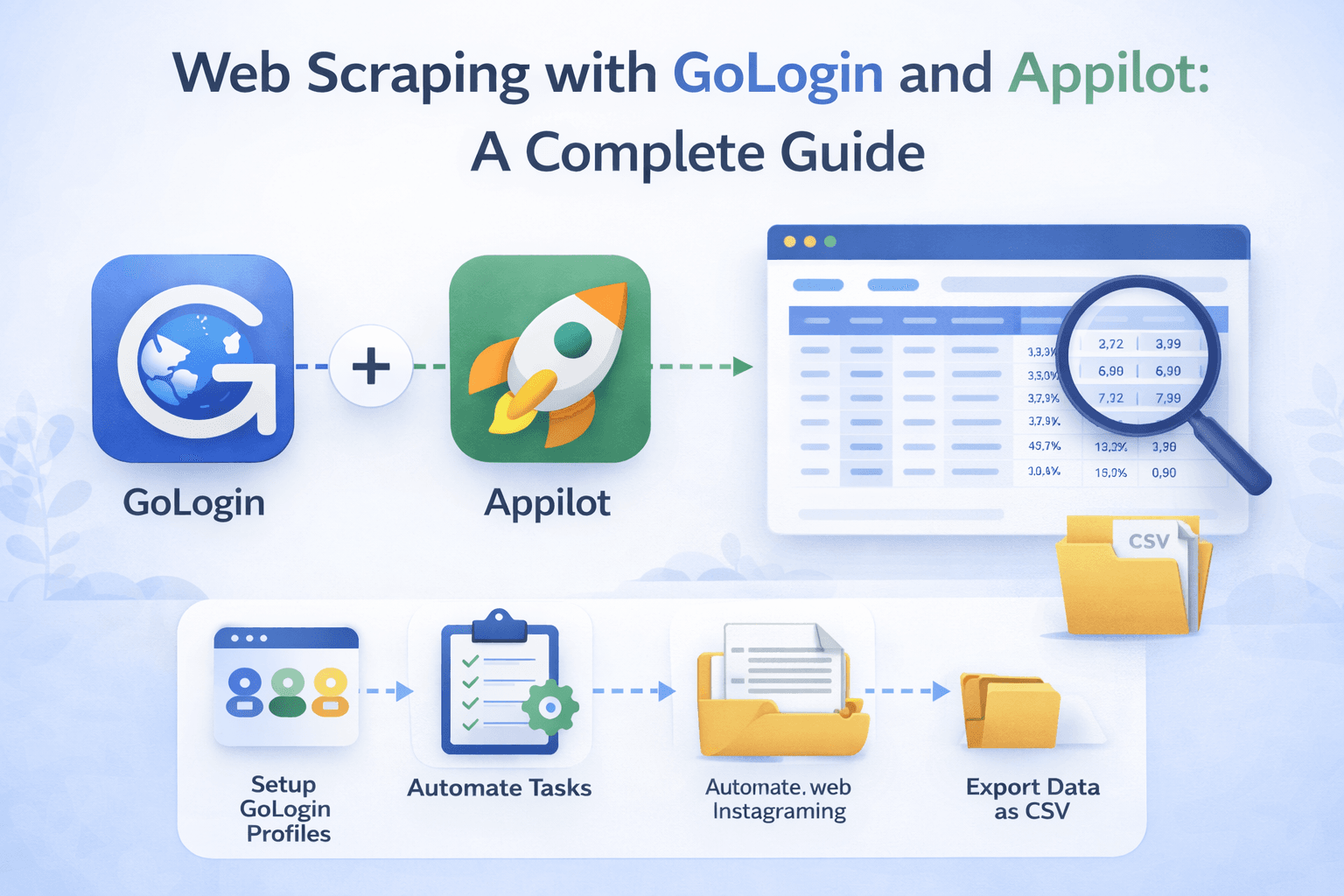
Why Web Scraping Becomes Difficult at Scale
Web scraping can start as a simple task. You may only need to collect a few product prices, job listings, competitor pages, or market research records. As the amount of data increases, the process becomes much harder to manage.
Many scraping projects require repeated browser sessions, rotating proxies, multiple accounts, queue management, and constant monitoring. You may need to revisit websites every few minutes, track changes throughout the day, and distribute requests across many browser sessions.
Without a proper system, scraping workflows quickly become difficult to organize. Repeating the same browser actions manually wastes time and makes larger scraping operations difficult to scale.
What GoLogin Does for Web Scraping
GoLogin helps web scraping by creating isolated browser profiles with unique fingerprints, proxies, cookies, timezones, browser versions, and WebRTC settings.
This is useful because many websites monitor browser fingerprints and browsing behavior. If every scraping session uses the same browser environment, it can become easier for websites to identify repetitive patterns.
GoLogin helps reduce this issue by allowing every browser profile to appear different. Each scraping session can have its own browser identity, which makes larger scraping workflows more organized and more realistic.
How Appilot Improves Web Scraping Workflows
While GoLogin handles browser profile separation, Appilot handles browser automation, scheduling, and workflow management.
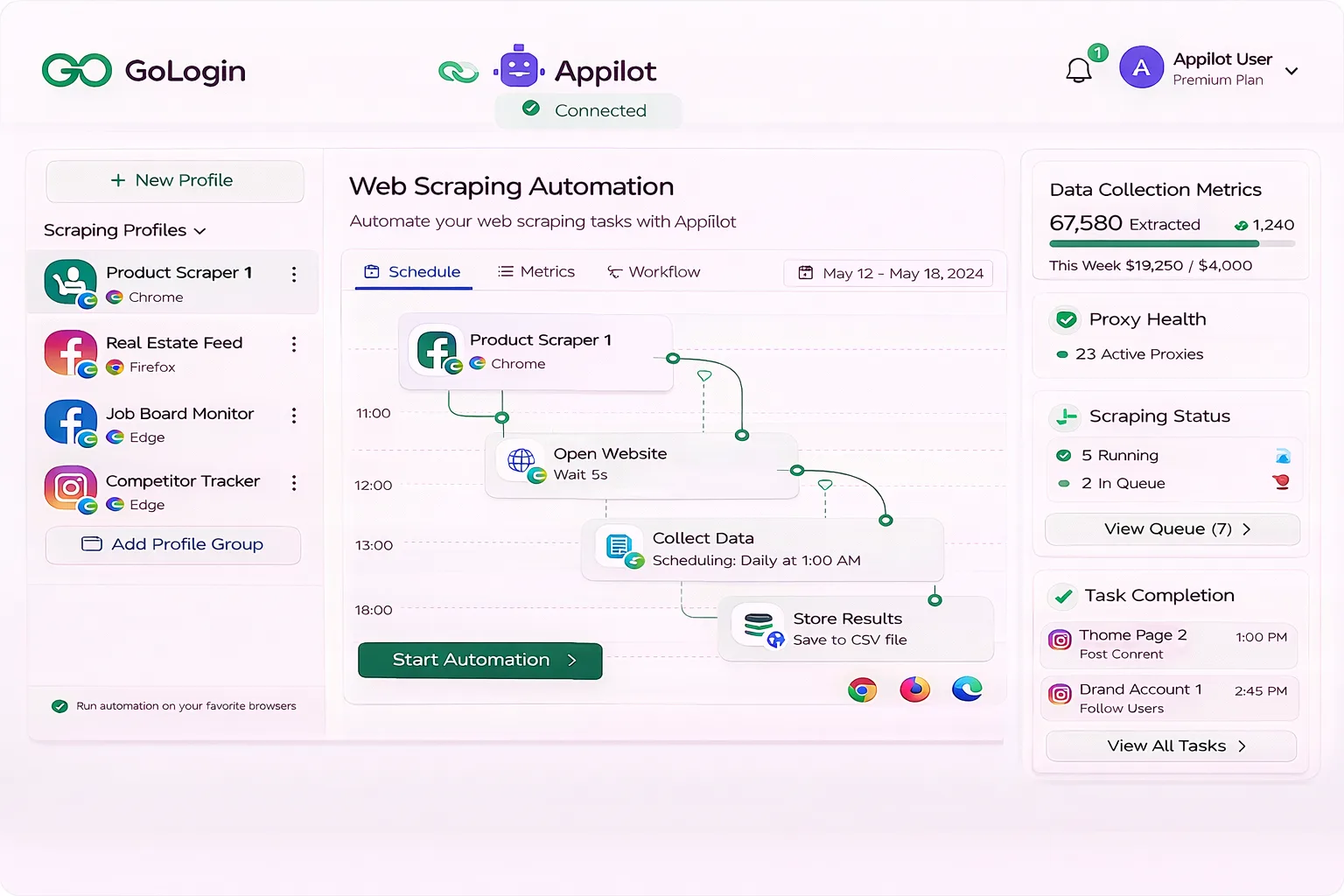
Appilot allows scraping tasks to run automatically across different browser profiles. Instead of manually opening websites and collecting data, you can schedule browser workflows to launch automatically, navigate to the required pages, collect information, and organize the results.
This makes web scraping much more efficient because repetitive tasks can run without manual input.
Why Browser-Based Scraping Is Useful
Some websites can be scraped using direct requests and APIs, but many websites rely heavily on JavaScript, dynamic content, logins, infinite scrolling, or interactive elements.
In these situations, browser-based scraping is often more reliable because it allows websites to load the same way they would for a real user.
GoLogin and Appilot work well together in these situations because they allow browser sessions to behave more like normal users while still automating the repetitive parts of the process.
Using GoLogin and Appilot for Product Price Monitoring
Price monitoring is one of the most common web scraping use cases.
Many businesses need to monitor competitor prices across multiple websites every day. This may involve checking hundreds or thousands of product pages for pricing changes.
Using GoLogin with Appilot makes it easier to distribute these scraping tasks across multiple browser profiles and different schedules.
This helps create a more scalable price monitoring workflow.
Using GoLogin and Appilot for Job Board Scraping
Job boards often update throughout the day, which means scraping workflows may need to run several times daily.
A scraping workflow may involve opening different job websites, filtering by keyword, collecting job titles, locations, salary ranges, and application links.
Appilot can automate these browser sessions while GoLogin keeps each scraping profile isolated.
This makes repeated job board scraping much easier to manage.
Using GoLogin and Appilot for Real Estate Data Collection
Real estate websites often contain listings, pricing updates, property details, and regional market information.
Many real estate scraping projects require repeated monitoring because listings can appear or disappear quickly.
Using GoLogin with Appilot makes it easier to launch browser sessions across different websites, collect listing information, and organize the results.
This is especially useful for businesses tracking property prices, rental markets, or new listing activity.
Using GoLogin and Appilot for Competitor Monitoring
Many businesses use scraping to track competitor websites.
This may include monitoring pricing, promotions, product changes, stock levels, new pages, or content updates.
GoLogin and Appilot make this easier because browser workflows can be scheduled to revisit websites automatically.
Instead of checking competitor websites manually every day, browser tasks can run automatically and collect the information needed.
How Scheduling Improves Scraping Operations
Scheduling is important because scraping tasks often need to happen at different times.
Some websites may only need to be checked once per day, while others may need to be monitored every hour.
Appilot allows scraping workflows to be scheduled according to these needs.
This makes it easier to organize scraping operations and ensures that important data is collected consistently.
Scheduling also helps reduce obvious patterns because scraping sessions can be spread across different times instead of running all at once.
How GoLogin and Appilot Help Reduce Detection Risk
No scraping setup is completely risk free, but GoLogin and Appilot help reduce obvious patterns.
GoLogin creates unique browser fingerprints and sessions for every scraping profile.
Appilot helps by spreading activity across different times, rotating browser order, and avoiding identical schedules.
This creates more realistic browsing behavior because real users do not visit the same pages in the exact same order at the exact same time every day.
Best Practices for Web Scraping Automation
It is always better to start with a smaller group of browser profiles before scaling to larger operations.
You should also use reliable residential or mobile proxies because poor proxy quality can increase blocking risk.
Regular browser profile maintenance is important because cookies expire, sessions break, and websites change their layout over time.
It is also important to review scraping workflows regularly because websites can update their structure, pagination, filters, or login process.
Finally, avoid creating identical scraping patterns because more variation creates more realistic browser activity.
Frequently Asked Questions
Q1: Can Appilot run scraping workflows across multiple GoLogin profiles?
Yes, Appilot can run the same scraping workflow across multiple GoLogin profiles.
Q2: Is browser-based scraping better than direct requests?
Browser-based scraping is often better for websites that rely heavily on JavaScript, dynamic content, or interactive page elements.
Q3: Can I use different proxies for different scraping profiles?
Yes, GoLogin allows every profile to use its own proxy configuration.
Q4: Can Appilot schedule scraping tasks throughout the day?
Yes, Appilot can schedule scraping workflows for different times and intervals.
Q5: Does GoLogin make web scraping completely undetectable?
No setup is completely undetectable, but browser profile separation, stronger scheduling, better proxies, and more realistic activity patterns can reduce obvious risks.
Conclusion
Web scraping becomes much harder to manage as projects grow larger.
GoLogin helps create separate browser environments for different scraping profiles, while Appilot helps automate browser tasks and organize workflows.
The result is a browser-based scraping system that saves time, improves consistency, reduces repetitive work, and makes larger scraping projects much easier to manage.