WebGL and Audio Fingerprint Automation with Appilot
WebGL and audio fingerprints have become major parts of modern browser detection because they allow platforms to identify browser sessions even when cookies, IP addresses, and browser history change. Many users focus heavily on proxies and browser profiles, but WebGL and audio fingerprints can still connect browser sessions together if they are not managed correctly.
Modern websites often collect dozens of browser signals in the background. These include browser version, timezone, screen resolution, language settings, canvas rendering, WebGL behavior, audio processing, installed fonts, browser plugins, and device memory. Each signal may seem small on its own, but together they create a browser identity.
This matters because browser automation often involves large numbers of browser profiles. If too many browser sessions share the same WebGL and audio fingerprints, platforms may connect those profiles together even when the proxies are different.
Antidetect browsers usually provide controls for WebGL and audio fingerprinting because these signals are difficult to change naturally. Appilot helps make this process easier by allowing you to organize browser profiles, fingerprint groups, browser schedules, and browser environments from one place.
What WebGL Fingerprinting Measures
WebGL fingerprinting measures how the browser and graphics system render 2D and 3D graphics.
When a browser loads a hidden WebGL test, it generates a small graphics scene in the background. The website then measures how the graphics are rendered. Small differences in graphics cards, browser engines, graphics drivers, operating systems, browser versions, and hardware settings can all change the result.
This means that WebGL fingerprints can remain stable for long periods because most users do not constantly change their hardware and graphics setup.
WebGL fingerprinting is especially common on websites that care about fraud prevention, account trust, and browser identity. Social media platforms, ad networks, marketplaces, login systems, and affiliate platforms often collect these signals.
WebGL fingerprints are also often used together with canvas fingerprints because both are based on browser rendering behavior.
What Audio Fingerprinting Measures
Audio fingerprinting works in a similar way, but instead of testing graphics rendering, it measures how the browser processes audio.
Websites can generate hidden sounds inside the browser and then measure how those sounds are processed. Small differences in browser version, operating system, audio drivers, CPU behavior, and device hardware can change the result.
Audio fingerprints are often more stable than many users expect. Even if the browser session changes IP addresses or clears cookies, the audio output may remain very similar.
This creates another layer of browser identity that platforms can compare over time.
Audio fingerprinting is often combined with WebGL, canvas, fonts, screen size, browser language, and timezone to create a larger browser fingerprint profile.
Why WebGL and Audio Fingerprints Matter in Browser Automation
WebGL and audio fingerprints matter because they are difficult to fake naturally.
Many users focus only on proxies, cookies, and browser versions, but modern detection systems often care more about consistency than about individual settings. If a browser session claims to be one type of device but produces WebGL and audio behavior that belongs to another environment, the session may look suspicious.
For example, a browser profile may claim to be an Android mobile device but produce WebGL results that look like a Windows desktop GPU. Another profile may use a Mac operating system but show audio behavior more common on Windows devices.
These mismatches can create suspicious browser sessions.
This becomes even more important when managing large numbers of browser profiles. If too many browser sessions share the same WebGL and audio behavior, platforms may connect them together over time.
That is why WebGL and audio fingerprints are often considered some of the most important browser signals after proxies, cookies, and browser fingerprints.
Why Managing WebGL and Audio Fingerprints Is Difficult
Managing WebGL and audio fingerprints becomes difficult because these signals depend on deeper browser behavior.
Unlike timezone or language settings, WebGL and audio fingerprints are affected by hardware, operating system, browser engine, graphics drivers, browser version, and browser rendering logic.
This means that changing these fingerprints too aggressively can create unrealistic browser sessions. Real users usually have stable graphics and audio behavior because their hardware does not change every day.
Another challenge is consistency across all browser signals. If the browser profile uses a certain operating system, graphics card type, screen size, and browser version, the WebGL and audio fingerprints should match those conditions.
Managing this manually across Chrome profiles, Firefox sessions, GoLogin browsers, AdsPower workspaces, Dolphin Anty profiles, Multilogin environments, and mobile browsers becomes very time-consuming.
This is why many users rely on antidetect browsers and centralized management systems to keep WebGL and audio fingerprints organized.
How Appilot Helps with WebGL and Audio Fingerprints
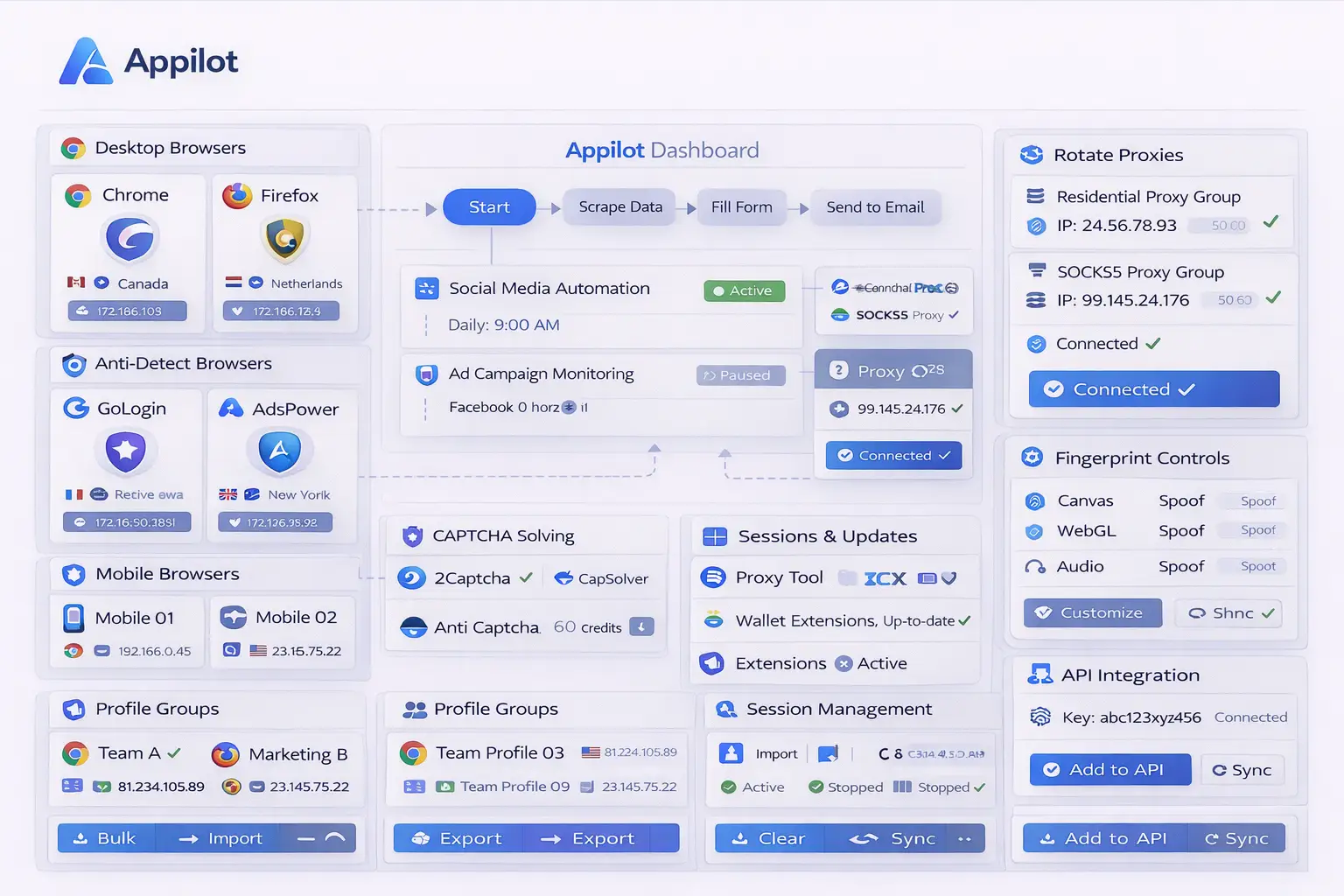
Appilot makes WebGL and audio fingerprint management easier because it provides one place to organize browser profiles, fingerprint groups, browser schedules, and browser environments.
Instead of manually adjusting fingerprint settings inside every browser platform, you can group browser profiles based on device type, operating system, or account category.
For example, one browser group may use Windows desktop fingerprints, another may use Mac environments, and another may use Android-style mobile browser profiles.
Appilot can also help keep WebGL and audio settings aligned with the rest of the browser identity. A browser profile with a United States proxy, English language settings, Windows desktop behavior, and a matching screen size can also use WebGL and audio fingerprints that fit that environment.
Another advantage is that Appilot can reduce repeated WebGL and audio overlap across large numbers of browser profiles. Instead of allowing too many profiles to share identical graphics and audio behavior, browser sessions can be distributed more naturally.
This creates stronger browser separation and reduces repeated fingerprint activity.
Best Practices for WebGL and Audio Fingerprints
One of the best practices is keeping WebGL and audio fingerprints stable inside each browser profile. Real users usually keep the same graphics card, operating system, and audio behavior for long periods.
Another important practice is matching WebGL and audio settings with the rest of the fingerprint. Browser version, screen resolution, GPU type, operating system, language, timezone, and proxy region should all make sense together.
You should also separate desktop browser fingerprints from mobile browser fingerprints. Desktop graphics behavior and mobile graphics behavior are very different, and mixing them can create unrealistic sessions.
It is also important to avoid using identical fingerprint templates across too many browser profiles. Even if proxies are different, repeated WebGL and audio behavior can still create overlap.
You should also review browser fingerprints regularly because browser versions, graphics engines, and common hardware profiles change over time.
Finally, WebGL and audio fingerprints work best when combined with strong proxy management, realistic browser settings, stable cookies, and natural browser behavior.
Common Mistakes with WebGL and Audio Fingerprints
One common mistake is ignoring WebGL and audio fingerprints completely while focusing only on proxies and cookies.
Another mistake is changing WebGL and audio settings too often. Real users usually have stable hardware and audio behavior, so excessive fingerprint rotation can make browser sessions look suspicious.
Some users also create unrealistic fingerprint combinations. For example, a browser profile may use Windows settings but show graphics behavior that looks like an older mobile device.
Another issue is reusing the same WebGL and audio fingerprint templates across too many browser profiles. This creates repeated rendering behavior that platforms can connect together.
Finally, many users forget that WebGL and audio fingerprints are only one part of the overall browser identity. They work best when combined with browser history, cookies, canvas fingerprints, WebGL settings, timezone, language, and realistic browser behavior.
Frequently Asked Questions
Q1: What is WebGL fingerprinting?
WebGL fingerprinting is a browser detection method that measures how the browser and graphics system render hidden graphics.
Q2: What is audio fingerprinting?
Audio fingerprinting measures how the browser processes hidden sounds and audio signals.
Q3: Should WebGL and audio fingerprints change every session?
Usually not. Real users tend to have stable graphics and audio behavior, so browser profiles should also remain relatively stable.
Q4: Can Appilot help manage WebGL and audio fingerprints across multiple browsers?
Yes. Appilot can help organize browser profiles, fingerprint groups, schedules, and browser settings across multiple browser types.
Q5: Are WebGL and audio fingerprints more important than proxies?
Both are important. Strong browser automation usually combines proxies, browser fingerprints, cookies, behavior, and stable browser sessions together.
Conclusion
WebGL and audio fingerprints are important because they help platforms identify browser sessions even when cookies and IP addresses change. Without proper management, repeated graphics and audio behavior can still connect browser profiles together over time.
Appilot makes WebGL and audio fingerprint management easier by helping you organize browser profiles, fingerprint groups, browser schedules, and browser environments from one place. This creates stronger browser separation and more realistic browser sessions across large browser operations.