Why Automation Hasn’t Saved You Time (Yet) (And How to Fix It)
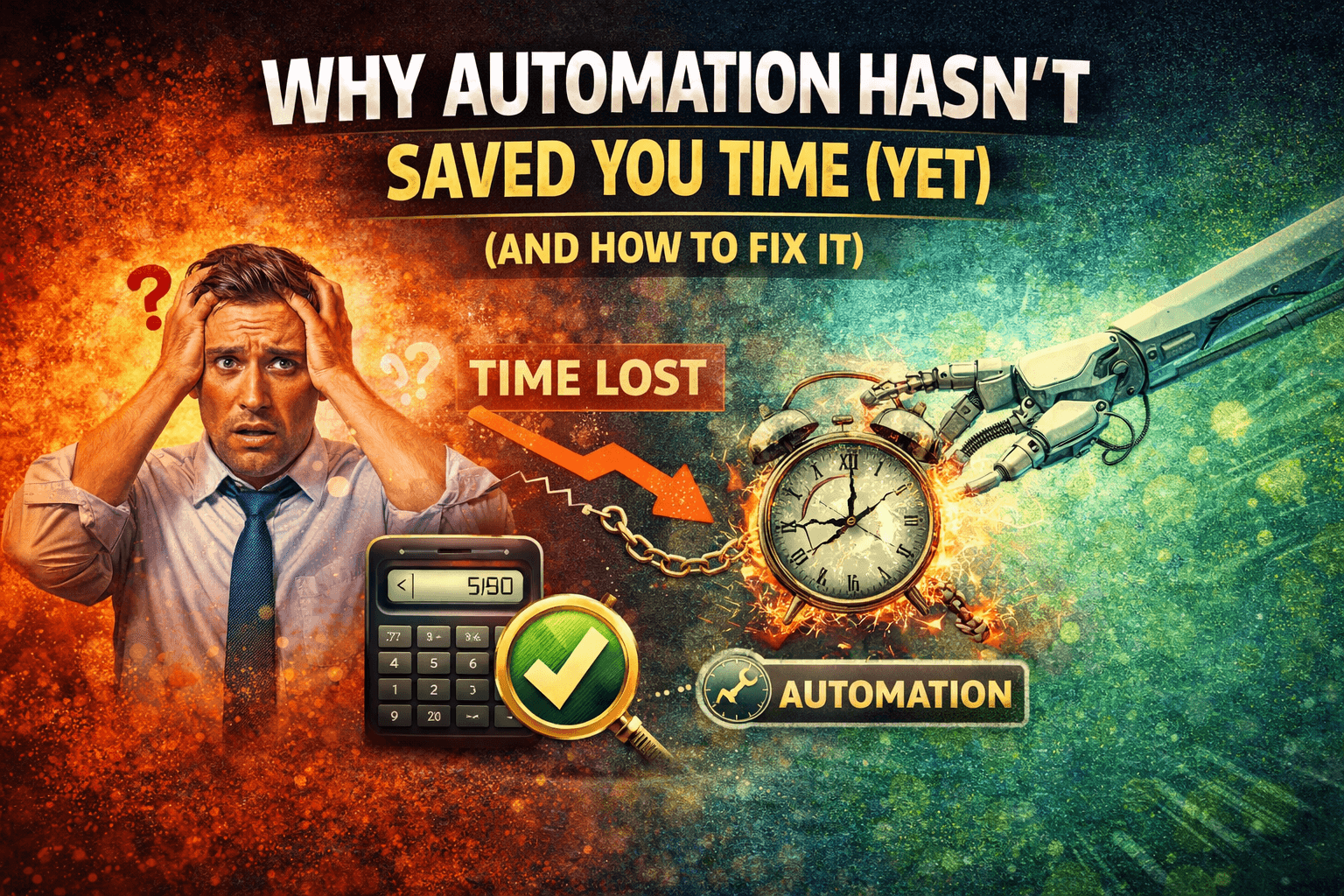
You Automated Everything… But You’re Still Busy
You expected automation to free up your time. That was the whole point. You invested in tools, built workflows, connected systems, and replaced manual tasks with automated ones.
And yet, your day still feels full.
You are checking dashboards, fixing issues, adjusting workflows, and responding to edge cases that automation did not handle. Instead of doing the work directly, you are managing the system that does the work.
This is where confusion sets in. Automation is running, but time is not being saved. It feels like you traded one type of work for another.
This is not uncommon. In fact, it is one of the most frequent outcomes when automation is implemented without structure.
Why Automation Isn’t Saving You Time
The issue is not automation itself, but how it is set up and maintained.
The first cause is overcomplication. Workflows are often designed to handle every possible scenario, which makes them harder to manage and more time-consuming to maintain.
The second cause is tool fragmentation. When automation is spread across multiple platforms, you spend time coordinating between them instead of benefiting from them.
The third cause is exception handling. Automated systems still require human intervention when something unexpected happens, and these interruptions add up.
The fourth cause is lack of consistency. If workflows run differently across environments, they require more monitoring and adjustments.
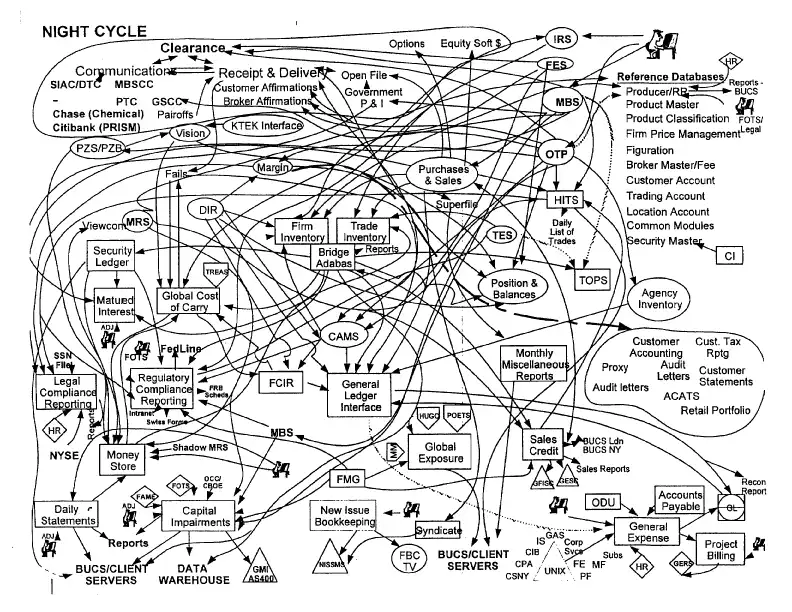
The Hidden Cost of Inefficient Automation
When automation does not save time, it creates a different kind of workload.
You spend time managing tools instead of completing tasks directly. Monitoring, troubleshooting, and updating workflows become part of your routine.
There is also a cognitive cost. Switching between systems and keeping track of how everything connects reduces focus and efficiency.
From a scaling perspective, this becomes a bottleneck. Instead of reducing workload, automation adds layers that need to be maintained.
The biggest issue is that the promised benefit, time savings, is not being realized.
The Real Problem: You Automated Tasks, Not Systems
The core issue is that automation is often applied at the task level instead of the system level.
Individual tasks are automated, but the overall workflow remains fragmented. This creates a situation where automation exists, but it does not simplify the process as a whole.
What you need is not more automation, but better-structured automation.
The Complete Solution: Simplify and Standardize Execution
The only way to make automation actually save time is to reduce complexity and improve consistency.
The first step is simplifying workflows. Instead of automating every edge case, you focus on the core process and handle exceptions separately.
The second step is reducing tool fragmentation. Fewer tools mean less coordination and less time spent managing integrations.
The third step is standardizing execution. When workflows run in a consistent environment, they require less monitoring and fewer adjustments.
This is where many teams struggle, because achieving consistency across multiple tools and environments requires coordination and infrastructure.
This is also where tools like Appilot become relevant.
Instead of spreading automation across multiple platforms, Appilot allows you to run workflows on real devices within a centralized system, which reduces fragmentation and improves consistency.
You could attempt to simplify your automation stack manually by removing tools and restructuring workflows, but maintaining that balance becomes difficult as you scale. Appilot simplifies this by acting as a unified execution layer that reduces both complexity and maintenance effort.
The key shift is moving from fragmented automation to structured systems.
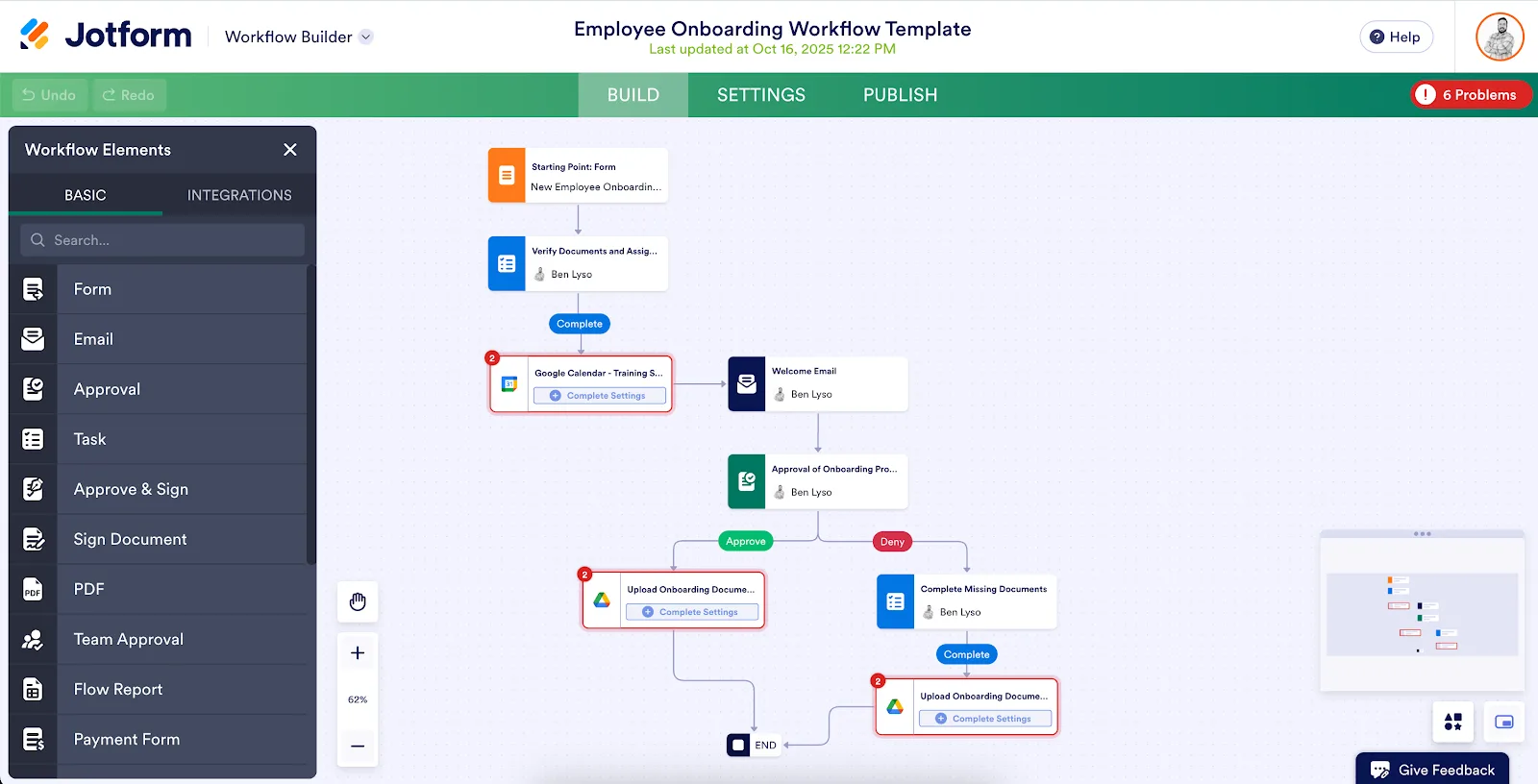
Why Simpler Systems Actually Save Time
Once automation is simplified and structured, the benefits become clear.
You spend less time managing tools because there are fewer moving parts.
Workflows become more predictable, reducing the need for constant monitoring.
Interruptions decrease because the system handles tasks consistently.
Most importantly, your time is freed up to focus on higher-value work.
How to Make Automation Work for You Going Forward
Fixing automation once is not enough. You need to maintain simplicity as your system evolves.
You ensure that new automation is added only when it improves efficiency, not just because it is possible.
You regularly review workflows to identify areas that can be simplified.
You focus on outcomes rather than features, ensuring that automation serves your goals.
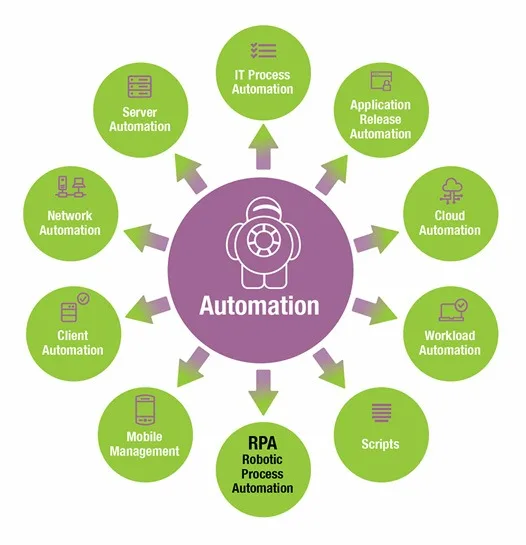
Common Mistakes That Make This Worse
One of the most common mistakes is adding more automation to fix problems created by existing automation.
Another mistake is overengineering workflows, which increases maintenance without improving results.
Some teams ignore the cost of managing automation, focusing only on what it replaces.
The most critical mistake is assuming that automation automatically saves time, when it actually depends on how it is structured.
Conclusion: Automation Should Reduce Work, Not Shift It
If automation has not saved you time yet, it is not because automation does not work, it is because your system is too complex.
Once you simplify workflows, reduce fragmentation, and standardize execution, automation starts delivering the time savings it promised.
You can continue adding tools and building complex systems, but your workload will grow with them.
At some point, you either design automation to be simple and efficient or accept that it will become another layer of work.
That is where platforms like Appilot fit in, not as another automation tool, but as a way to simplify execution, reduce complexity, and ensure that automation actually saves you time.