Why Instagram Flagged Your Automation (And How to Stay Safe)

You set up automation to save time, grow faster, and handle repetitive Instagram tasks more efficiently.
At first, everything works.
Then Instagram starts showing warnings.
Your actions get blocked. DMs stop sending. Follows stop working. Reach drops. Login challenges appear more often. In some cases, the account may even get disabled.
This is usually when people start asking the same question.
Why did Instagram flag my automation?
The answer is usually not that automation exists. The problem is how the automation behaves.
Instagram does not just look at whether you are using a tool. It looks at how the account behaves while using that tool.
If the behavior looks too fast, too repetitive, too predictable, or too unnatural, Instagram starts limiting the account.
The good news is that safer automation is possible.
Once you understand what Instagram is actually tracking, you can build workflows that look much more natural, reduce risk, and keep accounts stable for much longer.
In this guide, you will learn why Instagram flags automation, what the most common mistakes are, how to recover if you are already restricted, and how to automate more safely moving forward.
Time to stabilize: Usually between 2 and 7 days depending on severity. Success rate: High if suspicious behavior stops early. Cost: Usually low if you already have the right browser, proxy, and account setup.
Why Instagram Flags Automation
Instagram is not simply looking for bots. It is looking for unnatural behavior patterns.
The platform tracks timing between actions, typing speed, session history, login locations, IP addresses, device fingerprints, browser fingerprints, scrolling patterns, action frequency, and account age.
If too many of these signals look unusual, Instagram assumes the account is being automated in a risky or spammy way.
One of the most common triggers is repetitive behavior. If an account sends the same DM over and over again, follows users in exactly the same pattern every day, or performs actions at perfectly timed intervals, Instagram can detect that very easily.
Another common issue is action speed. Humans do not follow 200 users in 10 minutes, send 50 DMs instantly, or like hundreds of posts every hour.
Even if the automation is technically working, the behavior itself looks unnatural.
Another major problem is using the same browser profile, cookies, IP address, or proxy across multiple accounts. Instagram can connect accounts together through these signals.
If one account gets flagged, the others often follow.
This is exactly why I built Appilot. The goal was to create automation that feels much more human instead of relying on repetitive and robotic behavior that gets detected quickly.
The Most Common Reasons Instagram Flags Automation
One of the biggest reasons is using cheap or low-quality bots. Many automation tools repeat the same actions in the same order with the same delays every single day.
This creates a pattern that Instagram can easily recognize.
Another major issue is sending identical DMs. If you send the exact same message to hundreds of users, Instagram will often flag the account because the behavior looks spammy.
Aggressive follow and unfollow activity is another common trigger. Following large numbers of users every day, especially on newer accounts, can quickly lead to restrictions.
Poor account separation is another problem. Running multiple Instagram accounts from the same browser, same device, or same IP address makes them look connected.
Constant login changes can also trigger restrictions. If an account logs in from Pakistan in the morning, Germany in the afternoon, and the United States at night, Instagram will see that as suspicious.
Warning Signs That Instagram Has Flagged Your Automation
Most people notice the problem before a full ban happens.
You may see action blocked warnings, sudden drops in reach, lower engagement, login challenges, repeated verification requests, or DMs failing to send.
In some cases, your content may stop appearing in hashtags or your account may lose access to certain features temporarily.
These are usually early warning signs that the account is behaving too aggressively.
The earlier you slow down, the easier it is to recover.
How to Recover If Instagram Flagged Your Automation
Step 1: Stop Aggressive Activity
The first thing you should do is stop all aggressive activity for at least 48 to 72 hours.
Do not keep following users, sending DMs, posting excessively, or forcing actions through while the account is restricted.
Many people panic and increase activity to try to recover quickly, but this usually makes the restrictions worse.
Step 2: Disconnect Low-Quality Tools
If you are using cheap Instagram bots or browser extensions, disconnect them immediately.
Many low-quality tools create repetitive patterns that Instagram can detect very easily.
The problem is not automation itself. The problem is repetitive automation.
Step 3: Separate Accounts Properly
Every Instagram account should have its own browser profile, cookies, proxy, IP address, and device fingerprint.
This helps make each account appear independent instead of connected.
The safest approach is giving every account its own isolated environment.
Step 4: Reduce Daily Limits
If your automation is too aggressive, reduce the total number of follows, likes, comments, and DMs happening every day.
Even older accounts should avoid huge spikes in activity.
The slower and more natural the account looks, the safer it becomes.
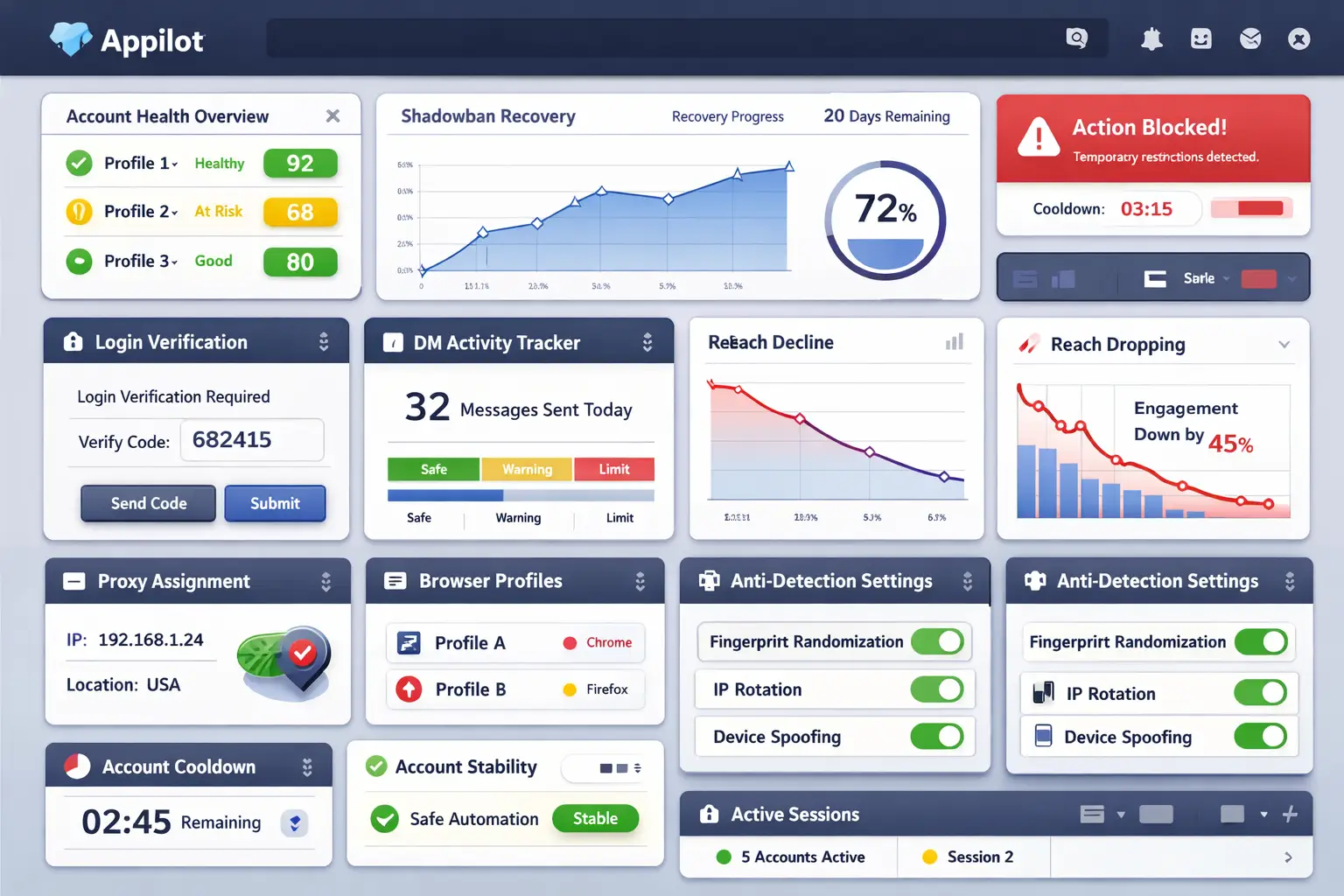
Step 5: Randomize Behavior Patterns
One of the best ways to stay safe is making sure the account does not behave exactly the same way every day.
Randomize delays between actions, vary the sequence of activity, change the wording of DMs, and spread actions across different times of the day.
This creates more natural behavior patterns.
Appilot is useful here because it allows you to build workflows that vary actions automatically instead of repeating the same script every time.
How to Stay Safe Long Term
The best way to stay safe is creating a stable account environment.
Use residential or mobile proxies instead of cheap shared VPNs. Keep login locations consistent. Avoid using the same browser profile across multiple accounts. Warm new accounts slowly before increasing activity.
You should also monitor warning signs early. If reach starts dropping, DMs fail more often, or login challenges become more common, reduce activity immediately.
The sooner you react, the easier it is to prevent more serious restrictions.
Common Mistakes That Make Things Worse
One common mistake is buying new accounts without fixing the original setup. If the system is still broken, the new accounts will get flagged too.
Another mistake is sending the same message repeatedly because it saves time. While it may feel efficient, it also makes the account look spammy.
People also make the mistake of jumping back into full automation immediately after a restriction ends. This often leads to another block.
Another common mistake is relying on free VPNs, cheap proxies, and shared browser environments.
These shortcuts usually create more risk instead of solving the problem.
Frequently Asked Questions
Q1: Does Instagram ban all automation?
No. Instagram is mainly targeting automation that behaves too aggressively or too unnaturally.
Q2: How long do automation restrictions last?
Most temporary restrictions last between 24 hours and 7 days depending on severity.
Q3: Are proxies enough to stay safe?
No. Proxies help, but you also need realistic behavior, proper account separation, and slower activity.
Q4: Why are my DMs failing to send?
This often happens because too many identical messages were sent too quickly.
Q5: Is Appilot safer than traditional bots?
Appilot is designed to create more natural behavior patterns, which can help reduce the risk of detection.
Conclusion
Instagram flags automation when it sees behavior that looks too fast, too repetitive, or too unnatural.
The safest way to automate is by creating more human-like patterns, reducing aggressive activity, separating accounts properly, and using better proxies and browser environments.
The goal is not to automate more aggressively.
The goal is to automate more intelligently.