Why Platforms Keep Asking for Government ID
Everything Was Working Fine—Then Suddenly They Want Your ID
You log into an account that has been working normally for months, maybe even years, and suddenly the platform wants a government ID.
It might ask for a passport, driver’s license, national ID card, selfie verification, or proof of address. Sometimes it happens during login. Sometimes it happens when you try to withdraw funds, run ads, change account settings, or access monetization features.
At first, it feels random.
You may think the platform is targeting your account specifically or that something went wrong. But in most cases, repeated ID requests are triggered by changes in the account environment, payment behavior, login patterns, or account activity.
This is becoming more common because platforms are under pressure to reduce fraud, prevent fake accounts, comply with financial regulations, and verify that users are real.
The good news is that most ID requests are not random. They are usually triggered by patterns that can be identified and reduced.
Why Platforms Keep Triggering Government ID Checks
Most platforms look at much more than your username and password.
They track login locations, devices, browser fingerprints, payment methods, account age, withdrawal activity, IP history, and behavior patterns.
If too many things change at once, the platform stops trusting the account.
Your login environment keeps changing
One of the biggest causes of repeated ID checks is inconsistent login behavior.
If the account logs in from different countries, different IP addresses, different devices, or different browser profiles within a short period, the platform may assume the account was stolen, sold, or shared.
This is especially common when using rotating proxies, unstable browser fingerprints, or different devices for the same account.
Payment activity looks unusual
Platforms are much more aggressive with ID checks when money is involved.
This often happens on marketplaces, creator platforms, ad accounts, exchanges, payment processors, and affiliate networks.
If you suddenly change payout details, use a new card, add a different bank account, increase transaction volume, or start withdrawing larger amounts than usual, the platform may trigger identity verification.
The account looks too new or incomplete
Accounts with limited history are much more likely to get flagged.
If the account is new, has no profile picture, no activity history, limited trust signals, or incomplete profile details, the platform may want stronger identity verification before allowing certain actions.
Browser fingerprints do not stay stable
If you are using antidetect browsers, automation tools, or custom browser profiles, your fingerprint needs to remain stable over time.
Things like screen size, timezone, user agent, fonts, language settings, WebRTC behavior, and cookie storage all contribute to trust.
This is especially important when using tools like Selenium or Playwright because unstable environments can make the platform think the account belongs to a different person every time it logs in.
The Hidden Cost of Repeated ID Requests
Government ID requests are not just annoying.
They slow down workflows, interrupt withdrawals, delay account approvals, pause monetization, and create friction every time you try to use the account.
If you are managing multiple accounts, repeated ID checks become even more difficult because each account may need a stable environment, matching profile details, and consistent login behavior.
Repeated ID requests can also escalate.
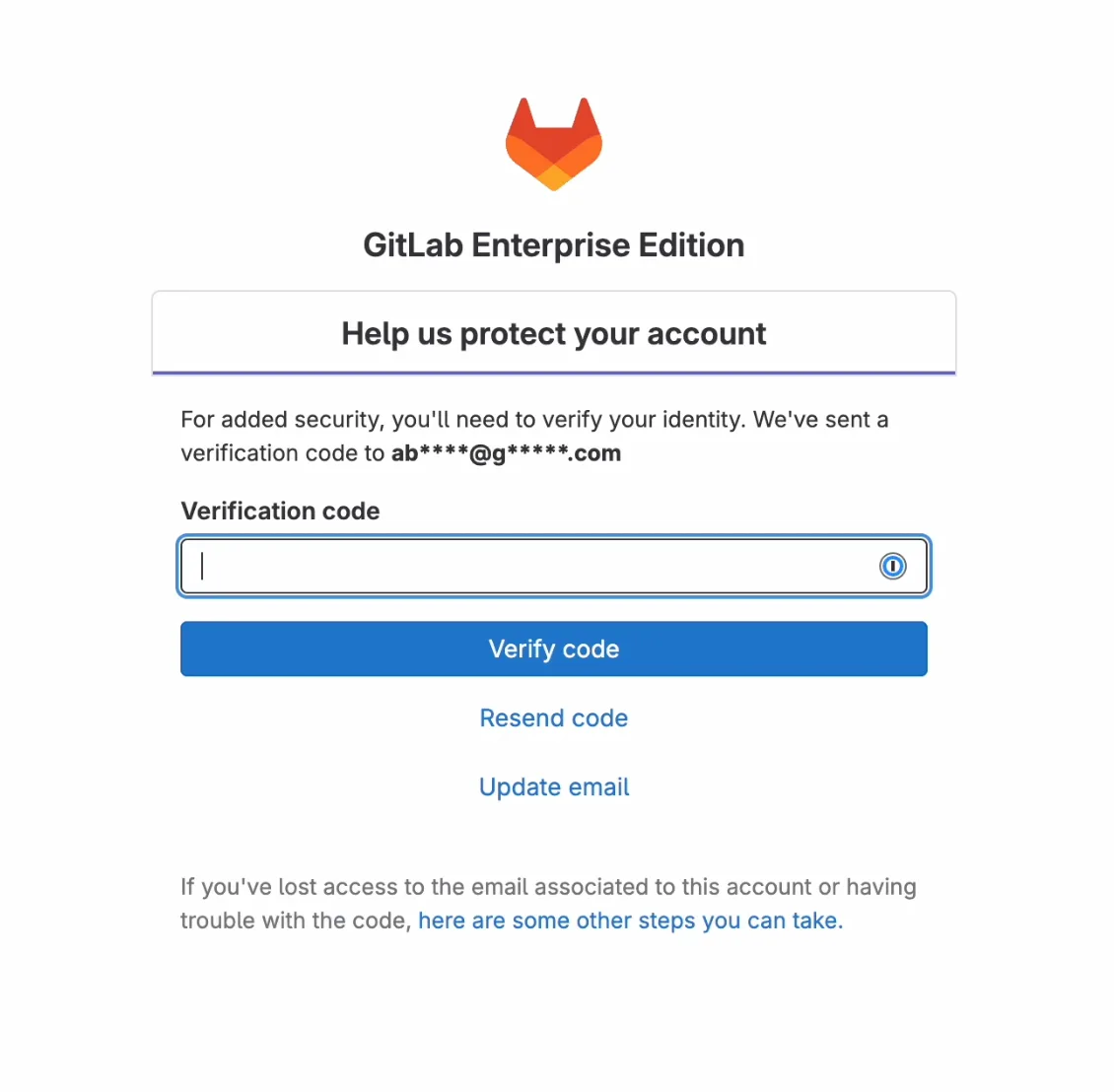
A platform may start with a phone verification, then ask for email confirmation, then government ID, then selfie verification, and finally proof of address or video verification.
That is why it is important to reduce the triggers before the account reaches that point.
The Complete Fix: Make the Account Look Stable
The best way to reduce repeated ID requests is to make the account environment look consistent over time.
Use stable proxies and locations
If an account normally logs in from one country, one city, or one type of IP, try to keep it that way.
Avoid switching between residential, datacenter, and mobile proxies constantly.
The more stable the location history is, the more likely the platform is to trust the account.
Keep browser fingerprints consistent
Your browser profile should always use the same fingerprint settings.
That includes screen resolution, timezone, language, fonts, WebRTC behavior, and cookie storage.
If you are using antidetect browsers, avoid generating new fingerprints too often because that can make the account look like it belongs to a different person every time.
Avoid changing payment information too quickly
If the account handles payments, avoid changing payout methods, cards, bank accounts, or billing addresses too often.
Large changes in financial behavior are one of the fastest ways to trigger ID checks.
Build account trust slowly
Older accounts with stable activity history are usually trusted more than new accounts.
Complete profile details, maintain regular activity, keep login behavior consistent, and avoid making too many changes at once.
Why Centralized Control Makes This Easier
Repeated ID requests often happen because no one knows what changed.
Maybe the proxy changed, maybe the browser profile changed, maybe cookies were lost, maybe the account logged in from a different region.
If browser profiles, proxies, schedules, cookies, and account assignments are spread across different tools, it becomes difficult to identify what triggered the problem.
This is one of the reasons Appilot becomes useful as automation grows.
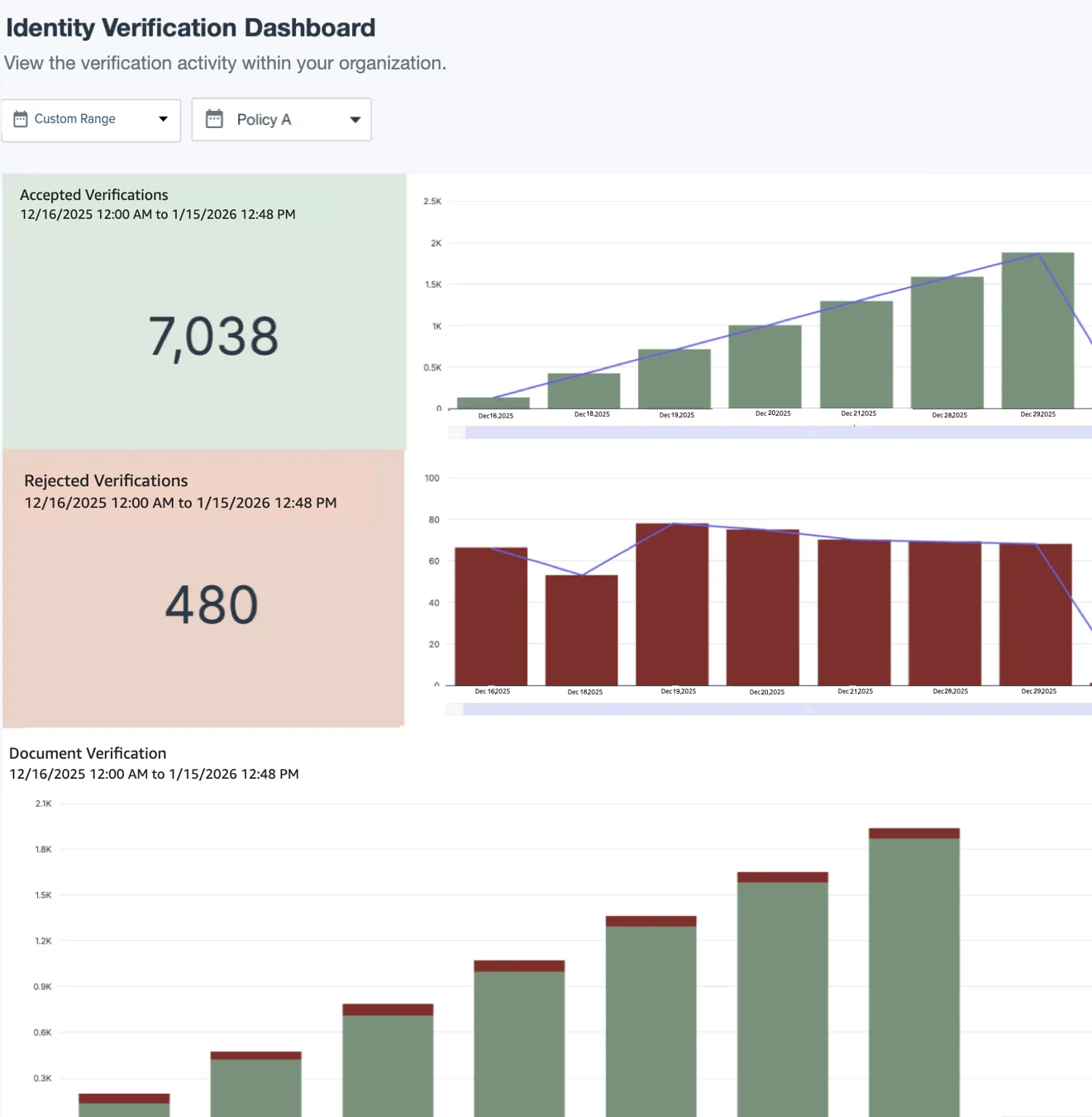
Instead of having browser profiles, Android workflows, schedules, proxies, and account assignments spread across multiple systems, everything stays visible from one dashboard.
That makes it much easier to maintain stable environments and reduce unnecessary verification requests.
How to Prevent Repeated ID Verification in the Future
The best way to reduce ID checks is to avoid making multiple changes at once.
Each account should have:
One stable browser profile
One stable proxy region
Consistent cookies and sessions
Stable payment information
Predictable login behavior
Minimal unnecessary changes
The more stable the environment is, the more likely the platform is to trust the account long term.
Most importantly, do not panic after an ID request happens. Many people make things worse by switching devices, changing proxies, clearing cookies, or logging in from multiple places at once.
Common Mistakes That Make This Worse
One of the biggest mistakes is rotating IPs too aggressively.
Another mistake is constantly changing browser fingerprints or devices.
There is also a tendency to change payment methods too often or make sudden increases in account activity.
Without stability, the platform has no reason to trust the account.
Conclusion: Government ID Requests Usually Happen Because the Account Looks Unstable
If platforms keep asking for government ID, the issue is usually not random.
The platform is seeing unusual login behavior, unstable browser fingerprints, changing IPs, new payment details, or inconsistent account activity.
Once the environment becomes more stable, repeated ID checks usually decrease.
That is what allows accounts to stay trusted long term instead of constantly triggering stronger verification requests.