Why Scheduled Tasks Skip Random Days
The Worst Bugs Are The Ones That Happen “Sometimes”
A task fails once and you can usually live with it.
A task fails every day and you can usually find the problem quickly.
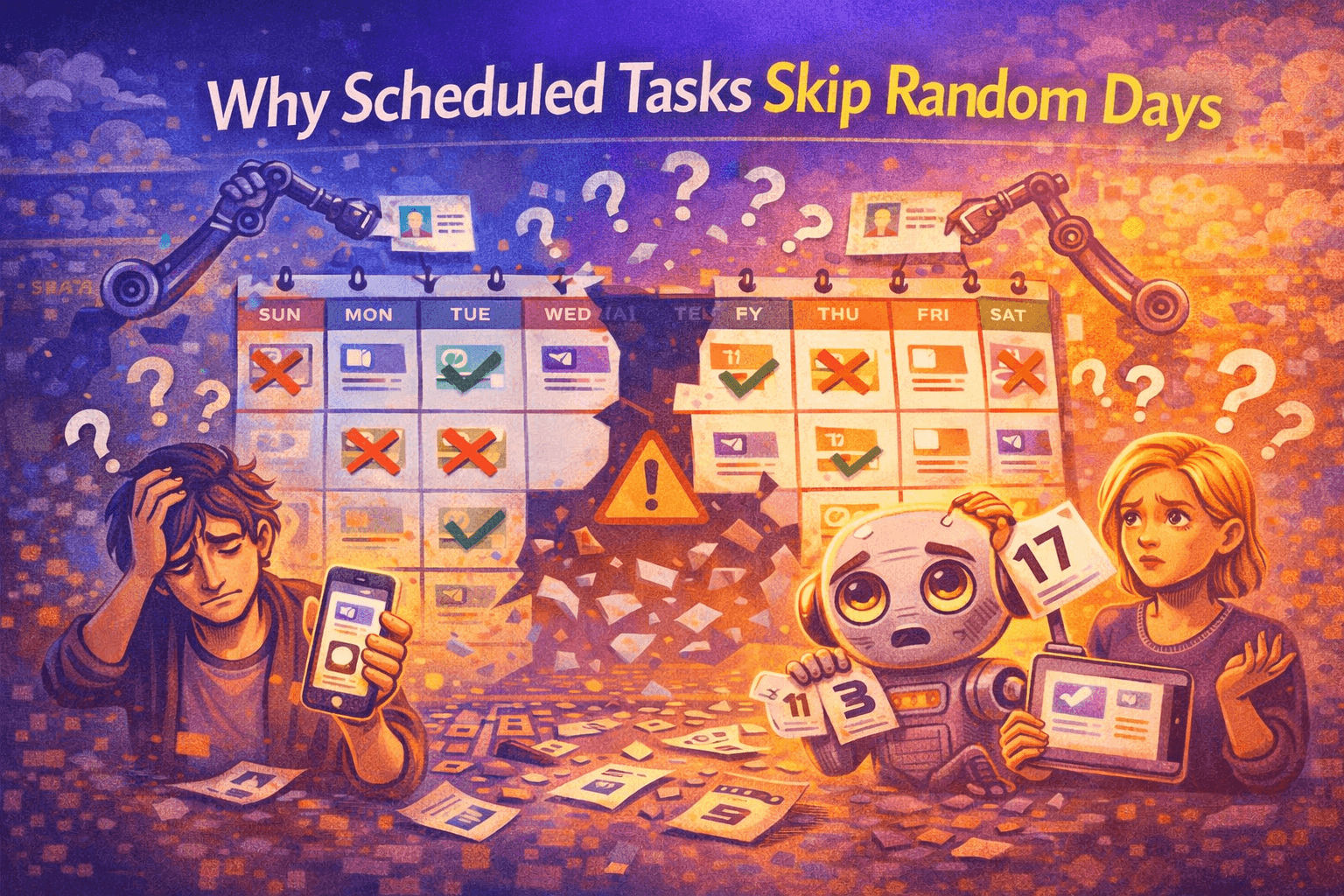
The worst situation is when a scheduled task works perfectly for days or weeks, then suddenly skips one random day for no obvious reason.
That is when automation becomes dangerous because you stop trusting the system.
You schedule browser launches, posting workflows, reports, scraping jobs, or account warm-up tasks expecting them to run consistently. Then suddenly one task disappears from the schedule, one account does not post, one browser profile never launches, or one report is missing.
The next day everything works again like nothing happened.
That kind of inconsistency is difficult to debug because the workflow looks healthy most of the time.
The problem is usually not random.
There is almost always a reason why the task skipped.
Why Scheduled Tasks Skip Days
Most skipped tasks happen because of timing problems, system conflicts, or hidden dependencies that are easy to miss.
Sometimes the task was scheduled for a time that no longer exists because of daylight saving changes.
Sometimes the machine was asleep, disconnected, rebooting, or offline when the task should have started.
Sometimes two tasks tried to run at the same time and one got blocked.
In other cases, the task may depend on something else finishing first. If the first step fails, the second task never runs.
Another common issue is when people overload their schedule.
They keep adding more tasks, more browser profiles, more scraping jobs, more reports, and more posting workflows without thinking about how much time the machine actually needs to finish everything.
Eventually, tasks begin colliding with each other.
A browser profile takes longer to launch than expected. A scraping task hangs. A posting job gets stuck waiting for a login. Then the next task in the queue starts too late or gets skipped completely.
The Biggest Mistake: Assuming A Task Failed “For No Reason”
One of the biggest mistakes people make is assuming a skipped task happened randomly.
Most of the time, there was a reason.
The issue is that many automation systems do not keep enough logs.
If you do not know when the task started, when it failed, what it was waiting for, or whether another task was blocking it, you are left guessing.
That makes the problem much harder to fix because you cannot see the exact point where the workflow broke.
This is especially common in larger setups where dozens of browser profiles, Android devices, posting schedules, scraping jobs, and account actions are running at the same time.
When something skips, you need to know whether the problem came from timing, dependencies, machine resources, account restrictions, browser crashes, internet outages, or something else entirely.
Without logs, every skipped task feels random even when it is not.
The System That Makes Scheduled Tasks More Reliable
The easiest way to stop random skips is to build more buffer time into your schedule.
If every task is scheduled back-to-back with no extra room, even a small delay can push everything else off track.
It is much safer to leave space between workflows so that if one task runs late, the next task still has time to start properly.
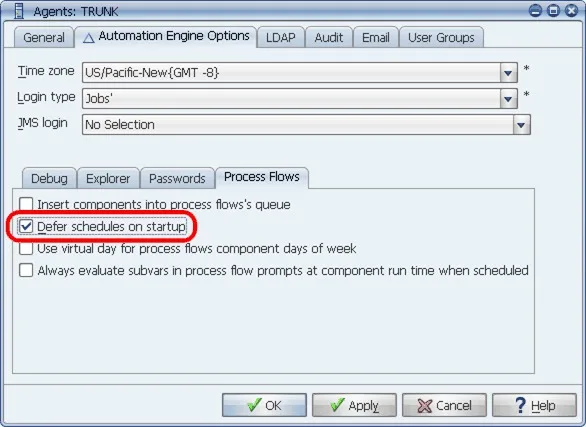
Another important step is limiting how many tasks run at once.
If too many browser profiles, scraping jobs, uploads, or Android workflows start at the same time, the machine may not have enough CPU, RAM, bandwidth, or storage to keep everything running smoothly.
That is when tasks begin freezing, crashing, or skipping.
You should also build fallback logic into important workflows.
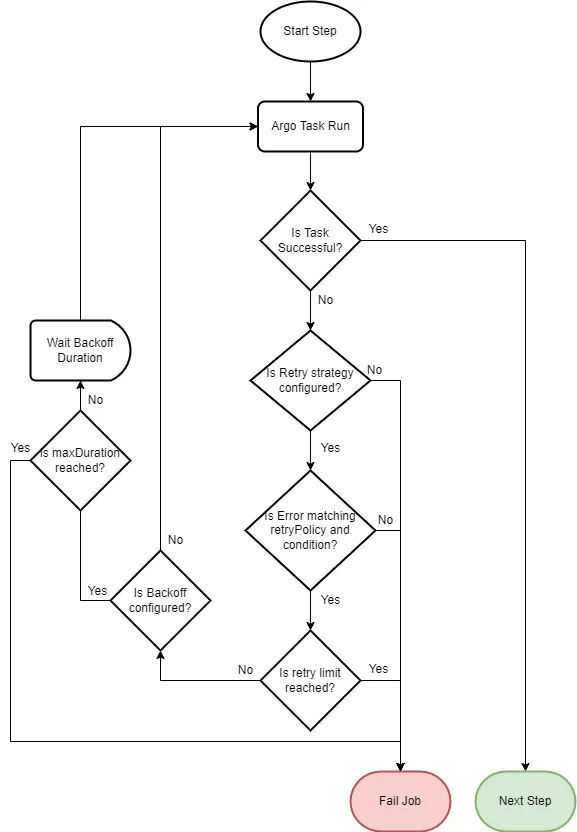
For example, if a task fails, the system should retry it after a few minutes instead of giving up completely.
Retry logic can solve many small issues automatically without forcing you to manually restart tasks.
Most importantly, every automation system should have detailed logs.
You should be able to see when the task was scheduled, when it started, when it ended, whether it failed, and what caused the failure.
That is the difference between spending five minutes fixing a skipped task and spending hours trying to guess what happened.
Why Centralization Makes This Much Easier
Random skips become much harder to investigate when workflows are spread across multiple tools.
You may have one schedule in a browser extension, another in a spreadsheet, another inside a task runner, and another inside a separate Android automation tool.
That makes it difficult to see which task failed, what caused it, and whether other workflows were affected too.
This is one of the reasons Appilot becomes useful when automation starts scaling.
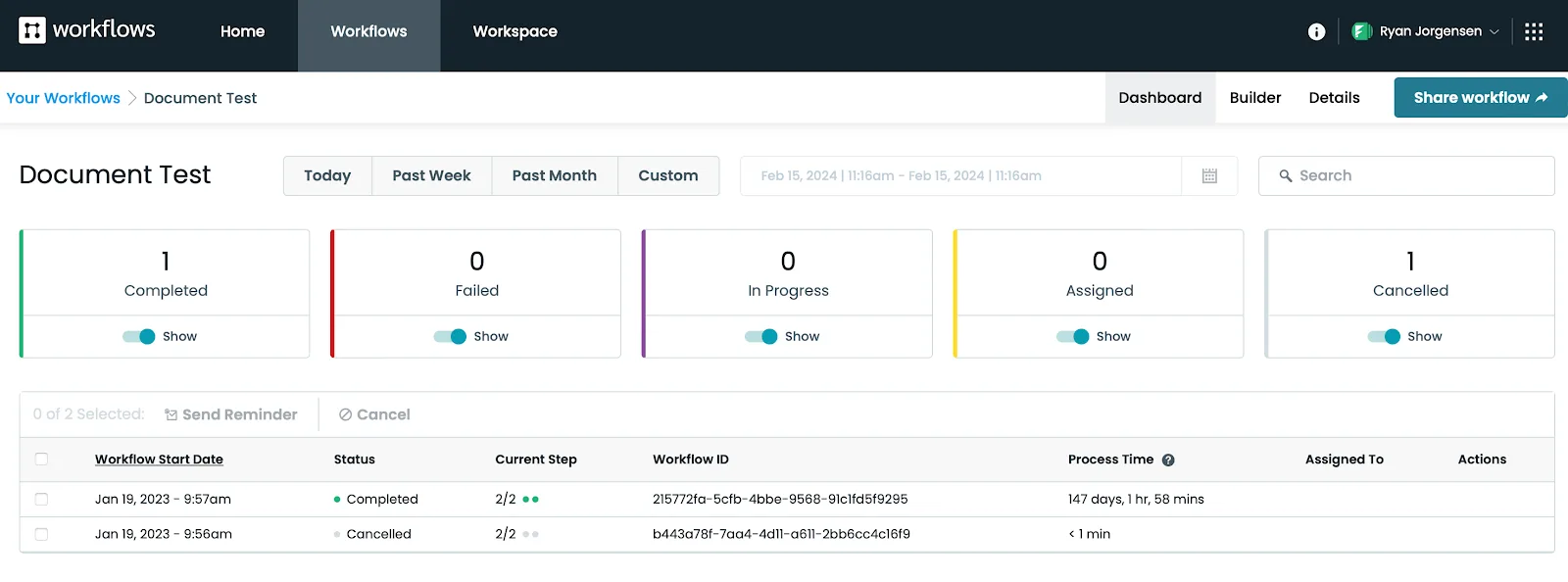
Instead of keeping browser profiles, Android workflows, posting schedules, scraping jobs, and account assignments spread across different systems, everything can stay visible from one dashboard. That makes it easier to see which tasks were skipped, which workflows are delayed, which browser profiles are overloaded, and where conflicts are happening.
Conclusion: Random Task Skips Usually Have A Real Cause
If scheduled tasks keep skipping random days, the issue is usually not random bad luck.
The problem is usually hidden conflicts, overloaded schedules, missing retries, weak logging, or tasks depending on other workflows that failed first.
Once you add more visibility, more buffer time, better retries, and stronger monitoring, scheduled tasks become much more reliable.
That is what allows you to trust the system instead of constantly wondering whether something silently failed again.