Why Selfie Verification Exists (And What You Can Do If You Cannot Complete It)
The Platform Suddenly Wants a Selfie
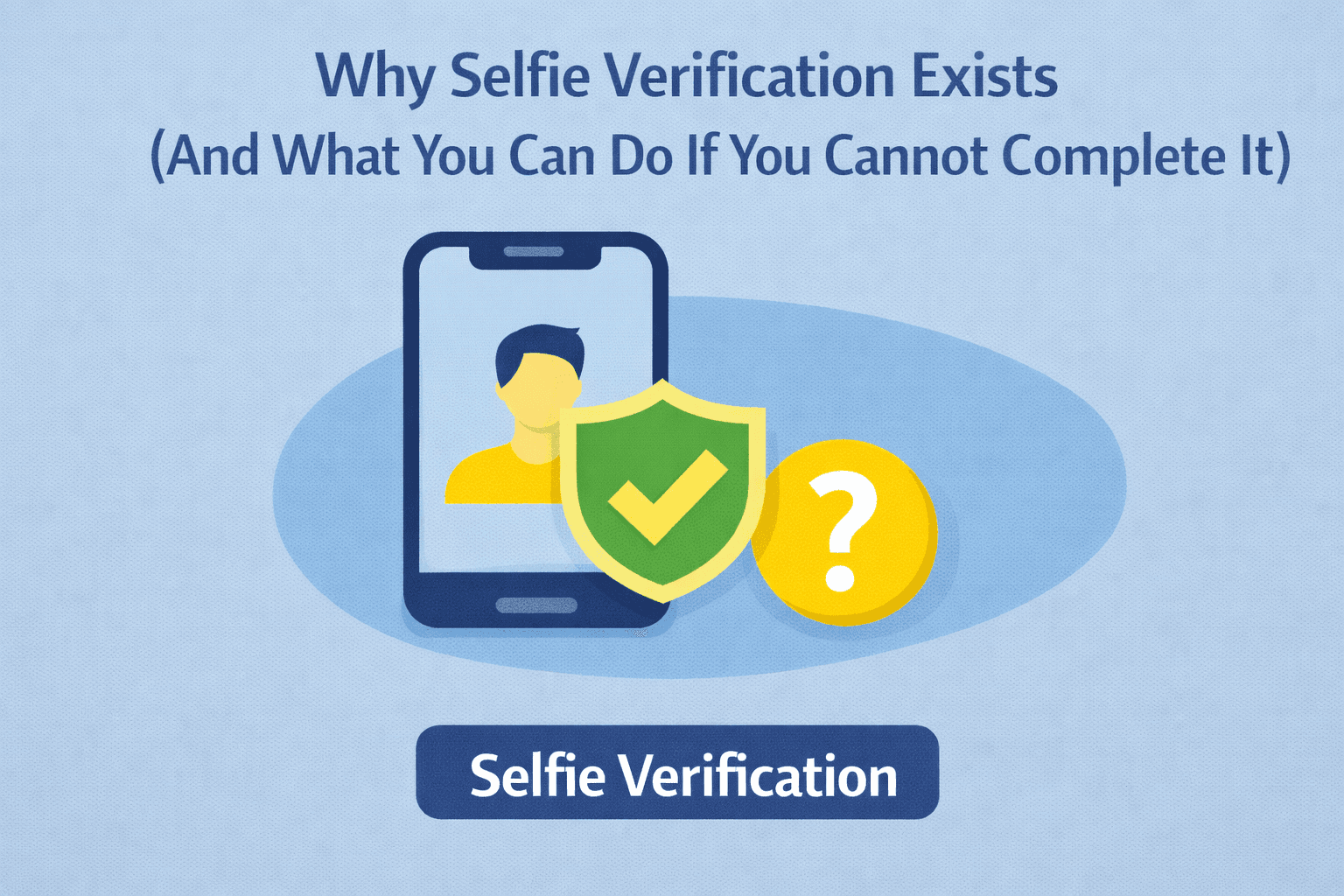
You log into your account expecting everything to work normally, and suddenly the platform asks for a selfie verification.
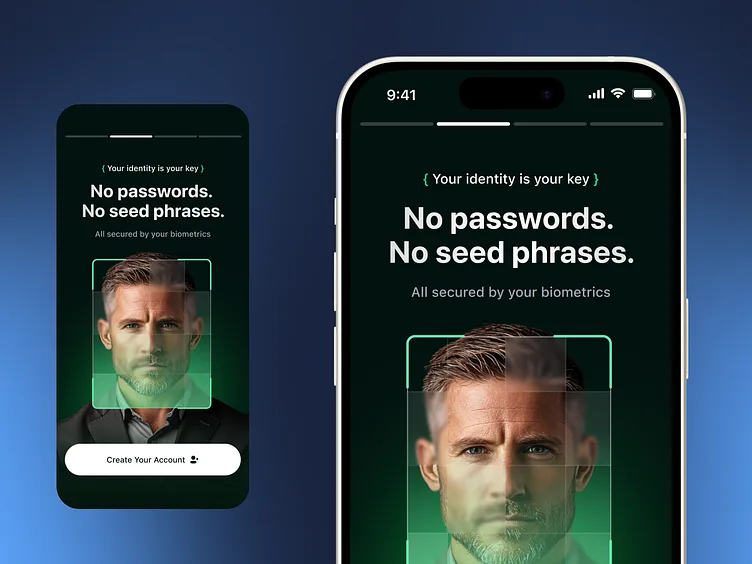
Sometimes it wants a live camera scan. Sometimes it asks you to turn your head, blink, or match your face to a government ID. In more advanced cases, it asks for video verification with different angles and lighting conditions.
For many people, this becomes a major problem.
Maybe you are uncomfortable sharing your face. Maybe your camera is not working properly. Maybe you are traveling, using a different device, or do not have access to the same environment you normally use.
Whatever the reason, selfie verification can quickly block access to an account, stop withdrawals, pause ad campaigns, interrupt monetization, or lock down important workflows.
The important thing to understand is that selfie verification is usually triggered because the platform no longer trusts the account environment.
Why Platforms Ask for Selfie Verification
Most platforms only request selfie verification when other trust signals stop matching.
They look at:
Login location
Device history
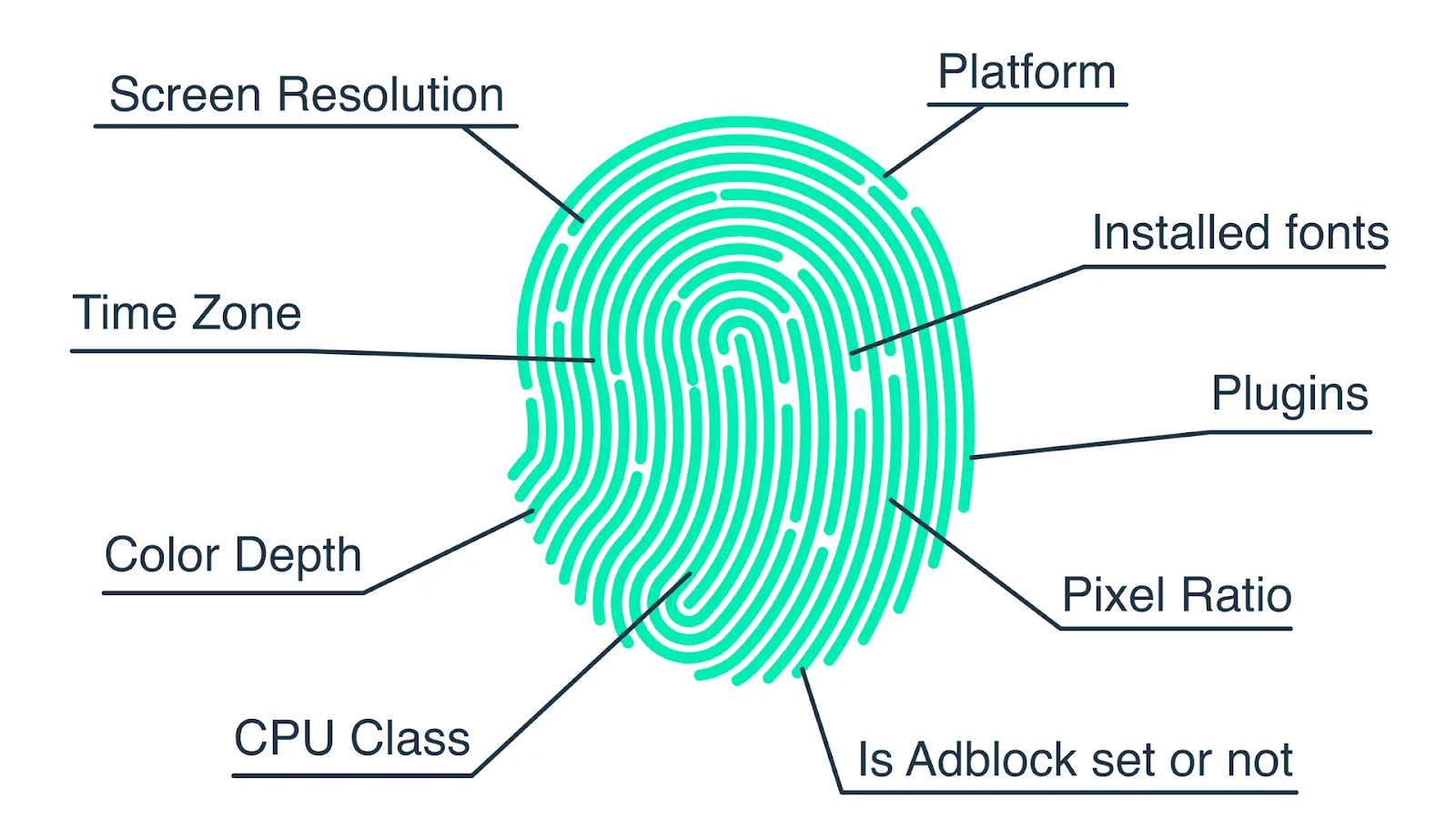
Browser fingerprint
IP address
Cookies and sessions
Payment activity
Account age
Unusual behavior
If too many things change at once, the platform may escalate from email verification to SMS codes, government ID checks, and eventually selfie verification.
This is especially common when accounts log in from new regions, use unstable proxies, switch devices too often, lose cookies, or suddenly change payment information.
Platforms do this to reduce fraud, account theft, fake identities, and account reselling.
Why Trying to Bypass Selfie Verification Usually Makes Things Worse
A lot of people panic when they see selfie verification and immediately start changing browsers, clearing cookies, switching proxies, or logging in from multiple devices.
That usually makes the situation worse.
From the platform’s perspective, more changes create even more suspicious signals. The account may end up triggering stronger checks, longer delays, temporary restrictions, or permanent suspension.
Trying to avoid or bypass selfie verification through fake images, manipulated media, or other deceptive methods can also violate platform rules and lead to account loss.
What To Do Instead
The best approach is to reduce the factors that triggered the verification in the first place.
If possible:
Return to the same device you normally use
Use the same browser profile
Use the same proxy region or IP type
Restore old cookies and sessions
Avoid logging in from multiple locations
Keep browser fingerprints consistent
Wait before making more account changes
If the selfie verification is unavoidable, it is usually better to complete it through the platform’s official process rather than risk losing the account entirely.
If you cannot complete it because of camera issues, privacy concerns, or travel, contact support and explain the situation clearly. In some cases, platforms offer alternative verification methods such as document review, manual support review, or delayed verification.
Why Stable Environments Reduce Verification Requests
Selfie verification becomes much less common when accounts operate from stable environments.
That means:
One browser profile per account
One stable proxy region
Consistent cookies and sessions
Predictable login behavior
Minimal unnecessary changes
This is especially important for workflows using Selenium, Playwright, browser profiles, and Android automation because unstable environments often trigger additional trust checks.
Why Centralized Control Helps Prevent This
One of the biggest reasons selfie verification keeps happening is because no one knows what changed.
Maybe the proxy rotated. Maybe the browser profile changed. Maybe cookies were lost. Maybe the account logged in from a new device.
This is one of the reasons Appilot becomes useful as automation grows.
Instead of keeping browser profiles, Android workflows, schedules, proxies, and account assignments spread across different systems, everything stays visible from one dashboard.
That makes it much easier to keep account environments stable and reduce unnecessary verification requests.
Conclusion: Selfie Verification Is Usually a Sign of Lost Trust
When a platform asks for selfie verification, it usually means the account environment changed too much.
The issue is not the selfie itself. The issue is that the platform no longer trusts the device, browser, proxy, cookies, or login behavior around the account.
Once you make the environment more stable, repeated verification requests usually become much less common.
That is what allows accounts to stay trusted long term instead of constantly triggering stronger identity checks.