Why TikTok Shadowbanned Your Account (And How to Fix It)
You are posting videos consistently, using trending sounds, adding hashtags, engaging with comments, and trying to grow.
Then suddenly everything changes.
Your videos stop getting views. Your content no longer reaches the For You page. Likes and comments fall sharply. Follower growth slows down.
At first, you assume it is just a bad post.
Then it keeps happening.
One video gets 50,000 views. The next one struggles to reach 500.
This is usually when people start asking the same question.
Did TikTok shadowban my account?
TikTok rarely tells you directly when this happens.
There is no warning message saying your account has been shadowbanned.
Instead, the platform quietly limits your reach.
The good news is that shadowbans are usually temporary.
Once you understand what triggers them, you can recover your visibility, rebuild account trust, and reduce the chances of it happening again.
In this guide, you will learn why TikTok shadowbans happen, what warning signs to watch for, how to recover safely, and how to prevent future reach restrictions.
Time to recover: Usually between 3 and 14 days depending on severity. Success rate: High if suspicious activity is reduced early. Cost: Usually free unless you need better account management tools, browser separation, or safer automation.
What Is a TikTok Shadowban?
A TikTok shadowban happens when the platform quietly limits the visibility of your content without fully banning your account.
Your videos may still appear to current followers, but they stop reaching new people through the For You page, hashtag searches, recommendations, and suggested content feeds.
Most people notice a shadowban because engagement drops suddenly.
Video views fall sharply. Likes, comments, shares, and profile visits slow down. New followers stop coming in.
If your videos are no longer reaching non-followers, TikTok may be limiting the account.
Why TikTok Shadowbans Happen
TikTok shadowbans accounts when it sees too many suspicious signals or content quality issues.
The platform tracks video performance, watch time, user reports, hashtags, captions, account history, login locations, IP addresses, device fingerprints, browser fingerprints, and how the account behaves.
If too many of these signals look unusual, TikTok may reduce visibility.
One common cause is violating community guidelines.
Videos that include misleading claims, sensitive topics, spammy promotions, copyrighted material, or content that gets reported frequently are much more likely to trigger restrictions.
Another common issue is repetitive behavior.
If you post too frequently, reuse the same hashtags, upload duplicate content, send repetitive DMs, or automate activity too aggressively, TikTok may see the account as spammy.
Low-quality engagement is another major factor.
Buying fake followers, fake likes, or fake views can damage account trust very quickly.
This is exactly why I built Appilot. The goal was to create safer account environments, better browser separation, and more natural activity patterns instead of repeating the same behavior that gets accounts flagged.
Signs That TikTok Shadowbanned Your Account
One of the clearest signs is that your videos stop appearing on the For You page.
If your analytics show that almost all of your views are coming only from followers instead of new users, this is often a warning sign.
Another common sign is a sudden drop in engagement across all videos.
Your posts may stop appearing in hashtag searches, profile visits may decline, and follower growth may slow down.
Some people also notice more content review warnings, lower watch time, reduced reach, or repeated login challenges around the same time.
These are often signs that TikTok is starting to lose trust in the account.
How to Recover From a TikTok Shadowban
Step 1: Reduce Activity for a Few Days
If you think your account is shadowbanned, the first step is slowing down.
Do not keep uploading large numbers of videos, sending repetitive DMs, or trying to force more engagement.
Reduce activity for 48 to 72 hours and let the account cool down.
Many people panic when reach drops and start posting even more aggressively.
This usually makes the problem worse.
Step 2: Remove Risky Content
Go through your recent videos and remove anything that may have violated TikTok guidelines.
This could include misleading claims, copyrighted material, spammy captions, banned hashtags, sensitive topics, or repetitive content.
Even small content changes can help improve trust.
Step 3: Stop Using Repetitive Hashtags
Using the same hashtags on every video can make the account look repetitive.
Instead, vary hashtags based on the content and avoid spammy keyword stuffing.
Smaller and more targeted hashtags usually perform better than large groups of repetitive tags.
Step 4: Disconnect Low-Quality Automation Tools
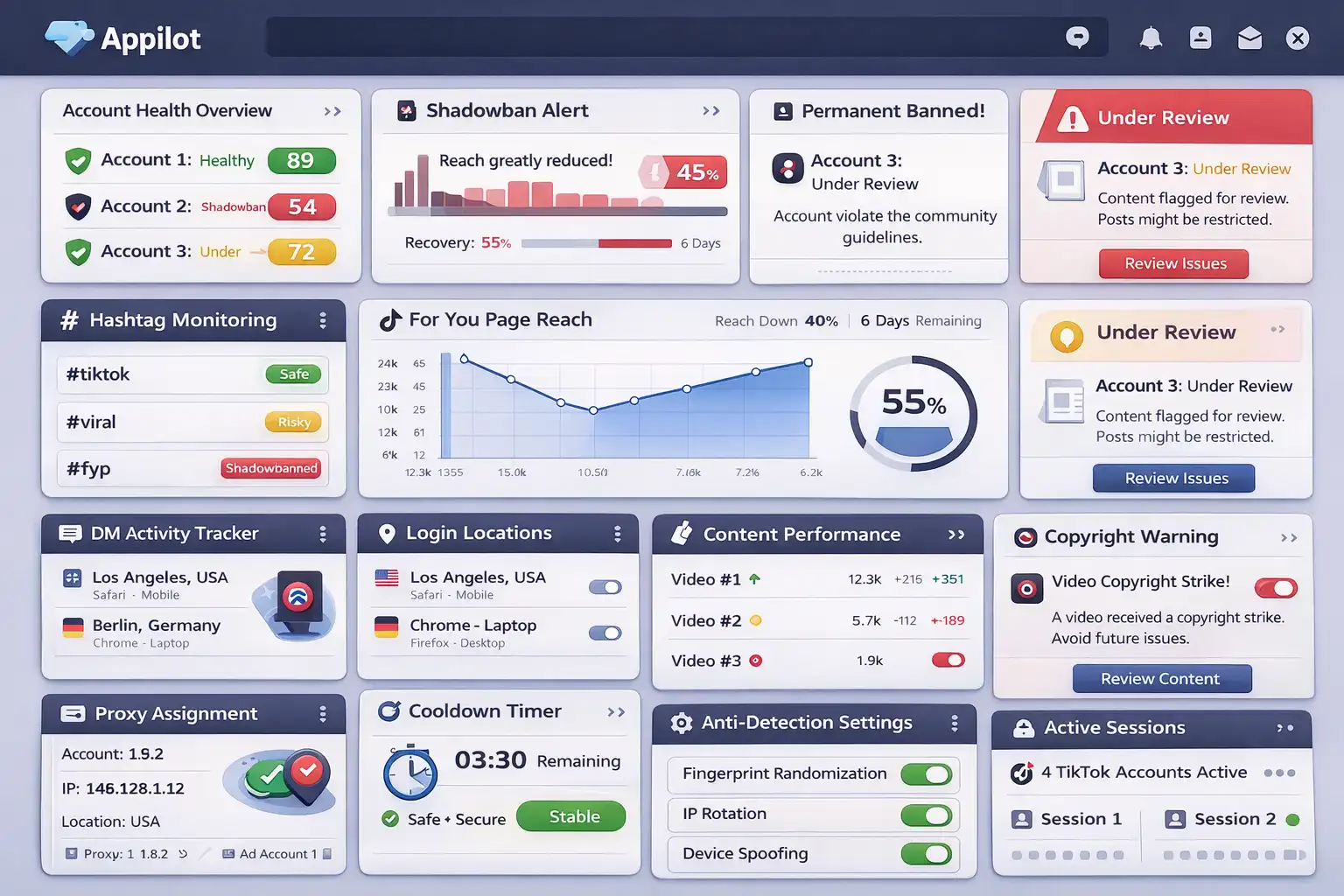
Cheap TikTok bots often repeat the same timing patterns, messages, and action sequences.
TikTok can detect this very easily.
If you are using low-quality automation tools, disconnect them immediately.
The problem is not automation itself.
The problem is repetitive automation that behaves too much like a machine.
Step 5: Warm the Account Back Up Slowly
Once the account starts recovering, return to activity slowly.
Post one video at a time, engage naturally, reply to comments, and avoid sudden spikes in behavior.
The goal is rebuilding trust gradually.
The slower and more natural the account looks, the easier it becomes to recover reach.
Step 6: Improve Content Quality
TikTok rewards content that keeps people watching.
If your videos have poor watch time, low retention, or weak engagement, reach may continue falling.
Focus on stronger hooks, better editing, more engaging captions, and more useful content.
The better your content performs, the easier it becomes for the account to recover.
Appilot is useful here because it helps create safer browser environments and more natural activity patterns instead of repeating risky behavior.
How to Prevent Future TikTok Shadowbans
The best way to avoid future shadowbans is creating more natural activity patterns.
Avoid posting too aggressively, using the same hashtags repeatedly, or automating activity in a repetitive way.
If you manage multiple TikTok accounts, separate them properly with different browser profiles, proxies, cookies, and device fingerprints.
Use high-quality residential proxies instead of cheap VPNs. Keep login locations stable. Avoid fake engagement.
The more natural and trustworthy the account looks, the easier it becomes to maintain strong reach long term.
Common Mistakes That Make Shadowbans Worse
One major mistake is deleting large amounts of content all at once.
Another mistake is posting more aggressively after reach drops.
People also make the mistake of buying fake followers or engagement to try to recover faster.
This usually damages account trust even more.
Another common mistake is continuing to use low-quality automation tools after the shadowban begins.
If the same behavior caused the problem in the first place, repeating it will only make recovery harder.
Frequently Asked Questions
Q1: How long does a TikTok shadowban last?
Most TikTok shadowbans last between 3 and 14 days. More serious cases may take longer if suspicious behavior continues.
Q2: Can hashtags cause a TikTok shadowban?
Repetitive, spammy, or banned hashtags can contribute to reduced reach.
Q3: Should I keep posting while shadowbanned?
You can still post, but it is usually better to reduce posting frequency and avoid aggressive activity.
Q4: Does automation always cause TikTok shadowbans?
No. Low-quality automation is risky, but safer and more natural automation can work well.
Q5: Why are my TikTok views suddenly so low?
This can happen because of reduced watch time, repetitive behavior, poor content quality, suspicious activity, or lower account trust.
Conclusion
TikTok shadowbans are frustrating, but they are usually temporary.
The key is reducing suspicious behavior, improving content quality, separating accounts properly, and creating more natural activity patterns.
The goal is not to force more activity.
The goal is to make the account look safer, stronger, and more trustworthy over time.