Why Tool Updates Keep Breaking Your Workflows
Everything Was Working Fine Yesterday
Your workflow was stable. The browser automation was running, profiles were loading correctly, the schedules were working, and your tasks were finishing without issues.
Then a tool updated.
Maybe it was a browser update, a driver update, an API version change, a proxy provider update, or a new release inside Selenium, Playwright, or Puppeteer.
Suddenly, selectors stop working. Browser sessions fail. Logins break. Extensions no longer load correctly. An API field changes and now half your exports are empty.
You did not change your workflow, but it still broke.
This is one of the most frustrating parts of automation. You can build something that works perfectly, only to watch it fail because another company decided to push an update.
The problem is not that updates happen. The problem is that most workflows are built in a way that assumes nothing will ever change.
Why Updates Break Automation So Easily
Most workflows are fragile by design.
They rely on exact selectors, specific browser versions, fixed API responses, certain proxy behavior, and predictable platform layouts.
That works until one small thing changes.
A button gets renamed. A login field moves. A page loads differently. A browser introduces a security update. An API response changes from “user_name” to “username.”
Suddenly, a workflow that was stable yesterday stops working today.
Browser updates change how pages behave
Modern browsers update constantly.
A new browser version may change how extensions load, how cookies are stored, how local storage works, or how certain page elements are rendered.
This is especially common when using browser automation tools where the browser version and driver version need to match exactly.
One small mismatch can break the entire workflow.
APIs are constantly evolving
APIs change more often than most people realize.
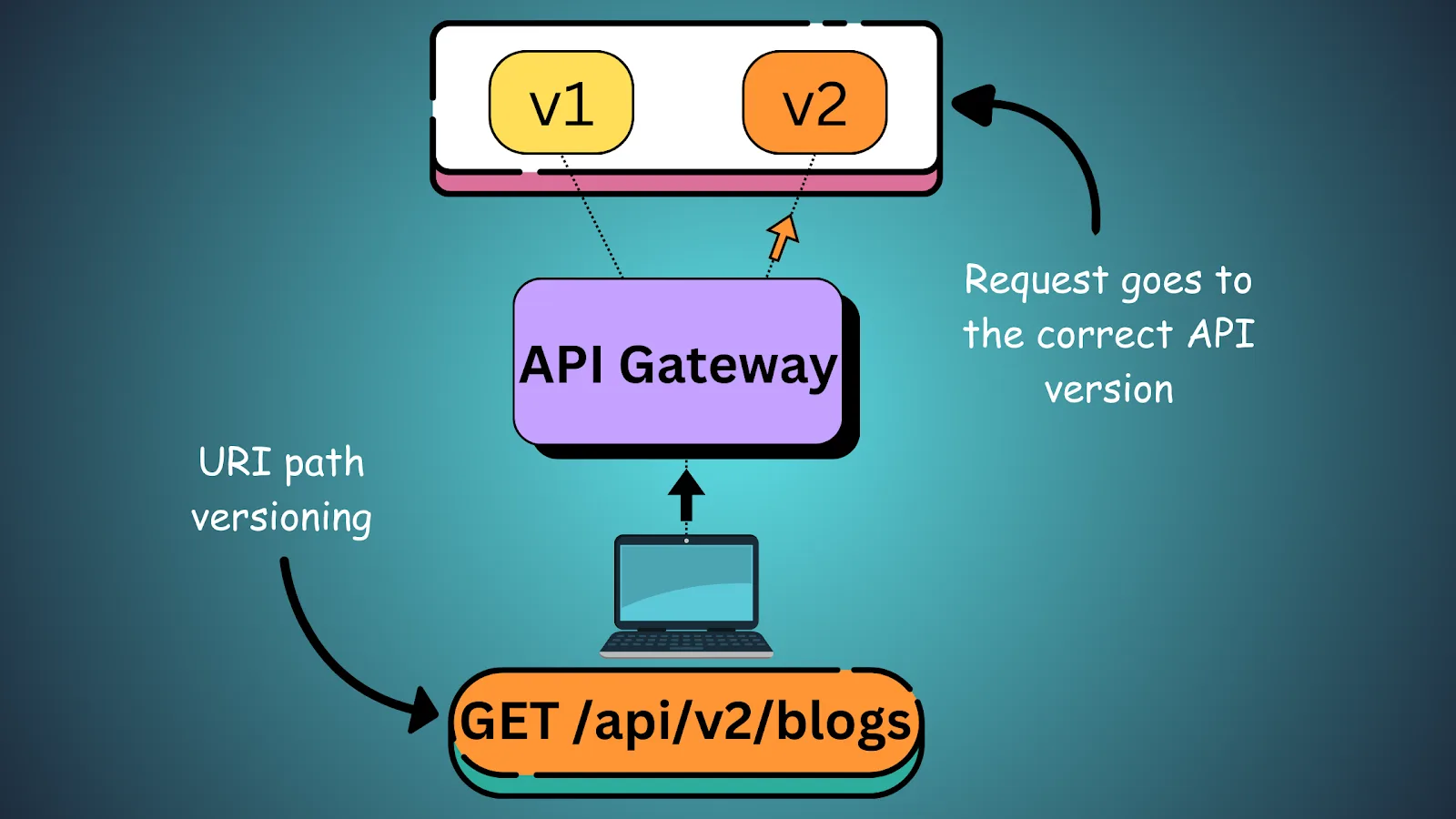
Fields are renamed, endpoints are removed, rate limits are adjusted, and authentication methods change.
If your workflow depends on exact API behavior without fallback logic, even a small update can break everything.
Platforms redesign their interfaces all the time
Most websites and apps are constantly changing.
A button that used to be in one place moves somewhere else. A form changes structure. A class name changes. A page adds a new popup or verification step.
If your workflow depends on exact selectors or exact page order, those small changes can create major failures.
The Hidden Cost of Constant Updates
The biggest problem with updates is not just the downtime.
Every time a workflow breaks, you lose time diagnosing the issue. You lose productivity because tasks stop running. You lose confidence because you stop trusting the system.
Over time, this creates a situation where you are constantly reacting instead of improving.
You spend more time fixing workflows than building new ones.
This becomes even worse if you are managing multiple clients, multiple browser profiles, or large-scale account operations because one small update can affect dozens of workflows at once.
The larger your automation system becomes, the more expensive these update-related failures become.
The Complete Fix: Build Workflows That Expect Updates
The best automation systems assume that change will happen.
Instead of building workflows that depend on one exact selector, use multiple selectors and fallback logic.
Instead of relying on one exact browser version forever, document compatible versions and test updates before applying them everywhere.
Instead of assuming APIs will never change, build error handling around missing fields, changed responses, and temporary failures.
Your workflows should not collapse because one small thing changed.
Use fallback selectors and retries
If one selector fails, your system should try another.
For example, instead of depending only on a single class name, use alternative attributes, text labels, or relative element paths.
You should also add retries for temporary issues because not every failure is permanent.
Test updates before rolling them out everywhere
One of the biggest mistakes is updating every browser, script, extension, or dependency at the same time.
A better approach is to test updates in a small environment first.
Run a few workflows, see what changes, and only then apply the update to the rest of the system.
This reduces the risk of widespread failures.
Document version dependencies
You should always know which browser version, driver version, API version, extension version, or proxy setup a workflow depends on.
Without that documentation, it becomes much harder to diagnose what changed when something breaks.
Why Centralized Monitoring Matters
Updates become much easier to manage when you can see exactly what failed.
If you have workflows spread across different scripts, servers, browsers, and dashboards, it becomes difficult to know whether the issue came from a browser update, an API change, a proxy problem, or a platform redesign.
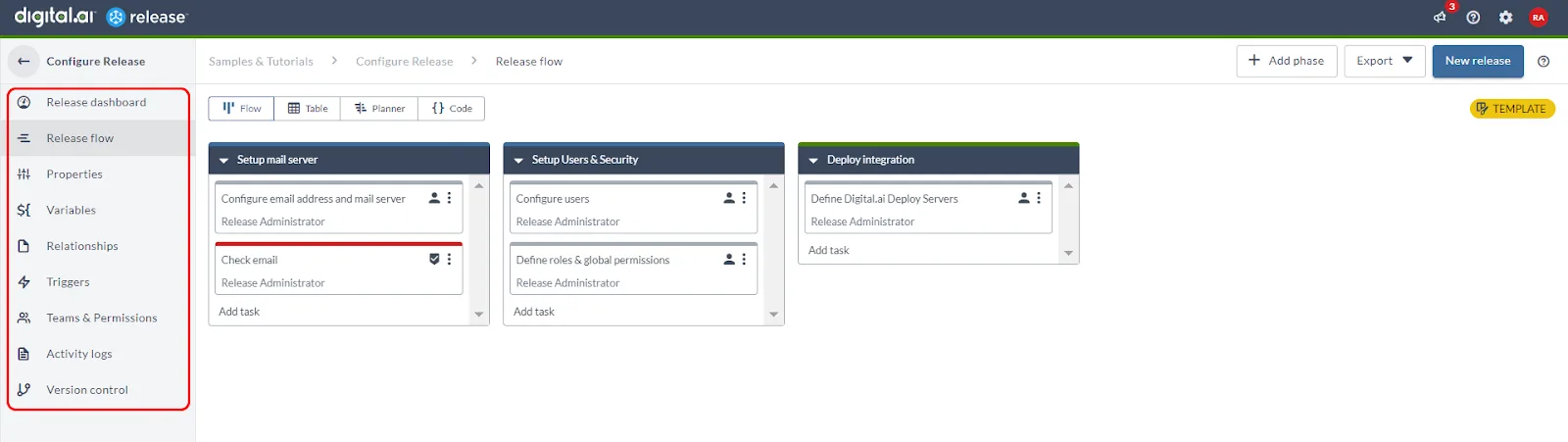
A centralized dashboard makes it easier to spot patterns.
If multiple workflows fail at the same time after the same update, you immediately know where to look.
This is one of the reasons Appilot becomes useful as automation grows.
Instead of having browser tasks, Android workflows, schedules, and logs spread across multiple tools, you can see what failed, which task was affected, and where the workflow stopped.
That makes it much easier to recover from updates without losing control of the system.
How to Prevent Update Chaos in the Future
The easiest way to avoid update-related failures is to stop treating workflows like they will stay unchanged forever.
You should always expect browsers to update, APIs to change, websites to redesign, and tools to behave differently over time.
That means adding fallback logic, documenting dependencies, testing updates in small batches, and monitoring failures carefully.
The best systems are not the ones that never break.
They are the ones that recover quickly when change happens.
Common Mistakes That Make This Worse
One of the biggest mistakes is updating everything at once without testing.
Another mistake is relying too heavily on exact selectors, exact browser versions, or exact API responses.
There is also a tendency to ignore documentation, which makes it much harder to identify what changed when something breaks.
Without visibility and fallback logic, even small updates can create major downtime.
Conclusion: Updates Are Inevitable—Fragile Workflows Are Optional
Tool updates are always going to happen.
Browsers will update, APIs will change, websites will redesign, and automation tools will release new versions.
You cannot stop that.
What you can control is how fragile your workflows are when those changes happen.
If your workflows are designed with fallback logic, testing, monitoring, and version control in mind, updates become much easier to manage.
That is what separates automation systems that constantly break from systems that keep running long term.