Why Websites Keep Detecting Your Bot (And How to Stop It)
You build a bot, launch the automation, and at first everything works.
Then suddenly the problems start.
CAPTCHAs appear. Accounts get blocked. IP addresses get banned. Sessions stop working. Requests fail.
In more serious cases, the entire automation workflow becomes useless because the website starts detecting every action.
For people running browser automation, scraping tools, data collection bots, account creation systems, or workflow automation, this is one of the most common frustrations.
The worst part is that websites rarely tell you exactly what caused the detection.
You are left guessing whether the problem came from the browser fingerprint, IP address, typing speed, mouse movement, request timing, proxy quality, or something else entirely.
The good news is that most bot detection problems can be reduced.
Once you understand what websites are actually tracking, you can build safer automation systems, reduce detection risk, and make bots much more stable over time.
In this guide, you will learn why websites detect bots, what the biggest warning signs are, how to reduce detection, and how to build safer automation workflows.
Time to stabilize: Usually between a few hours and several days depending on the complexity of the target website. Success rate: High if suspicious behavior is reduced early. Cost: Usually low if you already have the right browser, proxy, and account setup.
Why Websites Detect Bots
Most websites today use advanced anti-bot systems.
They do not just look at IP addresses anymore.
They also track browser fingerprints, device fingerprints, screen size, fonts, cookies, session history, mouse movement, typing speed, click timing, IP reputation, request patterns, and how the browser behaves.
If too many of these signals look suspicious, the website may assume the user is a bot.
One common reason is browser fingerprint problems.
If your browser fingerprint looks too generic, too clean, or identical across many sessions, websites may flag it.
Another major issue is repetitive timing.
Humans do not click the same button at the exact same speed every time.
If your bot always waits exactly two seconds before clicking, types every word at the same speed, or repeats the same action sequence perfectly, websites can detect that pattern.
Poor proxy quality is another major problem.
If too many sessions come from the same IP address, datacenter proxy, or already-flagged IP range, websites may block the traffic immediately.
Appilot can help reduce detection risk by making browser environments more isolated, sessions more stable, and automation behavior more natural.
Warning Signs That a Website Is Detecting Your Bot
In many cases, websites give warning signs before they fully block the automation.
You may notice more CAPTCHAs, slower page loads, failed logins, repeated session resets, blocked requests, account verification requests, or sudden drops in scraping success rates.
Some people also notice that automation works for a short time before getting blocked repeatedly.
These are usually signs that the website is starting to recognize suspicious behavior.
The earlier you react, the easier it is to avoid a full block.
The Most Common Reasons Bots Get Detected
One major reason is unrealistic browser fingerprints.
If your browser fingerprint does not match the proxy location, operating system, screen size, language, timezone, or hardware profile, websites may see it as suspicious.
Another common issue is poor session behavior.
Bots that move too fast, skip natural page interactions, ignore scrolling, or jump directly between actions often look unnatural.
Low-quality proxies are another major problem.
Cheap datacenter proxies are often heavily abused and already flagged.
Residential proxies and mobile proxies usually perform much better because they look more like real users.
Repetitive automation patterns also create risk.
If the same workflow repeats with identical timing, identical clicks, identical text, and identical mouse movements, websites can detect the pattern very quickly.
How to Stop Websites From Detecting Your Bot
Step 1: Improve Browser Fingerprints
Each session should have a realistic browser fingerprint.
The browser version, operating system, screen resolution, timezone, language, fonts, hardware profile, and WebGL data should all match the proxy location and device type.
The more realistic the environment looks, the safer the automation becomes.
Step 2: Use Better Proxies
Cheap proxies create problems very quickly.
Use high-quality residential proxies or mobile proxies whenever possible.
Keep IP locations consistent and avoid switching countries too often.
The more stable the IP history becomes, the easier it is to avoid detection.
Step 3: Randomize Timing and Behavior
Humans do not behave in perfectly repetitive ways.
Add random delays, different click timing, natural scrolling, mouse movement, typing variation, and different action sequences.
The more natural the workflow looks, the harder it becomes to detect.
Step 4: Keep Sessions Consistent
Do not constantly change devices, browsers, IP addresses, timezones, and cookies.
Websites are much more likely to trust sessions that behave consistently.
If a session logs in from Pakistan in the morning, Germany in the afternoon, and the United States at night, it creates risk.
Step 5: Separate Multiple Accounts Properly
If you manage multiple accounts, separate them properly.
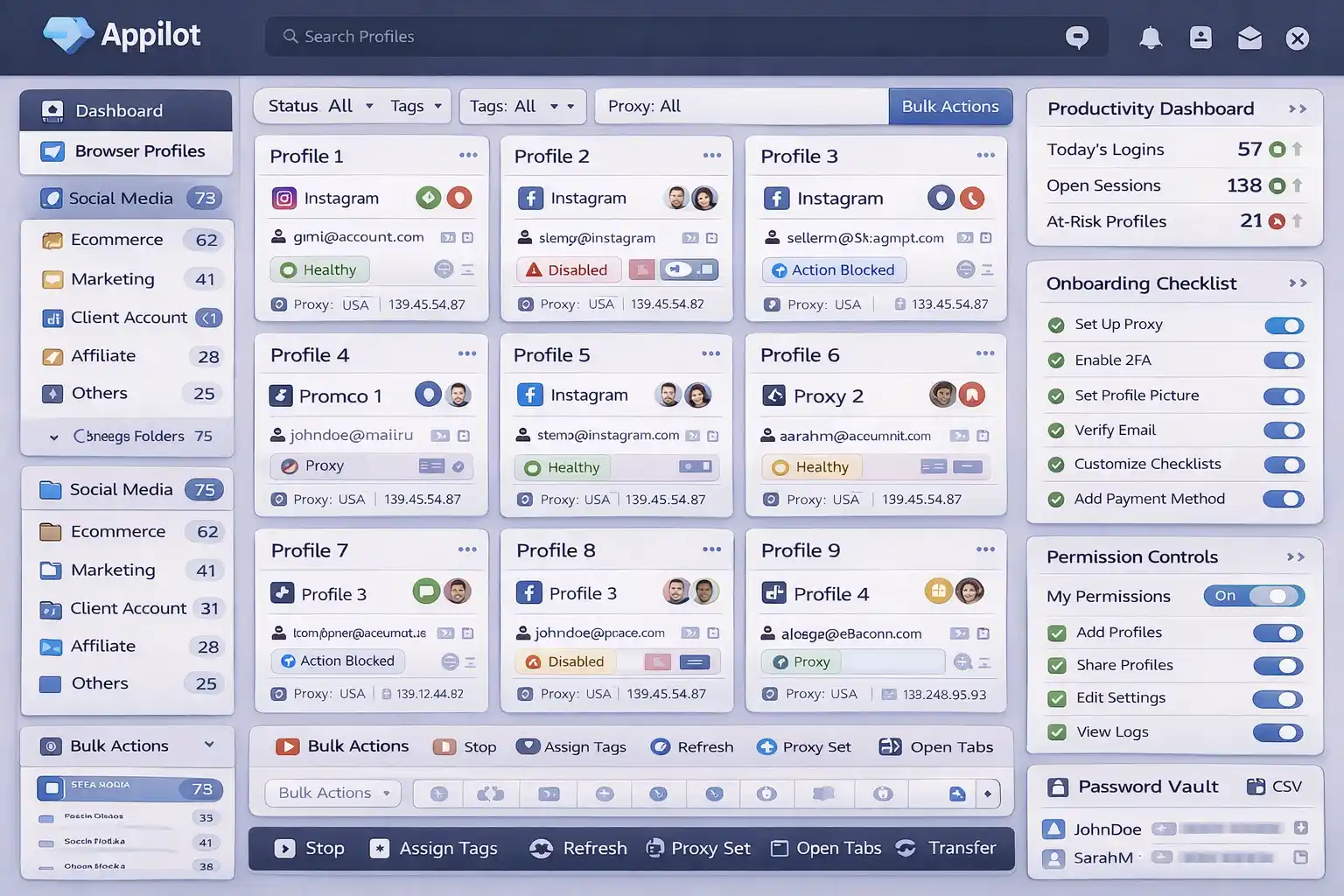
Each account should have its own browser profile, cookies, proxy, IP address, session history, and device fingerprint.
This makes every account appear more independent.
If one account gets blocked, the others are less likely to be affected.
Appilot is useful here because it helps create safer browser environments and more stable account separation instead of connecting everything together in one place.
Step 6: Build More Human-Like Workflows
Bots that immediately click through a workflow without reading, scrolling, or hesitating are much easier to detect.
The safer approach is creating workflows that look more like normal user behavior.
Open pages naturally, pause before actions, move the mouse realistically, and vary the speed of interactions.
How to Prevent Future Detection Problems
The best way to avoid future detection is creating a more stable and realistic automation environment.
Use better browser fingerprints, stronger proxies, more natural timing, and better account separation.
Avoid repetitive behavior, identical workflows, and low-quality proxies.
The more natural the automation looks, the easier it becomes to stay undetected.
Common Mistakes That Make Bot Detection Worse
One major mistake is using the same browser fingerprint across many sessions.
Another mistake is relying on cheap datacenter proxies that many other people are already using.
People also make the mistake of automating too aggressively without natural delays or randomization.
Another common mistake is constantly switching devices, browsers, IP addresses, and countries.
If the setup does not look stable, websites are much more likely to detect it.
Frequently Asked Questions
Q1: Why do websites keep showing CAPTCHAs to my bot?
Websites usually show CAPTCHAs when they detect suspicious browser fingerprints, IP addresses, or repetitive behavior.
Q2: Are residential proxies better than datacenter proxies?
Yes. Residential proxies usually perform much better because they look more like real users.
Q3: Can browser fingerprints increase bot detection risk?
Yes. Unrealistic or repetitive browser fingerprints are one of the biggest detection signals.
Q4: Does randomizing behavior reduce detection risk?
Yes. More natural timing, scrolling, typing, and click behavior usually makes automation safer.
Q5: Does Appilot help reduce bot detection?
Appilot helps create safer browser environments, account separation, and more stable automation behavior.
Conclusion
Websites detect bots because they are looking for patterns that do not match normal human behavior.
The safest approach is improving browser fingerprints, using better proxies, randomizing timing, separating accounts properly, and building more natural workflows.
The goal is not to automate as aggressively as possible.
The goal is to build long-term stability so bots can keep working over time.