Why Your API Calls Keep Returning 401 Unauthorized
The Request Looks Fine But The API Still Rejects It
Few automation problems are more frustrating than sending a request that looks completely correct and still getting a 401 Unauthorized response back. The endpoint is right, the payload is fine, the headers seem correct, and maybe the same request even worked yesterday. Then suddenly the API starts rejecting everything as if your workflow no longer has permission to exist.
This becomes even more painful in larger systems because a single authentication problem can break multiple workflows at once. Scheduled syncs stop, browser tasks lose data, reports fail, account actions stop completing, and background jobs begin piling up. The system may still look active on the surface, but underneath it is no longer able to talk to the service it depends on.
The important thing to understand is that a 401 error usually does not mean the entire API is broken. It usually means the API no longer trusts the credentials being sent with the request.
Why 401 Unauthorized Errors Keep Happening
Most 401 errors happen because the authentication token, API key, session, or credential being sent is missing, expired, malformed, revoked, or attached incorrectly. In other words, the request reaches the API, but the API decides that the request is not coming from an authenticated source.
One of the most common causes is expired access tokens. A workflow may authenticate successfully, get a token, and work fine for a while. Then the token expires, but the automation keeps using it anyway. At that point, every request starts failing even though the rest of the system still believes it is authenticated. This is especially common in long-running workflows where the initial login happened hours earlier and the token lifecycle was never handled properly.
Another very common cause is sending the credential in the wrong format. Some APIs expect an Authorization header with a bearer token, others expect an API key in a custom header, others require cookies or signed requests, and some require multiple authentication fields together. If the workflow sends the right credential in the wrong place, the API may reject it exactly the same way it would reject a completely missing credential.
The Biggest Mistake: Assuming The Token Is Still Valid Because It Worked Before
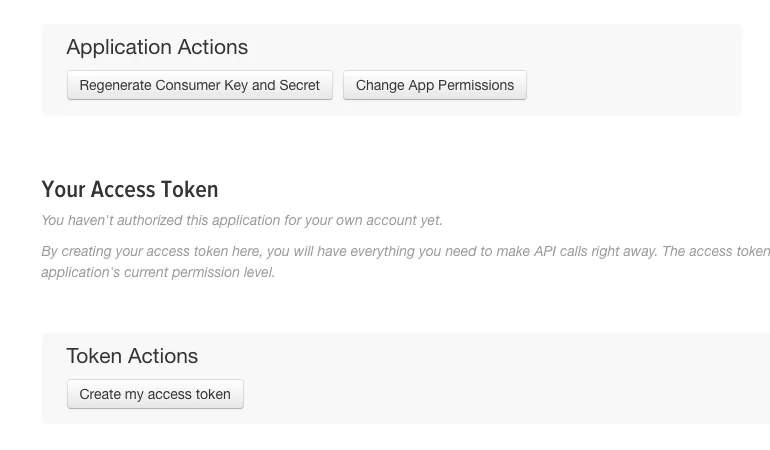
One of the biggest mistakes people make is assuming that if a token worked once, it should keep working until something obvious changes. That assumption creates fragile systems very quickly. Many APIs issue short-lived access tokens that are designed to expire regularly. If the workflow does not refresh them correctly, the automation will continue sending dead credentials until everything starts failing.
This gets even worse when the system caches old authentication state. A script may store a token in memory, a browser profile may keep an outdated session, or a scheduled job may reuse headers from an earlier request. That creates a situation where the workflow looks authenticated locally but is already invalid from the API’s point of view.
The stronger approach is treating authentication as something that must be actively maintained, not something you set once and forget. The system should know when the token was issued, when it expires, how to refresh it, and what to do when the refresh itself fails.
Why Header Mistakes Cause So Many False Authentication Failures
A surprising number of 401 errors come from small header mistakes rather than real credential problems. A missing space in the bearer format, the wrong capitalization in the header name, extra quotation marks around the token, or using the wrong environment variable can all cause the API to reject the request. The token may be correct, but if the header is malformed, the API still reads it as invalid.
This becomes much more common when multiple environments exist at the same time. For example, a workflow may use one token in development, another in staging, and another in production. If the automation accidentally loads the wrong secret, the request may still look normal while being completely unauthorized for that environment.
Another subtle problem is mixing account credentials. If the API token belongs to one workspace, region, or user but the request targets resources owned by another, the API may respond with 401 or a similar permission error because the credential does not belong in that context.
Why Refresh Logic Often Breaks Quietly
Many systems technically support token refresh, but the refresh flow itself is implemented badly. The workflow may fail to detect expiration properly, may refresh too late, may overwrite the new token with the old one, or may continue sending requests while the refresh is still in progress. That creates inconsistent behavior where some requests succeed and others fail with 401, making the problem look random when it is really just weak token management.
This is especially common in workflows that run in parallel. One process refreshes the token while another process is still using the older version. If the old token gets revoked immediately after refresh, part of the system starts failing even though the login technically succeeded. In larger automations, this kind of race condition can make authentication errors look much more mysterious than they really are.
Why Browser Sessions And API Sessions Can Drift Apart
In systems that mix browser automation with API calls, another major problem appears. The browser may still look logged in while the API session behind it is already invalid. That creates a confusing mismatch where the interface appears healthy, but the backend calls keep returning 401. People often assume the browser session proves authentication is still fine, but browser state and API state do not always expire on the same timeline.
Cookies can also create confusion. Some APIs depend on session cookies instead of bearer tokens, and those cookies may expire, rotate, or become tied to specific devices or login events. If the browser profile changes, the cookie store gets cleared, or a new session is created elsewhere, the old request flow may suddenly stop being authorized.
The System That Fixes 401 Errors More Reliably
The easiest way to fix recurring 401 problems is to make authentication state visible and explicit. The workflow should know exactly which credential it is using, when it was issued, when it expires, whether it belongs to the correct environment, and whether refresh logic completed successfully. Instead of assuming the credential is fine, the system should verify that assumption continuously.
It also helps to separate authentication failures from other errors. A request that fails because of invalid auth should not be retried blindly like a network timeout. If the workflow keeps resending the same bad token, it only creates noise and delays the real fix. The better approach is detecting 401 errors specifically, pausing the workflow, refreshing or replacing the credential, and only then trying again.
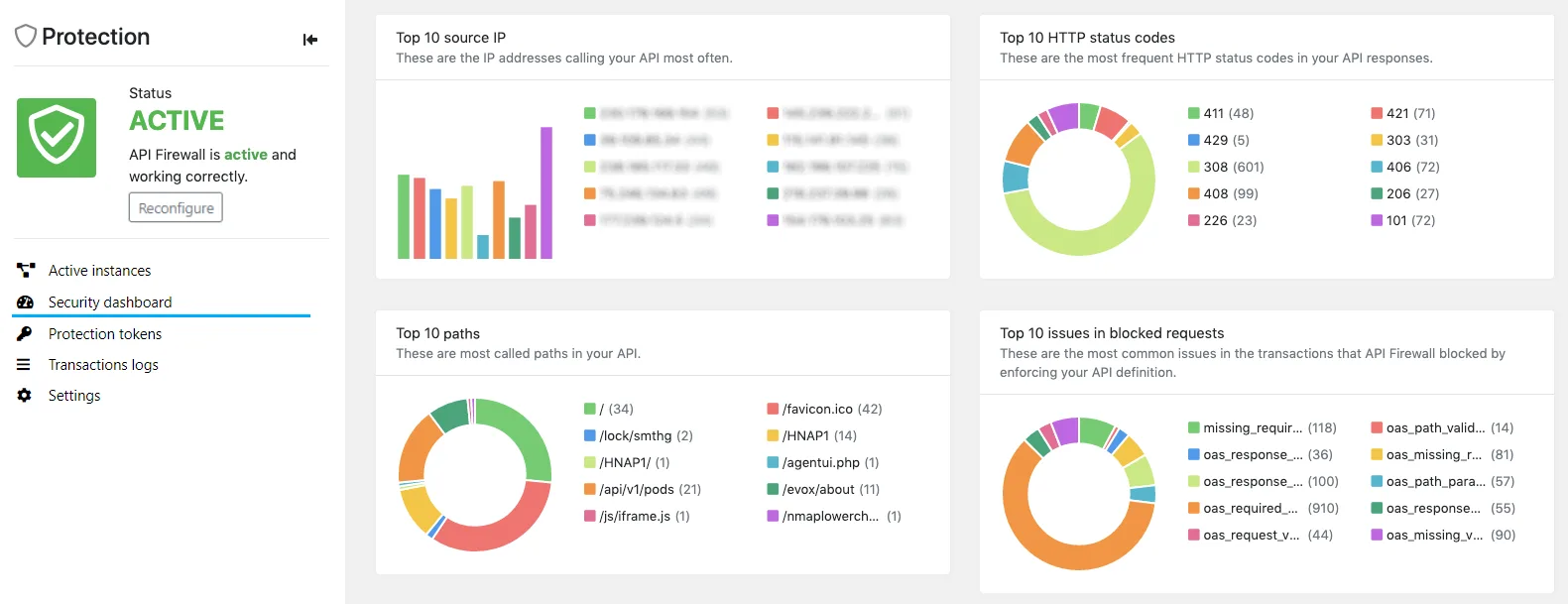
You also need strong logging around auth events. You should be able to see when the token was created, when it was refreshed, which process changed it, which headers were sent, and exactly when the 401 began. Without that visibility, authentication problems often look random even when they are completely explainable.
Why Centralization Makes Authentication Problems Easier To Diagnose
401 errors become much harder to debug when tokens, browser sessions, environment variables, account notes, scheduled jobs, and logs are spread across different systems. One tool may manage browser sessions, another may handle API secrets, another may schedule the workflow, and another may log failures. That makes it difficult to see whether the auth problem started from an expired token, a wrong header, a bad refresh cycle, or an environment mismatch.
This is one of the reasons Appilot becomes useful when operations start scaling. Instead of keeping browser workflows, Android automations, schedules, account actions, and task history spread across separate systems, everything can stay visible from one dashboard. That makes it easier to spot where authentication breaks, compare workflow state across accounts, and identify whether the problem came from token expiry, session drift, or configuration mistakes.
Conclusion: 401 Errors Usually Mean The API Stopped Trusting Your Credential, Not That The Entire Workflow Is Broken
If your API calls keep returning 401 Unauthorized, the issue is usually not that the endpoint itself suddenly stopped working. The problem is that the credential being sent is expired, malformed, missing, attached incorrectly, or out of sync with the environment or session it is supposed to belong to.
Once you make token lifecycles explicit, improve refresh handling, validate headers properly, separate auth failures from normal retries, and keep better visibility over credentials across the whole system, 401 errors become much easier to fix and much less likely to keep coming back.