Why Your Facebook Accounts Get Locked After 24 Hours

You create a Facebook account, set up the profile, maybe join a few groups, add friends, or connect it to a Business Manager.
Everything seems normal at first.
Then within 24 hours, the account gets locked.
Sometimes Facebook asks for a selfie. Sometimes it asks for ID verification. Other times the account is simply disabled without a clear explanation.
For many people, this keeps happening repeatedly.
You create one account and it gets locked. You create another one and the same thing happens again.
The frustrating part is that Facebook rarely explains exactly what caused the lock.
You are left guessing whether the issue came from the IP address, browser setup, account behavior, device fingerprint, proxy, Business Manager connection, or something else entirely.
The good news is that most Facebook account locks can be prevented.
Once you understand what Facebook is actually tracking, you can build safer account environments, reduce suspicious signals, and keep accounts active much longer.
In this guide, you will learn why Facebook accounts get locked so quickly, what the most common mistakes are, how to recover safely, and how to prevent future account locks.
Time to stabilize: Usually between 2 and 7 days depending on the severity of the restriction. Success rate: High if suspicious behavior stops early. Cost: Usually low if you already have the right browser, proxy, and account setup.
Why Facebook Locks New Accounts So Quickly
Facebook locks accounts when it believes the account may not be genuine or when it sees too many suspicious signals at the same time.
The platform tracks browser fingerprints, device fingerprints, cookies, IP addresses, login locations, typing speed, browsing patterns, friend request activity, account age, Business Manager behavior, and how accounts are connected.
If too many of these signals look unusual, Facebook may lock the account for review.
One of the biggest reasons this happens is because the account moves too fast.
Brand new accounts that start sending many friend requests, joining lots of groups, creating pages, connecting to Business Managers, running ads, or messaging many users immediately often get flagged.
Facebook expects new accounts to behave slowly and naturally.
Another common issue is unstable browser environments.
If multiple Facebook accounts are created from the same browser profile, same cookies, same IP address, or same device fingerprint, Facebook can connect them together.
If one account gets locked, the others may get restricted too.
This is exactly why I built Appilot. The goal was to create safer browser environments, better account separation, and more natural behavior patterns instead of repeatedly triggering Facebook security systems.
The Most Common Reasons Facebook Accounts Get Locked
One major reason is aggressive activity on new accounts.
If a new account starts sending large numbers of friend requests, joining many groups, posting heavily, or creating too many pages too quickly, Facebook may see that as suspicious.
Another common issue is changing login locations too often.
If an account logs in from Pakistan in the morning, Germany in the afternoon, and the United States at night, Facebook may think the account was compromised.
Poor proxy quality is another major problem.
Cheap VPNs, shared proxies, and constantly changing IP addresses can create risk very quickly.
Facebook also looks at account quality.
If the account has no profile picture, no real posts, no friends, and no normal browsing behavior, it may look fake.
Using the same phone number across too many Facebook accounts can also create problems.
If one account tied to that number gets restricted, the others may get flagged too.
Warning Signs Before Facebook Locks an Account
In many cases, Facebook gives warning signs before a full lock happens.
You may see repeated login challenges, phone verification requests, identity verification requests, friend request blocks, unusual activity warnings, or more frequent password resets.
Some people also notice slower page approvals, Business Manager restrictions, repeated ad review issues, or reduced reach before the account gets fully locked.
These are often signs that Facebook is starting to lose trust in the account.
The earlier you react, the easier it is to avoid a full lock.
How to Recover a Locked Facebook Account
Step 1: Stop Creating More Accounts
One of the biggest mistakes people make is creating more Facebook accounts immediately after one gets locked.
If the underlying setup is still broken, the new accounts will get locked too.
The first step is fixing the environment.
Step 2: Slow Down Account Activity
If the account is new, reduce activity for a few days.
Do not send many friend requests, join too many groups, post heavily, or connect the account to many assets immediately.
The goal is to make the account look calmer and more natural.
Step 3: Keep the Login Environment Stable
Use the same browser, same device, same IP address, and same location whenever possible.
Facebook is much more likely to trust an account that behaves consistently.
Switching between multiple browsers, proxies, devices, and countries creates more suspicious signals.
Step 4: Improve Account Quality
Add a profile picture, create a few normal posts, add some real friends, and interact with content naturally.
Accounts that look empty or incomplete are much more likely to get locked.
Step 5: Separate Accounts Properly
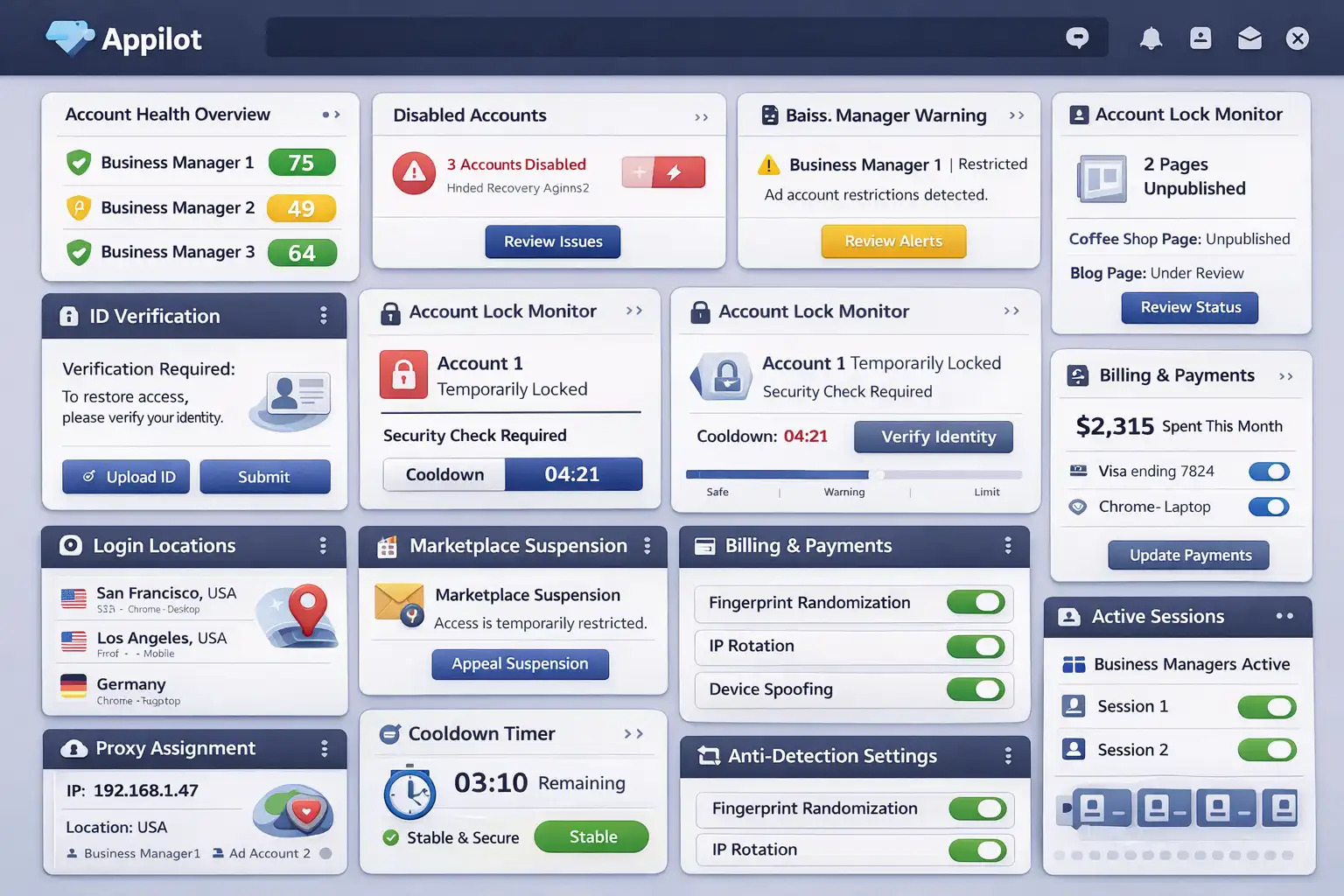
If you manage multiple Facebook accounts, each one should have its own browser profile, cookies, proxy, device fingerprint, and session history.
This makes every account appear more independent.
If one account gets restricted, the others are less likely to be affected.
Appilot is useful here because it helps create safer browser environments and more stable account separation instead of connecting everything together in one place.
Step 6: Warm New Accounts Slowly
Brand new accounts should be warmed slowly over one to two weeks.
Start with small actions such as adding a profile picture, watching videos, liking a few posts, adding a few friends, and joining one or two groups.
Gradually increase activity over time.
The slower and more natural the account looks, the safer it becomes.
How to Prevent Facebook Account Locks in the Future
The best way to avoid future locks is creating a more stable account environment.
Use high-quality residential proxies instead of cheap VPNs. Keep login locations consistent. Separate accounts properly with different browser profiles and device fingerprints.
Avoid scaling too quickly on new accounts.
Do not send large numbers of friend requests, create too many assets immediately, or connect the account to many Business Managers too quickly.
Focus on making the account look like a normal user first.
The more real and stable the account looks, the easier it becomes to avoid future restrictions.
Common Mistakes That Make Account Locks Worse
One major mistake is constantly retrying logins after an account gets locked.
Another mistake is changing passwords, browsers, proxies, and devices repeatedly.
People also make the mistake of creating multiple accounts from the same browser profile or using the same phone number across many accounts.
Another common mistake is creating empty accounts that have no friends, no posts, and no normal activity.
If the account does not look real, Facebook is much more likely to restrict it.
Frequently Asked Questions
Q1: Why does Facebook keep locking my new accounts?
Facebook usually locks new accounts when they move too quickly, look fake, or share suspicious browser and IP signals.
Q2: How long does a Facebook account lock last?
Most temporary locks last between a few hours and 7 days. More serious restrictions may take longer.
Q3: Do proxies help keep Facebook accounts safe?
Yes. High-quality residential proxies can help if they are used consistently.
Q4: Can multiple Facebook accounts use the same browser profile?
It is much safer to separate every account with its own browser profile and cookies.
Q5: Does Appilot help reduce Facebook account lock risk?
Appilot helps create safer browser environments, account separation, and more stable login behavior.
Conclusion
Facebook accounts usually get locked after 24 hours because they move too quickly, look suspicious, or share unstable browser and IP signals.
The safest approach is slowing down, separating accounts properly, improving account quality, and creating more natural behavior patterns.
The goal is not to scale as fast as possible.
The goal is to build long-term trust so accounts can stay active and stable over time.