Why Your Scheduled Tasks Run at Wrong Times

The Schedule Looks Correct But The Task Runs At The Wrong Time
One of the most confusing problems in automation is when the schedule looks completely correct but the task still runs at the wrong time. You may schedule a post for 9 AM, a browser task for 2 PM, or an outreach workflow for 6 PM, then later discover that it ran hours too early, hours too late, or even on the wrong day.
That becomes especially frustrating when you are managing multiple accounts, multiple countries, or multiple time zones because one mistake in timing can affect dozens of workflows at once. A task that runs at the wrong time can hurt engagement, create suspicious behavior, miss a deadline, or send messages while the audience is asleep.
The issue is usually not that the schedule itself is completely wrong. The problem is that time-related automation has more moving parts than most people realize.
Why Time Zone Confusion Causes So Many Problems
One of the biggest reasons scheduled tasks run at the wrong time is because the system is using the wrong time zone. You may think the task is scheduled for your local time, but the automation platform may be using UTC, server time, browser time, proxy time, or the time zone connected to the account itself.
That creates a lot of confusion.
For example, you may schedule something for 9 AM in Pakistan, but the server may be interpreting that as 9 AM UTC. That can shift the task by several hours. If you are running browser profiles from different countries, the browser time zone may not match the account location, which can create even more inconsistencies.
This becomes even worse when you are managing global audiences because the same workflow may need to run at different local times for different accounts.
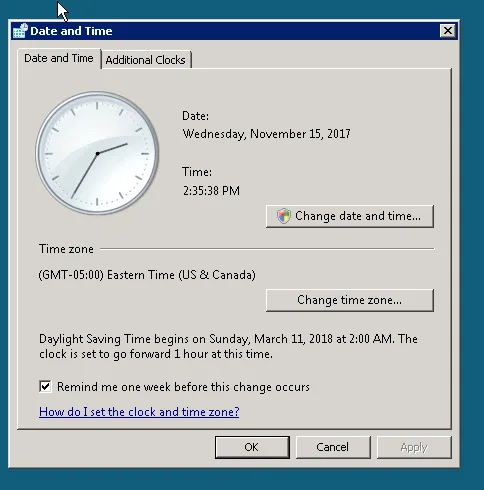
The Biggest Mistake: Assuming Every Tool Uses The Same Clock
One of the biggest reasons task timing breaks is because people assume every tool is using the same time source. In reality, different systems may all use different clocks.
Your operating system may use one time zone. The browser profile may use another. The server may use UTC. The automation platform may use a different regional setting. The proxy may place the account in another country entirely.
That means a task that appears correct in one place may be interpreted differently somewhere else.
For example, an account running through a proxy in the United States may behave differently from an account using a proxy in Germany, even if both tasks were scheduled at the same time inside the dashboard.
The stronger approach is making sure every layer of the system is aligned. The operating system, browser profile, proxy region, server, and automation platform should all match the expected account location and schedule.
Why Daylight Saving Time Creates Hidden Problems
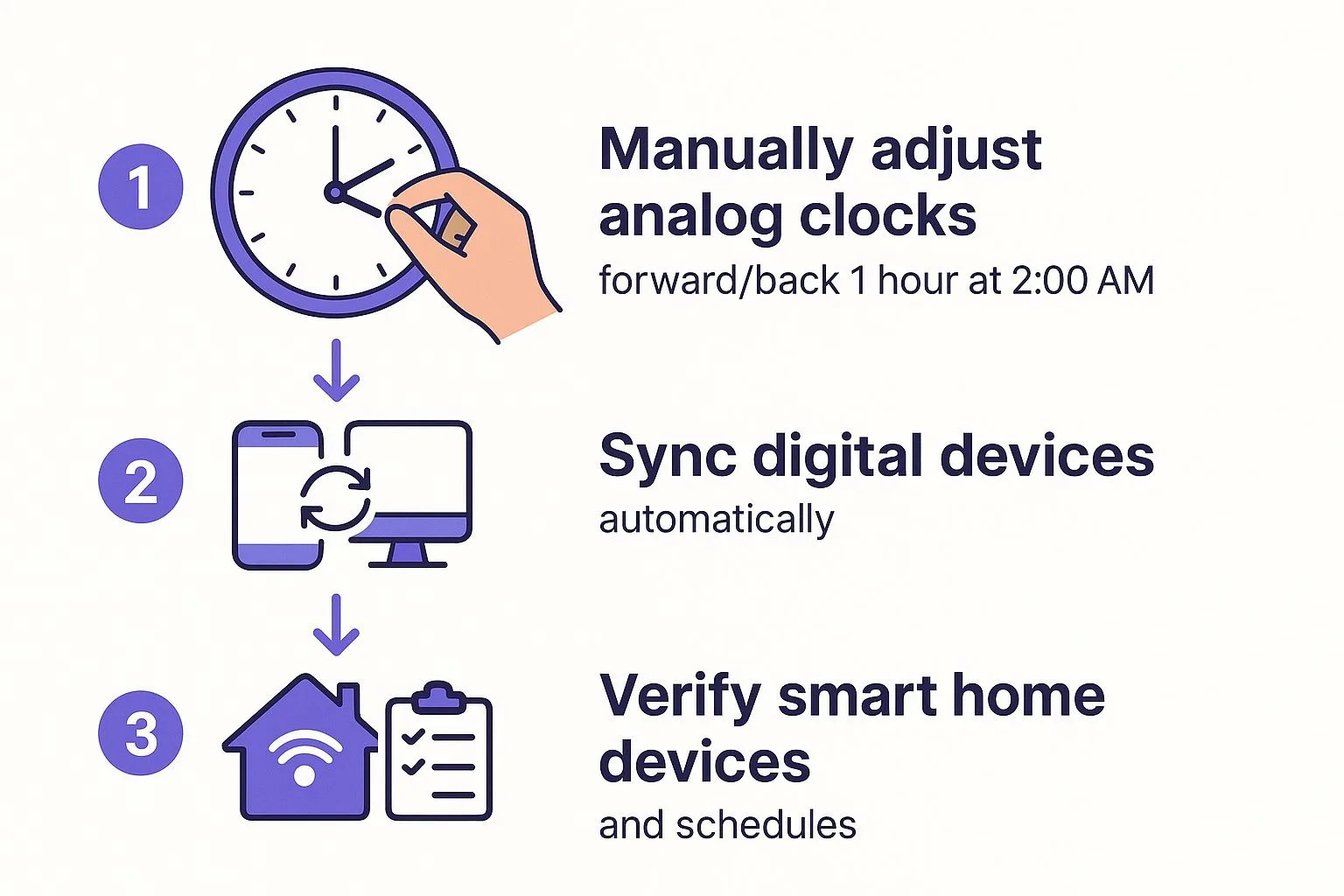
Daylight saving time is another major reason scheduled tasks suddenly start running at the wrong hour. A workflow may run perfectly for months, then suddenly shift by one hour because the country connected to the account changed its clocks.
This problem is very common in countries like the United States, Canada, the United Kingdom, and parts of Europe.
If your automation system does not automatically adjust for daylight saving changes, tasks may suddenly start running too early or too late without any obvious explanation.
That creates major problems for content schedules, outreach timing, browser tasks, and reporting because the workflows no longer match the audience's real-world time.
Why Delays And Queue Systems Can Shift Timing
Another common reason scheduled tasks run at the wrong time is because the system is overloaded. A workflow may be scheduled correctly, but if too many tasks are queued at once, some tasks may start late.
This often happens when running large numbers of browser profiles, Android devices, or scheduled tasks at the same time.
For example, if fifty browser profiles all launch at 9 AM, some of them may not actually start until 9:05 or 9:10 because the system is still processing the earlier accounts.
That may not seem like a big delay, but it can become a serious problem when timing matters.
The easiest way to reduce this issue is by staggering tasks slightly instead of scheduling everything for the exact same minute.
Why Centralization Makes This Easier
Timing problems become much harder to diagnose when schedules, browser profiles, proxies, Android devices, account notes, and logs are spread across different systems. You may have one tool for scheduling, another for browser automation, another for proxies, and another for reporting. That makes it difficult to see which time zone each account is using and why certain tasks are running late.
This is one of the reasons Appilot becomes useful when scheduled workflows start scaling. Instead of keeping browser profiles, Android workflows, schedules, proxy notes, account locations, and task history spread across multiple systems, everything can stay visible from one dashboard. That makes it easier to align time zones, spot timing conflicts, monitor delays, and keep tasks running when they are actually supposed to run.
Conclusion: Scheduled Tasks Fail When The System Uses Different Clocks
If your scheduled tasks keep running at the wrong times, the issue is usually not that the schedule itself is broken. The problem is that the browser, proxy, server, operating system, and automation platform may all be using different time settings.
Once you align every part of the system, account for daylight saving time, reduce queue delays, and monitor timing across all accounts, it becomes much easier to keep tasks running exactly when expected. That is what allows you to scale scheduling without constantly worrying about posts, messages, and workflows going out at the wrong time.