Why Your Webhook Integration Stopped Receiving Data
Everything Was Working Until The Data Suddenly Stopped
One of the most frustrating problems in automation is when a webhook integration works perfectly for days, weeks, or even months, and then suddenly no new data arrives. The workflow on the sending side still looks active, the events are still happening, and the system that depends on those events is waiting as if nothing changed. But the payloads never show up. The integration that used to feel instant now feels dead.
This is especially painful because webhook failures often create silent problems. A scheduled API failure usually throws obvious errors. A broken browser script often crashes visibly. But a webhook can stop delivering data while the rest of the system still looks healthy on the surface. Orders stop syncing, leads stop entering the CRM, reports stop updating, account actions stop triggering, and entire automation chains quietly stall because the event that was supposed to start them never arrives.
The important thing to understand is that webhook failures are rarely random. In most cases, the sending system is still producing events. The real problem is that the event is no longer being delivered, accepted, or processed successfully.
Why Webhook Integrations Stop Working
Most webhook problems happen because something changed in one of three places. Either the sender stopped delivering, the receiver stopped accepting, or the payload is arriving but failing somewhere after delivery. The hard part is that all three situations feel the same at first because from your point of view the data simply stopped appearing.
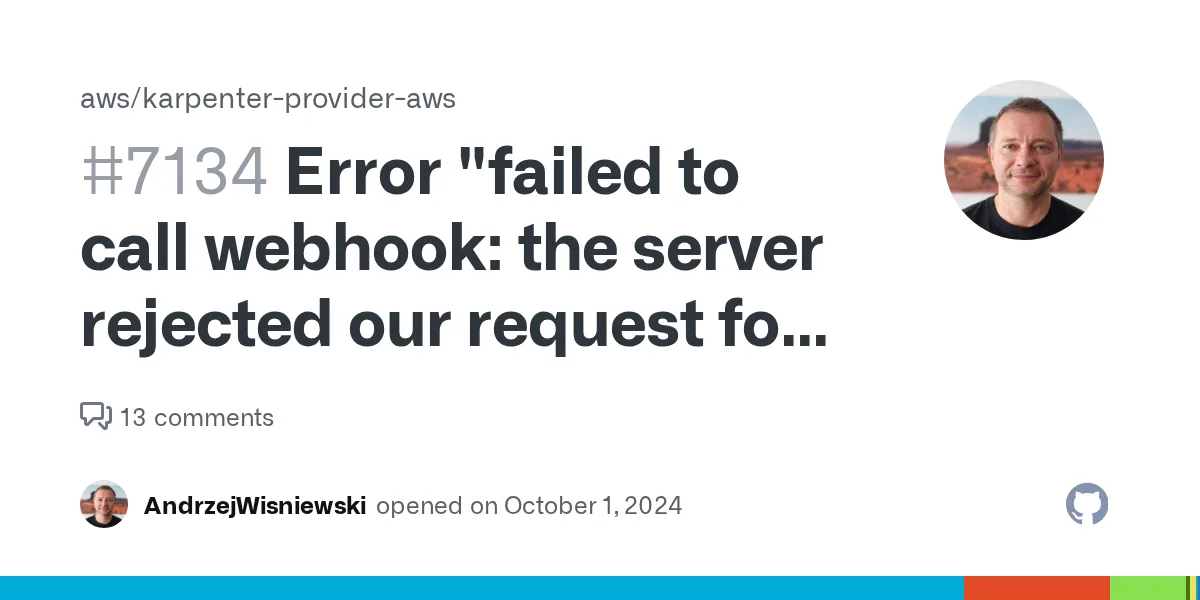
One common cause is endpoint failure. If the receiving URL starts returning errors, times out, redirects unexpectedly, or becomes temporarily unavailable, the sending platform may stop delivering events or may retry only for a limited time before giving up. Another common issue is authentication drift. The webhook may still be reaching the endpoint, but a signature check, secret token, auth header, or validation rule may no longer match what the receiver expects. In those cases the payload is not really missing. It is being rejected.
There are also cases where the webhook URL itself changed without the workflow being updated properly. A domain may have moved, SSL may have expired, firewall rules may have changed, or the receiving service may now require stricter headers or HTTPS handling. None of those changes require your event logic to break, but all of them can stop delivery instantly.
The Biggest Mistake: Assuming No Data Means No Event Happened
One of the biggest mistakes people make with broken webhooks is assuming that the sending system must have stopped generating events. That feels logical because the receiving side is empty. But in many cases the event is still being created exactly as before. The problem is that the event is now getting lost between the sender and the receiver.
This distinction matters because it completely changes how you debug the problem. If the event was never generated, you need to inspect the source workflow. If the event was generated but not delivered, you need to inspect transport and endpoint behavior. If the event was delivered but failed during processing, then the webhook itself may be healthy and the real problem is deeper in your internal handling logic.
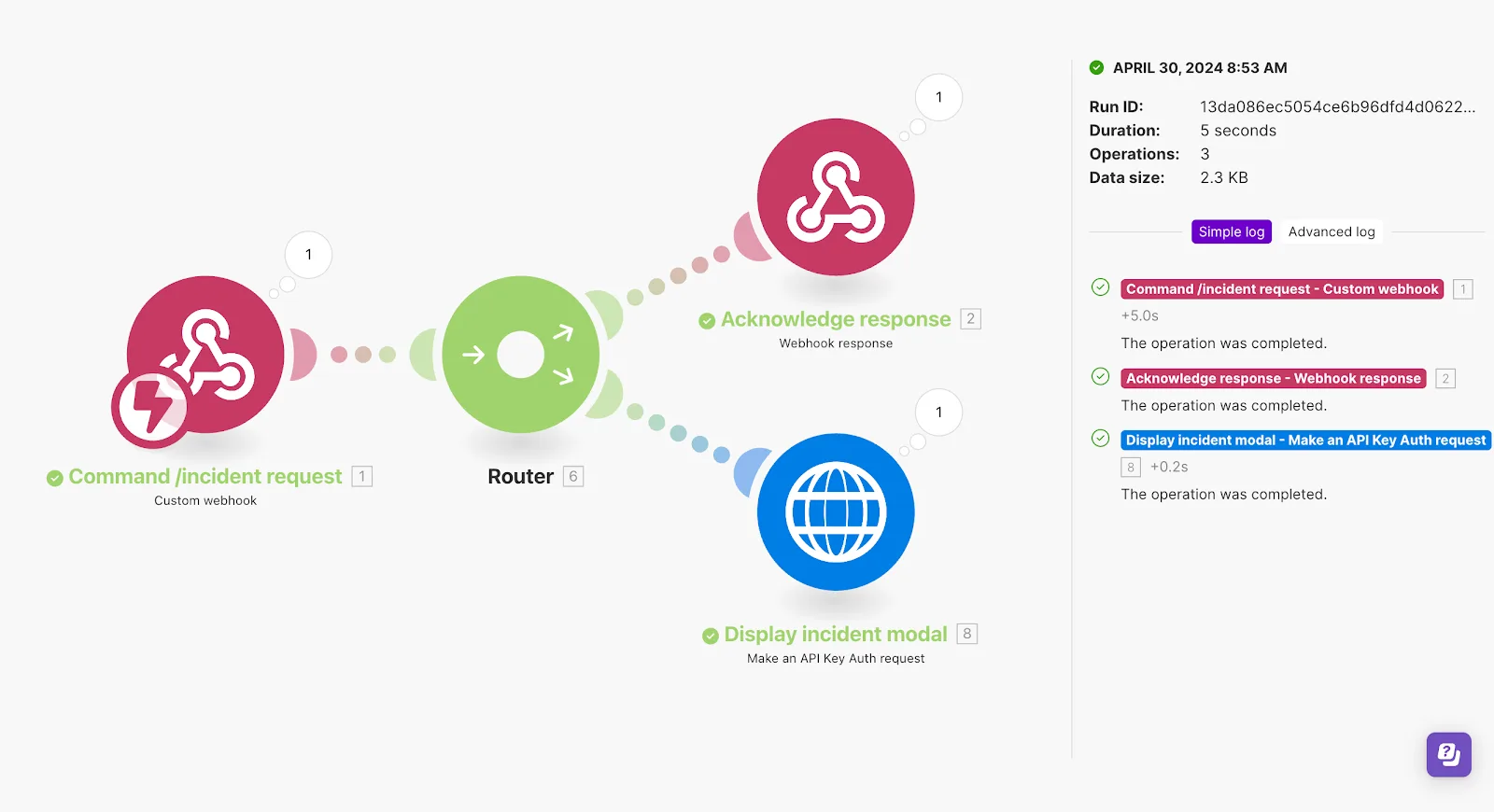
That is why the first goal should always be finding out where the data stopped. Did the sender emit the event? Did the sender attempt delivery? Did the endpoint return a response? Did the payload get parsed? Did the downstream automation accept it? Once you know which layer failed, the problem usually becomes much easier to fix.
Why Endpoint Changes Break Webhooks Quietly
Webhook systems are surprisingly sensitive to small endpoint changes. A receiving server that used to return a fast 200 response may now respond too slowly. A route that used to accept POST requests may now redirect. A load balancer may introduce new rules. A framework update may alter body parsing. An SSL certificate may expire. A security layer may start blocking requests from unfamiliar origins or IP ranges.
These changes often go unnoticed because the endpoint still looks alive in normal browser testing. You can open the site, see a page load, and assume the webhook URL should still work. But webhook delivery depends on much stricter conditions than a normal page visit. The sender needs a stable URL, the correct method, the right certificate chain, acceptable response timing, and a success status code. If any of those change, delivery can stop even though the server looks fine from the outside.
Why Timeouts And Slow Responses Cause Hidden Failures
A lot of webhooks fail not because the receiving system is completely down, but because it is too slow. Some receiving endpoints try to do too much work before sending a response. Instead of accepting the webhook quickly and processing it afterward, they validate the payload, query multiple services, write data, trigger other tasks, and only then try to return success. If that takes too long, the sending platform may treat the delivery as failed.
This creates a confusing situation because the receiver may actually process some of the data eventually while the sender marks the attempt as unsuccessful and retries again. That can cause duplicate events, inconsistent state, or missing data depending on how the receiving system is built.
The stronger approach is keeping webhook reception as lightweight as possible. Accept the event quickly, return success fast, and move heavier logic into background processing. That way the sender gets the confirmation it needs, and the receiving system has more room to handle the actual work without breaking delivery reliability.
Why Payload Validation Breaks Working Integrations
Sometimes the webhook is still reaching the endpoint, but the receiving system has become stricter than before. Maybe the sender added a new field, removed an old one, changed the content type, updated the signature format, or modified the JSON structure. If your parser or validator expects the old shape exactly, it may start rejecting perfectly valid new events.
This is one of the biggest reasons integrations break “without changing anything” on your side. The sender changed what it sends, and your system was built too rigidly to tolerate evolution. In these cases the webhook transport is healthy. The contract between sender and receiver is what broke.
That is why good webhook handlers should validate what truly matters without becoming brittle around every optional field or formatting difference. A rigid handler may feel safe at first, but it usually creates more breakage over time.
The System That Makes Webhooks Reliable Again
The easiest way to make webhook integrations more reliable is to separate receiving from processing. The endpoint should accept the event fast, log the raw payload, confirm receipt, and then let internal workflows process the event afterward. This creates a clean point of truth. Even if downstream automation fails, you still know the webhook arrived.
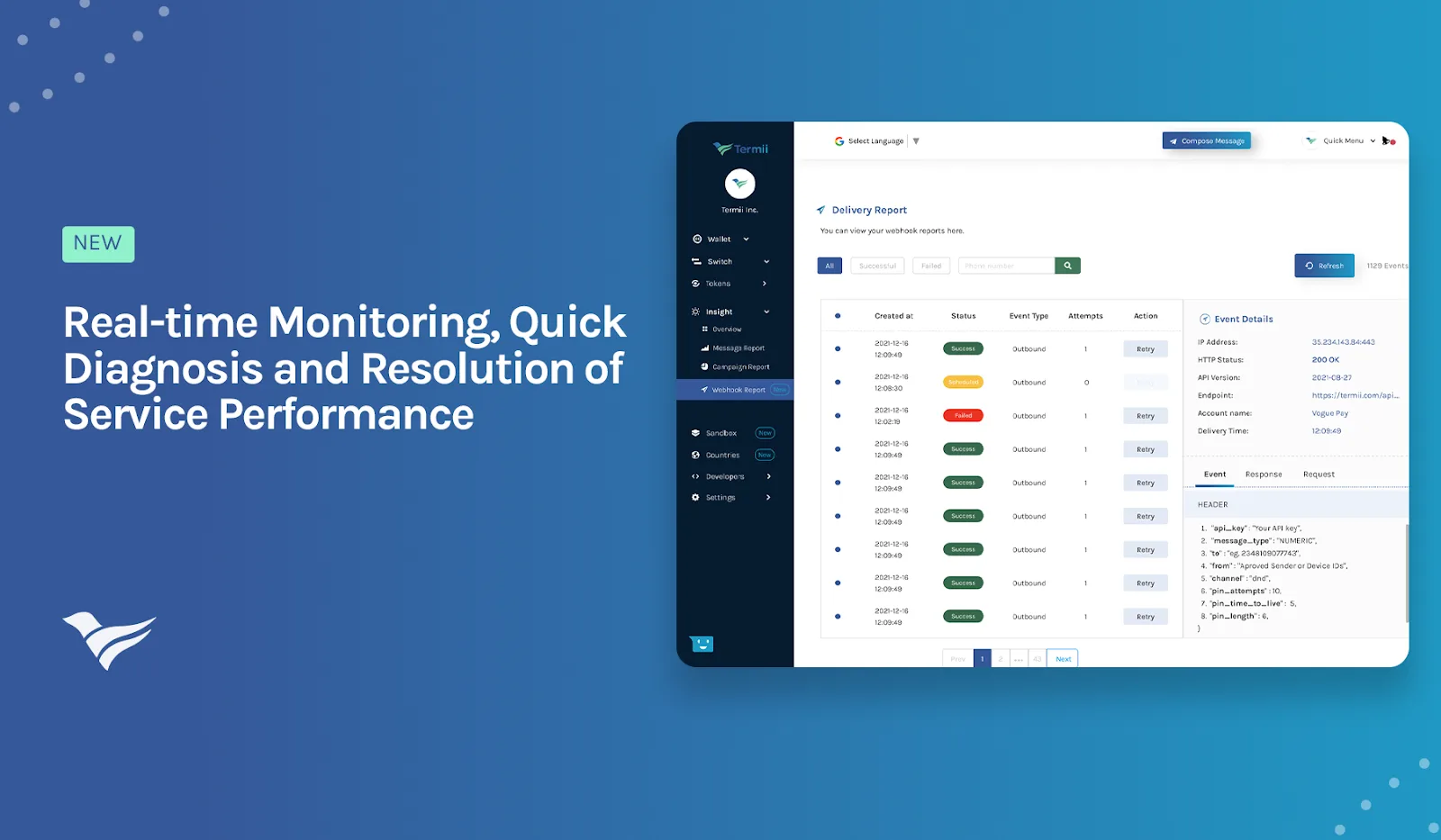
It also helps to keep detailed delivery logs on both sides whenever possible. You should know when the sender created the event, when it attempted delivery, what response code came back, how long the request took, and whether your system accepted or rejected the payload. Without this visibility, webhook issues feel random. With it, they usually reduce to one specific failure point.
Another important step is making the receiver more defensive. It should handle retries safely, reject only when necessary, tolerate minor payload evolution, and expose clear errors when authentication or parsing fails. A webhook system becomes much easier to trust when it is designed to survive small changes instead of collapsing on the first unexpected variation.
Why Centralization Makes This Easier
Webhook failures become much harder to diagnose when browser workflows, backend automations, schedules, logs, account actions, and receiving endpoints are spread across different systems. One tool may be generating the event, another may receive it, another may process it, and another may log only part of the failure. That makes it difficult to see whether the breakdown happened at delivery, validation, or downstream execution.
This is one of the reasons Appilot becomes useful when operations start scaling. Instead of keeping browser workflows, Android automations, schedules, task history, account actions, and processing logic scattered across separate systems, everything can stay visible from one dashboard. That makes it easier to trace where event-driven workflows stopped, compare affected automations, and identify whether the real issue came from webhook delivery, endpoint handling, or later task execution.
Conclusion: Webhooks Usually Stop “Receiving Data” Because The Event Is Breaking Somewhere In Transit Or Acceptance
If your webhook integration stopped receiving data, the issue is usually not that the entire automation suddenly became useless. The problem is that the event is no longer being delivered cleanly, accepted correctly, or processed reliably after arrival.
Once you separate reception from processing, improve endpoint reliability, return responses faster, log delivery attempts properly, and make the receiver more tolerant of small changes, webhook integrations become much easier to trust. That is what allows event-driven automation to stay stable instead of silently breaking the moment one small part of the delivery chain changes.