Why You’re Working Harder After Automating (And How to Fix It)
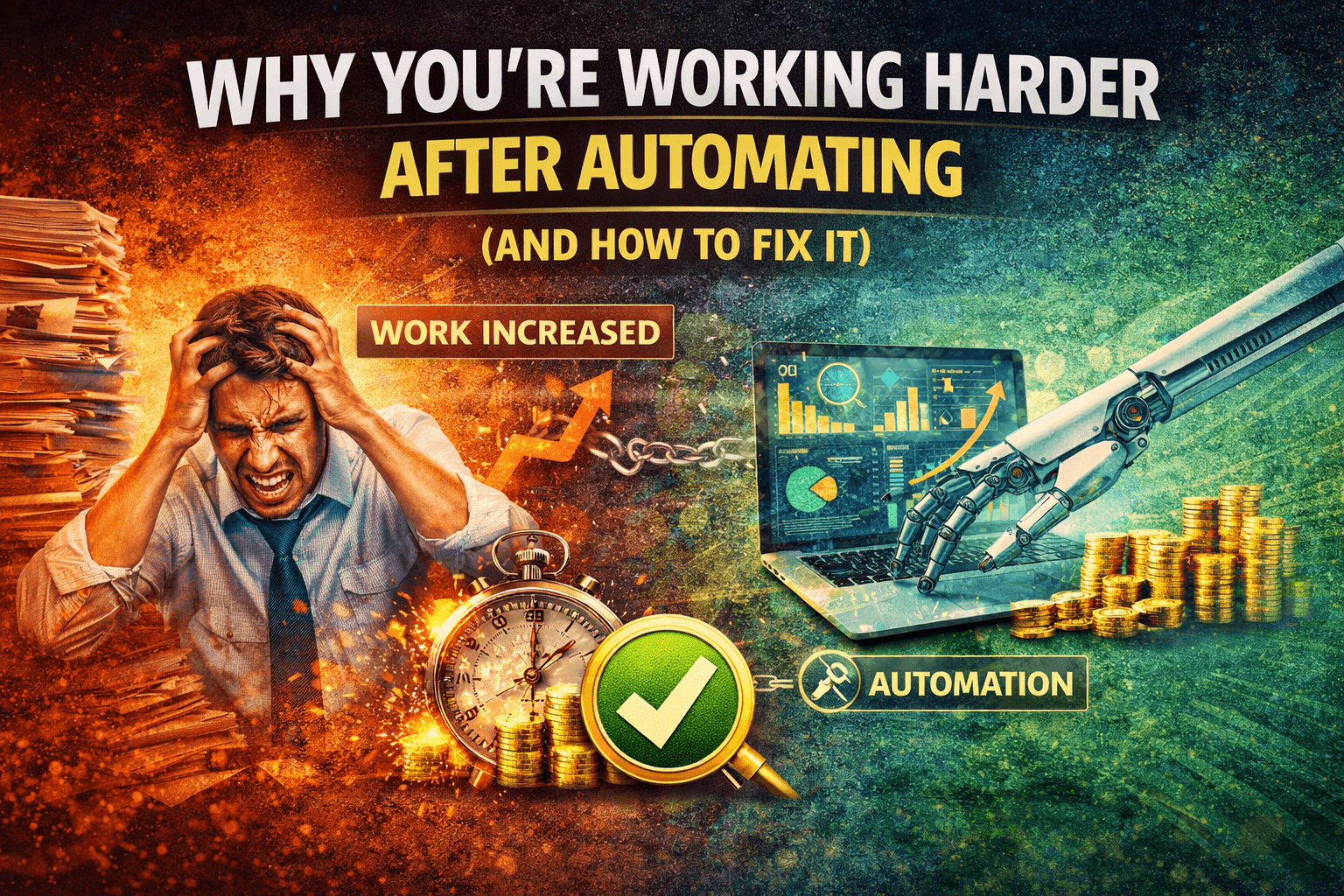
You Automated to Reduce Work… But Somehow You’re Busier
You did everything right on paper. You identified repetitive tasks, implemented automation, connected tools, and built workflows that should run without you.
And yet, your workload didn’t go down.
Instead, it changed.
You are now checking dashboards, fixing broken steps, updating integrations, and handling edge cases that automation didn’t anticipate. The manual work is gone, but a new kind of work has taken its place.
This is where automation becomes frustrating. It promised freedom, but delivered maintenance.
This is not a failure of automation itself. It is a sign that the system behind it is too complex.
Why Automation Is Making You Work More
The problem usually starts with how automation is built.
The first issue is fragmentation. When automation is spread across multiple tools, you spend time managing connections instead of benefiting from them.
The second issue is overengineering. Workflows are designed to handle every possible scenario, which makes them harder to maintain.
The third issue is instability. When execution environments vary, automation behaves inconsistently, requiring constant monitoring.
The fourth issue is exception overload. Every time something unexpected happens, you are pulled back into the process, which defeats the purpose of automation.
The Hidden Cost of “Working Through Automation”
When automation increases workload, it creates a different kind of inefficiency.
You spend time maintaining systems instead of completing tasks directly. Monitoring, debugging, and updating workflows become part of your daily routine.
There is also a mental load. Keeping track of how different tools interact reduces focus and slows down decision-making.
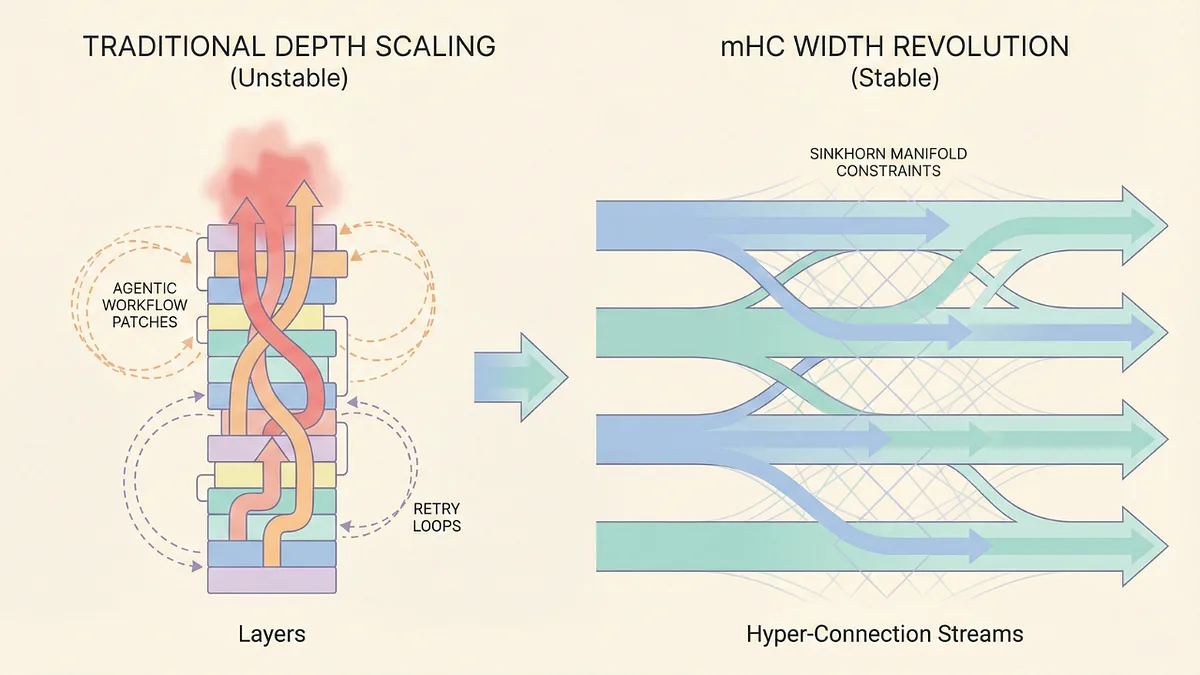
From a scaling perspective, this becomes a major bottleneck. Instead of reducing effort, automation adds layers that grow with your system.
The biggest issue is that you are not actually saving time, you are redistributing effort.
The Real Problem: You Built Automation Around Tools, Not Around Work
The core issue is not automation itself, but how it is structured.
Most setups automate individual tasks using different tools, but the overall workflow remains fragmented. This creates a system where everything depends on multiple moving parts working together perfectly.
When one part fails, the entire system needs attention.
What you need is not more automation, but a system that simplifies execution.
The Complete Fix: Simplify, Centralize, and Stabilize
The only way to make automation actually reduce work is to remove unnecessary complexity.
The first step is simplifying workflows. You focus on core processes instead of trying to automate every edge case.
The second step is reducing tool fragmentation. Fewer tools mean fewer integrations and fewer points of failure.
The third step is stabilizing execution. When workflows run in consistent environments, they require less monitoring and fewer fixes.
This is where most teams struggle, because maintaining consistent execution across multiple tools and environments is difficult.
This is also where tools like Appilot become relevant.
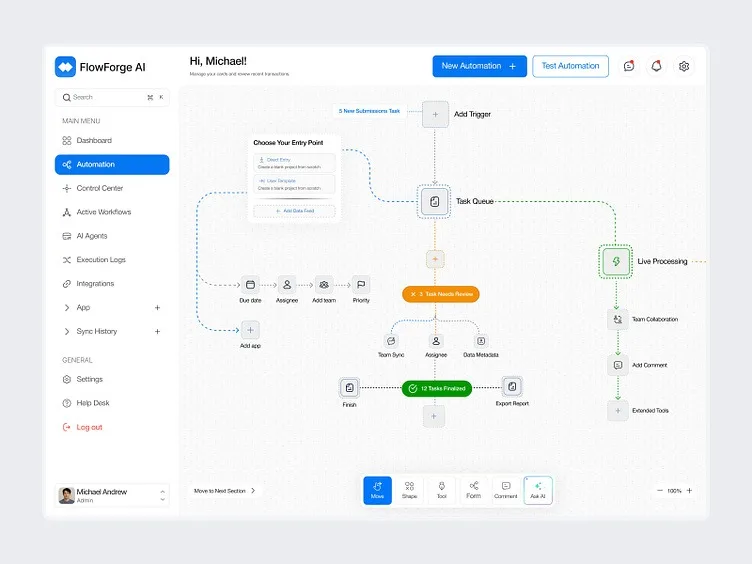
Instead of running automation across scattered platforms, Appilot allows workflows to execute on real devices within a centralized system, which reduces fragmentation and improves consistency.
You could attempt to simplify your stack manually, but maintaining that simplicity becomes harder as you scale. Appilot simplifies this by acting as a unified execution layer that reduces maintenance overhead.
The key shift is moving from complex automation to structured systems.
Why Simpler Systems Actually Reduce Work
Once automation is simplified, the benefits finally appear.
You spend less time managing tools because there are fewer dependencies.
Workflows become predictable, reducing the need for constant monitoring.
Exceptions decrease because the system is more stable.
Most importantly, your time is freed up for higher-value work instead of system maintenance.
How to Keep Automation From Becoming a Burden Again
Fixing your system once is not enough. You need to maintain simplicity as you grow.
You ensure that new automation is only added when it clearly reduces workload.
You regularly review workflows to identify unnecessary complexity.
You focus on outcomes instead of features, ensuring that automation serves your goals.
Common Mistakes That Make This Worse
One of the most common mistakes is adding more tools to fix problems created by existing automation.
Another mistake is overengineering workflows, which increases maintenance without improving results.
Some teams ignore the cost of managing automation, focusing only on what it replaces.
The most critical mistake is assuming that automation automatically reduces work.
Conclusion: Automation Should Remove Work, Not Replace It
If you are working harder after automating, it is not because automation doesn’t work, it is because your system is too complex.
Once you simplify workflows, reduce fragmentation, and stabilize execution, automation begins to deliver the time savings it promised.
You can continue adding tools and building complex systems, but your workload will grow with them.
At some point, you either design automation to reduce work or accept that it will become another layer of it.
That is where platforms like Appilot fit in, not as another automation tool, but as a way to simplify execution, reduce complexity, and ensure that automation actually makes your work easier instead of harder.