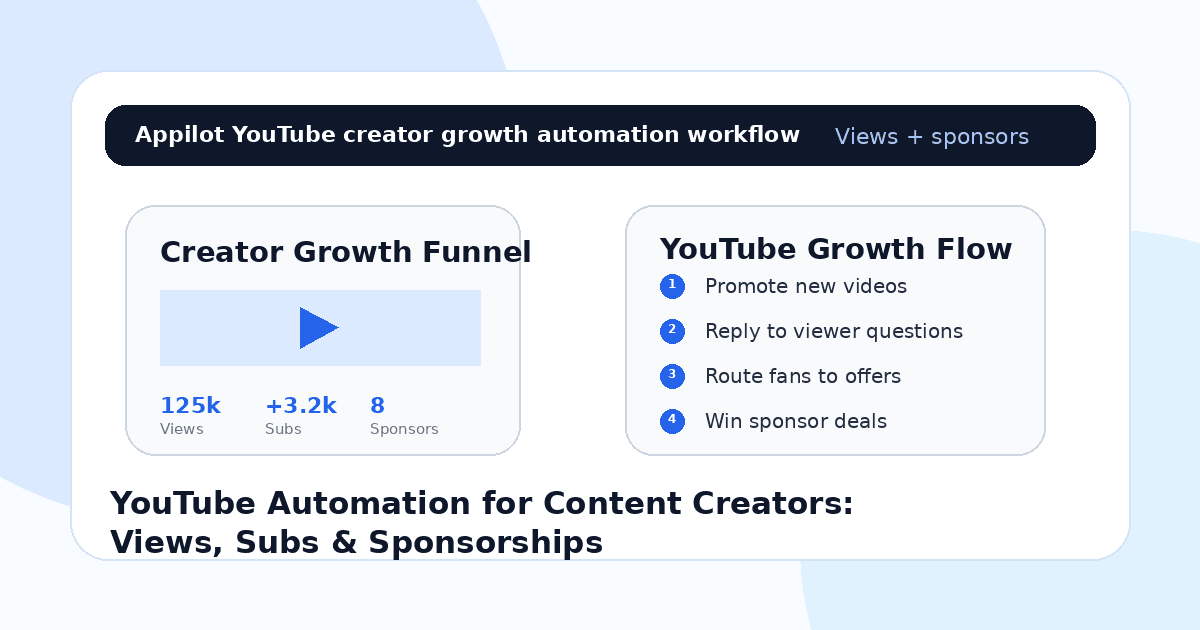
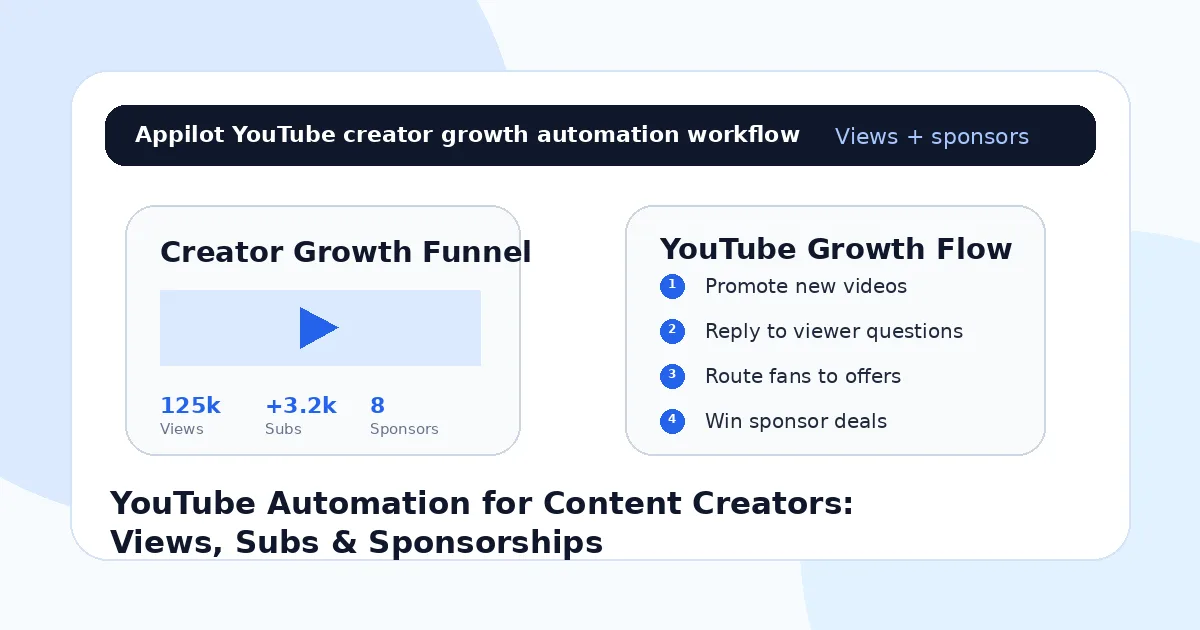
YouTube Automation for Content Creators: Views, Subs & Sponsorships
You publish a new YouTube video. The thumbnail is strong, the title is clear, the edit is clean, and the video delivers value.
A few subscribers watch. Someone comments with a question. Another viewer asks where they can find the product, template, guide, or tool you mentioned. A brand reaches out in DMs asking for your media kit, but the message gets buried under notifications.
Then the upload momentum slows down.
That is the challenge for content creators on YouTube. Views, subscribers, and sponsorships do not grow from uploading alone. They grow from a full system of video promotion, short-form clips, comment replies, social distribution, audience routing, and brand-deal organization.
YouTube automation helps creators manage the repeatable parts of that system without manually handling every comment, DM, link request, and promotional step all day.
The goal is not to fake views or subscribers. The goal is to help real content reach more viewers, turn viewers into loyal subscribers, and make sponsorship opportunities easier to manage.
Why YouTube Creators Need Automation
YouTube rewards consistent content, but creators do much more than upload videos.
They plan topics, write scripts, record, edit, design thumbnails, post Shorts, promote on other platforms, reply to comments, manage communities, handle brand deals, track analytics, and build monetization systems.
That is a lot for one creator or small team.
A strong video can lose momentum if it is not promoted properly. A viewer question can turn into a subscriber if answered quickly. A sponsor inquiry can become a paid deal if routed to the right media kit. A short clip can bring viewers back to the full video if the workflow is clear.
Automation helps creators keep those small growth actions moving consistently.
What YouTube Automation Means for Content Creators
YouTube automation should not mean fake views, fake subscribers, spam comments, or artificial engagement. Those tactics can damage trust and weaken long-term channel growth.
A better meaning is automating the support workflow around YouTube growth.
That includes promoting videos across Instagram, TikTok, Twitter/X, LinkedIn, Reddit, Discord, and other platforms, replying to repeated viewer questions, routing viewers to playlists, sending resources, organizing brand inquiries, and guiding fans toward newsletters, products, courses, communities, or sponsorship pages.
Real-device automation is useful because many of those growth actions happen inside mobile-first social apps. A platform like Appilot lets creators run YouTube and social automation on Android devices or emulators from a browser dashboard, without coding, ADB setup, or keeping a phone connected all day.
That means creators can keep promotion and engagement active while focusing on better videos.
Step 1: Build a Clear Content Position
Before automating anything, creators need to know what they want to be known for.
A vague channel can get occasional views, but a focused channel builds subscribers faster. A creator might focus on productivity, gaming, tech reviews, fitness, finance education, travel guides, creator tools, beauty, storytelling, tutorials, or entrepreneurship.
This matters because automation magnifies positioning.
If your content is random, automation may bring more random viewers. If your channel has a clear promise, automation helps more of the right people discover the videos and subscribe.
Your channel topic should guide your video ideas, Shorts, playlists, community posts, social clips, and calls-to-action.
Step 2: Promote Every Video Beyond YouTube
A YouTube upload should not depend only on the algorithm.
Creators can turn one long video into many short-form assets. A tutorial can become clips for TikTok, Instagram Reels, YouTube Shorts, LinkedIn posts, Twitter/X threads, Reddit discussions, and Discord prompts. Each platform can send viewers back to the full video.
Automation helps with the repetitive promotion layer.
For example, a creator can use social workflows to share clips, reply to “full video?” comments, send the YouTube link when someone asks, and remind followers about the new upload through stories or posts.
This is where Appilot fits naturally. It helps creators run social promotion workflows through Android devices or emulators while keeping YouTube as the main content hub.
The full video builds depth. Social platforms create discovery.
Step 3: Turn Comments Into Subscriber Growth
Comments are more than engagement.
They reveal what viewers want next. A viewer may ask for a beginner version, a product link, a template, a playlist, a part two, or a full tutorial. If the creator replies fast and helpfully, that viewer is more likely to subscribe.
Automation can help monitor repeated questions and route viewers to the right next step.
If someone asks for a template, send the resource. If someone asks what video to watch next, send the playlist. If someone asks for the gear list, send the link. If someone asks about sponsorship or collaboration, route them to the right form.
A helpful comment section makes the channel feel active and valuable.
Step 4: Use Playlists to Increase Watch Time
A single video can get views, but playlists build viewing sessions.
Creators should organize videos into clear paths. A tech creator can have beginner guides, reviews, comparisons, and setup tutorials. A fitness creator can have beginner workouts, fat-loss routines, strength training, and mobility. A finance creator can have budgeting, investing basics, credit, and retirement planning.
Automation can help route viewers to the right playlist when they ask questions.
This increases the chance that a viewer watches more than one video and subscribes.
The easier your channel is to navigate, the more valuable every new viewer becomes.
Step 5: Build Subscriber Paths From Social Platforms
Subscribers often come from outside YouTube.
A viewer may first discover you on TikTok, Instagram, Reddit, Twitter/X, Discord, or LinkedIn. They may see a short clip, ask a question, receive a link, and then subscribe after watching the full video.
Automation can support that journey.
For example, a story can say “Reply VIDEO for the full tutorial,” or a TikTok comment can ask for the full breakdown. The workflow can send the YouTube link and suggest subscribing for future videos.
Appilot-style workflows make this easier because creators can manage repeated replies across mobile apps without scripts or manual device handling.
The goal is to turn scattered attention into channel growth.
Step 6: Route Sponsorship Inquiries Professionally
As a channel grows, sponsor messages can come from many places.
Brands may DM on Instagram, email, comment on YouTube, message on LinkedIn, or reach out through Twitter/X. If those inquiries are not organized, deals can get missed.
Automation can help route sponsorship requests.
If someone messages “sponsor,” “collab,” “media kit,” “rates,” or “brand deal,” the workflow can send a media kit link, ask what type of campaign they want, or route them to a booking form.
This makes the creator look professional.
A creator who wants sponsorships needs more than views. They need a system brands can trust.
Step 7: Monetize Without Hurting Audience Trust
YouTube creators can monetize through ads, sponsorships, affiliate links, memberships, digital products, courses, coaching, templates, communities, and newsletters.
Automation can help route viewers toward these offers when they ask.
But the creator must protect trust. Do not spam every viewer with links. Do not promote products that do not fit the audience. Do not hide sponsorship relationships. Do not turn every reply into a sales pitch.
The strongest creators monetize naturally because the offer matches the audience and the content.
Automation should make useful links easier to find, not make the channel feel like a sales machine.
Step 8: Track What Actually Drives Growth
Do not measure YouTube automation only by views.
Better metrics include subscribers gained per video, average view duration, returning viewers, playlist starts, comments asking for help, social link clicks, resource requests, sponsor inquiries, affiliate clicks, email signups, product sales, and community joins.
You should also track which platforms help most. TikTok may drive discovery. Instagram may drive DMs. Reddit may drive niche traffic. Discord may build loyalty. LinkedIn may bring sponsor or B2B opportunities.
Automation gives you more signals. Tracking tells you which signals matter.
Common Mistakes Creators Should Avoid
Buying Fake Views or Subscribers
Fake views and subscribers do not create watch time, trust, sponsors, or real monetization. They can weaken long-term channel growth.
Posting Without Promotion
A video needs distribution. Shorts, clips, stories, posts, comments, and community replies can all help drive attention.
Ignoring Viewer Questions
Questions reveal what viewers need. Helpful replies can increase trust, subscriptions, and future video ideas.
Losing Sponsor Messages
Brand inquiries can get buried. Use clear routing, media kits, and booking forms so deals do not disappear.
Automating Too Much of the Voice
Automation should handle repetitive routing, but your personality, opinions, and real replies keep the audience loyal.
Is YouTube Automation Right for Content Creators?
YouTube automation is a good fit if you already publish videos and want a better system for promotion, engagement, subscribers, and sponsorships. It works especially well for creators who repurpose content across Instagram, TikTok, Twitter/X, LinkedIn, Reddit, Discord, and other platforms.
It may not be right if your content has no clear topic, your channel has no subscriber path, or your offers are confusing. Automation can support growth, but it cannot replace strong videos and audience trust.
Think of automation as a creator operations assistant. It helps more people find your videos and take the next step, but your content gives them a reason to stay.
Final Thoughts
YouTube automation helps content creators grow views, subscribers, and sponsorships by turning every upload into a repeatable growth system.
The strongest workflow starts with clear positioning, cross-platform promotion, helpful comment replies, playlist routing, subscriber paths, sponsorship routing, trust-based monetization, and performance tracking. Automation handles the repetitive work while the creator keeps the content human.
If you want to run YouTube and social automation without coding, ADB setup, or manual device management, Appilot gives creators a browser-based way to control Android devices, emulators, and ready-to-use bots for YouTube, Instagram, TikTok, Twitter/X, Reddit, Discord, LinkedIn, and more. You can check it out at appilot.app.
FAQs
Q1: Can YouTube automation help creators get more views?
Yes, automation can support video promotion, social replies, playlist routing, and link delivery to help more viewers find videos.
Q2: What should YouTube creators automate first?
Start with comment monitoring, social clip promotion, playlist links, resource delivery, sponsor routing, and repeated viewer questions.
Q3: Is YouTube automation safe for creators?
It is safer when used for real promotion and engagement. Fake views, fake subscribers, or spam comments can damage trust.
Q4: Can Appilot help creators automate YouTube growth?
Yes, Appilot can support YouTube and social workflows on Android devices or emulators from a browser dashboard without coding.
Q5: Does automation replace good content?
No. Automation helps distribute and organize engagement, but strong videos, useful ideas, and creator trust drive growth.